
How to Use Neo 6M GPS Module: Examples, Pinouts, and Specs
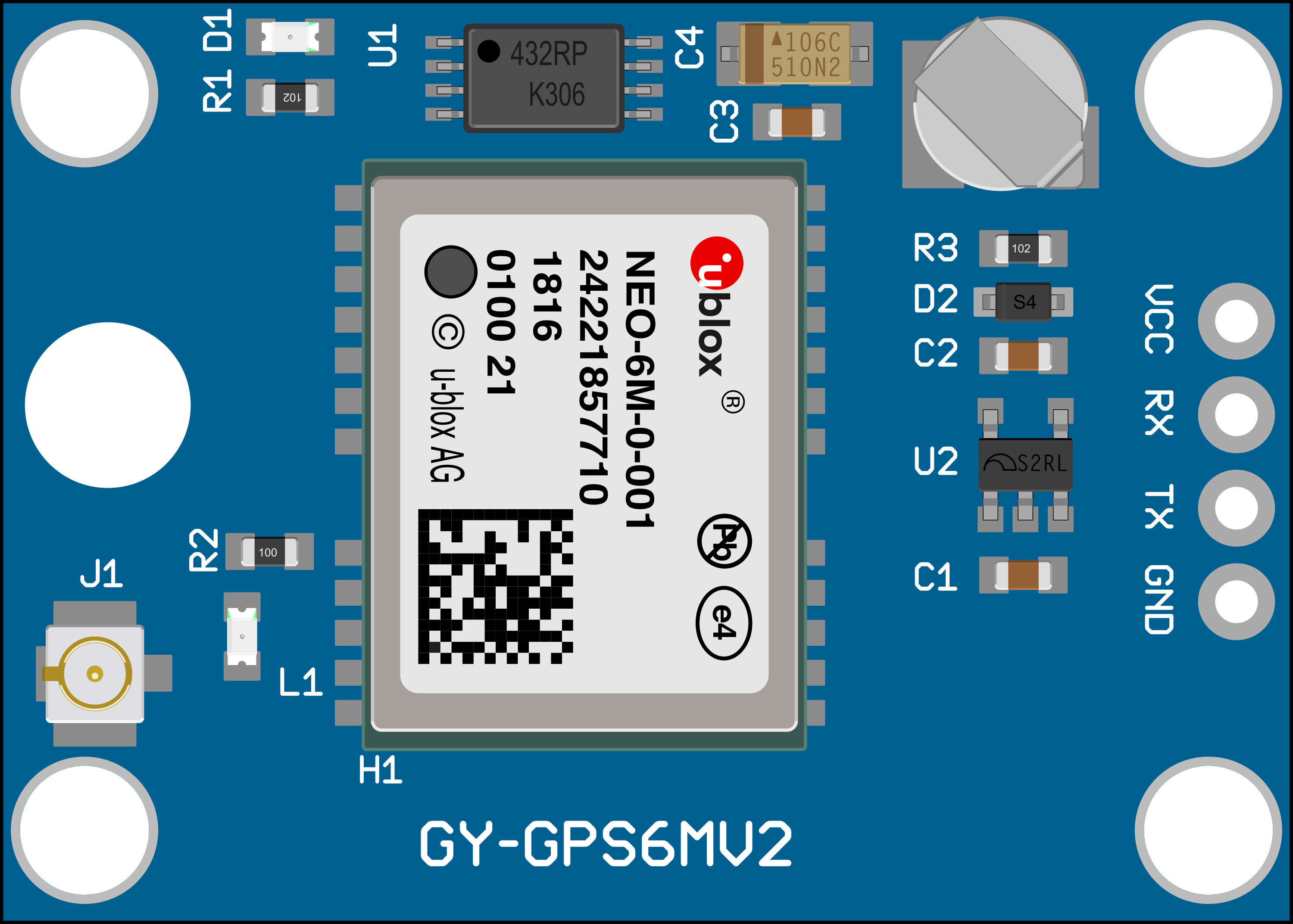
 Design with Neo 6M GPS Module in Cirkit Designer
Introduction
The Neo 6M GPS Module is a compact and reliable GPS receiver designed to provide accurate positioning data by utilizing satellite signals. It features a built-in ceramic antenna for enhanced signal reception and supports communication via UART, making it easy to integrate into a wide range of projects. This module is widely used in navigation systems, robotics, drones, and IoT applications where precise location tracking is essential.
Explore Projects Built with Neo 6M GPS Module
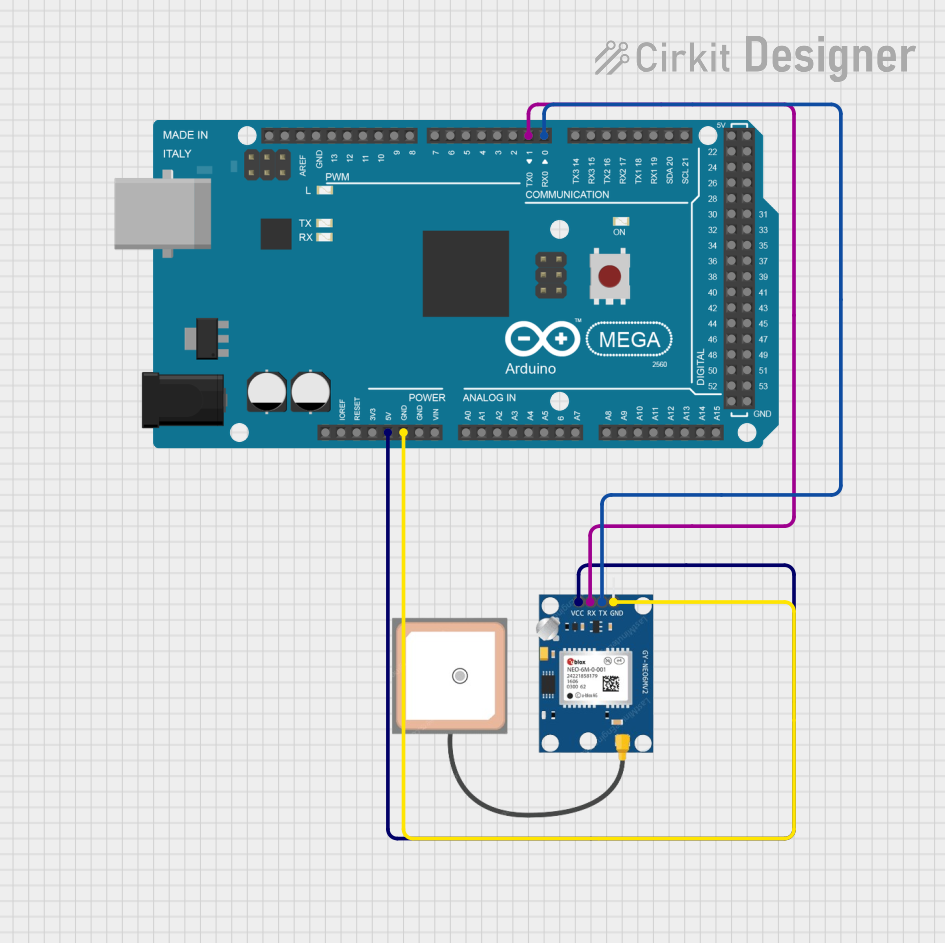 Open Project in Cirkit Designer
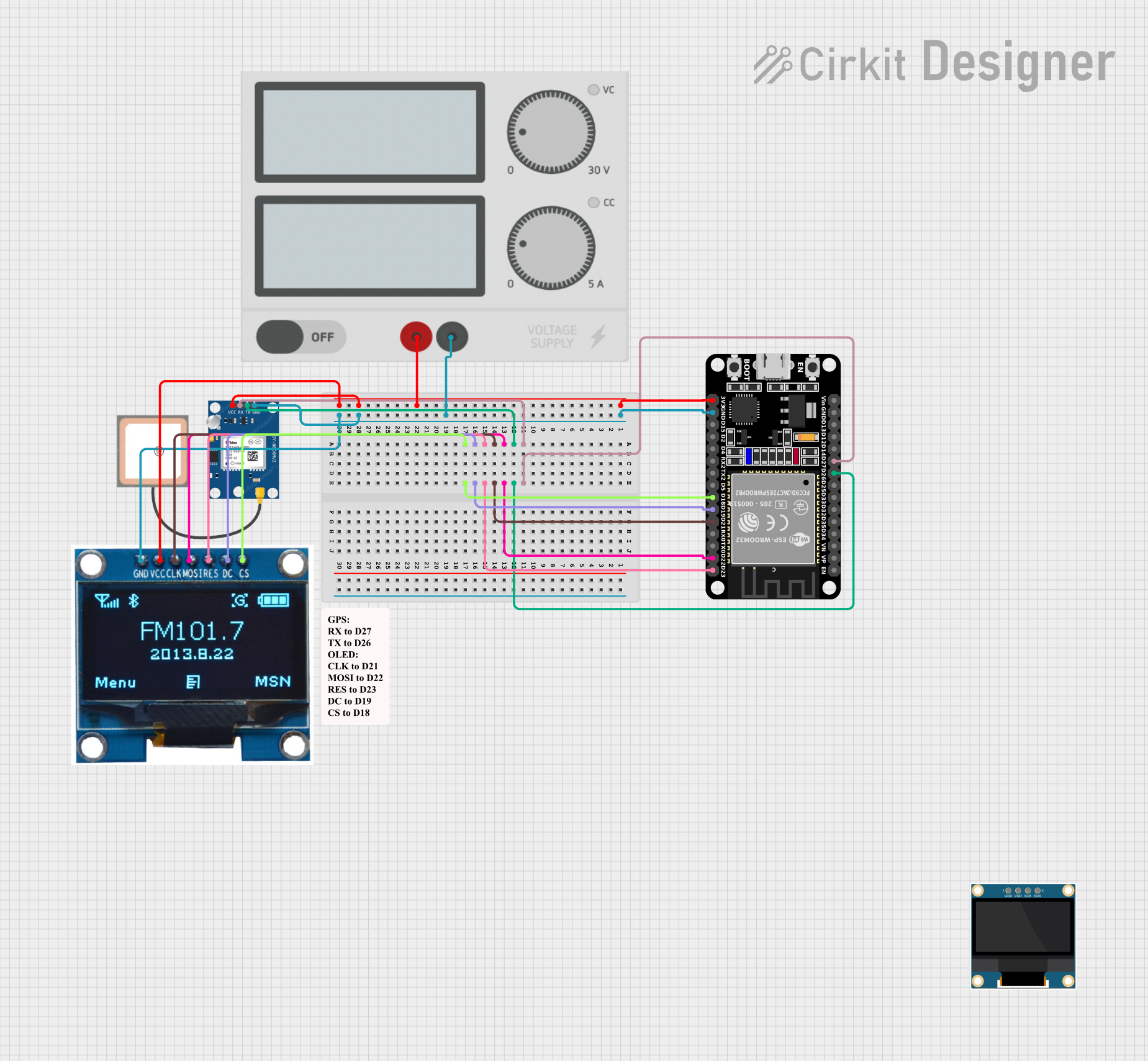 Open Project in Cirkit Designer
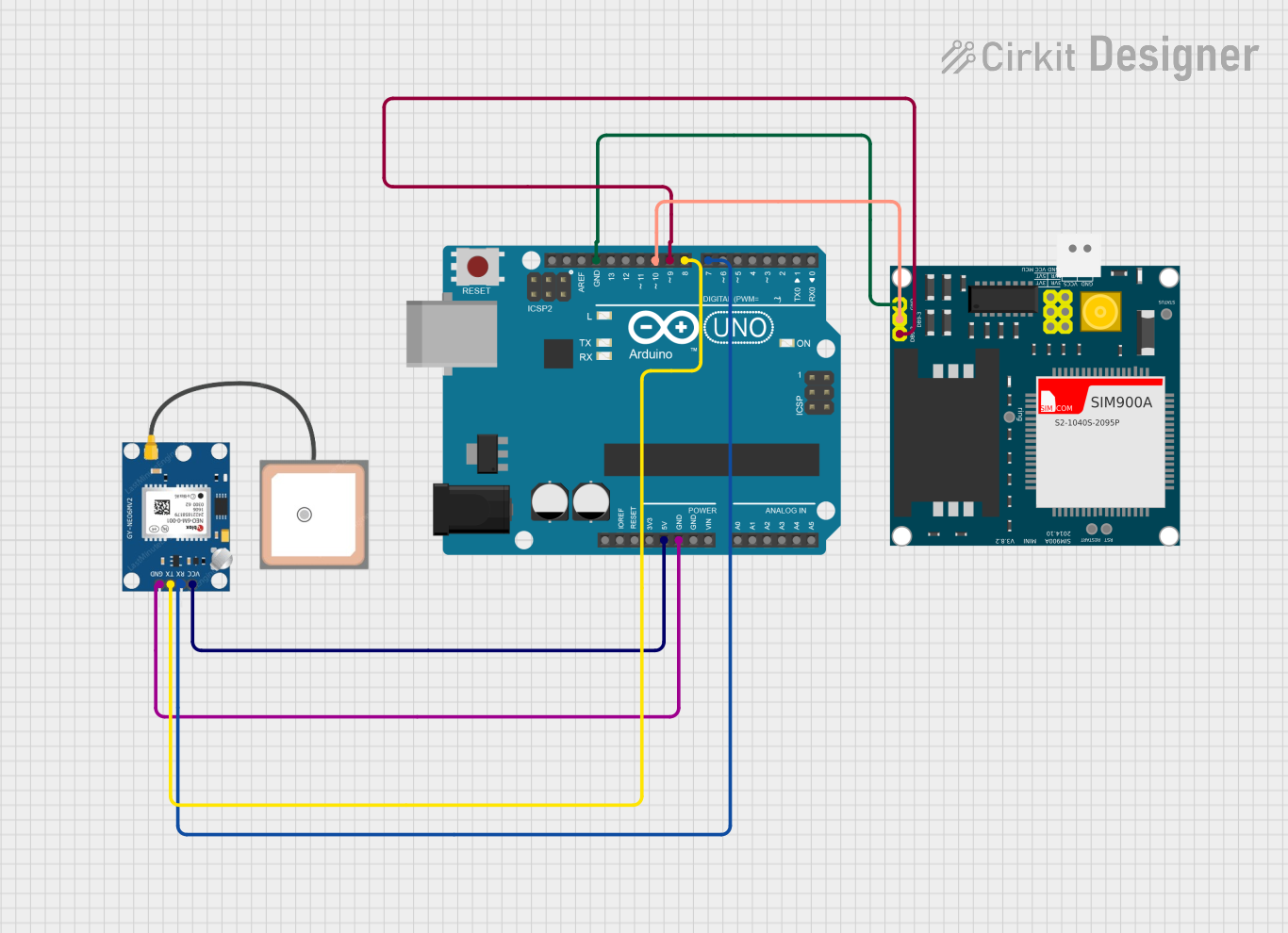 Open Project in Cirkit Designer
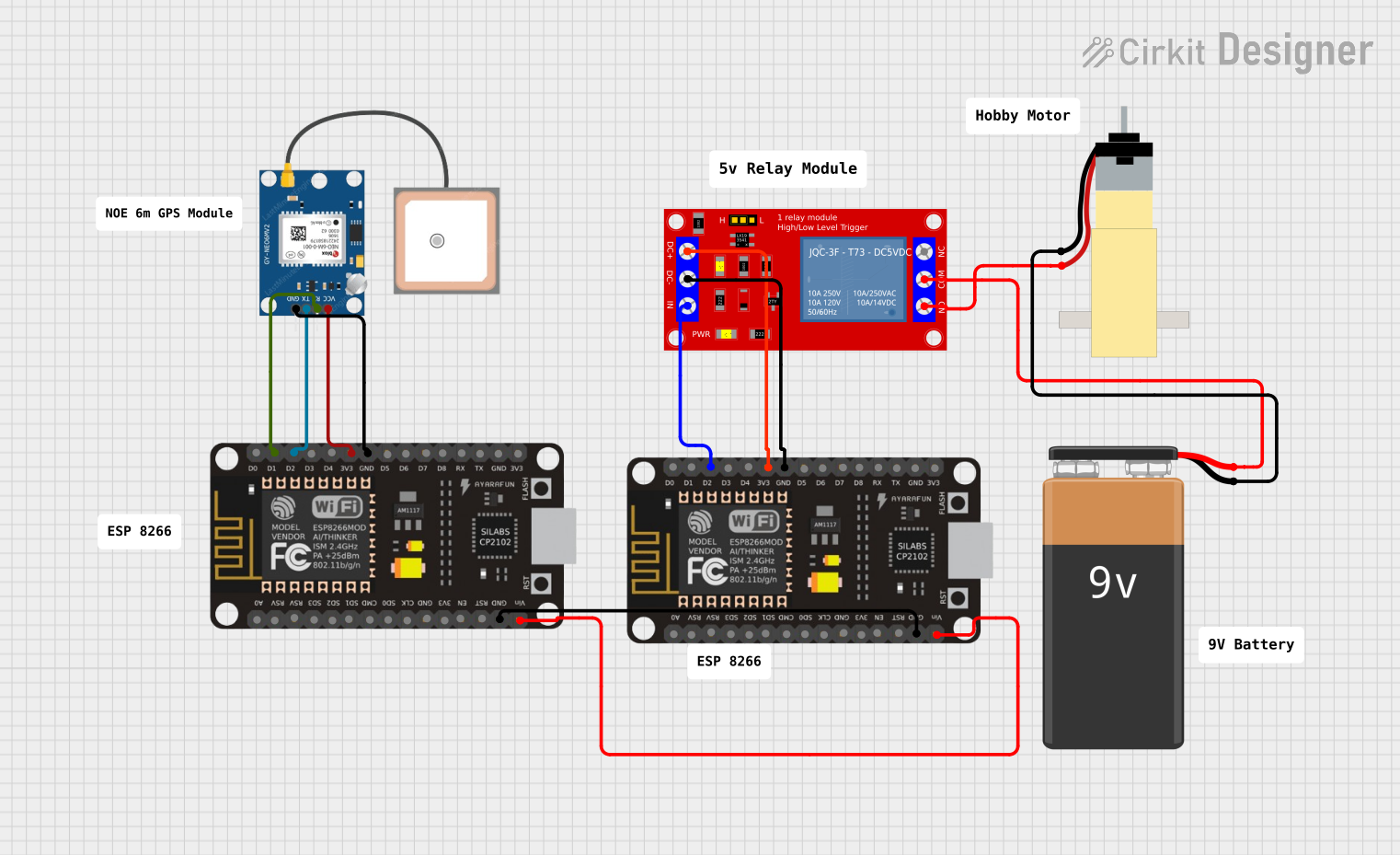 Open Project in Cirkit Designer
Explore Projects Built with Neo 6M GPS Module
Open Project in Cirkit DesignerOpen Project in Cirkit DesignerOpen Project in Cirkit DesignerOpen Project in Cirkit DesignerTechnical Specifications
- Model: Neo 6M GPS Module
- Input Voltage: 3.3V to 5V
- Communication Interface: UART (TX, RX)
- Baud Rate: Default 9600 bps (configurable)
- Positioning Accuracy: 2.5 meters (CEP)
- Update Rate: 1 Hz (default), configurable up to 5 Hz
- Antenna: Built-in ceramic antenna (external antenna supported via U.FL connector)
- Operating Temperature: -40°C to +85°C
- Dimensions: 25mm x 35mm x 6mm (approx.)
Pin Configuration and Descriptions
| Pin Name | Description |
|---|---|
| VCC | Power input (3.3V to 5V). Supplies power to the module. |
| GND | Ground. Connect to the ground of the power supply or circuit. |
| TX | Transmit pin. Sends GPS data to the microcontroller or other devices. |
| RX | Receive pin. Receives configuration commands from the microcontroller. |
| PPS | Pulse Per Second output. Provides a precise timing pulse for synchronization. |
Usage Instructions
How to Use the Neo 6M GPS Module in a Circuit
- Power the Module: Connect the VCC pin to a 3.3V or 5V power source and the GND pin to the ground.
- Connect UART Pins:
- Connect the TX pin of the module to the RX pin of your microcontroller.
- Connect the RX pin of the module to the TX pin of your microcontroller.
- Antenna Placement: Ensure the built-in antenna has a clear view of the sky for optimal satellite reception. If needed, connect an external antenna via the U.FL connector.
- Read GPS Data: Use a serial communication interface (e.g., UART) to read NMEA sentences (standard GPS data format) from the module.
Important Considerations and Best Practices
- Power Supply: Ensure a stable power supply to avoid data corruption or module malfunction.
- Antenna Positioning: Place the module in an open area with minimal obstructions for better satellite signal reception.
- Baud Rate Configuration: The default baud rate is 9600 bps. If you need to change it, use appropriate configuration commands.
- Cold Start vs. Warm Start: The module may take longer to acquire satellite signals during a cold start (first power-up) compared to a warm start (subsequent power-ups).
Example: Using Neo 6M GPS Module with Arduino UNO
Below is an example code to interface the Neo 6M GPS Module with an Arduino UNO and read GPS data.
#include <SoftwareSerial.h>

// Define RX and TX pins for SoftwareSerial
SoftwareSerial gpsSerial(4, 3); // RX = Pin 4, TX = Pin 3

void setup() {
  Serial.begin(9600); // Initialize Serial Monitor at 9600 bps
  gpsSerial.begin(9600); // Initialize GPS module at 9600 bps

  Serial.println("Neo 6M GPS Module Test");
}

void loop() {
  // Check if data is available from the GPS module
  while (gpsSerial.available()) {
    char gpsData = gpsSerial.read(); // Read one character at a time
    Serial.print(gpsData); // Print GPS data to Serial Monitor
  }
}
Note: Connect the Neo 6M GPS Module's TX pin to Arduino's Pin 4 and RX pin to Arduino's Pin 3. Ensure the module's VCC and GND are properly connected to the Arduino's 5V and GND pins, respectively.
Troubleshooting and FAQs
Common Issues and Solutions
No GPS Data Received:
- Ensure the module is powered correctly (check VCC and GND connections).
- Verify the TX and RX connections between the module and the microcontroller.
- Check if the baud rate of the module matches the baud rate in your code.
Poor Satellite Signal:
- Place the module in an open area with a clear view of the sky.
- Avoid placing the module near electronic devices that may cause interference.
- Consider using an external antenna for better reception.
Data Corruption or Incomplete NMEA Sentences:
- Ensure a stable power supply to the module.
- Check for loose or faulty connections in the circuit.
FAQs
Q1: Can the Neo 6M GPS Module work indoors?
A1: The module may work indoors but with reduced accuracy and reliability due to limited satellite visibility. For best results, use it outdoors.
Q2: How long does it take to get a GPS fix?
A2: A cold start may take 30-60 seconds, while a warm start typically takes 1-5 seconds, depending on satellite visibility.
Q3: Can I change the default baud rate?
A3: Yes, you can change the baud rate using configuration commands sent via the UART interface.
Q4: What is the purpose of the PPS pin?
A4: The PPS (Pulse Per Second) pin provides a precise timing pulse that can be used for synchronization in time-sensitive applications.