
How to Use Optocoupler: Examples, Pinouts, and Specs
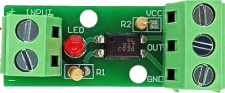
 Design with Optocoupler in Cirkit Designer
Introduction
An optocoupler, also known as an optoisolator, is an electronic component that transfers electrical signals between two isolated circuits using light waves. It provides electrical isolation between its input and output, ensuring that high-voltage or noisy signals do not interfere with sensitive low-voltage circuits. Optocouplers are widely used in applications where signal integrity and safety are critical.
Explore Projects Built with Optocoupler
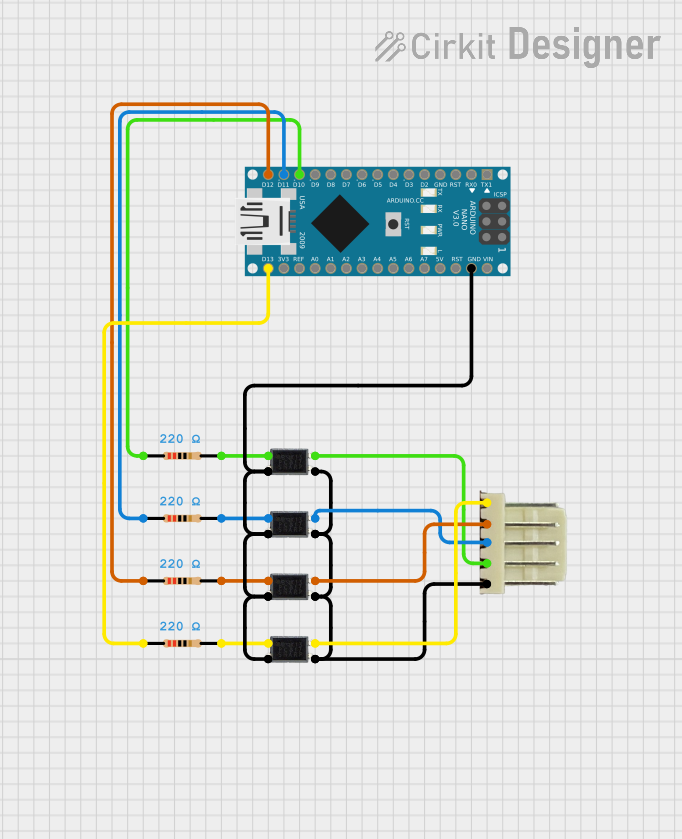 Open Project in Cirkit Designer
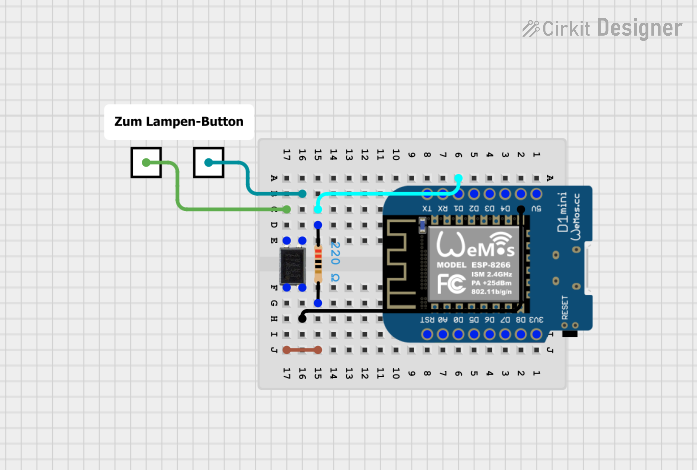 Open Project in Cirkit Designer
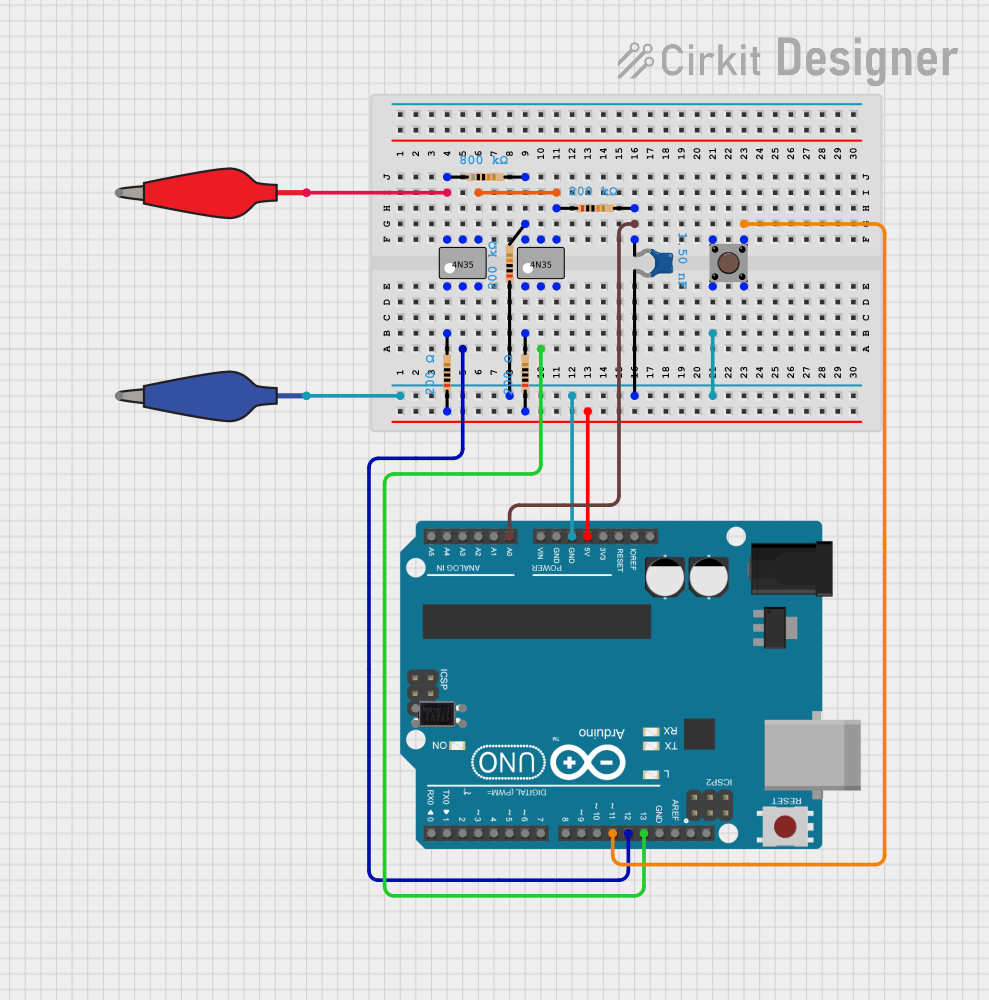 Open Project in Cirkit Designer
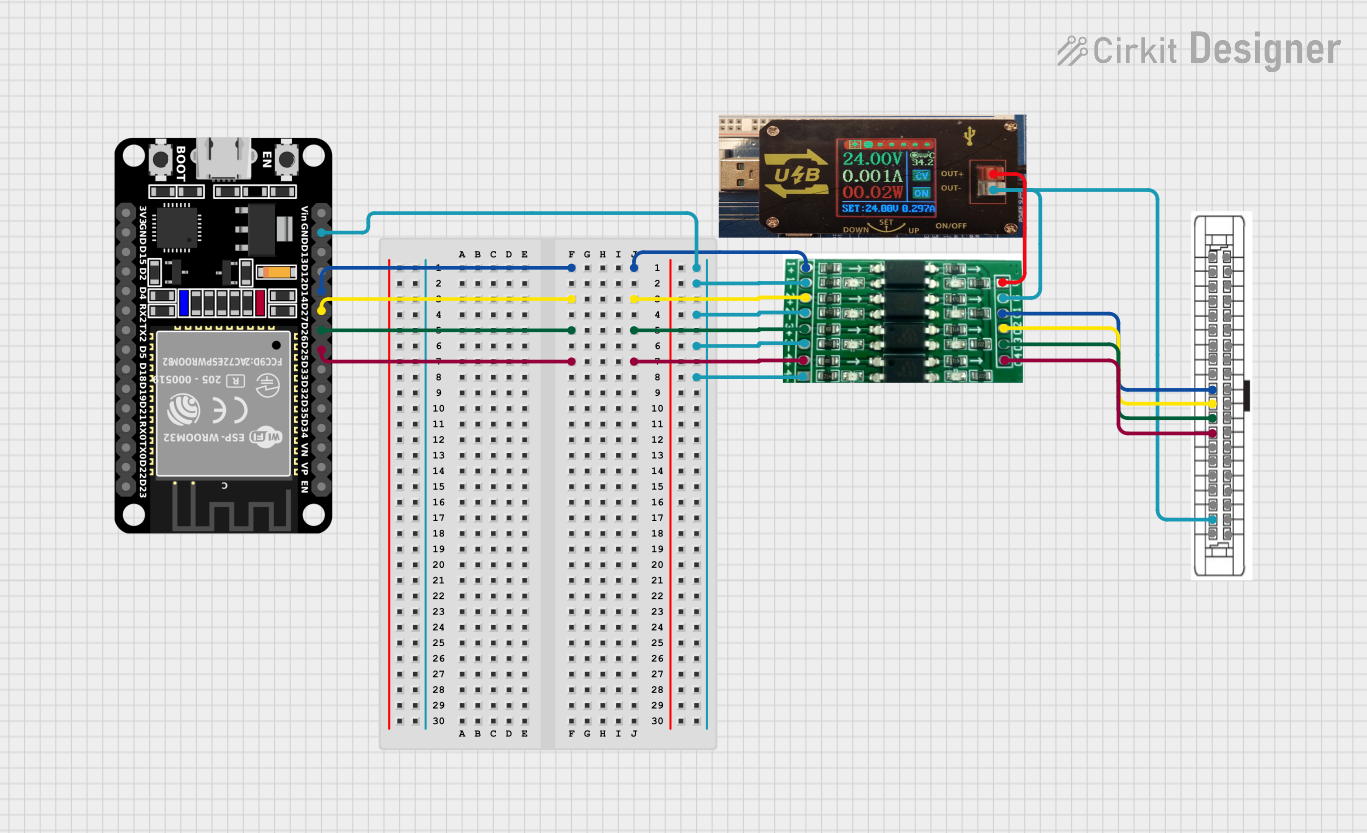 Open Project in Cirkit Designer
Explore Projects Built with Optocoupler
Open Project in Cirkit DesignerOpen Project in Cirkit DesignerOpen Project in Cirkit DesignerOpen Project in Cirkit DesignerCommon Applications and Use Cases
- Isolating microcontrollers or low-voltage circuits from high-voltage systems
- Signal transmission in noisy environments
- Protection of sensitive components from voltage spikes
- Motor control circuits
- Switching power supplies
- Communication interfaces (e.g., RS232, RS485)
Technical Specifications
Below are the key technical details for the AC Optocoupler (Part ID: Optocoupler):
General Specifications
- Input Voltage (LED Forward Voltage): 1.2V to 1.4V (typical)
- Input Current (LED Forward Current): 10mA to 20mA (recommended)
- Output Voltage (Collector-Emitter Voltage): Up to 35V
- Output Current (Collector Current): Up to 50mA
- Isolation Voltage: 5000V RMS (minimum)
- Response Time: 2µs to 5µs (typical)
- Operating Temperature Range: -40°C to +85°C
Pin Configuration and Descriptions
The optocoupler typically comes in a 4-pin or 6-pin DIP (Dual Inline Package). Below is the pin configuration for a standard 4-pin optocoupler:
| Pin Number | Pin Name | Description |
|---|---|---|
| 1 | Anode (LED +) | Positive terminal of the internal LED. Connect to the input signal. |
| 2 | Cathode (LED -) | Negative terminal of the internal LED. Connect to ground or input signal return. |
| 3 | Emitter (Transistor) | Emitter terminal of the output phototransistor. Connect to ground or load. |
| 4 | Collector (Transistor) | Collector terminal of the output phototransistor. Connect to the output circuit. |
For a 6-pin optocoupler, additional pins may include a base pin for the phototransistor or unused pins for enhanced isolation.
Usage Instructions
How to Use the Optocoupler in a Circuit
Input Side (LED):
- Connect the anode (Pin 1) to the positive side of the input signal through a current-limiting resistor.
- Connect the cathode (Pin 2) to the ground or return path of the input signal.
- Calculate the resistor value using Ohm's Law:
[ R = \frac{V_{in} - V_f}{I_f} ]
Where (V_{in}) is the input voltage, (V_f) is the forward voltage of the LED (1.2V typical), and (I_f) is the desired forward current (e.g., 10mA).
Output Side (Phototransistor):
- Connect the collector (Pin 4) to the positive supply voltage through a pull-up resistor or load.
- Connect the emitter (Pin 3) to ground.
- The output signal is taken across the load or pull-up resistor.
Important Considerations and Best Practices
- Isolation: Ensure that the input and output circuits are electrically isolated to prevent damage or interference.
- Current Limiting: Always use a resistor in series with the LED to limit the current and prevent damage.
- Speed: For high-speed applications, choose an optocoupler with a fast response time.
- Temperature: Operate the optocoupler within its specified temperature range to ensure reliability.
- Noise Immunity: Use proper grounding and shielding techniques in noisy environments.
Example: Connecting an Optocoupler to an Arduino UNO
Below is an example of how to use an optocoupler to isolate an Arduino UNO from a high-voltage circuit:
Circuit Description
- The input side of the optocoupler is connected to a digital output pin of the Arduino.
- The output side is connected to a high-voltage circuit with a pull-up resistor.
Code Example
// Example code for using an optocoupler with Arduino UNO
// This code toggles the optocoupler input to control an external circuit

const int optoInputPin = 3; // Arduino pin connected to optocoupler anode (via resistor)

void setup() {
  pinMode(optoInputPin, OUTPUT); // Set the optocoupler input pin as output
}

void loop() {
  digitalWrite(optoInputPin, HIGH); // Turn on the optocoupler LED
  delay(1000);                      // Wait for 1 second
  digitalWrite(optoInputPin, LOW);  // Turn off the optocoupler LED
  delay(1000);                      // Wait for 1 second
}
Notes:
- Use a 220Ω resistor between the Arduino pin and the optocoupler anode to limit current.
- Ensure the optocoupler's output side is properly connected to the high-voltage circuit.
Troubleshooting and FAQs
Common Issues and Solutions
LED Not Lighting Up:
- Cause: Insufficient input current or incorrect resistor value.
- Solution: Verify the resistor value and ensure the input voltage is sufficient to drive the LED.
No Output Signal:
- Cause: Incorrect wiring on the output side or insufficient pull-up resistor value.
- Solution: Check the output circuit connections and use an appropriate pull-up resistor.
Slow Response Time:
- Cause: Optocoupler not suitable for high-speed applications.
- Solution: Use a high-speed optocoupler designed for fast switching.
Signal Distortion:
- Cause: Noise or improper grounding.
- Solution: Use proper grounding and shielding techniques to reduce noise.
FAQs
Q: Can I use an optocoupler for analog signals?
A: Yes, but the linearity of the output may vary depending on the optocoupler model. For precise analog signal transmission, use a linear optocoupler.Q: What is the maximum isolation voltage?
A: The AC Optocoupler provides a minimum isolation voltage of 5000V RMS.Q: Can I connect the optocoupler directly to a microcontroller?
A: Yes, but ensure you use a current-limiting resistor on the input side to protect the microcontroller and the optocoupler.
By following these guidelines, you can effectively use the AC Optocoupler in your electronic projects.