
How to Use DC MCB 10A: Examples, Pinouts, and Specs
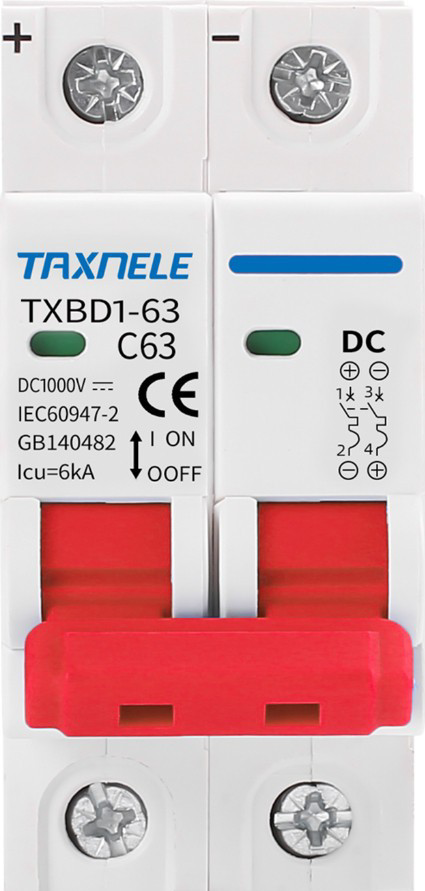
 Design with DC MCB 10A in Cirkit Designer
Introduction
A DC Miniature Circuit Breaker (MCB) rated for 10 Amperes is a compact, reliable device designed to protect electrical circuits from overloads and short circuits in direct current (DC) applications. It automatically interrupts the flow of current when it exceeds the rated capacity, preventing damage to connected devices and ensuring safety.
Explore Projects Built with DC MCB 10A
 Open Project in Cirkit Designer
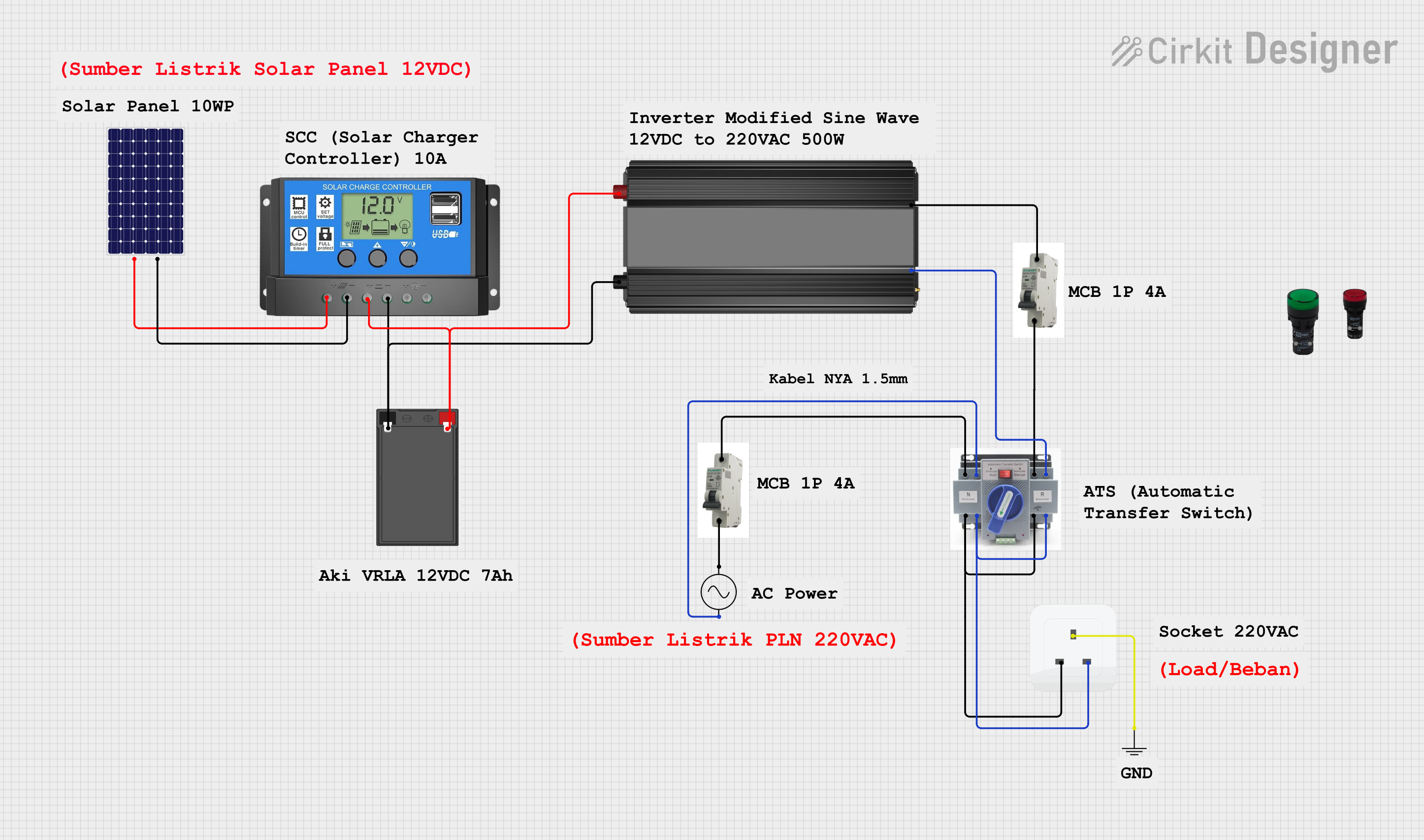 Open Project in Cirkit Designer
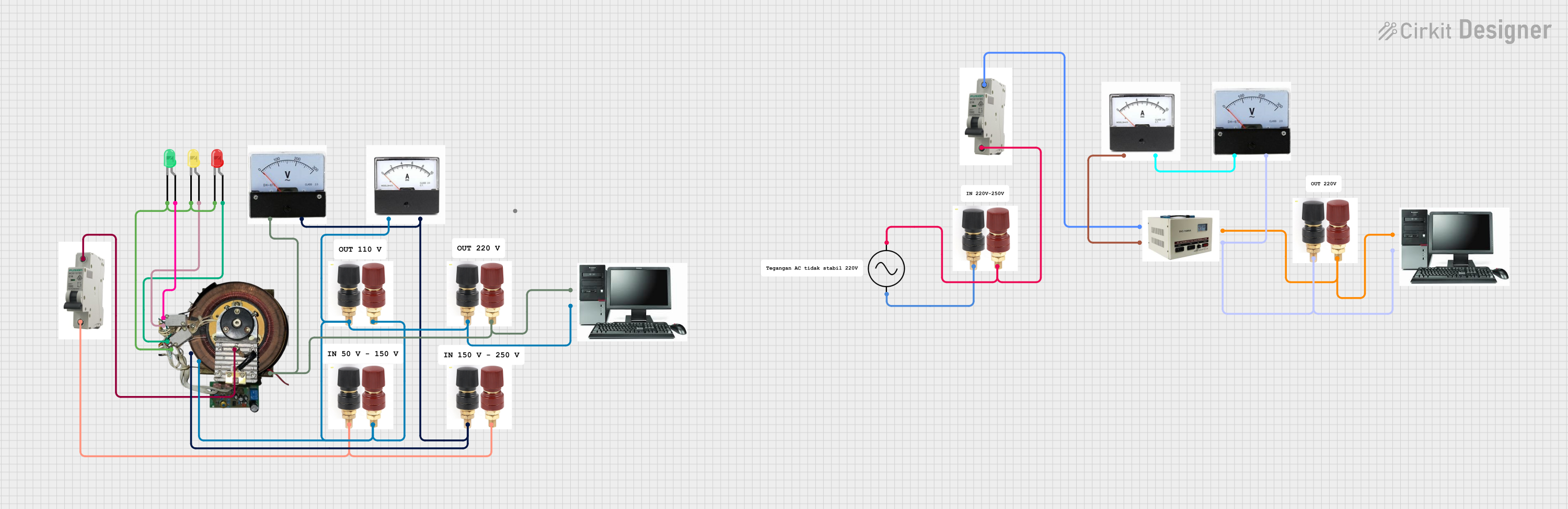 Open Project in Cirkit Designer
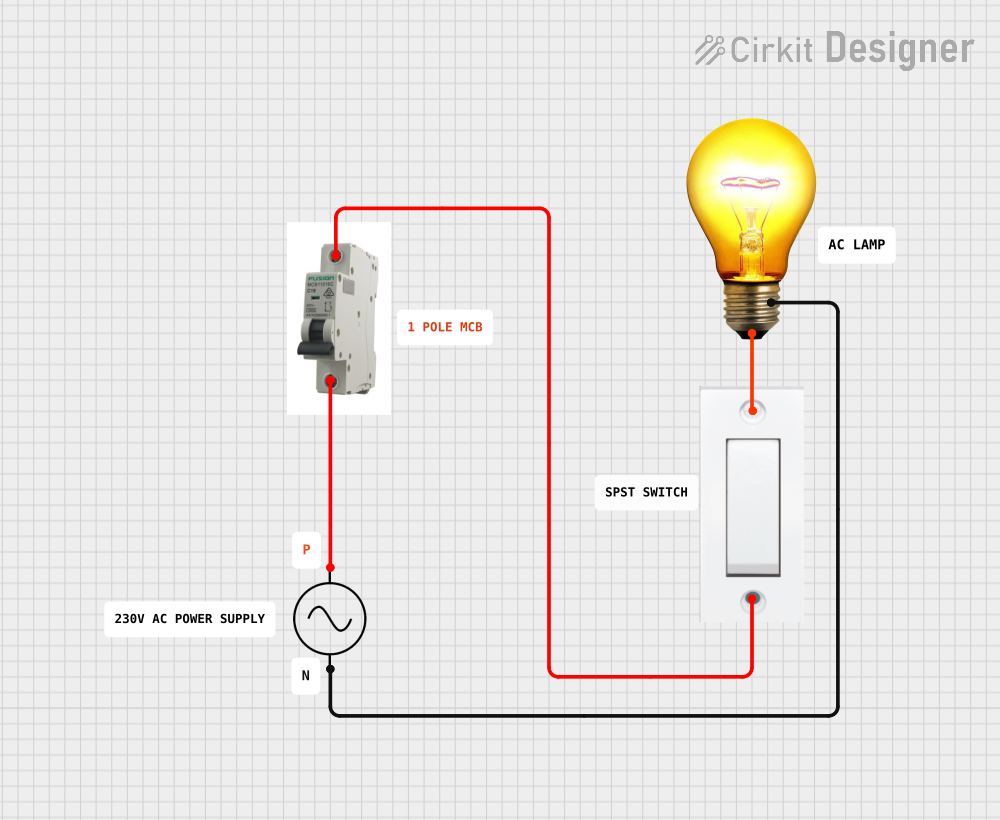 Open Project in Cirkit Designer
Explore Projects Built with DC MCB 10A
Open Project in Cirkit DesignerOpen Project in Cirkit DesignerOpen Project in Cirkit DesignerOpen Project in Cirkit DesignerCommon Applications and Use Cases
- Solar power systems to protect DC circuits.
- Battery banks and energy storage systems.
- Electric vehicle (EV) charging stations.
- Industrial control panels and DC distribution boards.
- Telecommunications equipment.
Technical Specifications
The following table outlines the key technical details of the DC MCB 10A:
| Parameter | Specification |
|---|---|
| Rated Current (In) | 10 Amperes |
| Rated Voltage (Ue) | 12V DC, 24V DC, 48V DC, or 1000V DC |
| Breaking Capacity (Icu) | 6 kA (typical) |
| Number of Poles | 1P, 2P, or 4P |
| Tripping Curve | C-curve (standard) |
| Operating Temperature | -20°C to +70°C |
| Mounting Type | DIN rail (35mm standard) |
| Terminal Type | Screw terminals |
| Housing Material | Flame-retardant thermoplastic |
| Compliance Standards | IEC 60947-2, IEC 60898-2 |
Pin Configuration and Descriptions
The DC MCB 10A does not have traditional pins but instead features screw terminals for input and output connections. Below is a description of the terminal configuration:
| Terminal | Description |
|---|---|
| Line (L) | Connects to the positive terminal of the DC source. |
| Load (OUT) | Connects to the positive terminal of the load. |
| Neutral (N)* | For 2P or 4P models, connects to the negative terminal of the DC source. |
*Note: Single-pole (1P) models do not include a neutral terminal.
Usage Instructions
How to Use the DC MCB 10A in a Circuit
- Mounting the MCB: Secure the MCB onto a 35mm DIN rail in your distribution box or panel.
- Wiring:
- Connect the positive terminal of the DC power source to the Line (L) terminal.
- Connect the positive terminal of the load to the Load (OUT) terminal.
- For 2P or 4P models, connect the negative terminal of the DC source to the Neutral (N) terminal.
- Testing:
- After wiring, switch the MCB to the "ON" position.
- Test the circuit by simulating an overload or short circuit to ensure the MCB trips correctly.
- Resetting:
- After a trip, switch the MCB to the "OFF" position, resolve the fault, and then switch it back to "ON."
Important Considerations and Best Practices
- Ensure the MCB's rated voltage and current match the circuit requirements.
- Use appropriate wire gauges to handle the rated current (e.g., 14 AWG for 10A).
- Avoid exposing the MCB to excessive heat or moisture.
- Regularly inspect the terminals for loose connections or corrosion.
- For solar or battery systems, ensure the MCB is compatible with the system's voltage.
Example: Connecting to an Arduino UNO
While the DC MCB 10A is not directly connected to an Arduino UNO, it can be used to protect the DC power supply feeding the Arduino. Below is an example of how to integrate the MCB into a circuit:
// Example Arduino code to monitor a DC circuit protected by an MCB
// This code assumes a current sensor (e.g., ACS712) is used to measure current.

const int currentSensorPin = A0; // Analog pin connected to the current sensor
const float sensitivity = 0.185; // Sensitivity of ACS712 (e.g., 185mV/A for 10A model)
const float voltageRef = 5.0;    // Reference voltage of Arduino (5V)
const int tripCurrent = 10;      // MCB rated current in Amperes

void setup() {
  Serial.begin(9600); // Initialize serial communication
  pinMode(currentSensorPin, INPUT);
}

void loop() {
  int sensorValue = analogRead(currentSensorPin); // Read sensor value
  float voltage = (sensorValue / 1023.0) * voltageRef; // Convert to voltage
  float current = (voltage - 2.5) / sensitivity; // Calculate current in Amperes

  Serial.print("Current: ");
  Serial.print(current);
  Serial.println(" A");

  if (current > tripCurrent) {
    Serial.println("Warning: Current exceeds MCB rating!");
    // Take appropriate action, such as shutting down the circuit
  }

  delay(1000); // Wait 1 second before next reading
}
Troubleshooting and FAQs
Common Issues Users Might Face
MCB Does Not Trip During Overload:
- Ensure the current exceeds the rated 10A for a sufficient duration.
- Verify the MCB is not faulty or damaged.
Frequent Tripping:
- Check for short circuits or overloaded circuits.
- Ensure the connected load does not exceed the MCB's rated capacity.
Loose Connections:
- Inspect the screw terminals for proper tightening.
- Use appropriate tools to secure the wires.
MCB Fails to Reset:
- Ensure the fault in the circuit has been resolved before resetting.
- Check for internal damage to the MCB.
Solutions and Tips for Troubleshooting
- Use a multimeter to measure the current and voltage in the circuit.
- Replace the MCB if it shows signs of physical damage or wear.
- Consult the manufacturer's datasheet for detailed specifications and troubleshooting steps.
By following this documentation, users can effectively integrate and maintain the DC MCB 10A in their electrical systems, ensuring safety and reliability.