Introduction
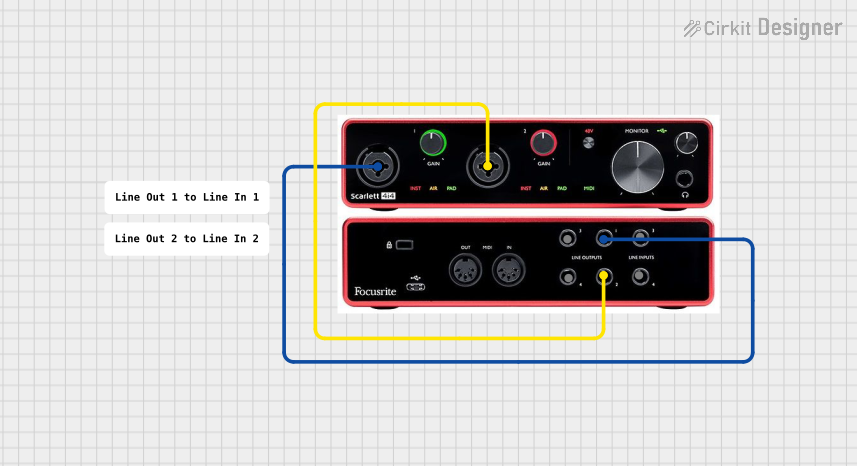
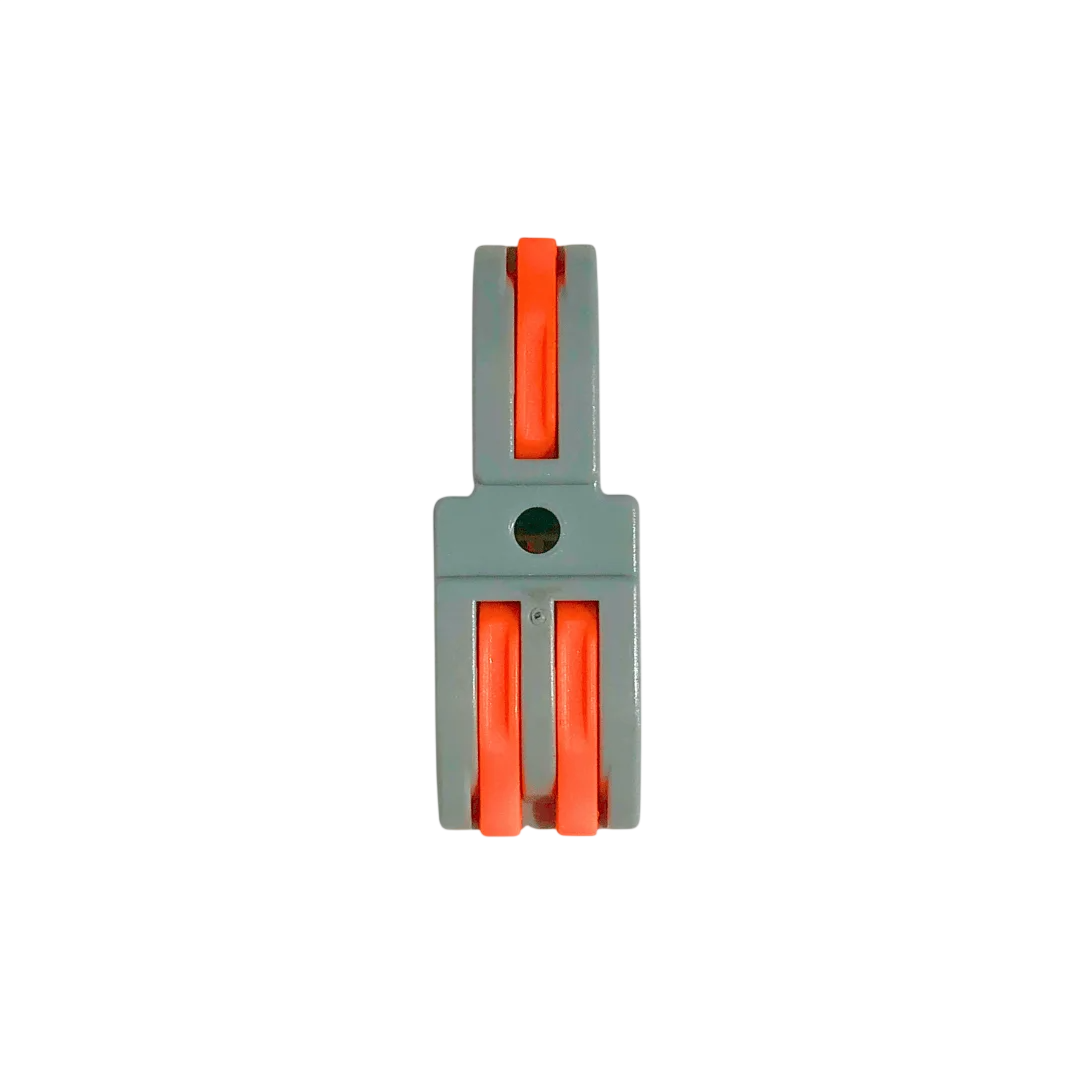
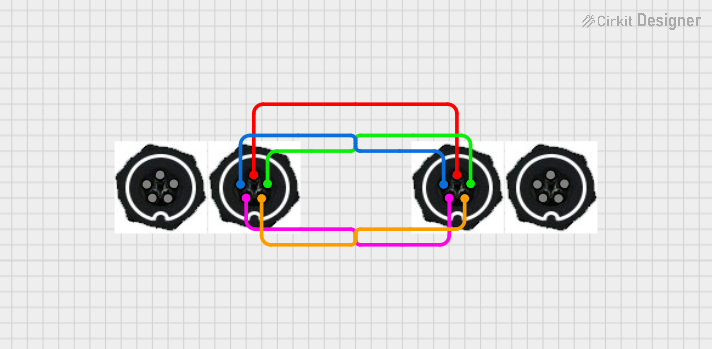
The Connector 1 In 2 Out is a versatile electronic component designed to split a single input signal into two identical output signals. It is commonly used in audio and video applications, where a single source needs to be distributed to multiple devices. This connector ensures minimal signal loss and maintains signal integrity, making it ideal for both consumer and professional use.
Common Applications and Use Cases
- Audio Systems: Splitting audio signals from a single source (e.g., a mixer or audio player) to two amplifiers or speakers.
- Video Systems: Distributing video signals from a single source (e.g., a DVD player or camera) to two displays or projectors.
- Testing and Prototyping: Sending the same signal to two different circuits for analysis or testing.
- Home Entertainment Systems: Connecting one media device to multiple output devices, such as TVs or sound systems.
Technical Specifications
The Connector 1 In 2 Out is a passive component, meaning it does not require external power to operate. Below are its key technical details:
General Specifications
Pin Configuration and Descriptions
The pin configuration depends on the type of connector used. Below is an example for a 3.5mm audio connector:
For an RCA connector, the configuration is as follows:
Usage Instructions
How to Use the Connector in a Circuit
- Identify the Input and Outputs: Locate the single input port and the two output ports on the connector.
- Connect the Input Signal: Plug the input signal source (e.g., audio player, video source) into the input port.
- Connect the Output Devices: Plug the two output devices (e.g., speakers, displays) into the output ports.
- Verify Connections: Ensure all connections are secure to avoid signal loss or interference.
- Test the Setup: Power on the devices and verify that the signal is being transmitted to both outputs.
Important Considerations and Best Practices
- Signal Compatibility: Ensure the input and output devices are compatible with the connector type (e.g., RCA, HDMI).
- Impedance Matching: For optimal performance, match the impedance of the connector with the connected devices.
- Cable Quality: Use high-quality cables to minimize signal degradation, especially for high-frequency signals like video.
- Avoid Overloading: The connector is passive and may not work well with high-power signals. Use an active splitter if amplification is required.
- Grounding: Ensure proper grounding to prevent noise or interference in the signal.
Example: Using the Connector with an Arduino UNO
While the Connector 1 In 2 Out is not directly programmable, it can be used in conjunction with an Arduino UNO to split signals for sensors or other devices. Below is an example of splitting an analog signal from a potentiometer to two analog input pins on the Arduino:
// Example: Reading a split analog signal from a potentiometer
// Connect the potentiometer's output to the input of the 1 In 2 Out connector.
// Connect the two outputs of the connector to Arduino pins A0 and A1.

void setup() {
  Serial.begin(9600); // Initialize serial communication at 9600 baud
}

void loop() {
  int signal1 = analogRead(A0); // Read signal from first output
  int signal2 = analogRead(A1); // Read signal from second output

  // Print the values to the Serial Monitor
  Serial.print("Signal 1: ");
  Serial.print(signal1);
  Serial.print(" | Signal 2: ");
  Serial.println(signal2);

  delay(500); // Wait for 500ms before the next reading
}
Troubleshooting and FAQs
Common Issues Users Might Face
Signal Loss or Degradation:
- Cause: Poor-quality cables or connectors.
- Solution: Use high-quality, shielded cables and ensure secure connections.
Uneven Signal Distribution:
- Cause: Impedance mismatch between the input and output devices.
- Solution: Use devices with matching impedance or an active splitter for better performance.
Noise or Interference:
- Cause: Improper grounding or nearby electromagnetic interference.
- Solution: Ensure proper grounding and avoid running cables near high-power devices.
No Signal on One Output:
- Cause: Faulty connector or cable.
- Solution: Test the connector and cables with a multimeter or replace them.
FAQs
Q: Can this connector be used for both analog and digital signals?
A: Yes, the connector is compatible with both analog and digital signals, provided the devices and cables are compatible.
Q: Does this connector amplify the signal?
A: No, this is a passive component and does not amplify the signal. For amplification, use an active splitter.
Q: Can I use this connector for high-definition video signals?
A: Yes, but ensure the connector type (e.g., HDMI) and cables are suitable for high-definition signals to avoid degradation.
Q: Is there a limit to the cable length when using this connector?
A: Yes, longer cables may result in signal loss. Use high-quality cables and consider an active splitter for long distances.

 Open Project in Cirkit Designer