
How to Use ESP8266: Examples, Pinouts, and Specs
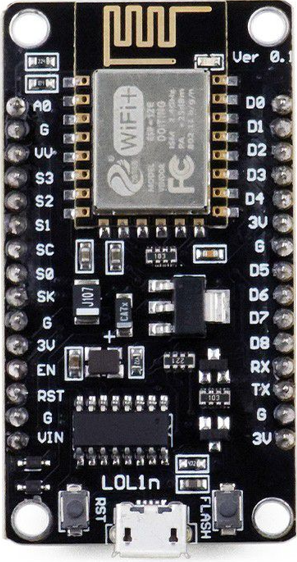
 Design with ESP8266 in Cirkit Designer
Introduction
The ESP8266, manufactured by Arduimo with part ID Uno, is a low-cost Wi-Fi microchip that integrates a full TCP/IP stack and microcontroller capability. It is widely used in Internet of Things (IoT) applications due to its affordability, versatility, and ease of use. The ESP8266 can operate as both a standalone microcontroller or as a Wi-Fi module for other microcontrollers, making it a popular choice for hobbyists and professionals alike.
Explore Projects Built with ESP8266
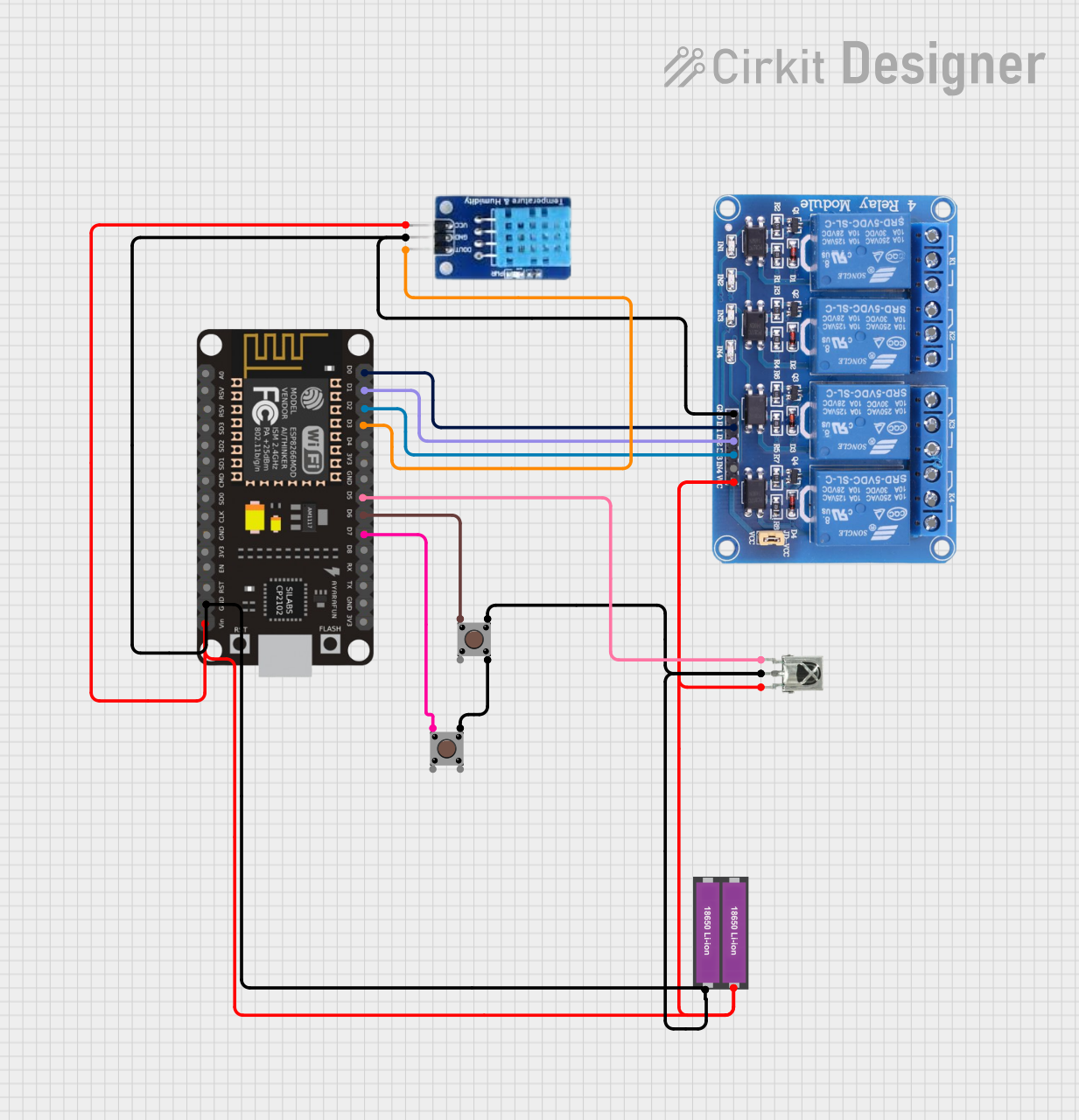 Open Project in Cirkit Designer
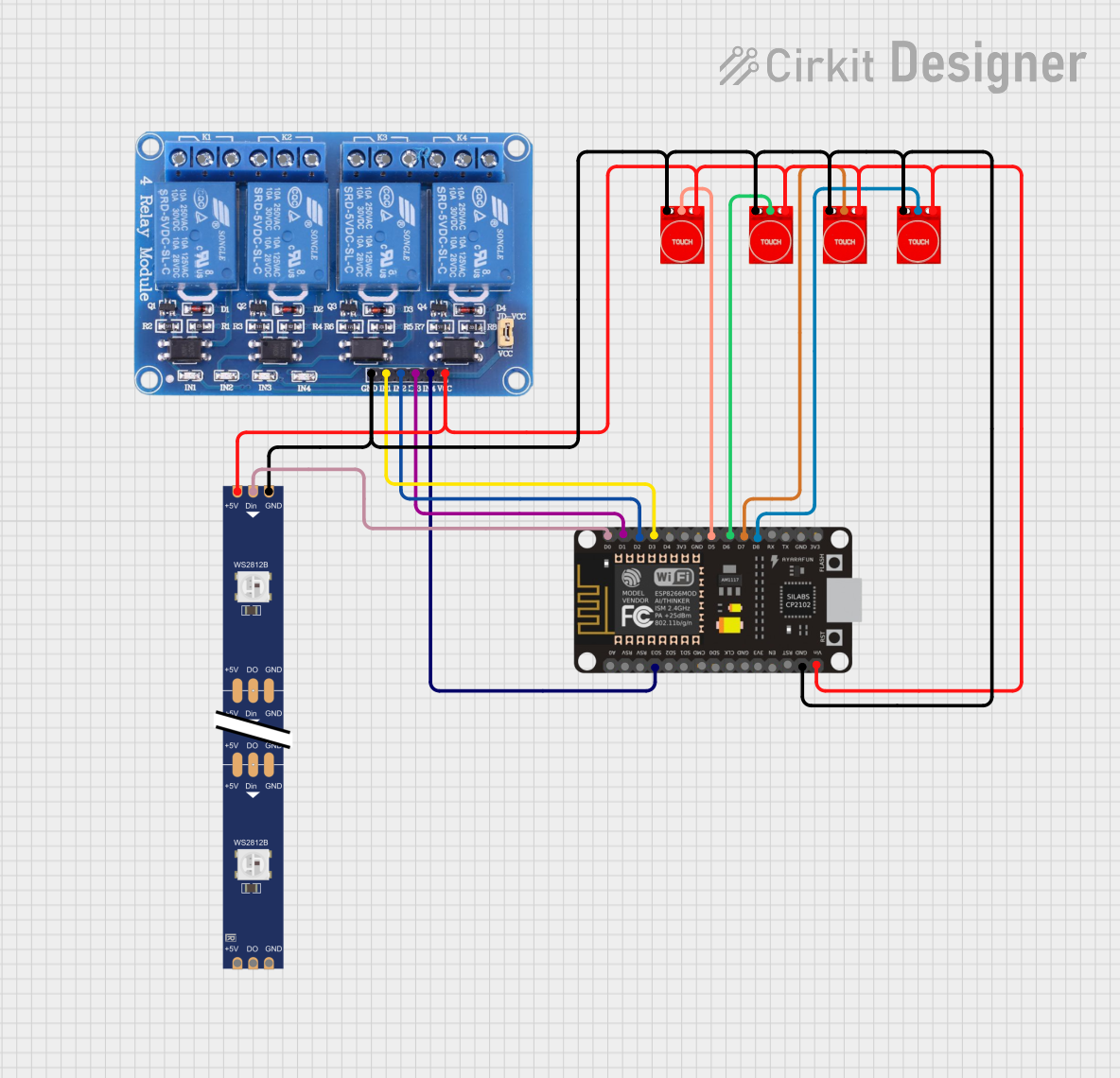 Open Project in Cirkit Designer
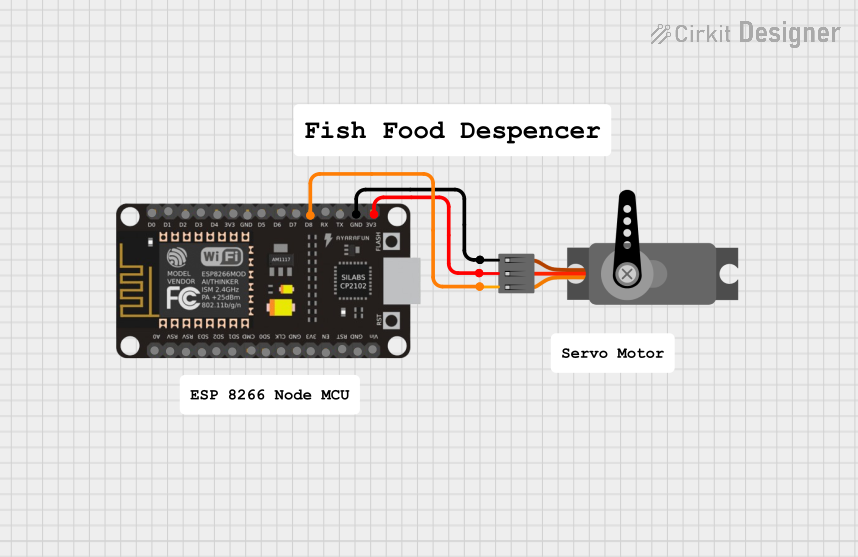 Open Project in Cirkit Designer
 Open Project in Cirkit Designer
Explore Projects Built with ESP8266
Open Project in Cirkit DesignerOpen Project in Cirkit DesignerOpen Project in Cirkit DesignerOpen Project in Cirkit DesignerCommon Applications and Use Cases
- Home automation systems
- IoT devices and smart appliances
- Wireless sensor networks
- Remote data logging and monitoring
- Prototyping Wi-Fi-enabled projects
- Integration with platforms like Arduino, Raspberry Pi, and cloud services
Technical Specifications
The ESP8266 is a highly capable module with the following key specifications:
| Parameter | Value |
|---|---|
| Operating Voltage | 3.0V - 3.6V |
| Operating Current | 80mA (average), up to 200mA (peak) |
| Wi-Fi Standard | 802.11 b/g/n |
| Processor | 32-bit Tensilica L106 running at 80 MHz |
| Flash Memory | 512 KB to 4 MB (depending on the variant) |
| GPIO Pins | Up to 17 (varies by module version) |
| Communication Interfaces | UART, SPI, I2C, PWM, ADC |
| Maximum Wi-Fi Range | ~100 meters (line of sight) |
| Operating Temperature | -40°C to 125°C |
Pin Configuration and Descriptions
The ESP8266 module typically comes in the ESP-01 form factor or other variants. Below is the pin configuration for the ESP-01 module:
| Pin | Name | Description |
|---|---|---|
| 1 | GND | Ground pin. Connect to the ground of the power supply. |
| 2 | GPIO2 | General-purpose I/O pin. Can be used for digital input/output. |
| 3 | GPIO0 | General-purpose I/O pin. Used for boot mode selection during programming. |
| 4 | RX | UART Receive pin. Used for serial communication. |
| 5 | TX | UART Transmit pin. Used for serial communication. |
| 6 | CH_PD | Chip enable pin. Must be pulled high (3.3V) to enable the module. |
| 7 | VCC | Power supply pin. Connect to a 3.3V regulated power source. |
| 8 | RST | Reset pin. Pull low to reset the module. |
Note: Ensure that all GPIO pins operate at 3.3V logic levels to avoid damaging the module.
Usage Instructions
How to Use the ESP8266 in a Circuit
- Power Supply: Provide a stable 3.3V power supply to the VCC pin. Avoid using 5V as it can damage the module.
- Connections:
- Connect the GND pin to the ground of your circuit.
- Pull the CH_PD pin high (connect to 3.3V) to enable the module.
- Use a level shifter or voltage divider if interfacing with 5V logic devices.
- Serial Communication:
- Connect the RX pin of the ESP8266 to the TX pin of your microcontroller.
- Connect the TX pin of the ESP8266 to the RX pin of your microcontroller.
- Programming:
- To upload firmware or code, pull GPIO0 low during power-up to enter programming mode.
- Use a USB-to-serial adapter or an Arduino board to upload code.
Important Considerations and Best Practices
- Power Supply: Use a low-noise, regulated 3.3V power source capable of supplying at least 300mA.
- Decoupling Capacitors: Place a 10µF and 0.1µF capacitor near the VCC and GND pins to stabilize the power supply.
- Antenna Placement: Ensure the onboard antenna is not obstructed by metal objects to maintain good Wi-Fi signal strength.
- Heat Management: Avoid prolonged operation at high currents to prevent overheating.
Example: Connecting ESP8266 to Arduino UNO
Below is an example of how to connect the ESP8266 to an Arduino UNO and send data to a Wi-Fi network.
Circuit Diagram
- ESP8266 RX → Arduino UNO TX (via voltage divider to step down 5V to 3.3V)
- ESP8266 TX → Arduino UNO RX
- ESP8266 VCC → 3.3V power supply
- ESP8266 GND → Arduino GND
- ESP8266 CH_PD → 3.3V
Arduino Code
#include <SoftwareSerial.h>

// Define RX and TX pins for SoftwareSerial
SoftwareSerial esp8266(2, 3); // RX = Pin 2, TX = Pin 3

void setup() {
  Serial.begin(9600); // Start Serial Monitor at 9600 baud
  esp8266.begin(9600); // Start ESP8266 communication at 9600 baud

  Serial.println("Initializing ESP8266...");
  esp8266.println("AT"); // Send AT command to check communication

  delay(1000); // Wait for response
  while (esp8266.available()) {
    Serial.write(esp8266.read()); // Print ESP8266 response to Serial Monitor
  }
}

void loop() {
  // Example: Send data to ESP8266
  if (Serial.available()) {
    String command = Serial.readString();
    esp8266.println(command); // Send command to ESP8266
  }

  // Print ESP8266 response
  while (esp8266.available()) {
    Serial.write(esp8266.read());
  }
}
Note: Ensure the ESP8266 baud rate matches the one set in the code (9600 in this case).
Troubleshooting and FAQs
Common Issues and Solutions
ESP8266 Not Responding to AT Commands:
- Ensure the CH_PD pin is pulled high (3.3V).
- Verify the RX and TX connections are correct.
- Check the baud rate of the ESP8266 and match it in your code.
Wi-Fi Connection Fails:
- Verify the SSID and password are correct.
- Ensure the Wi-Fi network is within range and not obstructed.
Module Overheating:
- Check the power supply for stability and ensure it can handle the current requirements.
- Add a heatsink or improve ventilation if necessary.
Garbage Data in Serial Monitor:
- Ensure the baud rate in the Serial Monitor matches the one used in the code.
- Use a level shifter if interfacing with 5V logic devices.
FAQs
Q: Can the ESP8266 operate on 5V?
A: No, the ESP8266 operates on 3.3V. Using 5V can damage the module.Q: How do I reset the ESP8266?
A: Pull the RST pin low momentarily to reset the module.Q: Can I use the ESP8266 as a standalone microcontroller?
A: Yes, the ESP8266 has a built-in microcontroller and can run code independently.Q: What is the maximum range of the ESP8266 Wi-Fi?
A: The module can achieve a range of up to 100 meters in line-of-sight conditions.
By following this documentation, you can effectively integrate the ESP8266 into your projects and troubleshoot common issues.