
How to Use GUVA S12SD: Examples, Pinouts, and Specs
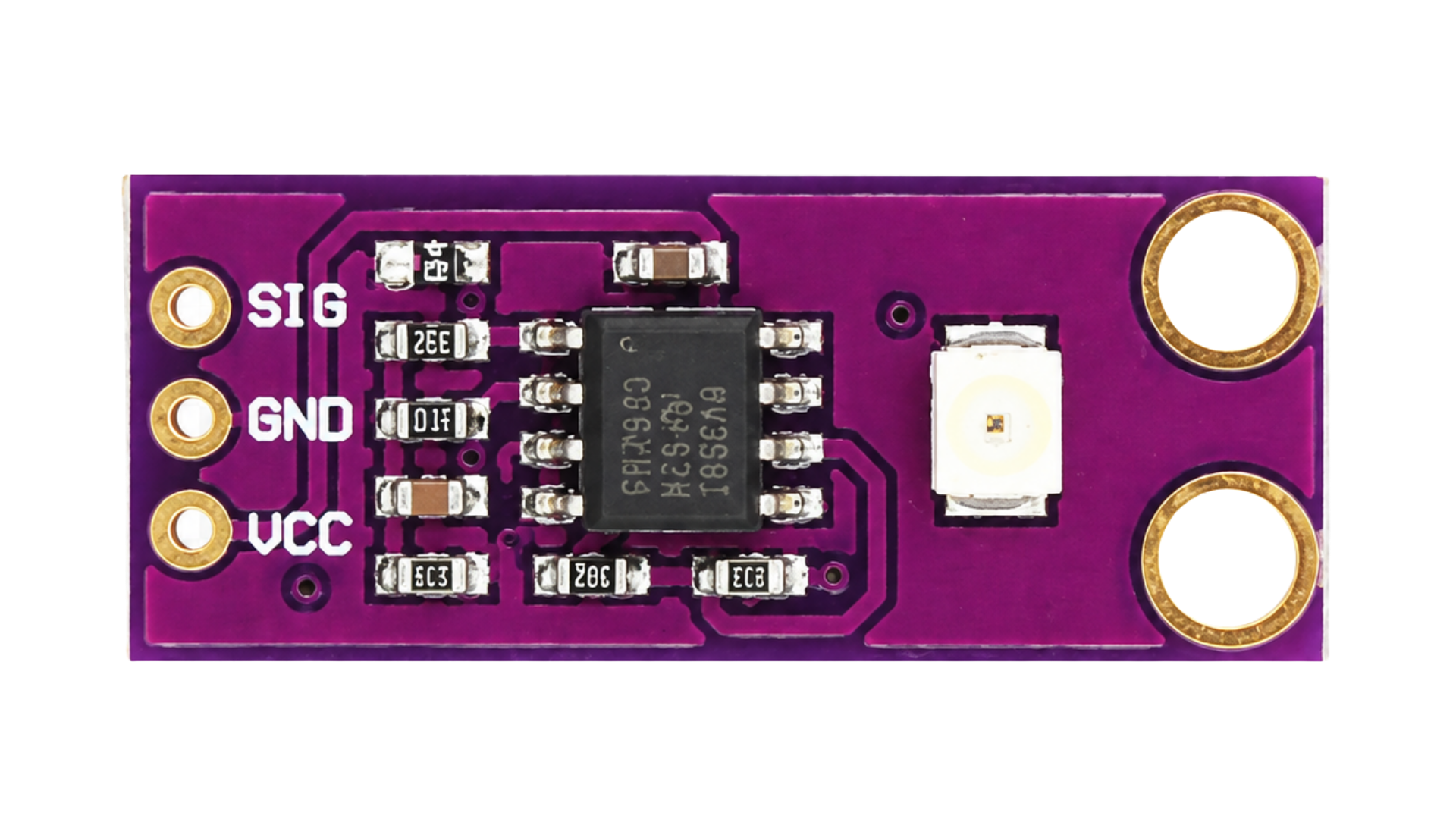
 Design with GUVA S12SD in Cirkit Designer
Introduction
The GUVA S12SD is a UV light sensor designed to detect ultraviolet (UV) radiation. It provides an analog output voltage that is directly proportional to the intensity of UV light, making it an ideal choice for applications requiring accurate UV detection. This sensor is compact, reliable, and easy to integrate into various systems.
Explore Projects Built with GUVA S12SD
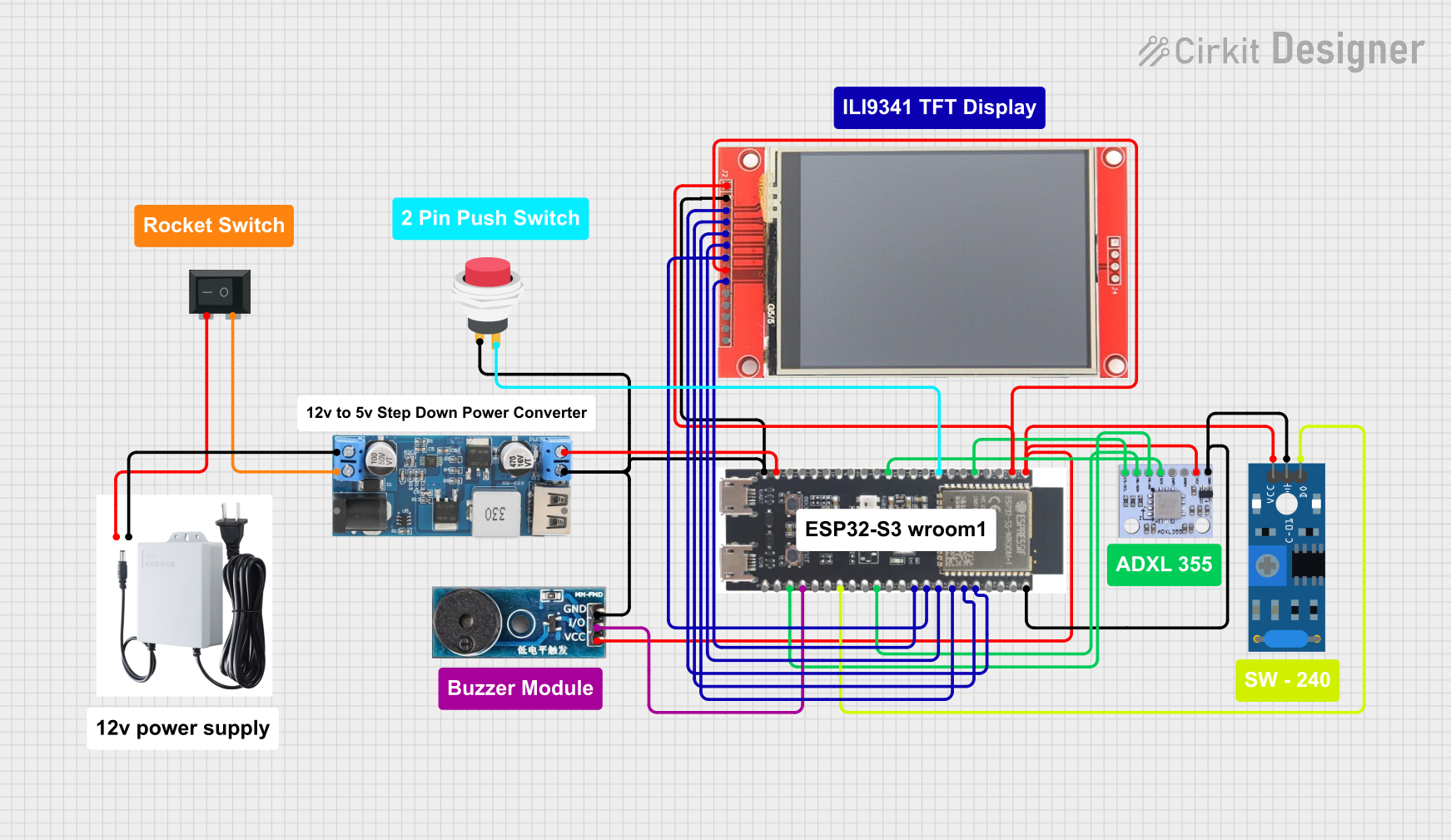 Open Project in Cirkit Designer
 Open Project in Cirkit Designer
 Open Project in Cirkit Designer
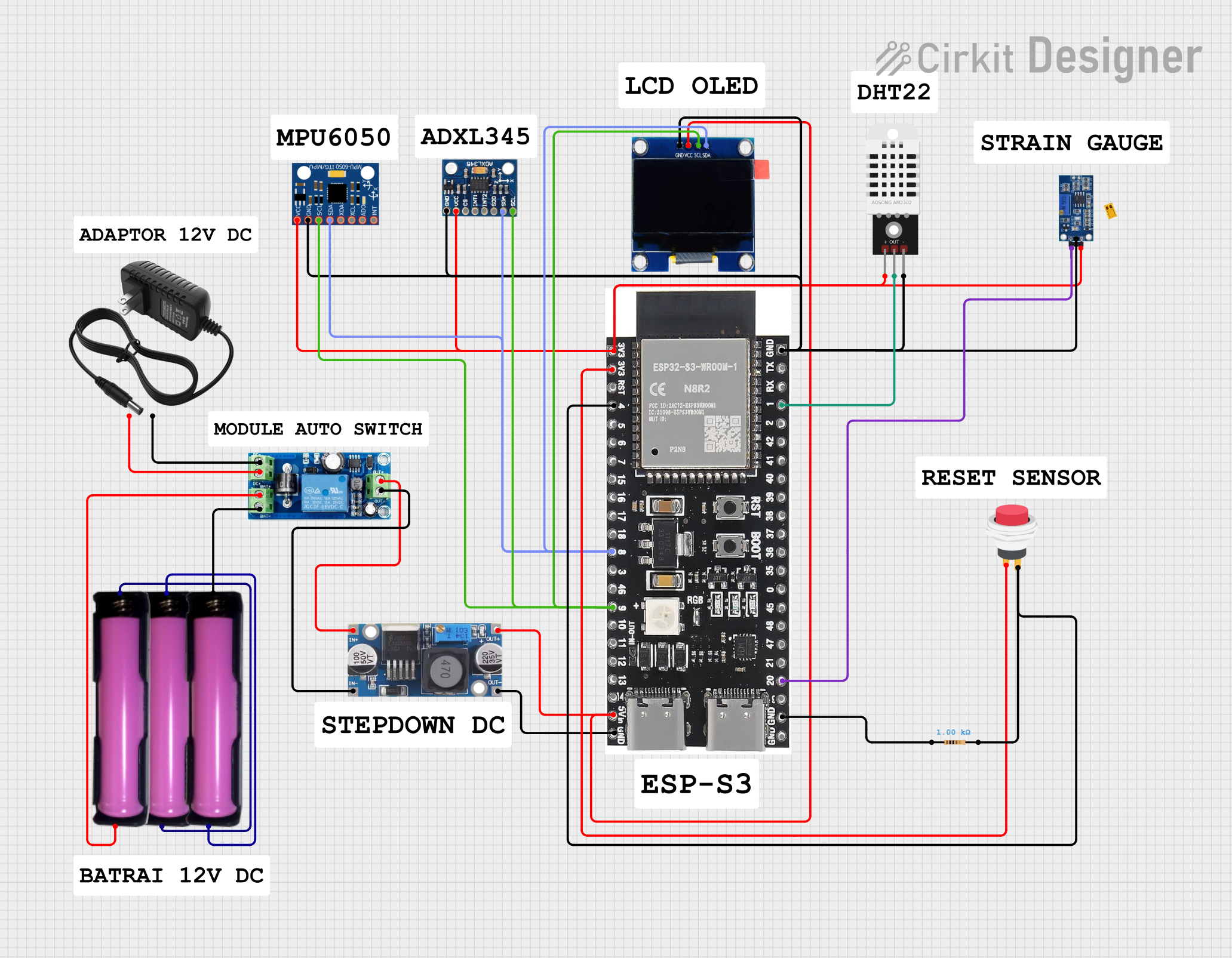 Open Project in Cirkit Designer
Explore Projects Built with GUVA S12SD
Open Project in Cirkit DesignerOpen Project in Cirkit DesignerOpen Project in Cirkit DesignerOpen Project in Cirkit DesignerCommon Applications and Use Cases
- Environmental monitoring systems
- UV exposure measurement devices
- Safety systems for UV radiation detection
- Wearable UV monitoring devices
- UV index measurement in weather stations
Technical Specifications
The following table outlines the key technical details of the GUVA S12SD UV sensor:
| Parameter | Value |
|---|---|
| Manufacturer | UNKNOWN |
| Manufacturer Part ID | SENSOR UV |
| Operating Voltage (Vcc) | 3.3V to 5V |
| Output Voltage Range | 0V to Vcc |
| Spectral Response Range | 200 nm to 370 nm |
| Peak Sensitivity Wavelength | 365 nm |
| Operating Temperature | -30°C to +85°C |
| Dimensions | 10 mm x 10 mm x 1.2 mm |
Pin Configuration and Descriptions
The GUVA S12SD has three pins, as described in the table below:
| Pin | Name | Description |
|---|---|---|
| 1 | VCC | Power supply input (3.3V to 5V) |
| 2 | GND | Ground connection |
| 3 | OUT | Analog output voltage proportional to UV intensity |
Usage Instructions
How to Use the GUVA S12SD in a Circuit
- Power Supply: Connect the VCC pin to a 3.3V or 5V power source and the GND pin to the ground of your circuit.
- Analog Output: Connect the OUT pin to an analog input pin of a microcontroller (e.g., Arduino UNO) or an analog-to-digital converter (ADC) to read the sensor's output voltage.
- UV Intensity Measurement: The output voltage from the OUT pin is proportional to the UV light intensity. Use the sensor's datasheet or calibration data to convert the voltage into UV index or intensity values.
Important Considerations and Best Practices
- Avoid Overexposure: Prolonged exposure to high-intensity UV light may degrade the sensor's performance over time.
- Calibration: For accurate measurements, calibrate the sensor using a known UV light source.
- Noise Reduction: Use a capacitor (e.g., 0.1 µF) between VCC and GND to reduce power supply noise.
- Placement: Ensure the sensor is placed in a location with a clear line of sight to the UV source for optimal performance.
Example: Connecting GUVA S12SD to an Arduino UNO
Below is an example of how to connect and read data from the GUVA S12SD using an Arduino UNO:
Circuit Connections
- Connect the VCC pin of the GUVA S12SD to the 5V pin of the Arduino.
- Connect the GND pin of the GUVA S12SD to the GND pin of the Arduino.
- Connect the OUT pin of the GUVA S12SD to the A0 analog input pin of the Arduino.
Arduino Code
// GUVA S12SD UV Sensor Example Code
// Reads the analog output from the sensor and prints the UV intensity to the Serial Monitor.

const int uvSensorPin = A0; // Analog pin connected to the sensor's OUT pin

void setup() {
  Serial.begin(9600); // Initialize serial communication at 9600 baud
}

void loop() {
  int sensorValue = analogRead(uvSensorPin); // Read the analog value from the sensor
  float voltage = sensorValue * (5.0 / 1023.0); // Convert the analog value to voltage

  // Print the sensor value and voltage to the Serial Monitor
  Serial.print("Sensor Value: ");
  Serial.print(sensorValue);
  Serial.print(" | Voltage: ");
  Serial.print(voltage);
  Serial.println(" V");

  delay(1000); // Wait for 1 second before the next reading
}
Troubleshooting and FAQs
Common Issues and Solutions
No Output Voltage:
- Cause: Incorrect wiring or insufficient power supply.
- Solution: Verify all connections and ensure the VCC pin is supplied with 3.3V to 5V.
Fluctuating Output:
- Cause: Electrical noise or unstable power supply.
- Solution: Add a decoupling capacitor (e.g., 0.1 µF) between VCC and GND to stabilize the power supply.
Low Sensitivity:
- Cause: Sensor placement or degradation due to prolonged UV exposure.
- Solution: Ensure the sensor has a clear line of sight to the UV source and replace the sensor if necessary.
Incorrect Readings:
- Cause: Lack of calibration or incorrect conversion of voltage to UV intensity.
- Solution: Calibrate the sensor using a known UV light source and verify the conversion formula.
FAQs
Q: Can the GUVA S12SD detect visible light?
A: No, the GUVA S12SD is specifically designed to detect UV light in the 200 nm to 370 nm range and is not sensitive to visible light.
Q: Is the sensor waterproof?
A: No, the GUVA S12SD is not waterproof. Protect it from moisture and water exposure during use.
Q: Can I use the sensor with a 3.3V microcontroller?
A: Yes, the GUVA S12SD operates with a supply voltage range of 3.3V to 5V, making it compatible with 3.3V microcontrollers.
Q: How do I convert the output voltage to a UV index?
A: Refer to the sensor's datasheet or calibration data to determine the relationship between output voltage and UV index. Calibration with a known UV source is recommended for accurate results.