
How to Use MAX4080: Examples, Pinouts, and Specs
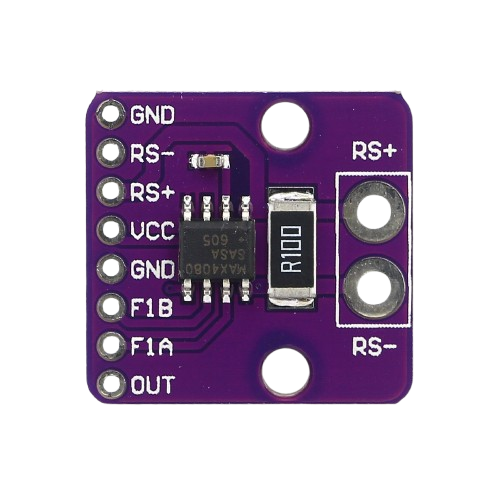
 Design with MAX4080 in Cirkit Designer
Introduction
The MAX4080 is a high-speed, precision current-sense amplifier designed for both low-side and high-side current sensing applications. It is engineered to provide accurate current measurements in a variety of systems, thanks to its wide supply voltage range, low offset voltage, and high common-mode rejection ratio (CMRR). These features make the MAX4080 an ideal choice for applications such as battery management systems, motor control, power monitoring, and industrial automation.
Explore Projects Built with MAX4080
 Open Project in Cirkit Designer
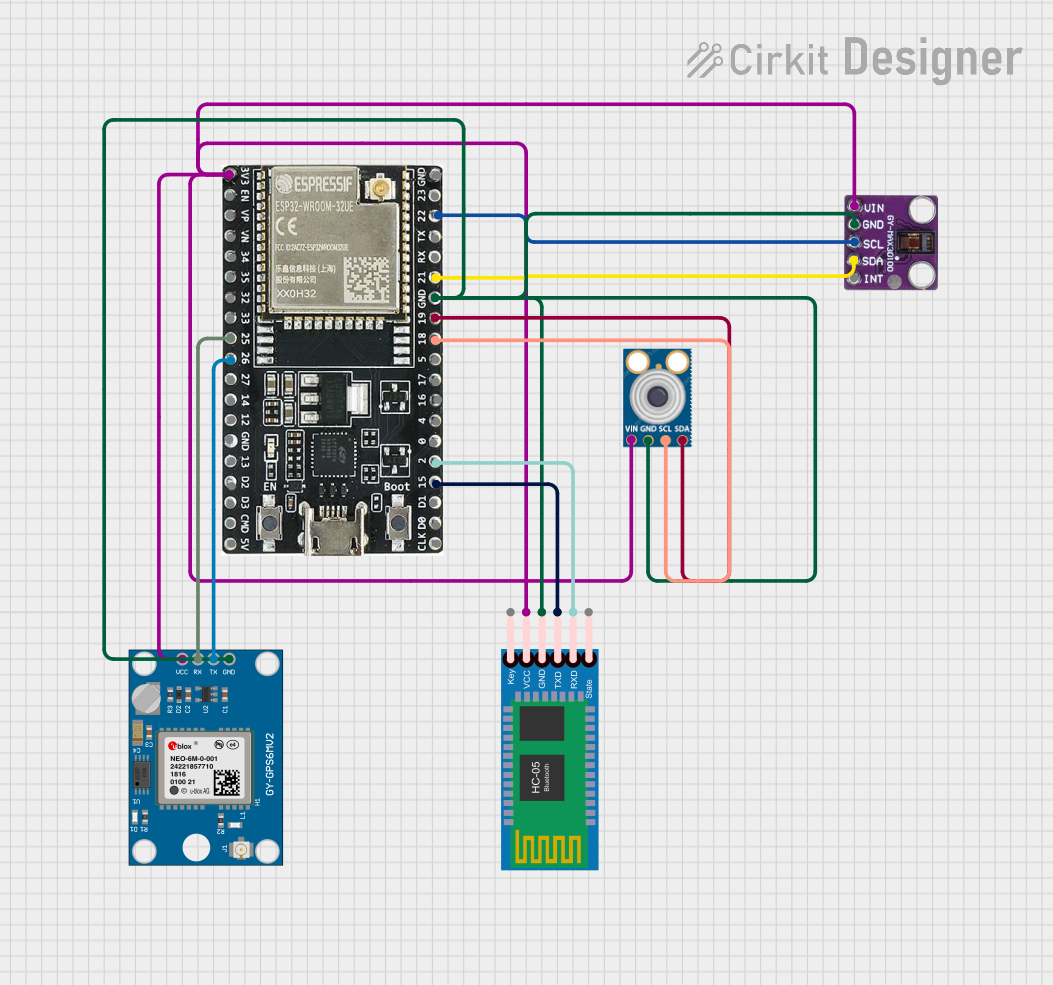 Open Project in Cirkit Designer
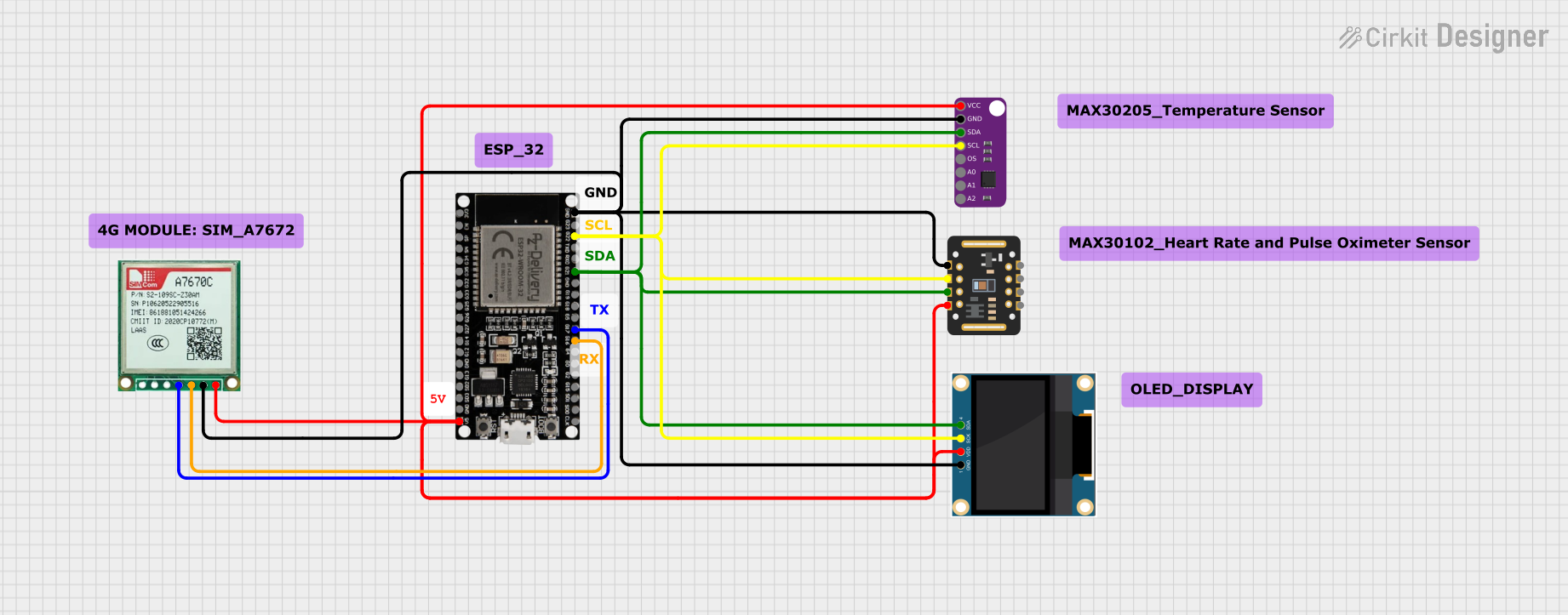 Open Project in Cirkit Designer
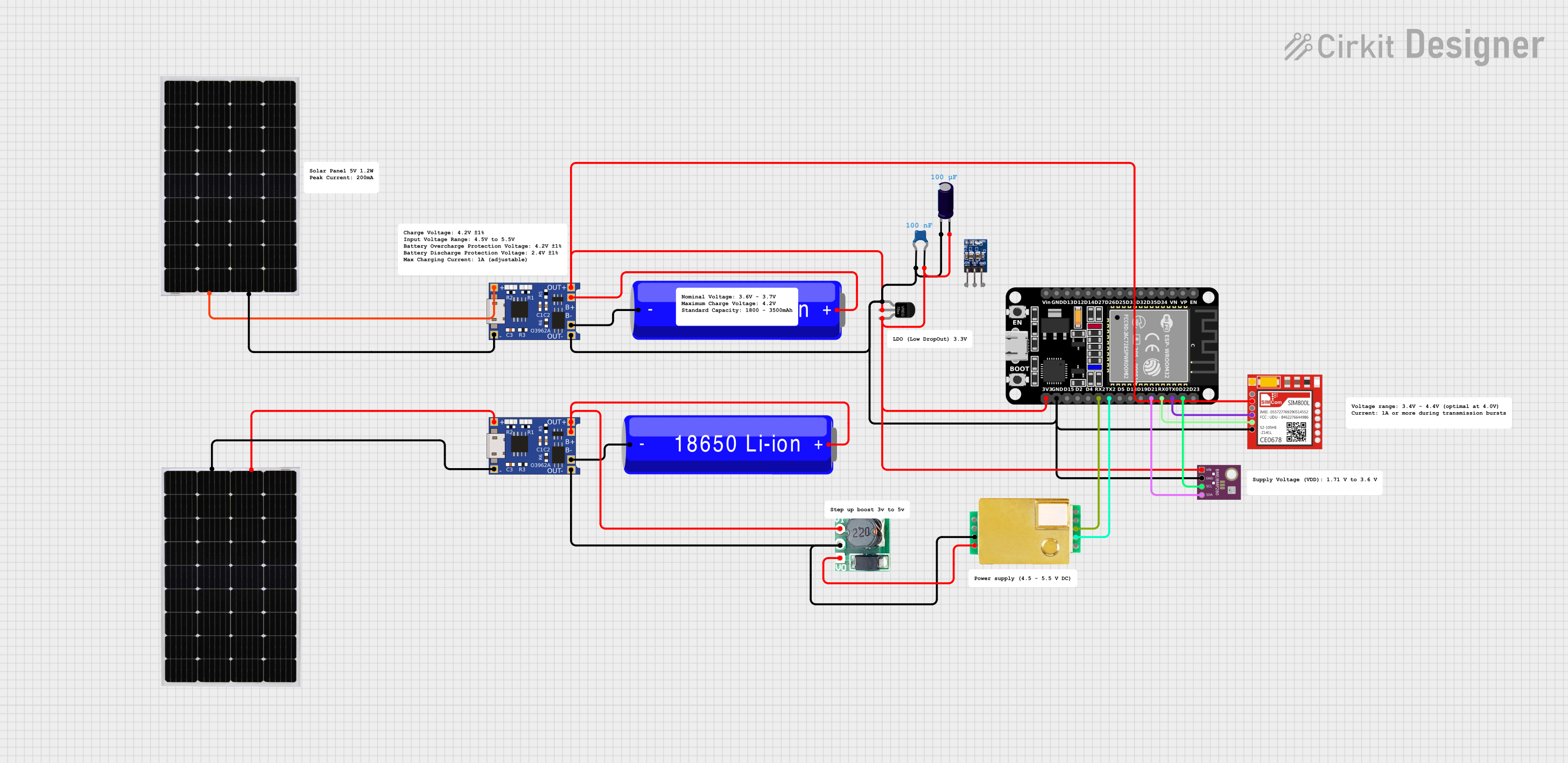 Open Project in Cirkit Designer
Explore Projects Built with MAX4080
Open Project in Cirkit DesignerOpen Project in Cirkit DesignerOpen Project in Cirkit DesignerOpen Project in Cirkit DesignerCommon Applications:
- Battery management systems (BMS)
- Motor control and protection circuits
- Power supply monitoring
- Industrial automation and control systems
- Overcurrent protection circuits
Technical Specifications
Key Technical Details:
- Supply Voltage (Vcc): 4.5V to 76V
- Input Common-Mode Voltage Range: 0V to 76V
- Gain Options: Fixed gains of 5V/V, 20V/V, 60V/V (depending on the model)
- Output Voltage Range: 0V to (Vcc - 0.25V)
- Bandwidth: 200kHz (typical)
- Offset Voltage: ±0.1mV (typical)
- Operating Temperature Range: -40°C to +125°C
- Package Options: 8-pin SOIC (Small Outline Integrated Circuit)
Pin Configuration and Descriptions:
The MAX4080 is available in an 8-pin SOIC package. Below is the pinout and description:
| Pin Number | Pin Name | Description |
|---|---|---|
| 1 | VCC | Power supply input (4.5V to 76V). |
| 2 | OUT | Output voltage proportional to the sensed current. |
| 3 | GND | Ground connection. |
| 4 | REF | Reference voltage input. Sets the output voltage when no current is sensed. |
| 5 | RS+ | Positive input for the current-sense resistor. |
| 6 | RS- | Negative input for the current-sense resistor. |
| 7 | NC | No connection. Leave unconnected or grounded. |
| 8 | NC | No connection. Leave unconnected or grounded. |
Usage Instructions
How to Use the MAX4080 in a Circuit:
- Power Supply: Connect the VCC pin to a power supply voltage between 4.5V and 76V. Ensure proper decoupling with a bypass capacitor (e.g., 0.1µF) close to the VCC pin.
- Current-Sense Resistor (Rs): Place a low-value resistor (e.g., 10mΩ to 100mΩ) in series with the load to measure current. Connect the RS+ and RS- pins across this resistor.
- Reference Voltage (REF): Apply a reference voltage to the REF pin. For single-supply operation, this is typically connected to ground or a mid-supply voltage.
- Output Voltage (OUT): The output voltage is proportional to the current flowing through the sense resistor. Use the formula: [ V_{OUT} = (I_{LOAD} \times R_S) \times \text{Gain} + V_{REF} ] where ( I_{LOAD} ) is the load current, ( R_S ) is the sense resistor value, and Gain is the fixed gain of the MAX4080 (5V/V, 20V/V, or 60V/V).
- Load Connection: Connect the load in series with the current-sense resistor.
Important Considerations:
- Sense Resistor Selection: Choose a resistor with low inductance and sufficient power rating to handle the expected current.
- PCB Layout: Minimize trace resistance and ensure proper grounding to reduce noise and improve accuracy.
- Input Voltage Range: Ensure the common-mode voltage at RS+ and RS- does not exceed the specified range (0V to 76V).
- Output Loading: Avoid heavy loading on the OUT pin to maintain accuracy.
Example: Using MAX4080 with Arduino UNO
The MAX4080 can be interfaced with an Arduino UNO to measure current. Below is an example circuit and code:
Circuit:
- Connect the VCC pin of the MAX4080 to the Arduino's 5V pin.
- Connect the GND pin of the MAX4080 to the Arduino's GND.
- Connect the OUT pin of the MAX4080 to an analog input pin on the Arduino (e.g., A0).
- Place a 10mΩ sense resistor in series with the load and connect RS+ and RS- across it.
Code:
// MAX4080 Current Measurement Example
// Reads the output voltage from the MAX4080 and calculates the current.

const int analogPin = A0;  // Analog pin connected to MAX4080 OUT pin
const float refVoltage = 5.0;  // Arduino reference voltage (5V)
const float gain = 20.0;  // Gain of the MAX4080 (adjust based on your model)
const float senseResistor = 0.01;  // Sense resistor value in ohms (10mΩ)

void setup() {
  Serial.begin(9600);  // Initialize serial communication
}

void loop() {
  int adcValue = analogRead(analogPin);  // Read ADC value
  float voltage = (adcValue / 1023.0) * refVoltage;  // Convert ADC to voltage
  float current = voltage / (gain * senseResistor);  // Calculate current

  // Print the measured current to the Serial Monitor
  Serial.print("Current: ");
  Serial.print(current, 3);  // Print current with 3 decimal places
  Serial.println(" A");

  delay(1000);  // Wait for 1 second before the next reading
}
Troubleshooting and FAQs
Common Issues:
Incorrect Output Voltage:
- Cause: Improper reference voltage or incorrect gain selection.
- Solution: Verify the REF pin voltage and ensure the correct MAX4080 model is used (5V/V, 20V/V, or 60V/V).
No Output Signal:
- Cause: Faulty connections or damaged sense resistor.
- Solution: Check all connections and ensure the sense resistor is properly installed.
High Noise in Output:
- Cause: Poor PCB layout or insufficient decoupling.
- Solution: Use proper grounding techniques and place a bypass capacitor near the VCC pin.
Output Voltage Saturation:
- Cause: Exceeding the input common-mode voltage range or output voltage range.
- Solution: Ensure the input voltage at RS+ and RS- is within 0V to 76V and the output voltage does not exceed (VCC - 0.25V).
FAQs:
Q: Can the MAX4080 measure bidirectional current?
A: No, the MAX4080 is designed for unidirectional current sensing. For bidirectional sensing, consider using the MAX4081.Q: What is the maximum current the MAX4080 can measure?
A: The maximum measurable current depends on the sense resistor value and the gain of the MAX4080. Ensure the voltage across the sense resistor does not exceed the output voltage range.Q: Can I use the MAX4080 with a 3.3V microcontroller?
A: Yes, as long as the VCC supply voltage is within 4.5V to 76V and the output voltage is compatible with the microcontroller's ADC input range.Q: How do I choose the correct gain version of the MAX4080?
A: Select the gain based on the expected current range and the sense resistor value to ensure the output voltage remains within the measurable range of your ADC.