
How to Use SIMHOLDER3: Examples, Pinouts, and Specs
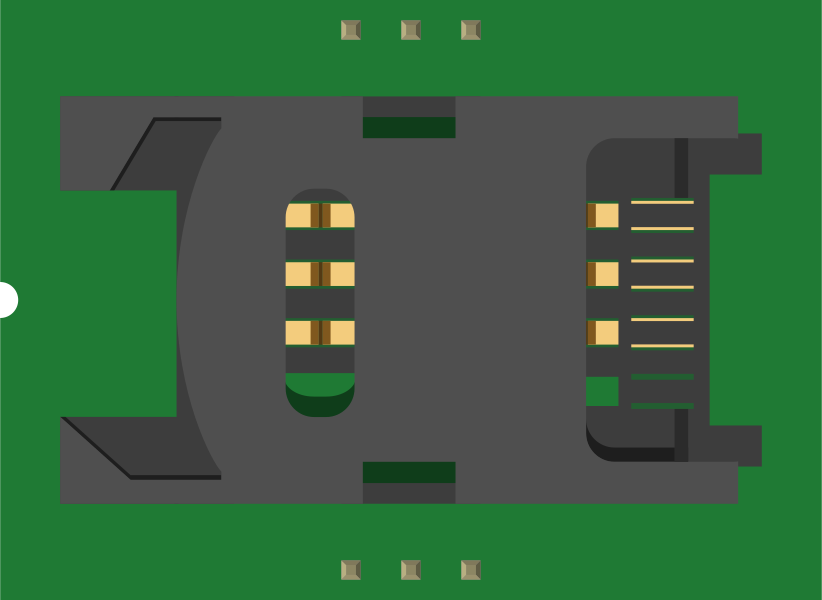
 Design with SIMHOLDER3 in Cirkit Designer
Introduction
The SIMHOLDER3 is a compact and reliable SIM card holder designed to securely house a SIM card within electronic devices. It ensures proper electrical connectivity between the SIM card and the device's circuitry while providing mechanical protection for the card. This component is widely used in GSM modules, IoT devices, mobile phones, and other communication systems that require SIM card integration.
Explore Projects Built with SIMHOLDER3
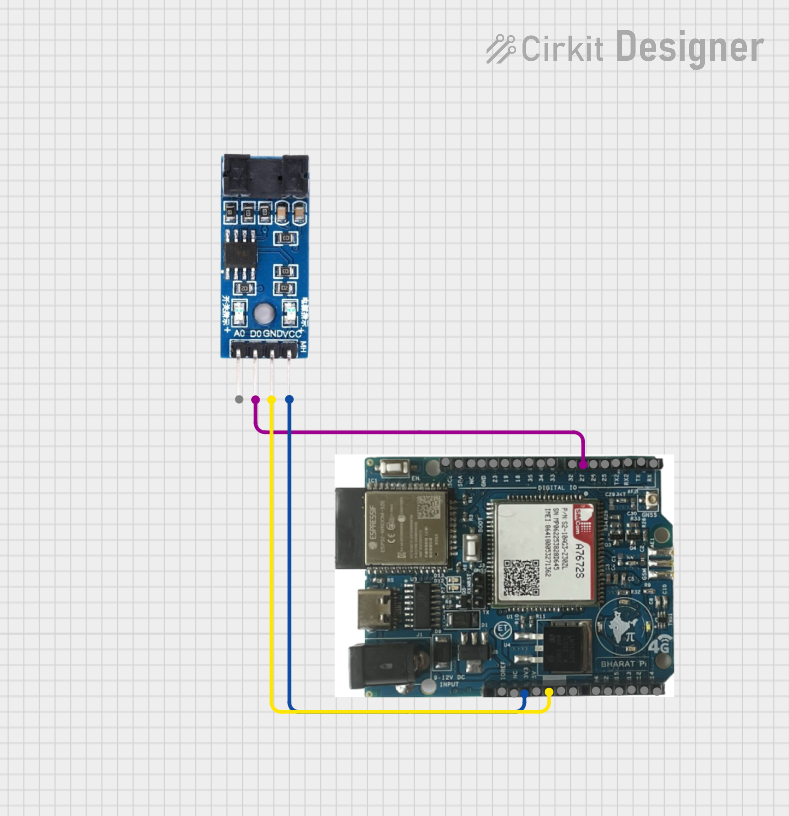 Open Project in Cirkit Designer
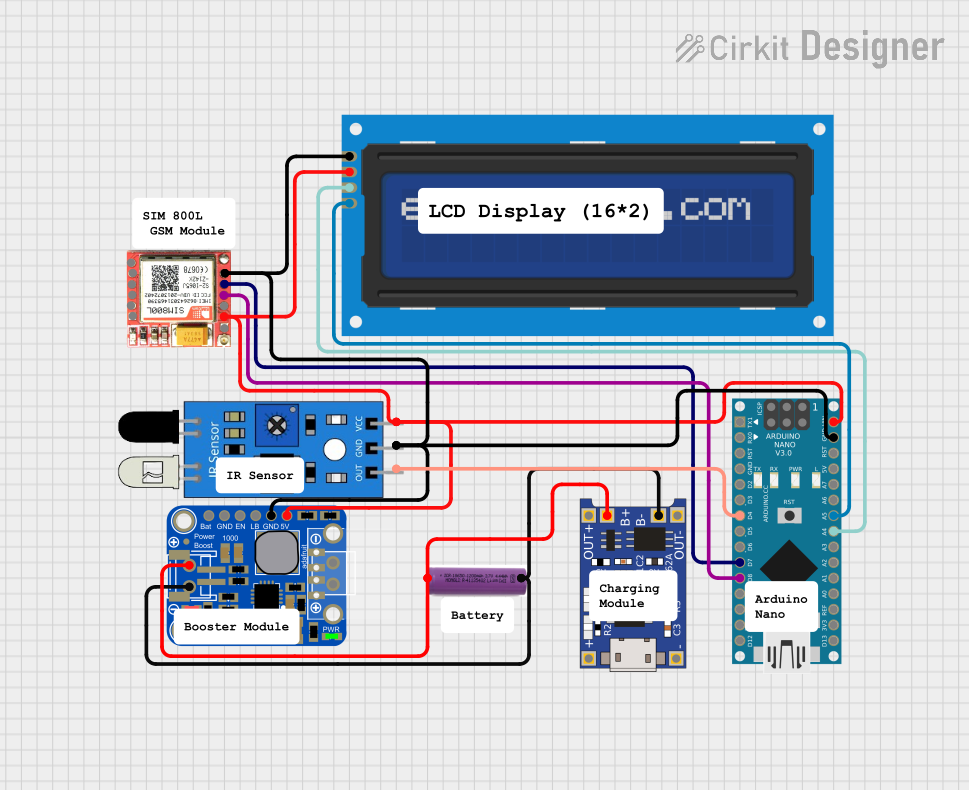 Open Project in Cirkit Designer
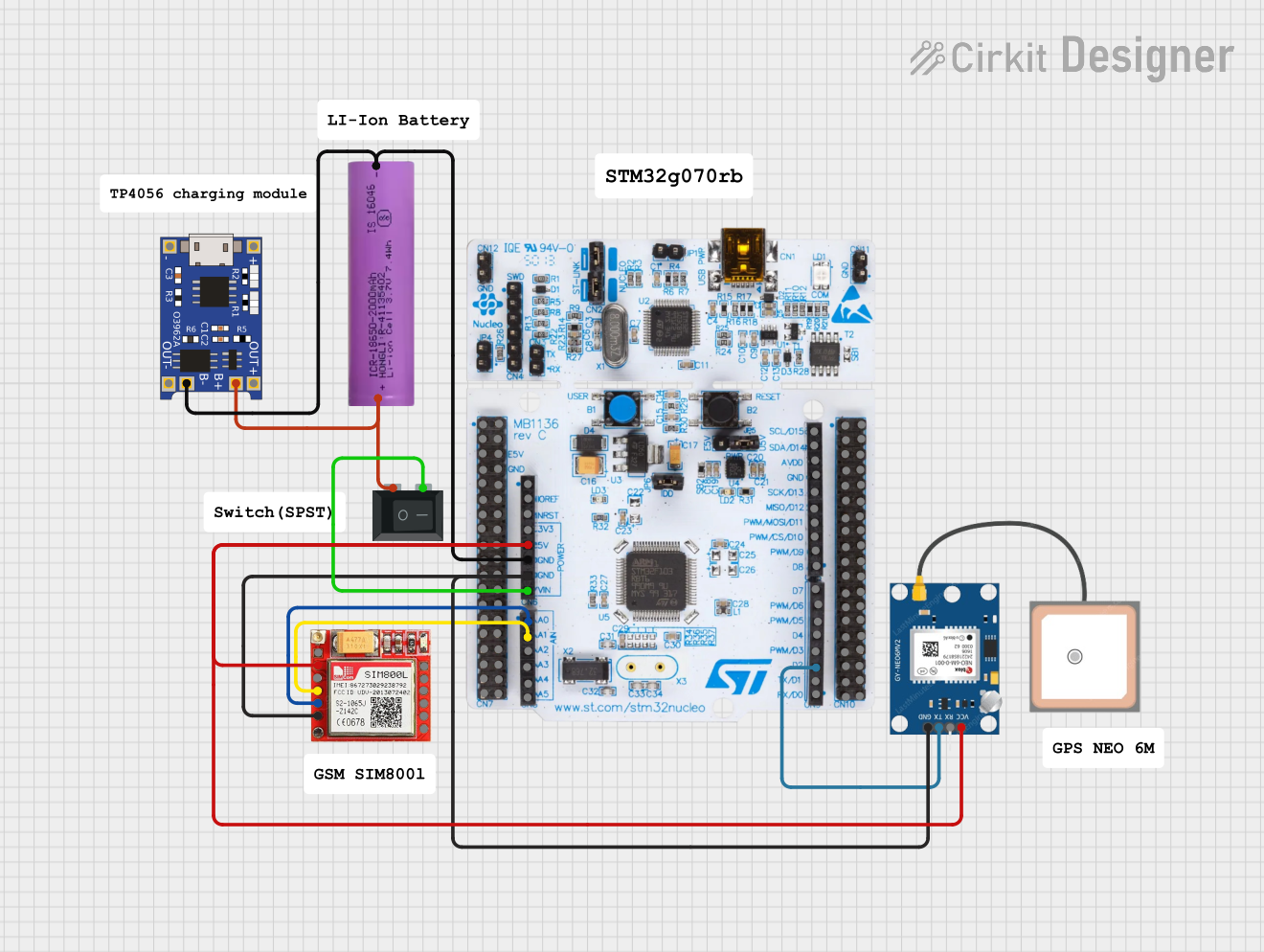 Open Project in Cirkit Designer
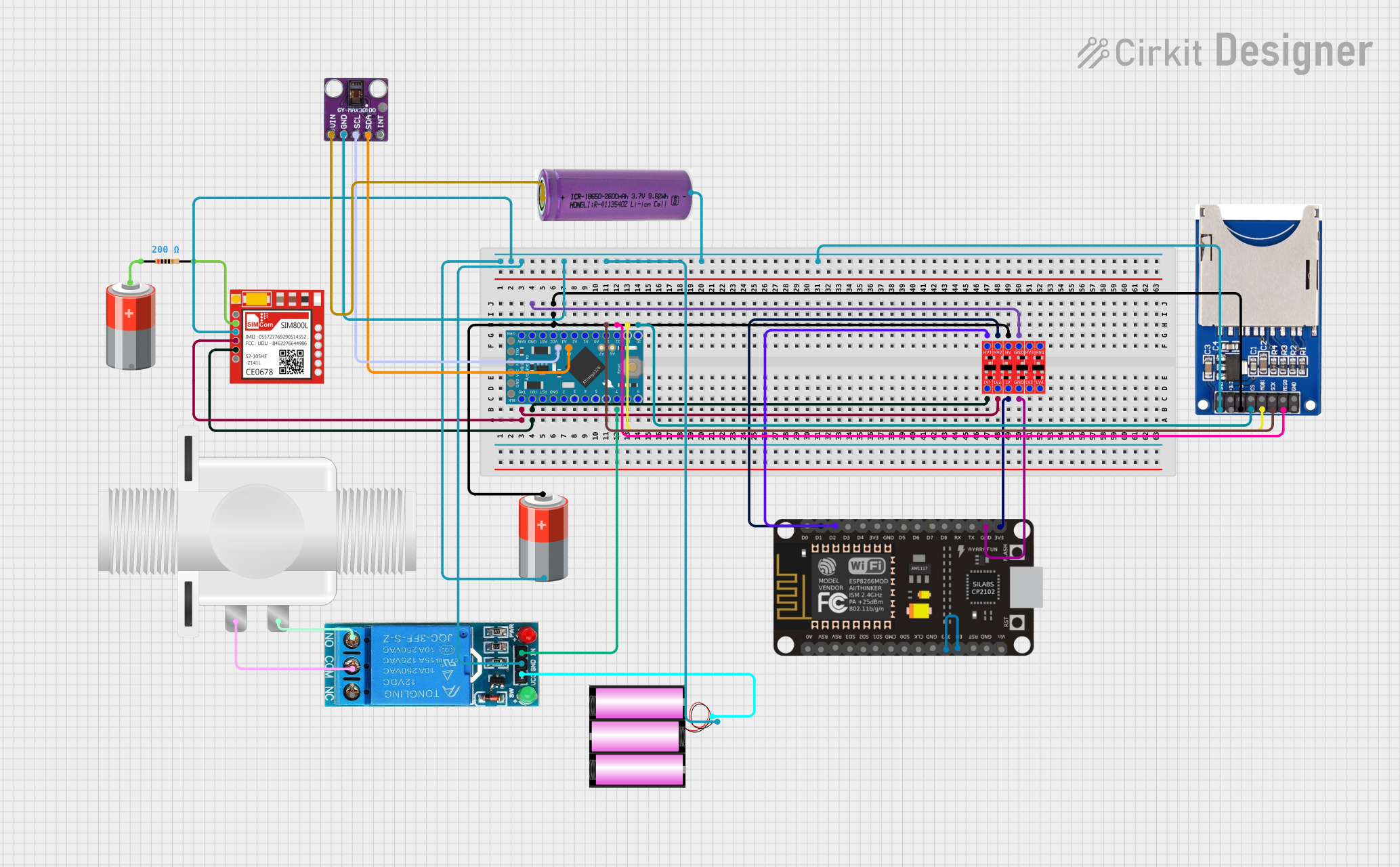 Open Project in Cirkit Designer
Explore Projects Built with SIMHOLDER3
Open Project in Cirkit DesignerOpen Project in Cirkit DesignerOpen Project in Cirkit DesignerOpen Project in Cirkit DesignerCommon Applications:
- GSM/GPRS modules for communication
- IoT devices requiring cellular connectivity
- Mobile phones and tablets
- Embedded systems with SIM-based authentication
- GPS trackers and smart devices
Technical Specifications
Key Technical Details:
- Material: High-quality plastic and metal contacts
- Card Type: Standard SIM card (2FF)
- Operating Voltage: 2.7V to 3.6V (typical for SIM card operation)
- Contact Resistance: ≤ 100 mΩ
- Durability: Rated for up to 5,000 insertion/removal cycles
- Operating Temperature: -25°C to +85°C
- Mounting Type: Surface Mount Technology (SMT) or Through-Hole Technology (THT), depending on the variant
Pin Configuration and Descriptions:
The SIMHOLDER3 typically has six contact pins corresponding to the standard SIM card interface. Below is the pin configuration:
| Pin Number | Name | Description |
|---|---|---|
| 1 | VCC | Power supply for the SIM card (2.7V to 3.6V). |
| 2 | RST | Reset signal for the SIM card. |
| 3 | CLK | Clock signal for communication with the SIM card. |
| 4 | GND | Ground connection. |
| 5 | VPP | Programming voltage (optional, typically not used in modern SIM cards). |
| 6 | I/O | Data input/output line for communication between the SIM card and the device. |
Usage Instructions
How to Use the SIMHOLDER3 in a Circuit:
Mounting the SIMHOLDER3:
- For SMT variants, solder the holder onto the PCB using a reflow soldering process.
- For THT variants, insert the pins into the PCB holes and solder them manually or using wave soldering.
Connecting to a GSM Module:
- Connect the pins of the SIMHOLDER3 to the corresponding pins on the GSM module:
- VCC to the module's SIM power pin.
- GND to the module's ground.
- CLK, RST, and I/O to the respective communication pins on the module.
- Ensure proper alignment of the SIM card within the holder to avoid connectivity issues.
- Connect the pins of the SIMHOLDER3 to the corresponding pins on the GSM module:
Power Supply Considerations:
- Use a stable power supply within the operating voltage range (2.7V to 3.6V).
- Add decoupling capacitors near the VCC pin to filter noise.
Code Example for Arduino UNO: Below is an example of interfacing a GSM module with the SIMHOLDER3 using an Arduino UNO:
#include <SoftwareSerial.h> // Define RX and TX pins for GSM module communication SoftwareSerial gsmSerial(7, 8); // RX = pin 7, TX = pin 8 void setup() { Serial.begin(9600); // Initialize serial monitor gsmSerial.begin(9600); // Initialize GSM module communication Serial.println("Initializing GSM module..."); delay(1000); // Send AT command to check communication gsmSerial.println("AT"); delay(1000); // Read response from GSM module while (gsmSerial.available()) { Serial.write(gsmSerial.read()); } } void loop() { // Continuously check for incoming data from GSM module if (gsmSerial.available()) { Serial.write(gsmSerial.read()); } // Send data to GSM module from serial monitor if (Serial.available()) { gsmSerial.write(Serial.read()); } }Note: Ensure the GSM module is properly connected to the SIMHOLDER3 and powered correctly.
Important Considerations:
- Always handle the SIM card and holder with care to avoid damaging the contacts.
- Ensure the SIM card is inserted in the correct orientation as indicated on the holder.
- Avoid exposing the SIMHOLDER3 to excessive heat during soldering to prevent deformation.
Troubleshooting and FAQs
Common Issues and Solutions:
Issue: SIM card not detected by the device.
- Solution: Check the orientation of the SIM card and ensure it is properly seated in the holder. Verify the connections between the SIMHOLDER3 and the device.
Issue: Intermittent connectivity or communication errors.
- Solution: Inspect the solder joints for cold soldering or loose connections. Clean the SIM card contacts and holder with isopropyl alcohol to remove dirt or oxidation.
Issue: GSM module not responding to AT commands.
- Solution: Verify the power supply to the GSM module and SIMHOLDER3. Check the wiring between the Arduino and the GSM module.
FAQs:
Q: Can the SIMHOLDER3 support micro or nano SIM cards?
- A: No, the SIMHOLDER3 is designed for standard SIM cards (2FF). Use an adapter for smaller SIM card sizes.
Q: Is the SIMHOLDER3 compatible with 5G SIM cards?
- A: Yes, the SIMHOLDER3 supports 5G SIM cards as long as they conform to the standard SIM card size and electrical interface.
Q: Can I use the SIMHOLDER3 in outdoor applications?
- A: The SIMHOLDER3 is not weatherproof. For outdoor use, ensure it is enclosed in a weather-resistant casing.
By following this documentation, you can effectively integrate the SIMHOLDER3 into your electronic projects and ensure reliable SIM card connectivity.