Cirkit Designer LogoCirkit DesignerYour all-in-one circuit design IDE Launch Cirkit Designer App

How to Use MQ-9: Examples, Pinouts, and Specs

Image of MQ-9Design with MQ-9 in Cirkit Designer

Introduction

The MQ-9 is a gas sensor designed to detect various gases, including methane (CH₄), propane (C₃H₈), carbon monoxide (CO), and other combustible gases. Manufactured by Arduino (Part ID: 80cda26a-6eff-5d35-5f53-73b687528d68), this sensor operates on the principle of resistive change in the presence of target gases. It is widely used in safety systems, environmental monitoring, and industrial applications due to its high sensitivity and reliability.

Explore Projects Built with MQ-9

Use Cirkit Designer to design, explore, and prototype these projects online. Some projects support real-time simulation. Click "Open Project" to start designing instantly!
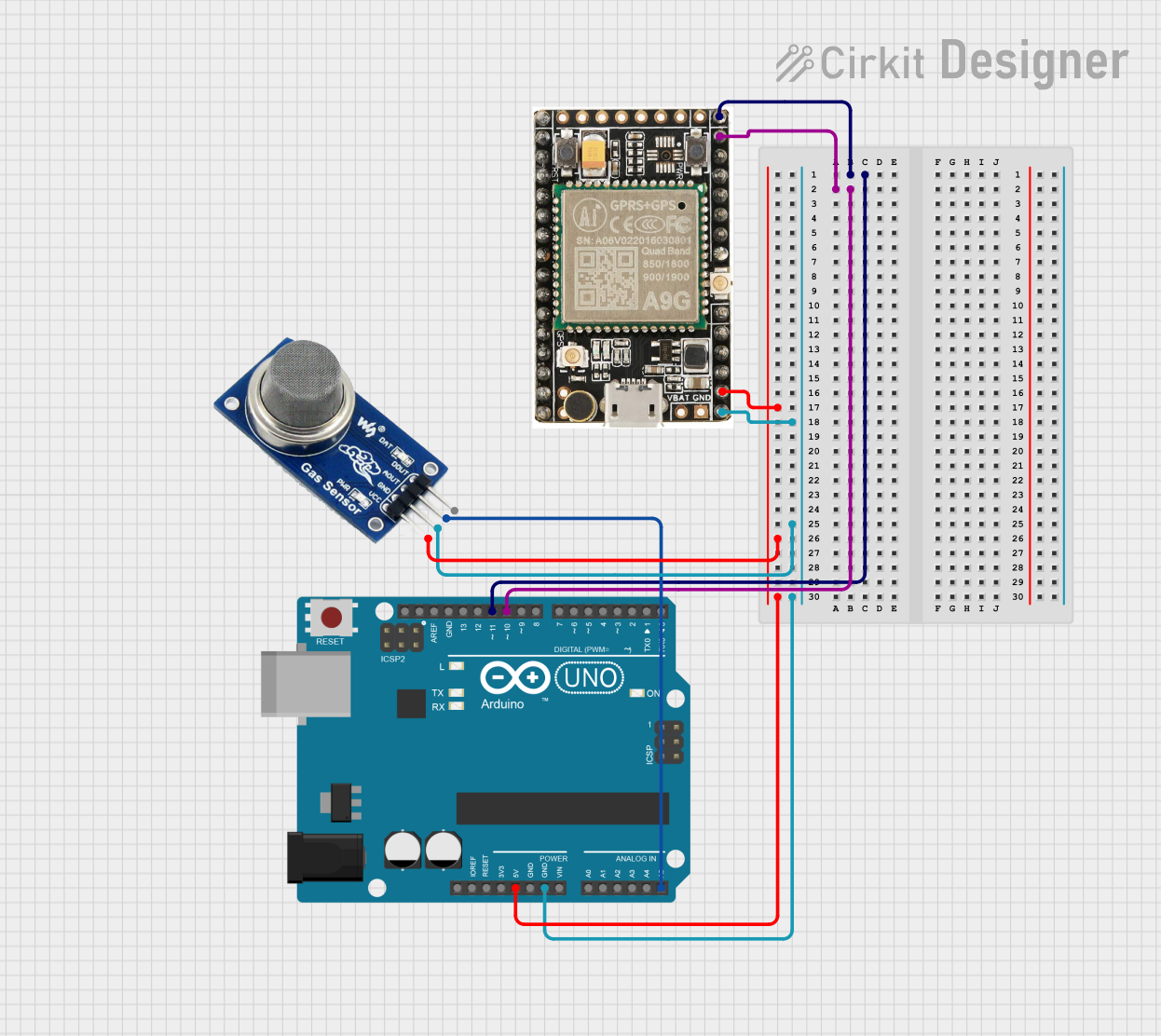
Image of Arduino UNO and A9G GSM/GPRS GPS-Based Air Quality Monitoring System: A project utilizing MQ-9 in a practical application

Arduino UNO and A9G GSM/GPRS GPS-Based Air Quality Monitoring System

This circuit features an Arduino UNO microcontroller interfaced with an A9G GSM/GPRS+GPS module and an MQ2 gas sensor. The Arduino communicates with the A9G module via digital pins D11 and D10 for data transmission, and it reads analog gas concentration levels from the MQ2 sensor through analog pin A5. Both the A9G module and the MQ2 sensor are powered by the Arduino's 5V output, and all components share a common ground.

Open Project in Cirkit Designer
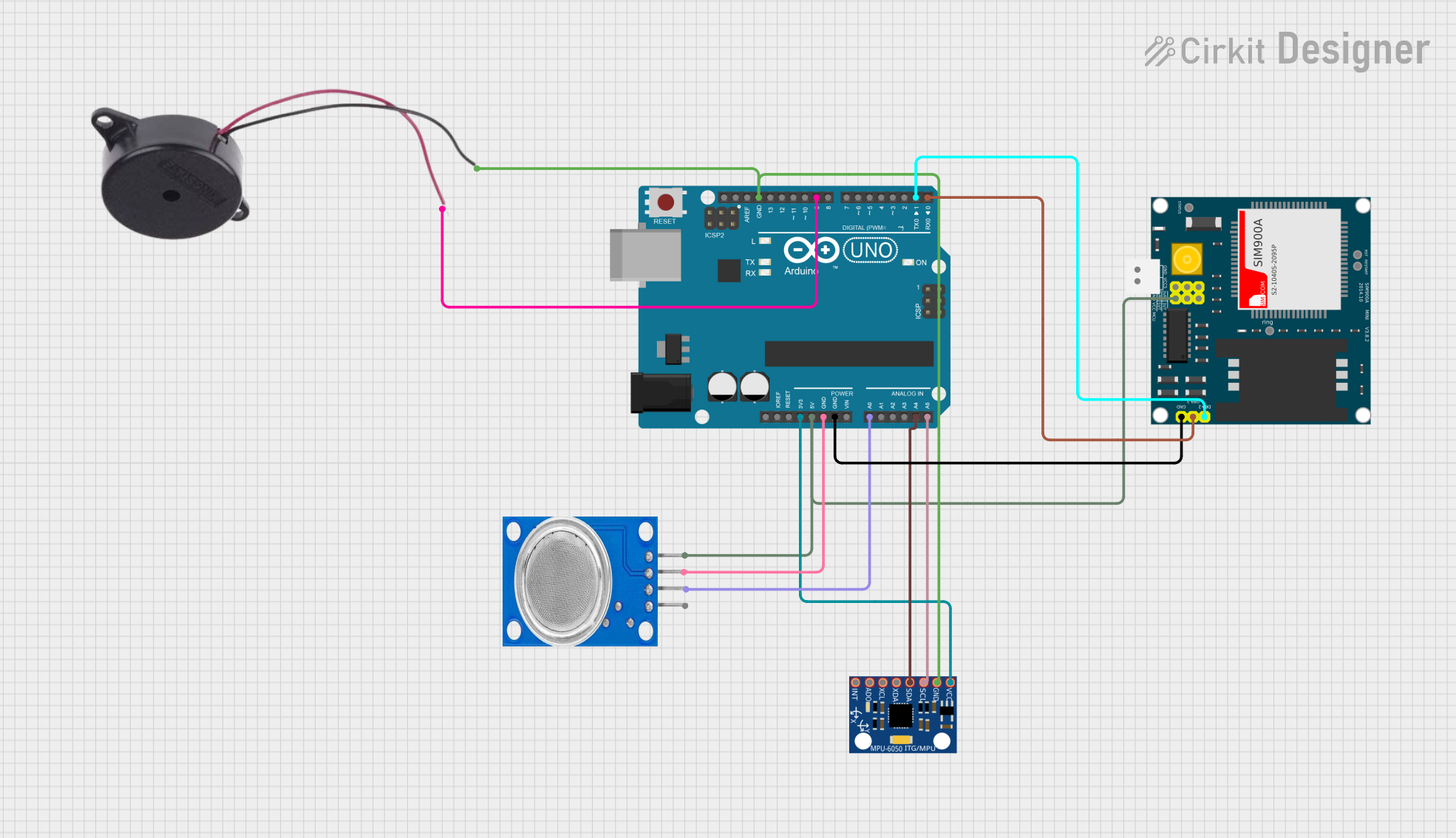
Image of Arduino UNO Based Air Quality Monitoring and GSM Notification System: A project utilizing MQ-9 in a practical application
Arduino UNO Based Air Quality Monitoring and GSM Notification System

This circuit features an Arduino UNO microcontroller interfaced with an MQ135 air quality sensor, an MPU-6050 accelerometer/gyroscope, a SIM900A GSM communication module, and a buzzer. The Arduino reads analog data from the MQ135 sensor and communicates with the MPU-6050 via I2C, while also controlling the buzzer and handling serial communication with the SIM900A module. The purpose of this circuit is likely to monitor air quality and motion, provide alerts through the buzzer, and enable remote communication via GSM.

Open Project in Cirkit Designer

Common Applications

Technical Specifications

The MQ-9 sensor is a versatile and robust device. Below are its key technical details:

Parameter Value
Operating Voltage 5V DC
Load Resistance (RL) Adjustable (typically 10 kΩ)
Heater Voltage (VH) 5V ± 0.2V
Heater Power Consumption ≤ 350 mW
Detection Range 10 ppm to 10,000 ppm (CO)
Preheat Time ≥ 24 hours
Sensitivity High sensitivity to CO and CH₄
Operating Temperature -20°C to 50°C
Humidity Range 5% to 95% RH (non-condensing)
Dimensions 32mm x 20mm x 22mm

Pin Configuration and Descriptions

The MQ-9 sensor module typically has four pins. Below is the pinout description:

Pin Name Description
1 VCC Power supply pin (5V DC)
2 GND Ground pin
3 AOUT Analog output pin (provides gas concentration as a voltage)
4 DOUT Digital output pin (high/low signal based on threshold)

Usage Instructions

How to Use the MQ-9 in a Circuit

  1. Power the Sensor: Connect the VCC pin to a 5V DC power source and the GND pin to ground.
  2. Connect Outputs:
    • Use the AOUT pin to read analog gas concentration values.
    • Use the DOUT pin for digital high/low output based on a preset threshold.
  3. Preheat the Sensor: Allow the sensor to preheat for at least 24 hours before taking accurate readings.
  4. Adjust the Threshold: Use the onboard potentiometer to set the threshold for the digital output.

Important Considerations

Example: Connecting MQ-9 to Arduino UNO

Below is an example of how to connect the MQ-9 sensor to an Arduino UNO and read analog values:

Circuit Connections

Arduino Code

// MQ-9 Gas Sensor Example Code
// Reads analog values from the sensor and prints them to the Serial Monitor.

const int MQ9_AOUT = A0; // Analog output pin connected to A0 on Arduino

void setup() {
  Serial.begin(9600); // Initialize serial communication at 9600 baud
  pinMode(MQ9_AOUT, INPUT); // Set MQ-9 analog pin as input
}

void loop() {
  int gasValue = analogRead(MQ9_AOUT); // Read analog value from MQ-9
  Serial.print("Gas Concentration (Analog Value): ");
  Serial.println(gasValue); // Print the gas concentration value
  delay(1000); // Wait for 1 second before the next reading
}

Best Practices

Troubleshooting and FAQs

Common Issues and Solutions

Issue Solution
No output from the sensor Check the power supply connections and ensure the sensor is receiving 5V DC.
Unstable or fluctuating readings Allow the sensor to preheat for at least 24 hours before taking measurements.
Incorrect digital output threshold Adjust the potentiometer to set the desired threshold level.
Sensor not detecting gas Verify the gas concentration is within the sensor's detection range.
High power consumption Ensure the heater voltage is stable and within the specified range (5V ± 0.2V).

FAQs

  1. Can the MQ-9 detect multiple gases simultaneously?

    • Yes, the MQ-9 can detect multiple gases, but it is most sensitive to carbon monoxide (CO) and methane (CH₄). For precise measurements, calibration for specific gases is recommended.
  2. How do I calibrate the MQ-9 sensor?

    • Expose the sensor to a known concentration of the target gas and adjust the load resistance (RL) or use software calibration to map the analog output to the gas concentration.
  3. What is the lifespan of the MQ-9 sensor?

    • The sensor typically lasts for 2-3 years under normal operating conditions. Regular maintenance can extend its lifespan.
  4. Can the MQ-9 be used outdoors?

    • While the MQ-9 can operate in a wide temperature and humidity range, it should be protected from direct exposure to rain or extreme environmental conditions.

By following this documentation, users can effectively integrate the MQ-9 gas sensor into their projects and ensure reliable performance.