
How to Use Arcade Button (white): Examples, Pinouts, and Specs
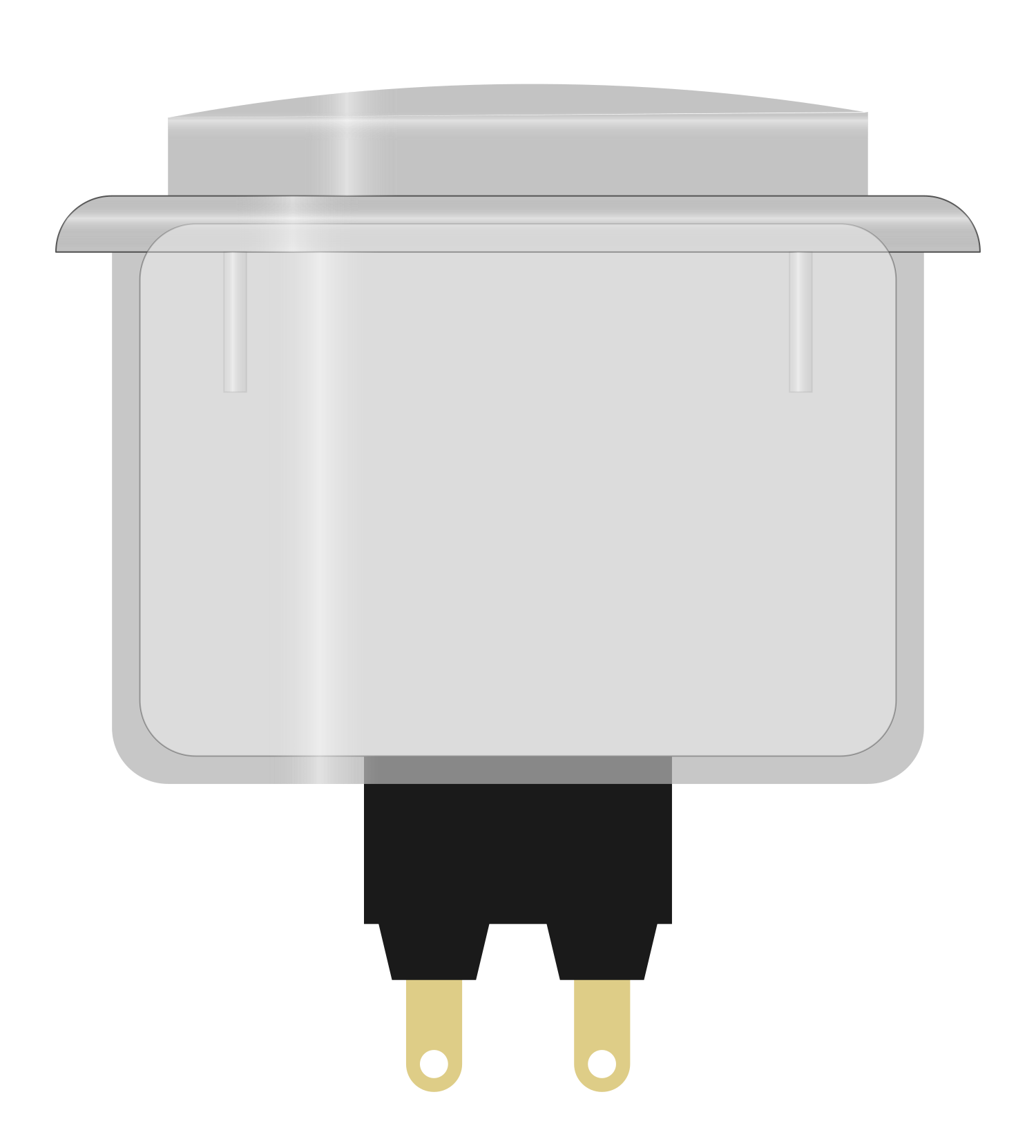
 Design with Arcade Button (white) in Cirkit Designer
Introduction
The Arcade Button (White) is a push-button switch designed for use in arcade machines, gaming consoles, and DIY electronics projects. It features a durable plastic housing, a bright white color for enhanced visibility, and a tactile response for reliable operation. This button is ideal for applications requiring frequent user interaction, such as gaming controls, interactive kiosks, and custom control panels.
Explore Projects Built with Arcade Button (white)
 Open Project in Cirkit Designer
 Open Project in Cirkit Designer
 Open Project in Cirkit Designer
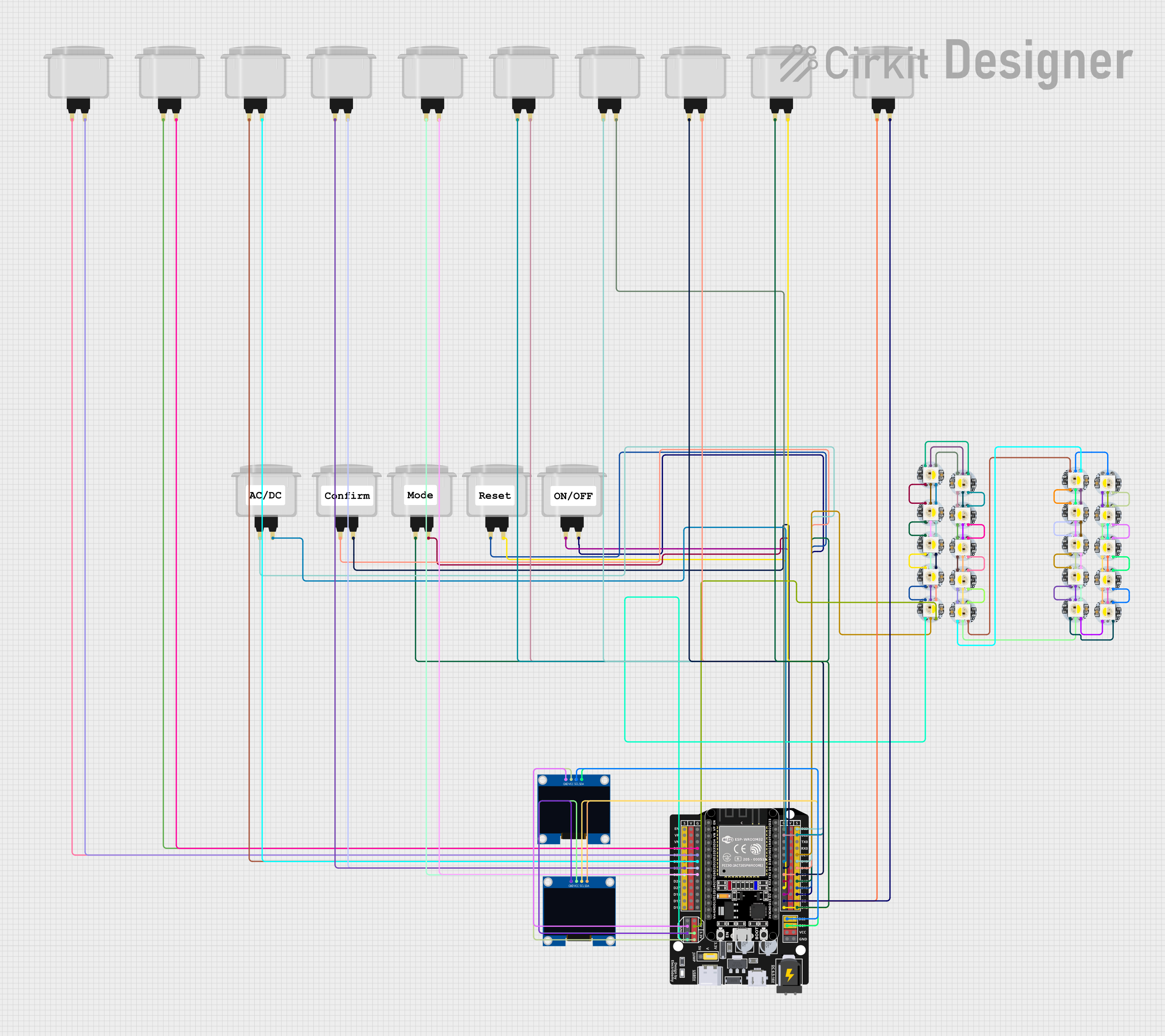 Open Project in Cirkit Designer
Explore Projects Built with Arcade Button (white)
Open Project in Cirkit DesignerOpen Project in Cirkit DesignerOpen Project in Cirkit DesignerOpen Project in Cirkit DesignerCommon Applications:
- Arcade gaming machines
- DIY gaming controllers
- Interactive kiosks and vending machines
- Custom control panels for electronics projects
Technical Specifications
The Arcade Button (White) is a simple, robust component with the following specifications:
| Parameter | Value |
|---|---|
| Button Type | Momentary push-button |
| Housing Material | Durable plastic |
| Color | White |
| Operating Voltage | 5V to 12V (typical) |
| Contact Rating | 1A at 125V AC / 2A at 48V DC |
| Mounting Hole Diameter | 28mm |
| Actuation Force | ~150g |
| Terminal Type | Quick-connect spade terminals |
| Dimensions | 33mm (diameter) x 50mm (height) |
Pin Configuration and Descriptions
The Arcade Button (White) typically has two terminals for electrical connections:
| Pin | Description |
|---|---|
| NO | Normally Open terminal (connects to circuit when pressed) |
| COM | Common terminal (connects to ground or power, depending on circuit design) |
Usage Instructions
How to Use the Arcade Button in a Circuit
Mounting the Button:
- Drill a 28mm hole in your panel or enclosure.
- Insert the button into the hole and secure it using the included mounting nut.
Wiring the Button:
- Connect the COM terminal to the ground or power rail of your circuit.
- Connect the NO terminal to the input pin of your microcontroller or the desired circuit path.
- Use quick-connect spade connectors for secure and reliable connections.
Testing the Button:
- Apply power to your circuit.
- Press the button to ensure it completes the circuit and triggers the desired action.
Important Considerations and Best Practices
- Debouncing: Mechanical buttons like the Arcade Button may produce multiple signals (bounces) when pressed. Use a hardware or software debounce mechanism to ensure clean signal transitions.
- Voltage and Current Ratings: Ensure the button is used within its rated voltage and current limits to avoid damage.
- Secure Mounting: Properly secure the button to prevent it from loosening during use.
- Connection Polarity: Double-check the wiring to avoid short circuits or incorrect operation.
Example: Connecting to an Arduino UNO
The Arcade Button can be easily interfaced with an Arduino UNO for simple input detection. Below is an example circuit and code:
Circuit:
- Connect the COM terminal of the button to the Arduino's GND pin.
- Connect the NO terminal of the button to the Arduino's Digital Pin 2.
- Use a 10kΩ pull-down resistor between Digital Pin 2 and GND to ensure a stable LOW state when the button is not pressed.
Code:
// Arcade Button Example with Arduino UNO
// This code reads the state of the button and turns on an LED when pressed.

const int buttonPin = 2;  // Pin connected to the button's NO terminal
const int ledPin = 13;    // Pin connected to the onboard LED

void setup() {
  pinMode(buttonPin, INPUT);  // Set button pin as input
  pinMode(ledPin, OUTPUT);   // Set LED pin as output
  digitalWrite(ledPin, LOW); // Ensure LED is off initially
}

void loop() {
  int buttonState = digitalRead(buttonPin); // Read the button state

  if (buttonState == HIGH) {
    // If button is pressed, turn on the LED
    digitalWrite(ledPin, HIGH);
  } else {
    // If button is not pressed, turn off the LED
    digitalWrite(ledPin, LOW);
  }
}
Troubleshooting and FAQs
Common Issues and Solutions
Button Not Responding:
- Cause: Loose or incorrect wiring.
- Solution: Verify all connections, ensuring the terminals are securely connected.
Button Produces Erratic Behavior:
- Cause: Signal bouncing due to mechanical contacts.
- Solution: Implement a debounce circuit or software debounce logic.
Button Feels Stiff or Stuck:
- Cause: Dirt or debris inside the button mechanism.
- Solution: Clean the button with compressed air or a soft brush.
Button Does Not Fit in Panel:
- Cause: Incorrect hole size.
- Solution: Ensure the mounting hole is exactly 28mm in diameter.
FAQs
Q: Can I use this button with a Raspberry Pi?
A: Yes, the Arcade Button can be used with a Raspberry Pi. Connect the button to a GPIO pin and use a pull-up or pull-down resistor as needed.
Q: Is the button waterproof?
A: No, the Arcade Button is not waterproof. Avoid using it in environments with high moisture or water exposure.
Q: Can I use this button for high-power applications?
A: No, the button is rated for low-power applications (1A at 125V AC or 2A at 48V DC). For high-power circuits, use a relay or transistor to handle the load.
Q: Does the button come with a built-in LED?
A: No, this specific Arcade Button (White) does not include an LED. However, illuminated versions are available separately.