
How to Use VRX1.2: Examples, Pinouts, and Specs
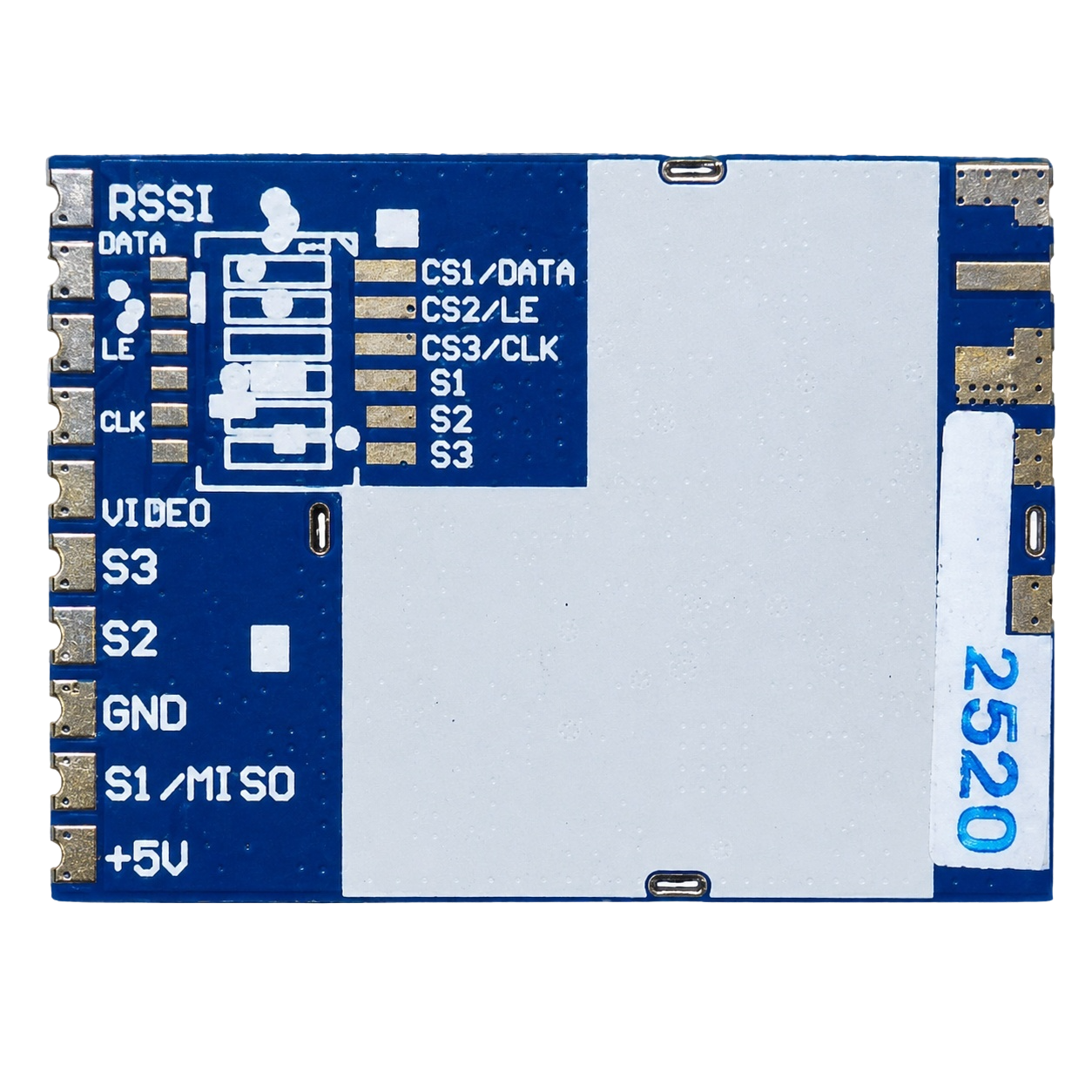
 Design with VRX1.2 in Cirkit Designer
Introduction
The VRX1.2 is a high-performance voltage regulator designed to provide a stable and reliable output voltage, even in the presence of fluctuations in input voltage or varying load conditions. This component is essential for ensuring consistent power delivery to sensitive electronic circuits, protecting them from damage caused by voltage instability. Its compact design and robust performance make it a popular choice for a wide range of applications.
Explore Projects Built with VRX1.2
 Open Project in Cirkit Designer
 Open Project in Cirkit Designer
 Open Project in Cirkit Designer
 Open Project in Cirkit Designer
Explore Projects Built with VRX1.2
Open Project in Cirkit DesignerOpen Project in Cirkit DesignerOpen Project in Cirkit DesignerOpen Project in Cirkit DesignerCommon Applications and Use Cases
- Power supply stabilization for microcontrollers and sensors
- Voltage regulation in battery-powered devices
- Noise reduction in audio and communication circuits
- General-purpose voltage regulation in embedded systems
Technical Specifications
The VRX1.2 is designed to meet the needs of modern electronic systems with the following specifications:
| Parameter | Value |
|---|---|
| Input Voltage Range | 4.5V to 20V |
| Output Voltage | 3.3V or 5V (fixed, depending on model) |
| Maximum Output Current | 1.2A |
| Dropout Voltage | 0.5V (typical at 1A load) |
| Quiescent Current | 5mA (typical) |
| Operating Temperature | -40°C to +85°C |
| Package Type | TO-220, SOT-223, or SMD |
Pin Configuration and Descriptions
The VRX1.2 typically comes in a 3-pin configuration. Below is the pinout description:
| Pin | Name | Description |
|---|---|---|
| 1 | Input (VIN) | Connect to the unregulated input voltage source. |
| 2 | Ground (GND) | Connect to the circuit ground. |
| 3 | Output (VOUT) | Provides the regulated output voltage. |
Usage Instructions
How to Use the VRX1.2 in a Circuit
- Input Capacitor: Connect a capacitor (typically 10µF) between the input pin (VIN) and ground to filter input voltage noise and improve stability.
- Output Capacitor: Connect a capacitor (typically 10µF to 22µF) between the output pin (VOUT) and ground to ensure stable output voltage and reduce ripple.
- Heat Dissipation: If the VRX1.2 is operating at high currents, attach a heatsink to the regulator to prevent overheating.
- Wiring: Ensure proper wiring of the input, output, and ground pins to avoid damage to the component or connected devices.
Example Circuit
Below is an example of how to connect the VRX1.2 to power a 5V microcontroller:
Unregulated Voltage Source (e.g., 9V) ----> VIN (Pin 1)
                                           |
                                           |
                                       VRX1.2
                                           |
                                           |
                                       VOUT (Pin 3) ----> 5V Microcontroller
                                           |
                                           |
                                         GND (Pin 2)
                                           |
                                           |
                                       Circuit Ground
Arduino UNO Example Code
If using the VRX1.2 to power an Arduino UNO, ensure the output voltage is 5V. Here's a simple example code to blink an LED:
// This code blinks an LED connected to pin 13 of the Arduino UNO.
// Ensure the VRX1.2 provides a stable 5V to the Arduino's VIN pin.

void setup() {
  pinMode(13, OUTPUT); // Set pin 13 as an output pin
}

void loop() {
  digitalWrite(13, HIGH); // Turn the LED on
  delay(1000);            // Wait for 1 second
  digitalWrite(13, LOW);  // Turn the LED off
  delay(1000);            // Wait for 1 second
}
Important Considerations and Best Practices
- Always use the recommended input and output capacitors to ensure stability.
- Avoid exceeding the maximum input voltage (20V) or output current (1.2A) to prevent damage.
- Use proper heat dissipation methods, such as heatsinks, for high-current applications.
- Verify the output voltage (3.3V or 5V) before connecting to sensitive devices.
Troubleshooting and FAQs
Common Issues and Solutions
Issue: The output voltage is unstable or noisy.
- Solution: Check the input and output capacitors. Ensure they are of the correct value and properly connected.
Issue: The VRX1.2 overheats during operation.
- Solution: Attach a heatsink to the regulator or reduce the load current.
Issue: No output voltage.
- Solution: Verify the input voltage is within the specified range (4.5V to 20V). Check for proper wiring and ensure the ground connection is secure.
Issue: The output voltage is incorrect (e.g., not 3.3V or 5V).
- Solution: Confirm the model of the VRX1.2 being used (3.3V or 5V version). Ensure the input voltage is at least 0.5V higher than the desired output voltage.
FAQs
Q: Can I use the VRX1.2 without capacitors?
A: No, capacitors are essential for stable operation. The input capacitor filters noise, and the output capacitor ensures a smooth and stable output voltage.
Q: What happens if I exceed the maximum input voltage?
A: Exceeding the maximum input voltage (20V) can permanently damage the VRX1.2. Always ensure the input voltage is within the specified range.
Q: Can the VRX1.2 be used with a 12V battery?
A: Yes, the VRX1.2 can regulate a 12V input to 5V or 3.3V, depending on the model. Ensure proper heat dissipation if the load current is high.
Q: Is the VRX1.2 suitable for powering high-current devices?
A: The VRX1.2 can handle up to 1.2A. For higher currents, consider using a different regulator or a switching regulator.
By following this documentation, users can effectively integrate the VRX1.2 into their projects and ensure reliable voltage regulation.