
How to Use M10X2: Examples, Pinouts, and Specs

 Design with M10X2 in Cirkit Designer
Introduction
The M10X2 is a metric screw with a diameter of 10 mm and a thread pitch of 2 mm. It is widely used in mechanical assemblies for securely fastening components together. Known for its robust design and precise threading, the M10X2 screw is a reliable choice for applications requiring strong and durable connections. Its standardized dimensions make it compatible with a variety of nuts, washers, and threaded holes.
Explore Projects Built with M10X2
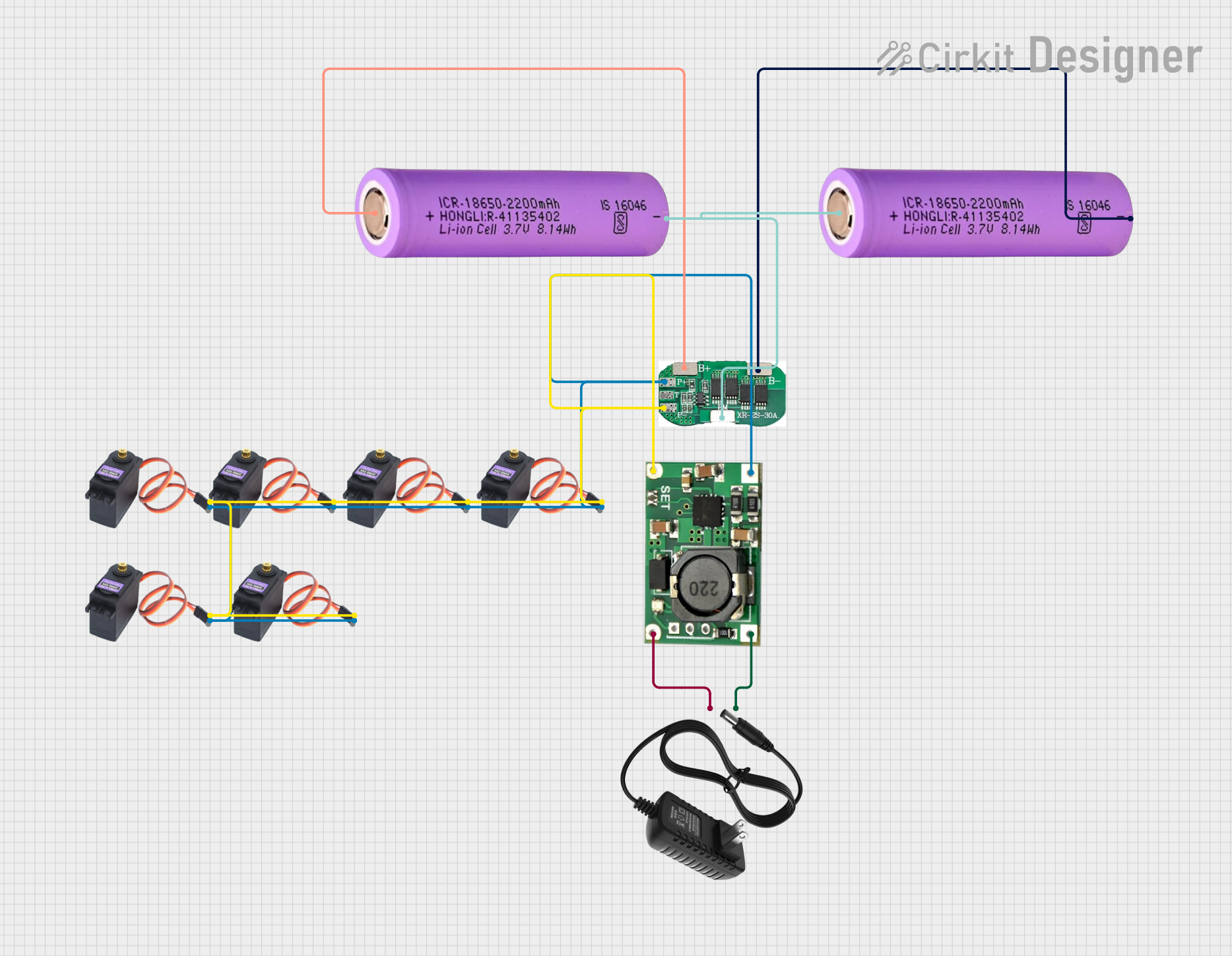 Open Project in Cirkit Designer
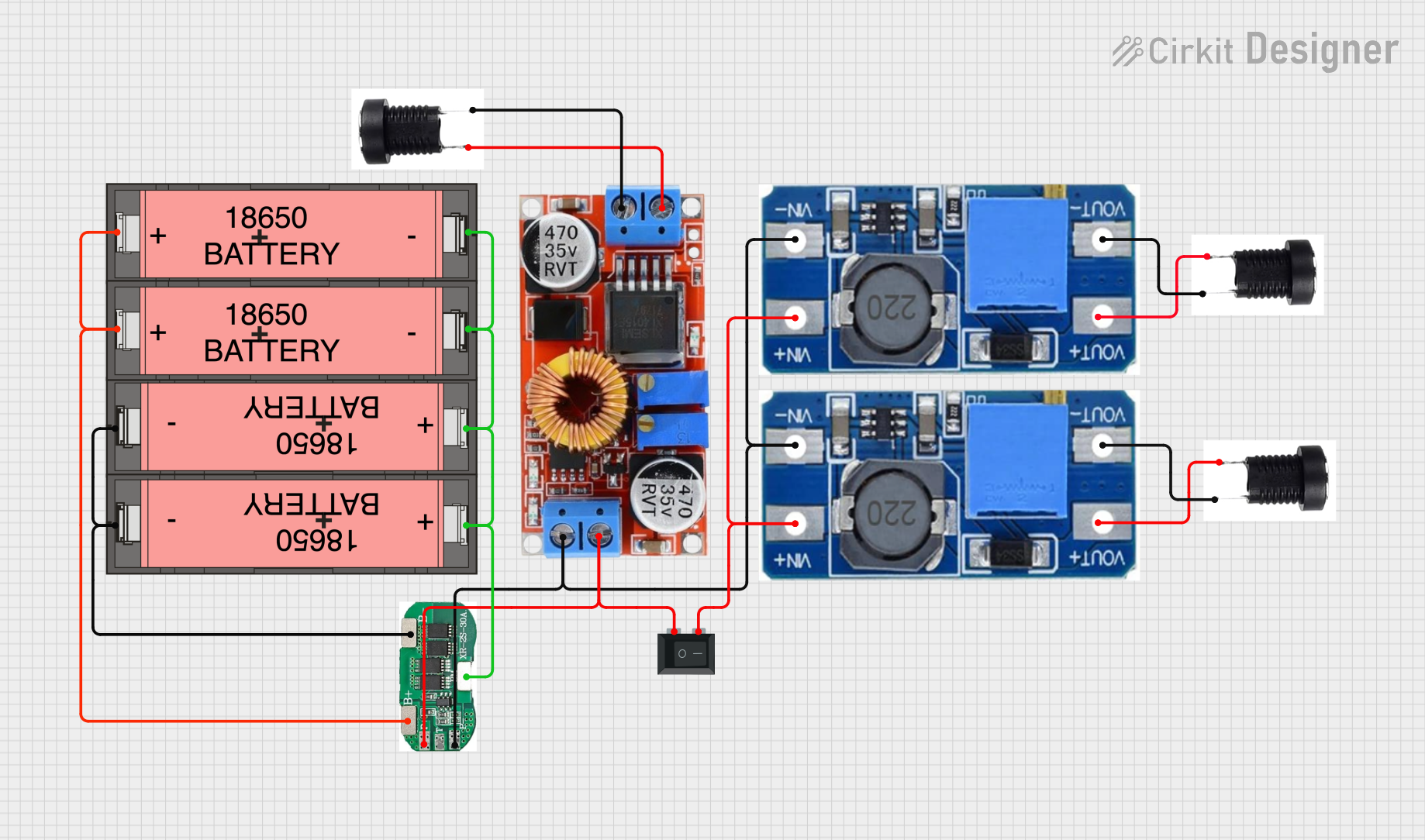 Open Project in Cirkit Designer
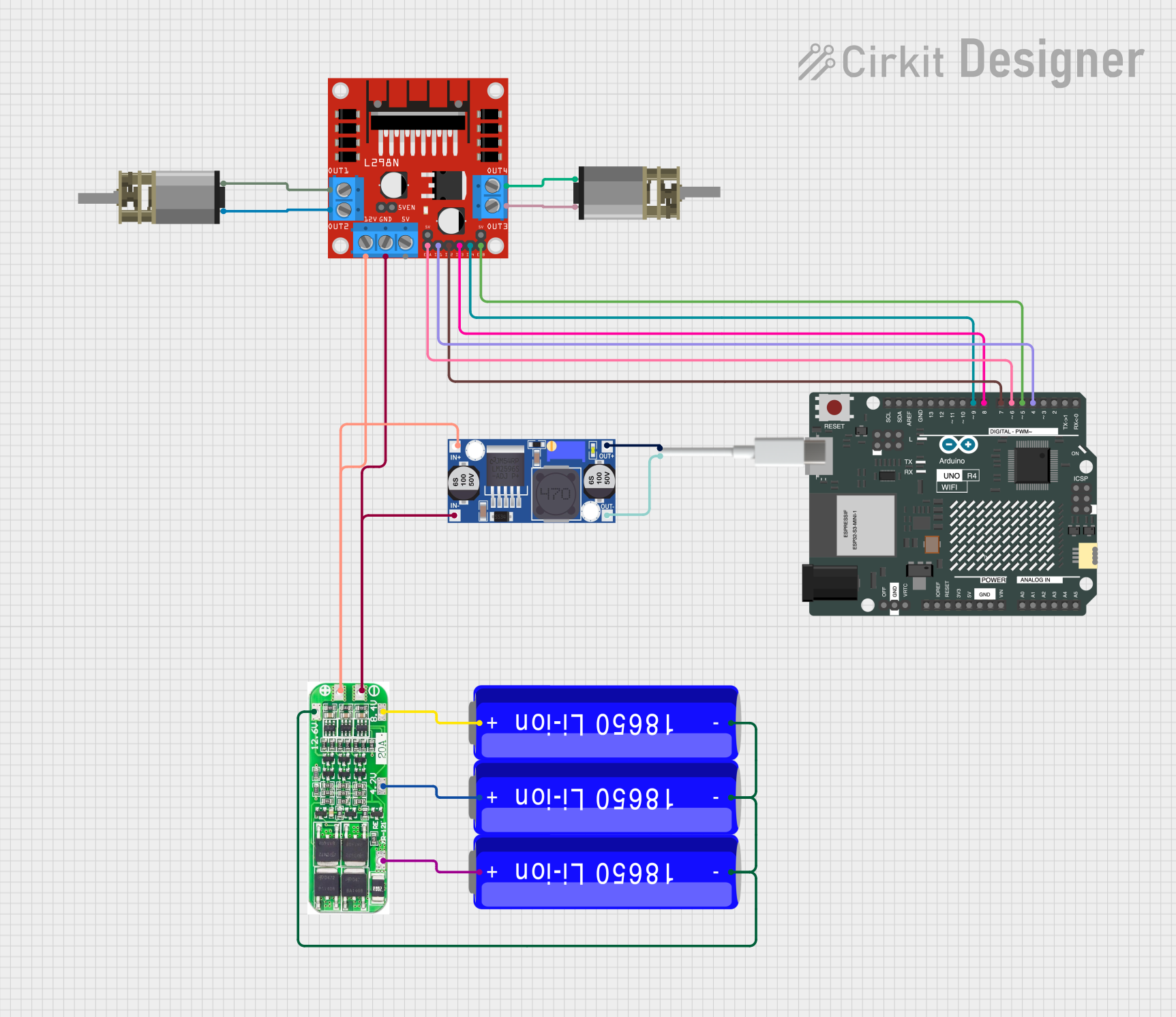 Open Project in Cirkit Designer
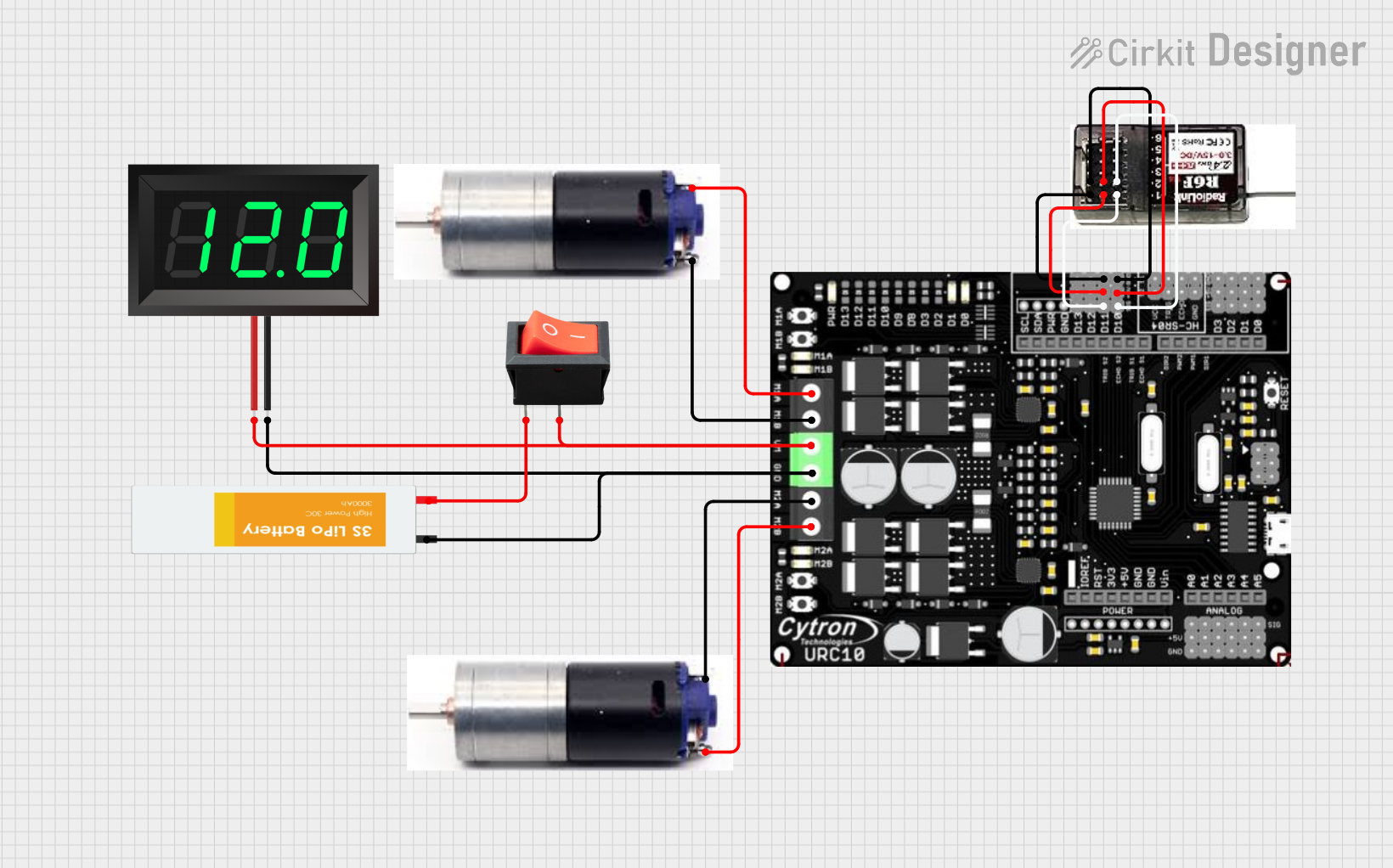 Open Project in Cirkit Designer
Explore Projects Built with M10X2
Open Project in Cirkit DesignerOpen Project in Cirkit DesignerOpen Project in Cirkit DesignerOpen Project in Cirkit DesignerCommon Applications and Use Cases
- Industrial Machinery: Used to fasten machine parts and ensure structural integrity.
- Automotive Industry: Commonly employed in engine assemblies and chassis components.
- Construction: Utilized in steel frameworks and heavy-duty structures.
- DIY Projects: Ideal for home repairs and custom mechanical builds.
- Electronics Enclosures: Secures panels and components in electronic housings.
Technical Specifications
The M10X2 screw adheres to ISO metric standards, ensuring compatibility and reliability in various applications. Below are the key technical details:
General Specifications
| Parameter | Value |
|---|---|
| Thread Diameter | 10 mm |
| Thread Pitch | 2 mm |
| Thread Type | Metric (ISO) |
| Material | Steel, Stainless Steel, or Alloy |
| Tensile Strength | Up to 800 MPa (varies by material) |
| Coating | Zinc-plated, Black Oxide, or Uncoated |
| Head Types | Hex, Phillips, Allen, or Torx |
| Length Range | 10 mm to 100 mm (varies by model) |
Thread Dimensions
| Parameter | Value |
|---|---|
| Major Diameter | 10 mm |
| Minor Diameter | ~8.16 mm |
| Pitch Diameter | ~9.188 mm |
| Thread Angle | 60° |
Torque Specifications
| Material Type | Recommended Torque (Nm) |
|---|---|
| Steel (Grade 8.8) | 49 Nm |
| Stainless Steel | 39 Nm |
| Aluminum Alloy | 29 Nm |
Usage Instructions
How to Use the M10X2 Screw in an Assembly
- Select the Appropriate Screw: Choose the correct length, material, and head type based on your application.
- Prepare the Components: Ensure that the components to be fastened have properly aligned holes or threads matching the M10X2 specifications.
- Insert the Screw: Place the screw through the hole or into the threaded component.
- Tighten the Screw: Use the appropriate tool (e.g., wrench, screwdriver) to tighten the screw to the recommended torque value. Avoid over-tightening to prevent damage to the threads or components.
- Secure with a Nut (if applicable): If the screw is not threading into a pre-tapped hole, use a compatible M10 nut to secure the assembly.
Important Considerations and Best Practices
- Thread Compatibility: Ensure that the mating threads match the M10X2 pitch and diameter to avoid cross-threading.
- Lubrication: Apply a suitable thread lubricant to reduce friction and prevent galling, especially for stainless steel screws.
- Corrosion Resistance: For outdoor or corrosive environments, use stainless steel or coated screws.
- Torque Control: Use a torque wrench to achieve the recommended torque values and avoid over-tightening.
Example: Using M10X2 Screws in an Arduino Enclosure
While the M10X2 screw is not an electronic component, it can be used to secure Arduino enclosures or mounting brackets. Below is an example of how to use it in a project:
- Drill 10.5 mm holes in the enclosure and mounting surface.
- Insert the M10X2 screws through the holes.
- Secure the screws with M10 nuts and washers to ensure a stable fit.
Troubleshooting and FAQs
Common Issues and Solutions
| Issue | Possible Cause | Solution |
|---|---|---|
| Cross-threading | Mismatched thread pitch or angle | Verify thread compatibility before assembly. |
| Stripped Threads | Over-tightening or poor material | Use a torque wrench and avoid exceeding recommended torque. |
| Corrosion | Exposure to moisture or chemicals | Use stainless steel or coated screws for better resistance. |
| Loose Connections | Insufficient torque or vibration | Re-tighten screws to the recommended torque or use thread-locking compounds. |
FAQs
Can I use M10X2 screws in high-temperature environments?
- Yes, but ensure the material (e.g., stainless steel) is rated for the specific temperature range.
What tools are required to tighten M10X2 screws?
- Depending on the head type, you may need a wrench, screwdriver, or Allen key.
How do I prevent galling with stainless steel screws?
- Apply a suitable anti-seize lubricant to the threads before assembly.
Are M10X2 screws suitable for load-bearing applications?
- Yes, provided the material and tensile strength meet the load requirements.
By following this documentation, users can effectively select, use, and troubleshoot M10X2 screws in their projects.