
How to Use Motor: Examples, Pinouts, and Specs
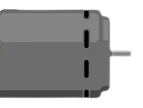
 Design with Motor in Cirkit Designer
Introduction
A motor is an electromechanical device that converts electrical energy into mechanical energy. It is a fundamental component in countless applications, ranging from industrial machinery to household appliances. Motors are commonly used to drive mechanical systems, such as conveyor belts, fans, pumps, and robotic arms. They are available in various types, including DC motors, AC motors, and stepper motors, each suited for specific use cases.
Explore Projects Built with Motor
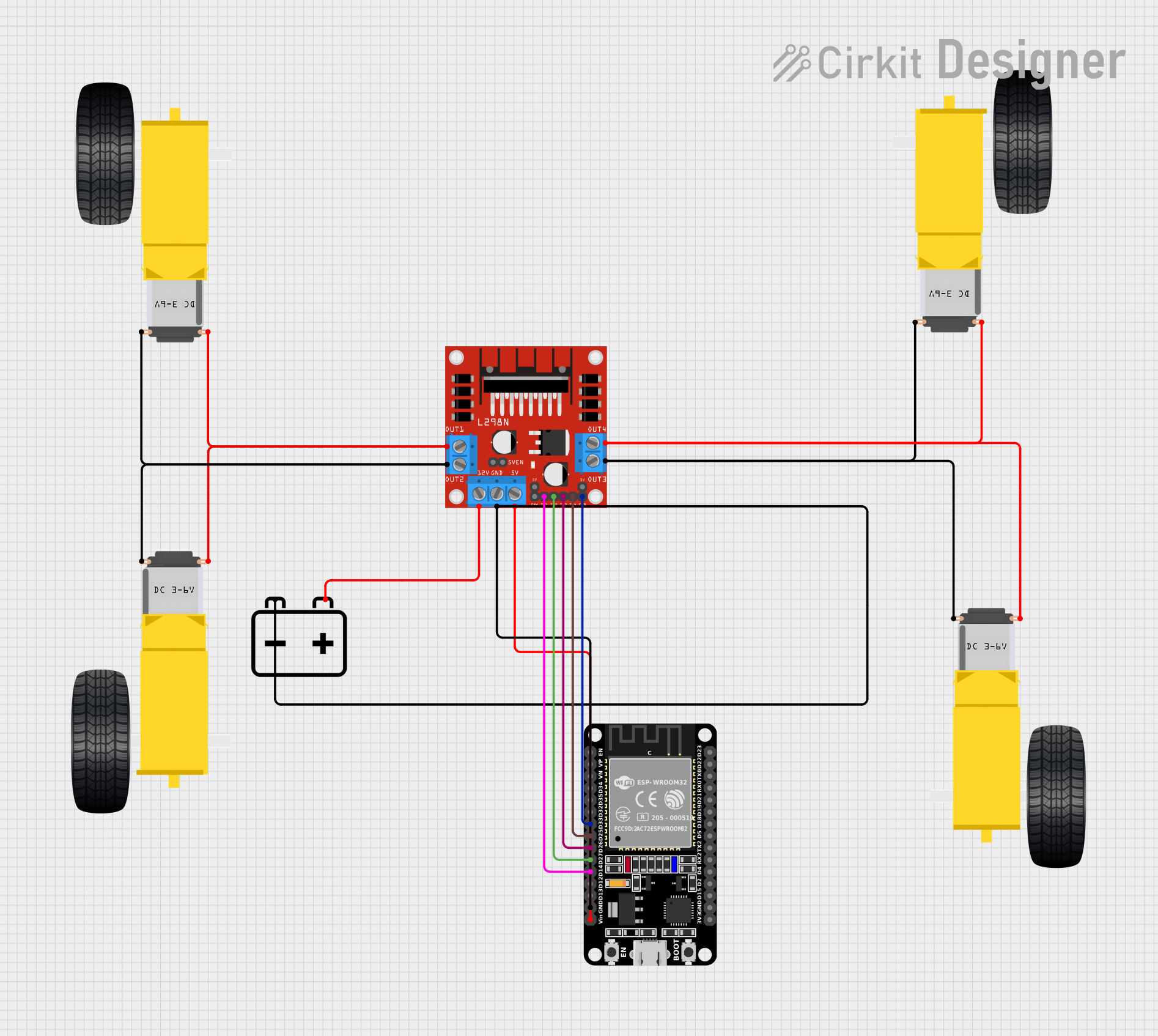 Open Project in Cirkit Designer
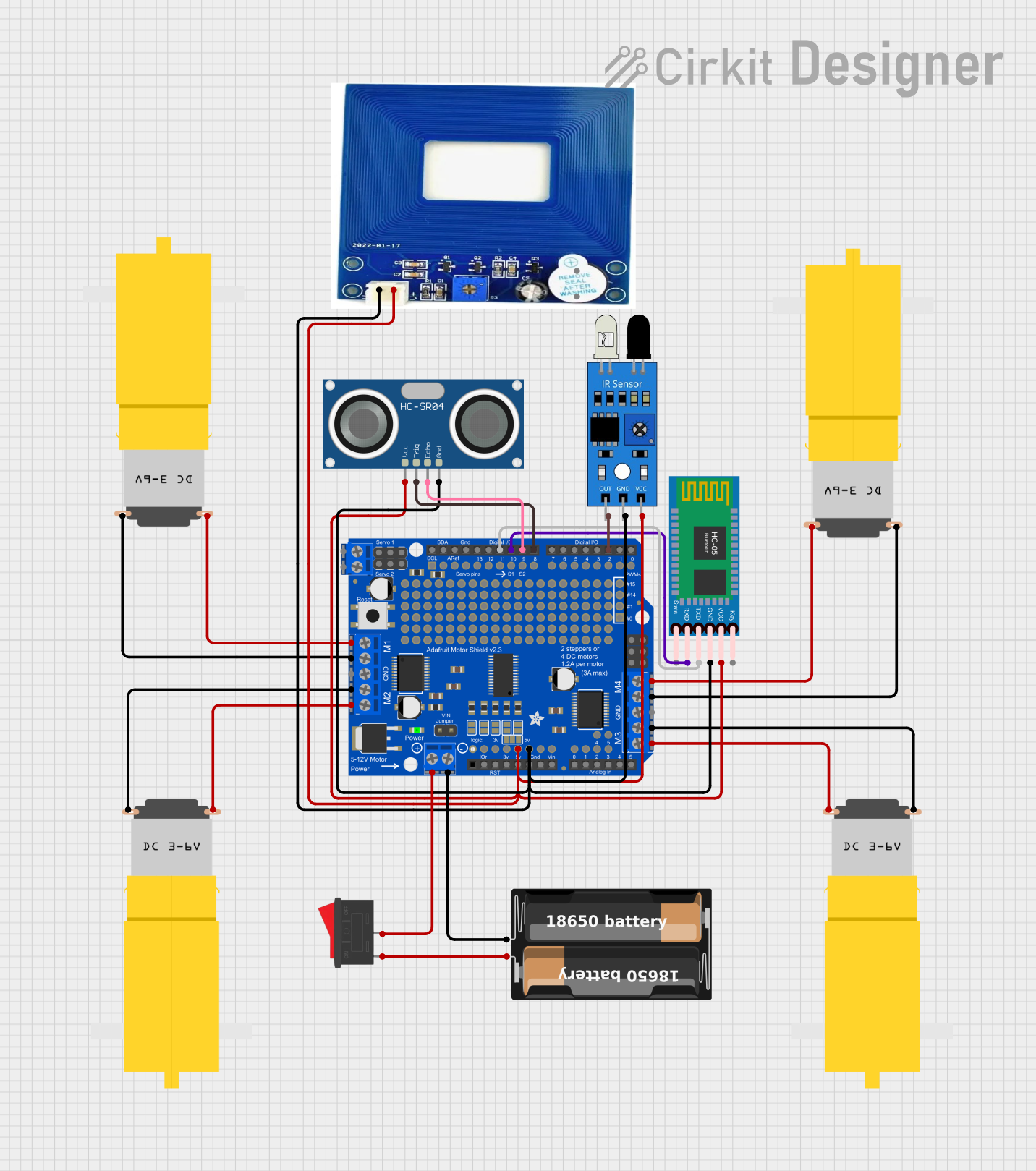 Open Project in Cirkit Designer
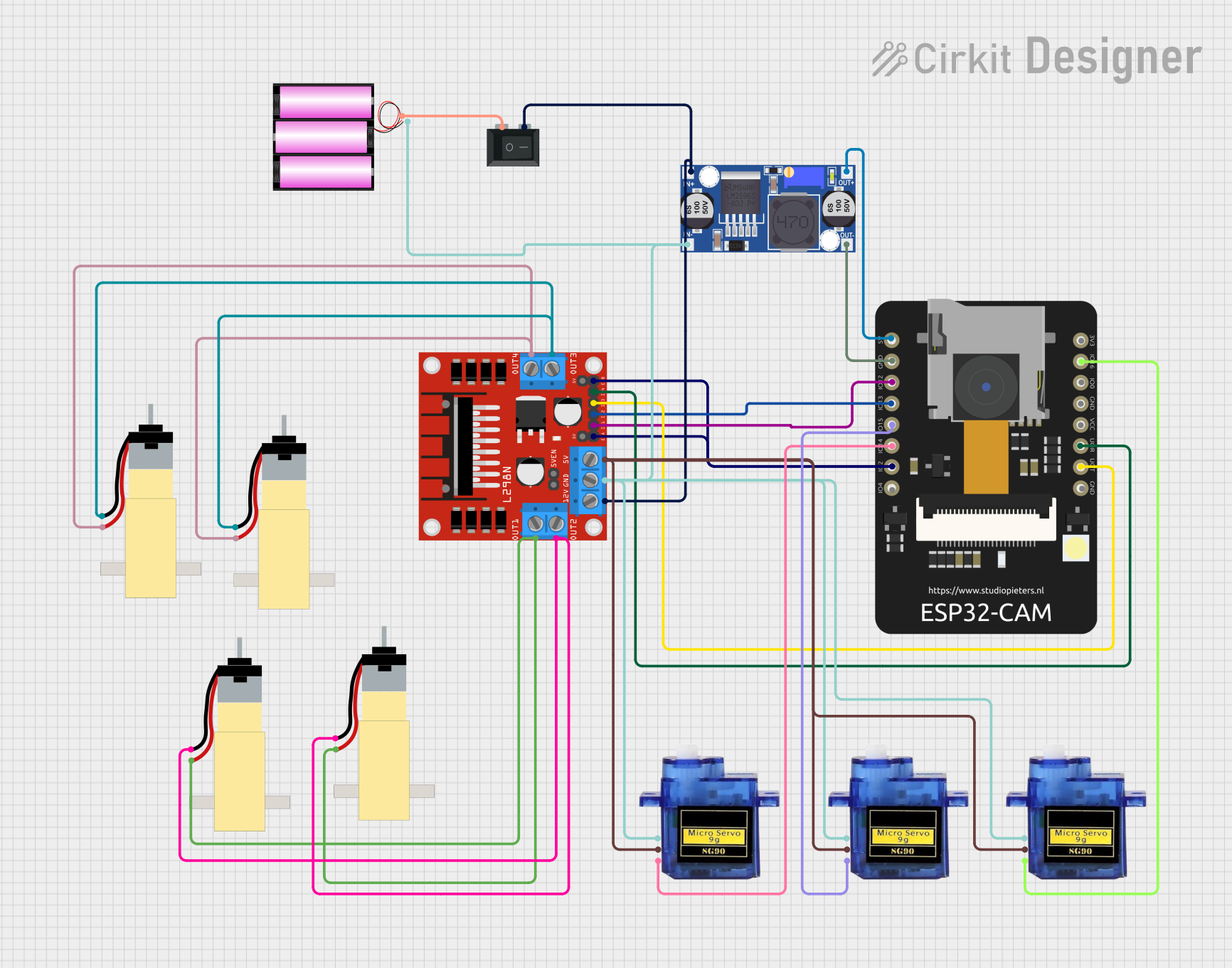 Open Project in Cirkit Designer
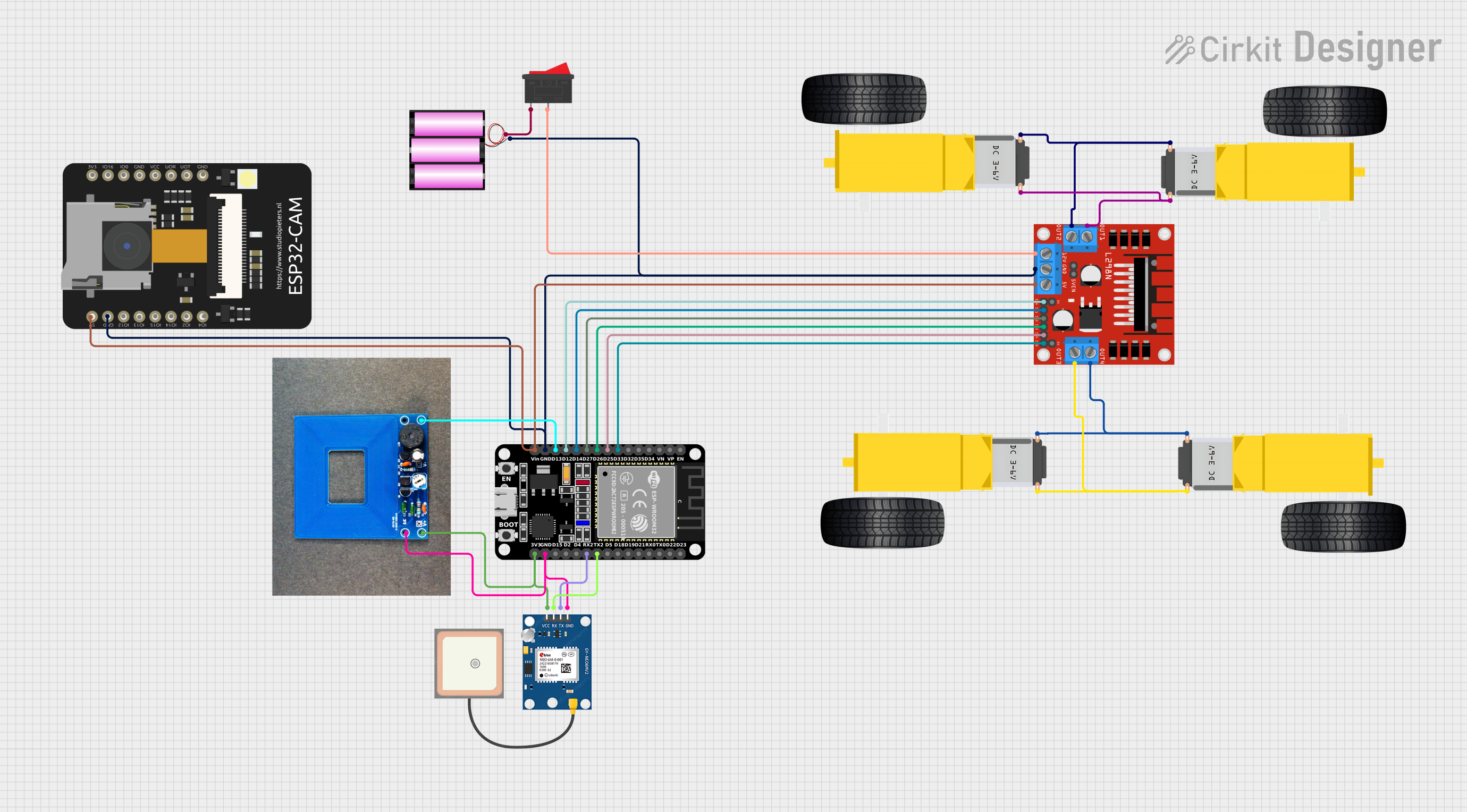 Open Project in Cirkit Designer
Explore Projects Built with Motor
Open Project in Cirkit DesignerOpen Project in Cirkit DesignerOpen Project in Cirkit DesignerOpen Project in Cirkit DesignerCommon Applications
- Robotics and automation systems
- Industrial machinery and equipment
- Household appliances (e.g., washing machines, fans)
- Electric vehicles
- HVAC systems (heating, ventilation, and air conditioning)
Technical Specifications
The specifications of a motor vary depending on its type and intended application. Below is an example of a DC motor's typical specifications:
General Specifications
| Parameter | Value |
|---|---|
| Operating Voltage | 6V - 12V |
| Rated Current | 0.5A - 2A |
| Stall Current | 2A - 5A |
| Rated Speed | 1000 - 5000 RPM |
| Torque | 0.1 - 1.5 Nm |
| Motor Type | Brushed DC Motor |
Pin Configuration (for a DC motor with encoder)
| Pin Name | Description |
|---|---|
| VCC | Power supply input (e.g., 6V - 12V) |
| GND | Ground connection |
| Motor+ | Positive terminal for motor winding |
| Motor- | Negative terminal for motor winding |
| Encoder A | Encoder output signal A (for speed/direction feedback) |
| Encoder B | Encoder output signal B (for speed/direction feedback) |
Usage Instructions
How to Use a Motor in a Circuit
- Power Supply: Ensure the motor is powered with the correct voltage and current as specified in its datasheet. Use a motor driver or H-bridge circuit to control the motor safely.
- Connections:
- Connect the motor terminals (Motor+ and Motor-) to the output of the motor driver.
- If the motor includes an encoder, connect the encoder pins (Encoder A and Encoder B) to the microcontroller for feedback.
- Control: Use a microcontroller (e.g., Arduino UNO) to send control signals to the motor driver. This allows you to control the motor's speed and direction.
Important Considerations
- Current Limiting: Motors can draw high current during startup or under load. Use a motor driver with built-in current limiting or add an external fuse to protect the circuit.
- Heat Dissipation: Motors can generate heat during operation. Ensure proper ventilation or heat sinking to prevent overheating.
- Back EMF: Motors generate back electromotive force (EMF) when spinning. Use diodes or capacitors to protect the circuit from voltage spikes.
Example: Controlling a DC Motor with Arduino UNO
Below is an example of how to control a DC motor using an Arduino UNO and an L298N motor driver:
// Example: Controlling a DC motor with Arduino UNO and L298N motor driver

// Define motor control pins
const int motorPin1 = 9; // Motor input pin 1
const int motorPin2 = 10; // Motor input pin 2
const int enablePin = 11; // Enable pin for motor speed control

void setup() {
  // Set motor pins as outputs
  pinMode(motorPin1, OUTPUT);
  pinMode(motorPin2, OUTPUT);
  pinMode(enablePin, OUTPUT);
}

void loop() {
  // Rotate motor in forward direction
  digitalWrite(motorPin1, HIGH); // Set pin 1 HIGH
  digitalWrite(motorPin2, LOW);  // Set pin 2 LOW
  analogWrite(enablePin, 128);   // Set speed (0-255)

  delay(2000); // Run motor for 2 seconds

  // Rotate motor in reverse direction
  digitalWrite(motorPin1, LOW);  // Set pin 1 LOW
  digitalWrite(motorPin2, HIGH); // Set pin 2 HIGH
  analogWrite(enablePin, 128);   // Set speed (0-255)

  delay(2000); // Run motor for 2 seconds

  // Stop the motor
  digitalWrite(motorPin1, LOW);  // Set pin 1 LOW
  digitalWrite(motorPin2, LOW);  // Set pin 2 LOW
  analogWrite(enablePin, 0);     // Set speed to 0

  delay(2000); // Wait for 2 seconds before repeating
}
Troubleshooting and FAQs
Common Issues
Motor Not Spinning:
- Check the power supply voltage and current. Ensure it matches the motor's requirements.
- Verify the connections between the motor, driver, and microcontroller.
- Ensure the motor driver is receiving control signals from the microcontroller.
Motor Overheating:
- Reduce the load on the motor or ensure proper ventilation.
- Check for excessive current draw and use a current-limiting circuit if necessary.
Erratic Motor Behavior:
- Verify the encoder connections if using an encoder-based motor.
- Check for loose or faulty wiring.
FAQs
Q: Can I connect a motor directly to a microcontroller?
A: No, motors typically require more current than a microcontroller can provide. Always use a motor driver or H-bridge circuit.
Q: How do I reverse the motor's direction?
A: Swap the polarity of the motor terminals or use a motor driver to control the direction programmatically.
Q: What is the purpose of an encoder in a motor?
A: An encoder provides feedback on the motor's speed and position, enabling precise control in applications like robotics.
Q: Can I power a motor with a battery?
A: Yes, but ensure the battery can supply sufficient voltage and current for the motor's operation.