
How to Use N20 motor custom: Examples, Pinouts, and Specs
 Design with N20 motor custom in Cirkit Designer
Introduction
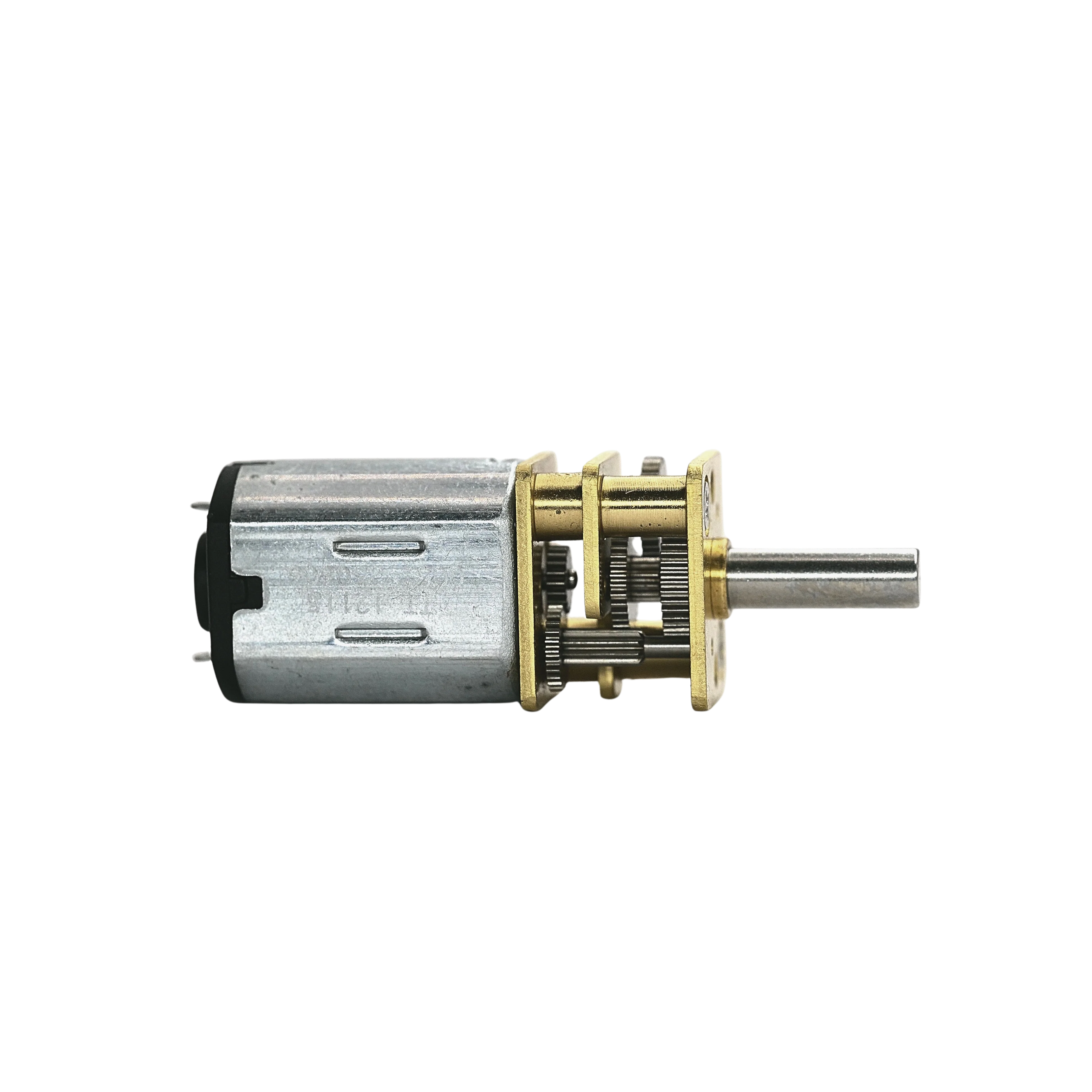
The N20 Motor Custom, manufactured by Arduino (Part ID: Motor N20 Custom), is a small DC motor designed for a wide range of applications. Known for its compact size and versatility, this motor is ideal for robotics, DIY projects, and other applications requiring precise and efficient motion control. The "custom" designation indicates that this version of the N20 motor includes modifications or specific configurations tailored for particular use cases, such as adjusted gear ratios, voltage ranges, or torque specifications.
Explore Projects Built with N20 motor custom
 Open Project in Cirkit Designer
 Open Project in Cirkit Designer
 Open Project in Cirkit Designer
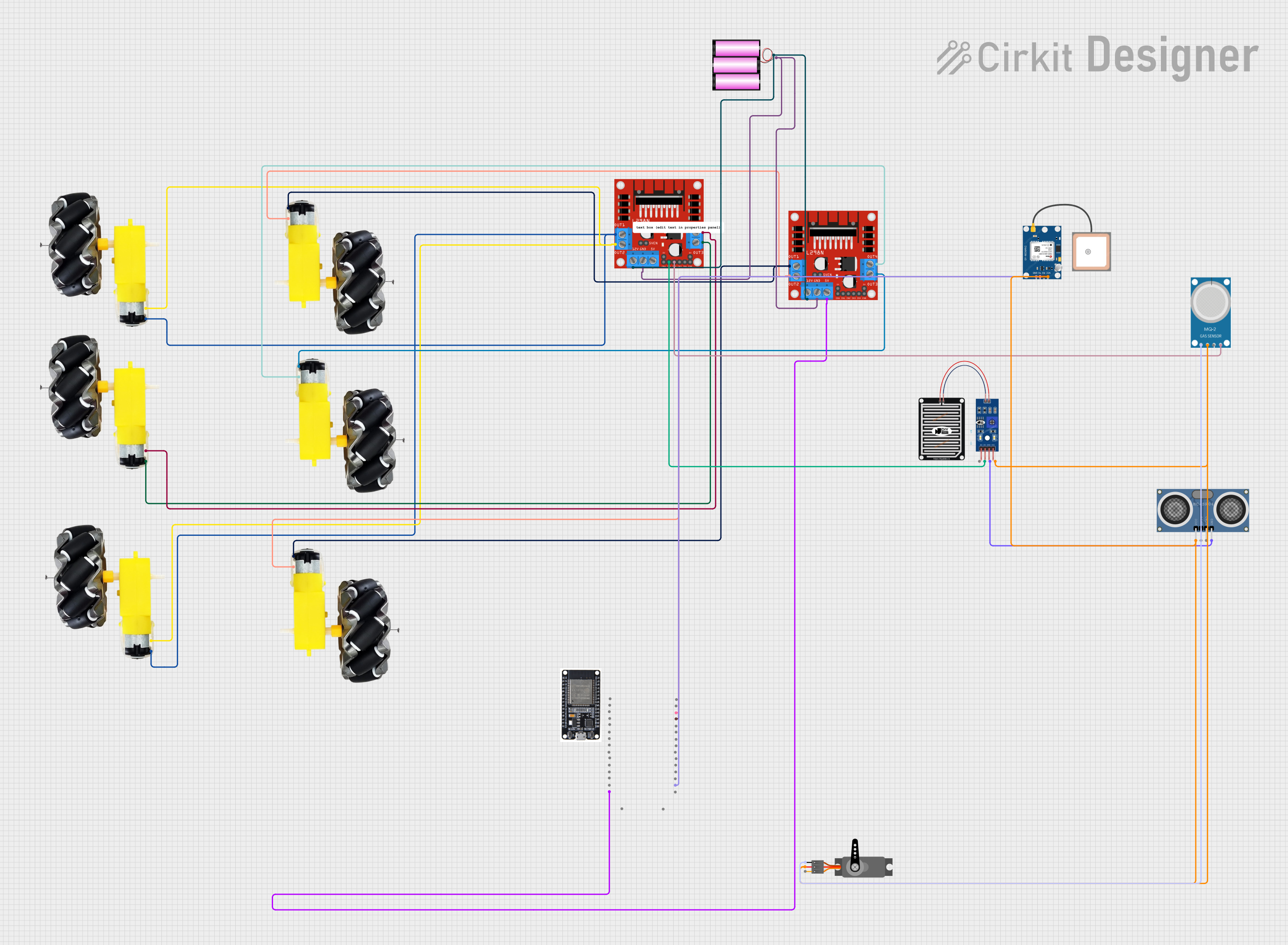 Open Project in Cirkit Designer
Explore Projects Built with N20 motor custom
Open Project in Cirkit DesignerOpen Project in Cirkit DesignerOpen Project in Cirkit DesignerOpen Project in Cirkit DesignerCommon Applications
- Robotics (e.g., small robots, robotic arms)
- DIY electronics projects
- Motorized toys
- Automated mechanisms (e.g., door locks, sliders)
- Educational kits and prototyping
Technical Specifications
Below are the key technical details for the N20 Motor Custom:
| Parameter | Value |
|---|---|
| Manufacturer | Arduino |
| Part ID | Motor N20 Custom |
| Operating Voltage Range | 3V - 12V |
| Rated Voltage | 6V |
| No-Load Speed | 200 - 600 RPM (varies by model) |
| Stall Torque | 0.1 - 0.3 kg·cm (varies by model) |
| Stall Current | 0.3A - 1.2A |
| Gear Ratio | Customizable (e.g., 1:10, 1:50) |
| Motor Type | Brushed DC Motor |
| Dimensions | 12mm x 10mm x 15mm |
| Shaft Diameter | 3mm |
| Weight | ~10g |
Pin Configuration and Descriptions
The N20 Motor Custom typically has two terminals for electrical connections:
| Pin | Description |
|---|---|
| + | Positive terminal (connect to VCC) |
| - | Negative terminal (connect to GND) |
Note: The motor's polarity determines its rotation direction. Reversing the polarity will reverse the motor's rotation.
Usage Instructions
How to Use the N20 Motor Custom in a Circuit
- Power Supply: Ensure the motor is powered within its operating voltage range (3V - 12V). Exceeding this range may damage the motor.
- Motor Driver: Use a motor driver (e.g., L298N, L293D, or an H-bridge circuit) to control the motor. Directly connecting the motor to a microcontroller is not recommended due to the high current draw.
- Polarity Control: To change the motor's rotation direction, reverse the polarity of the connections.
- Mounting: Secure the motor using screws or a motor bracket to prevent movement during operation.
Important Considerations and Best Practices
- Current Limiting: Use a current-limiting resistor or a motor driver with built-in current protection to prevent excessive current draw.
- Heat Management: Avoid prolonged operation at stall conditions, as this can cause overheating.
- Noise Suppression: Add a capacitor (e.g., 0.1µF) across the motor terminals to reduce electrical noise.
- Gear Ratio Selection: Choose a gear ratio that matches your application's speed and torque requirements.
Example: Connecting the N20 Motor Custom to an Arduino UNO
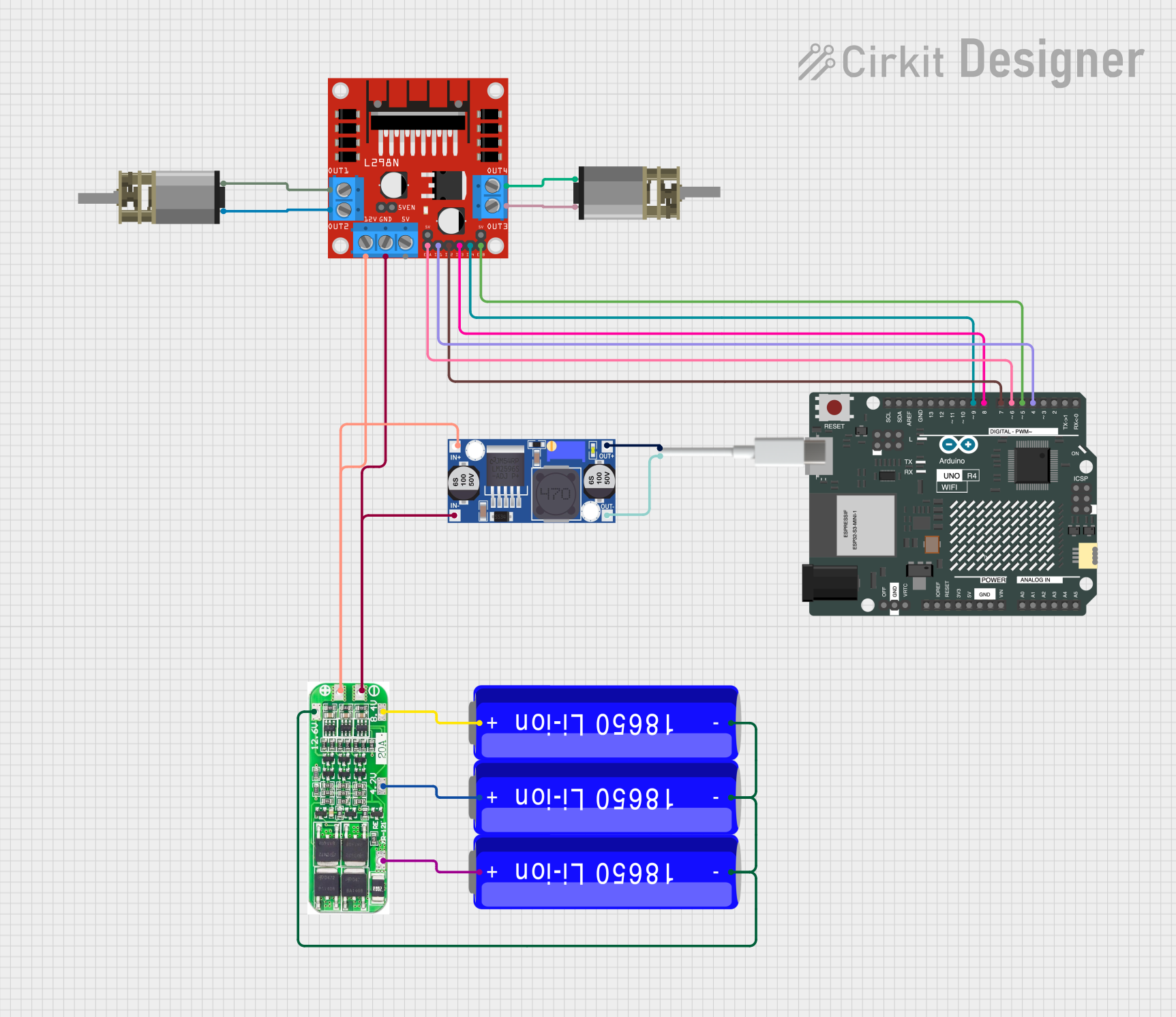
Below is an example of how to control the N20 Motor Custom using an Arduino UNO and an L298N motor driver:
Circuit Diagram
- Connect the motor terminals to the L298N motor driver's output pins (e.g., OUT1 and OUT2).
- Connect the L298N's input pins (e.g., IN1 and IN2) to Arduino digital pins.
- Provide power to the motor driver and Arduino.
Arduino Code
// Define motor control pins
const int motorPin1 = 9; // IN1 on L298N
const int motorPin2 = 10; // IN2 on L298N

void setup() {
  // Set motor pins as outputs
  pinMode(motorPin1, OUTPUT);
  pinMode(motorPin2, OUTPUT);
}

void loop() {
  // Rotate motor in one direction
  digitalWrite(motorPin1, HIGH);
  digitalWrite(motorPin2, LOW);
  delay(2000); // Run for 2 seconds

  // Stop the motor
  digitalWrite(motorPin1, LOW);
  digitalWrite(motorPin2, LOW);
  delay(1000); // Pause for 1 second

  // Rotate motor in the opposite direction
  digitalWrite(motorPin1, LOW);
  digitalWrite(motorPin2, HIGH);
  delay(2000); // Run for 2 seconds

  // Stop the motor
  digitalWrite(motorPin1, LOW);
  digitalWrite(motorPin2, LOW);
  delay(1000); // Pause for 1 second
}
Note: Ensure the motor driver is powered with an appropriate voltage and current source.
Troubleshooting and FAQs
Common Issues
Motor Does Not Spin
- Cause: Insufficient power supply or incorrect wiring.
- Solution: Verify the power supply voltage and current. Check all connections.
Motor Spins in the Wrong Direction
- Cause: Polarity of the motor terminals is reversed.
- Solution: Swap the connections to the motor terminals.
Motor Overheats
- Cause: Prolonged stall condition or excessive voltage.
- Solution: Reduce the load on the motor and ensure the voltage is within the specified range.
Electrical Noise Interferes with Circuit
- Cause: Motor generates electrical noise during operation.
- Solution: Add a capacitor (e.g., 0.1µF) across the motor terminals.
FAQs
Can I connect the N20 Motor Custom directly to an Arduino?
- No, the motor's current draw is too high for the Arduino's GPIO pins. Use a motor driver.
What gear ratio should I choose?
- The gear ratio depends on your application's speed and torque requirements. Higher gear ratios provide more torque but reduce speed.
Can I use PWM to control the motor speed?
- Yes, use a motor driver with PWM input to control the motor's speed via an Arduino.
Is the motor waterproof?
- No, the N20 Motor Custom is not waterproof. Avoid exposing it to water or moisture.
By following this documentation, you can effectively integrate the N20 Motor Custom into your projects and troubleshoot common issues.