
How to Use FC (B-CUBE): Examples, Pinouts, and Specs
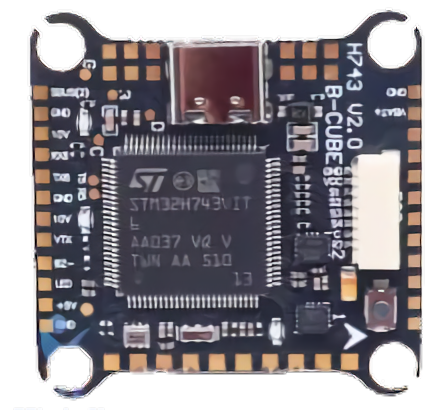
 Design with FC (B-CUBE) in Cirkit Designer
Introduction
The FC (B-CUBE) is a modular and scalable circuit component designed to simplify and enhance circuit design. Its unique architecture allows for easy integration and reconfiguration, making it an ideal choice for prototyping, educational purposes, and dynamic electronic applications. The B-CUBE's flexibility enables users to create complex circuits with minimal effort, reducing design time and improving adaptability.
Explore Projects Built with FC (B-CUBE)
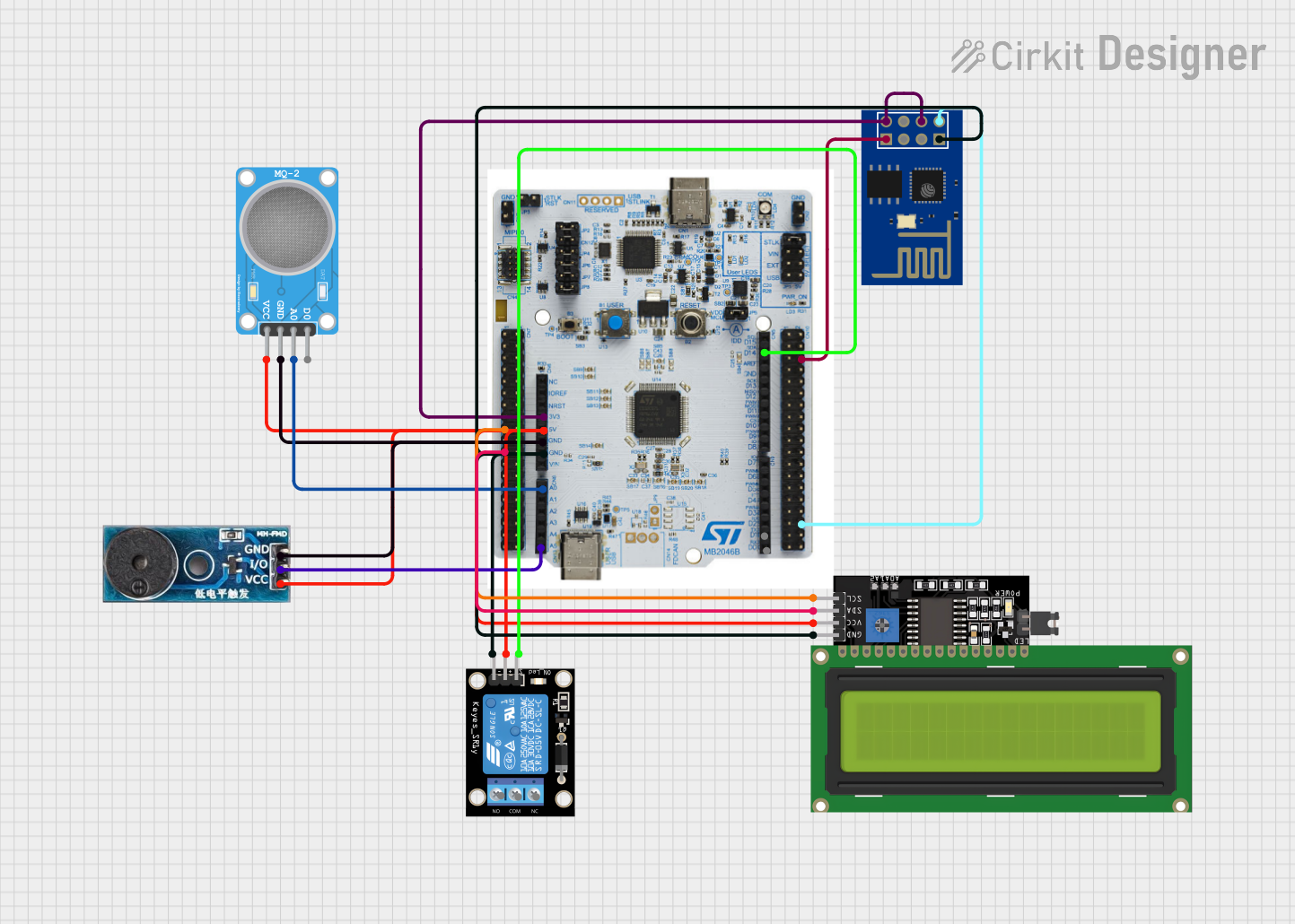 Open Project in Cirkit Designer
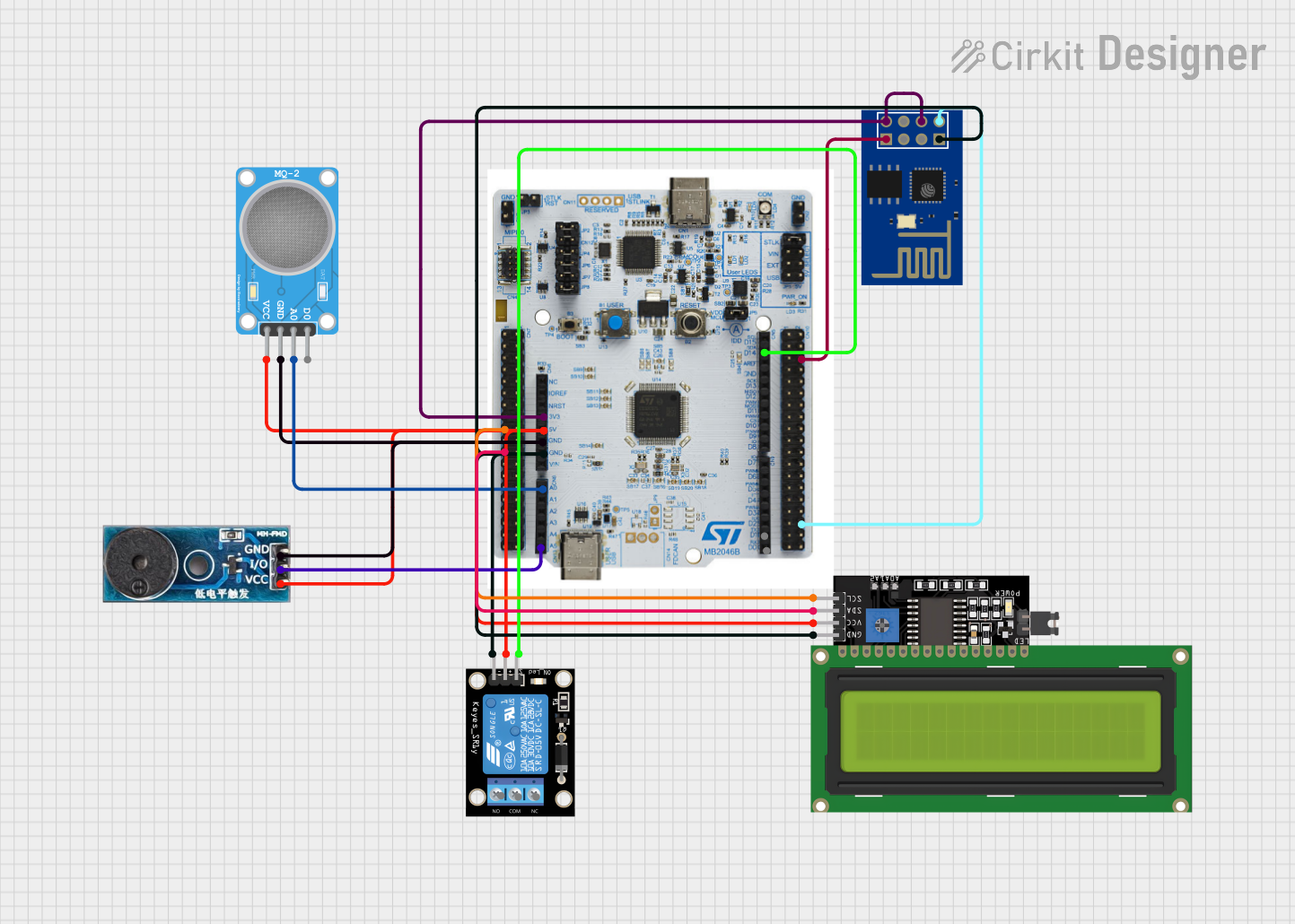 Open Project in Cirkit Designer
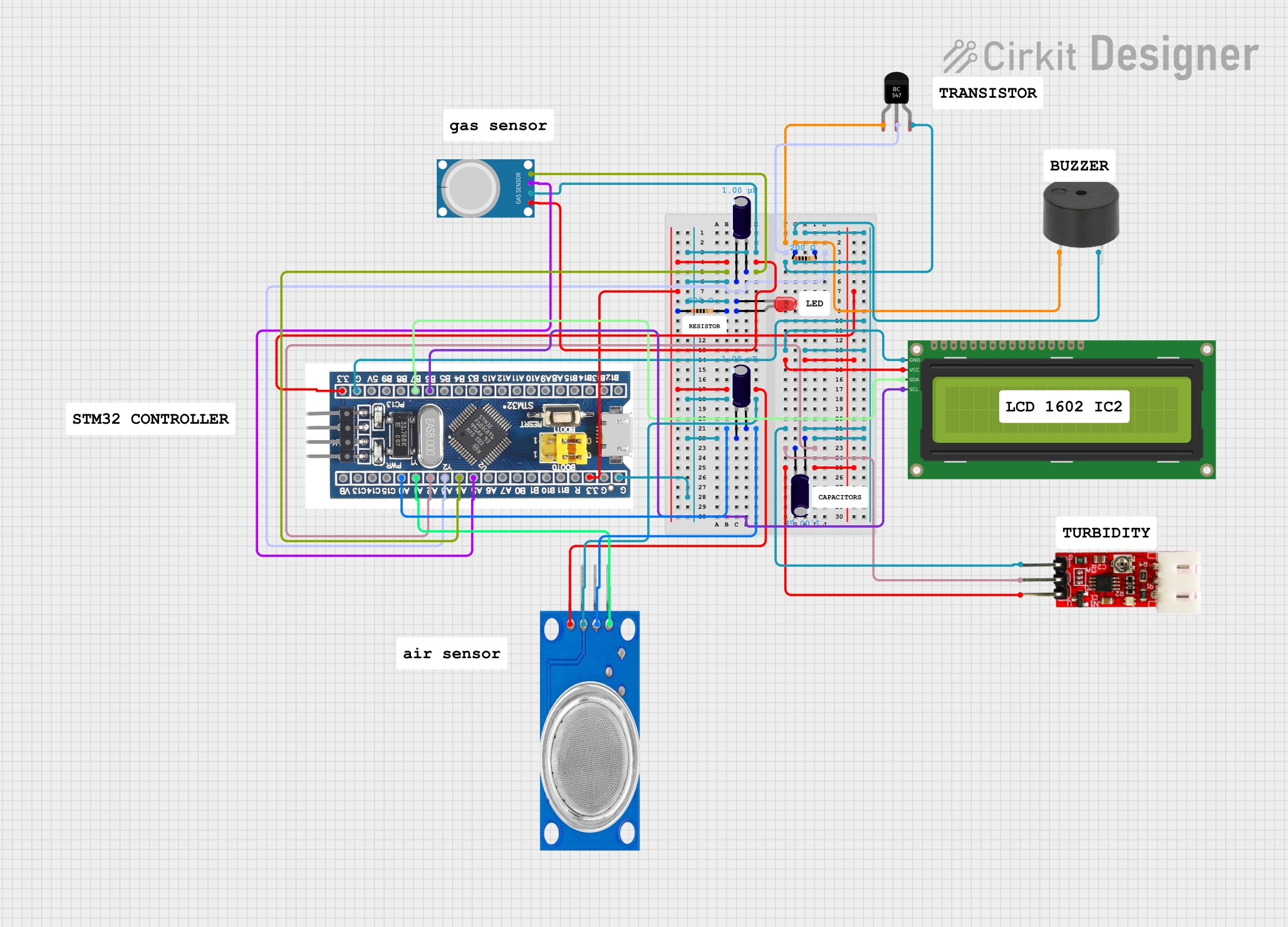 Open Project in Cirkit Designer
 Open Project in Cirkit Designer
Explore Projects Built with FC (B-CUBE)
Open Project in Cirkit DesignerOpen Project in Cirkit DesignerOpen Project in Cirkit DesignerOpen Project in Cirkit DesignerCommon Applications and Use Cases
- Rapid prototyping of electronic circuits
- Modular system design for IoT devices
- Educational tools for teaching circuit design
- Scalable solutions for robotics and automation
- Reconfigurable circuits in research and development
Technical Specifications
Key Technical Details
- Operating Voltage: 3.3V to 5V
- Maximum Current Rating: 500mA per module
- Power Consumption: < 0.5W per module
- Communication Protocols: I2C, SPI, UART (selectable)
- Dimensions: 25mm x 25mm x 10mm
- Operating Temperature Range: -20°C to 70°C
- Connector Type: Standard 4-pin modular interface
Pin Configuration and Descriptions
The FC (B-CUBE) features a 4-pin modular interface for seamless connectivity. Below is the pin configuration:
| Pin | Name | Description |
|---|---|---|
| 1 | VCC | Power supply input (3.3V to 5V) |
| 2 | GND | Ground connection |
| 3 | DATA | Data line for communication (I2C/SPI/UART, depending on configuration) |
| 4 | CLK | Clock line for synchronous communication (used in I2C/SPI modes) |
Usage Instructions
How to Use the Component in a Circuit
Powering the Module:
- Connect the VCC pin to a 3.3V or 5V power source.
- Ensure the GND pin is connected to the ground of the power supply.
Communication Setup:
- Select the desired communication protocol (I2C, SPI, or UART) using the onboard configuration jumper or software settings.
- Connect the DATA and CLK pins to the corresponding pins on your microcontroller or host device.
Integration:
- Use the modular connectors to link multiple B-CUBE modules together for scalable designs.
- Ensure proper alignment of connectors to avoid miscommunication or damage.
Programming:
- If using with an Arduino UNO, install the necessary libraries for the selected protocol.
- Write code to initialize and communicate with the B-CUBE module.
Important Considerations and Best Practices
- Power Supply: Ensure the power supply voltage matches the module's operating range to avoid damage.
- Protocol Selection: Double-check the communication protocol configuration before connecting to a microcontroller.
- Modular Connections: Securely connect modules to prevent accidental disconnections during operation.
- Heat Management: Avoid operating the module in environments exceeding the specified temperature range.
Example Code for Arduino UNO (I2C Communication)
#include <Wire.h> // Include the Wire library for I2C communication

#define B_CUBE_ADDRESS 0x40 // Replace with the actual I2C address of your B-CUBE module

void setup() {
  Wire.begin(); // Initialize I2C communication
  Serial.begin(9600); // Start serial communication for debugging

  // Send initialization command to the B-CUBE module
  Wire.beginTransmission(B_CUBE_ADDRESS);
  Wire.write(0x01); // Example command to initialize the module
  Wire.endTransmission();

  Serial.println("B-CUBE module initialized.");
}

void loop() {
  // Request data from the B-CUBE module
  Wire.requestFrom(B_CUBE_ADDRESS, 1); // Request 1 byte of data

  if (Wire.available()) {
    int data = Wire.read(); // Read the received data
    Serial.print("Received data: ");
    Serial.println(data);
  }

  delay(1000); // Wait for 1 second before the next request
}
Troubleshooting and FAQs
Common Issues and Solutions
Module Not Responding:
- Cause: Incorrect power supply or loose connections.
- Solution: Verify the power supply voltage and ensure all connections are secure.
Communication Failure:
- Cause: Incorrect protocol configuration or wiring.
- Solution: Double-check the protocol selection and wiring. Ensure the microcontroller's pins match the B-CUBE's DATA and CLK pins.
Overheating:
- Cause: Operating outside the specified temperature range or excessive current draw.
- Solution: Ensure proper ventilation and avoid exceeding the maximum current rating.
Data Corruption:
- Cause: Noise or interference in the communication lines.
- Solution: Use shorter wires and add pull-up resistors to the I2C lines if necessary.
FAQs
Q: Can I connect multiple B-CUBE modules together?
A: Yes, the B-CUBE is designed for modularity. You can connect multiple modules using the standard connectors, provided the total current draw does not exceed the power supply's capacity.
Q: What is the default I2C address of the B-CUBE module?
A: The default I2C address is 0x40, but it may vary depending on the specific module version. Refer to the module's datasheet for confirmation.
Q: Can the B-CUBE operate at 12V?
A: No, the B-CUBE is designed to operate within a voltage range of 3.3V to 5V. Using a higher voltage may damage the module.
Q: Is the B-CUBE compatible with Raspberry Pi?
A: Yes, the B-CUBE can be used with Raspberry Pi via I2C, SPI, or UART communication. Ensure proper wiring and protocol configuration.
By following this documentation, you can effectively integrate and utilize the FC (B-CUBE) in your electronic projects.