
How to Use Rasberry Pi5: Examples, Pinouts, and Specs
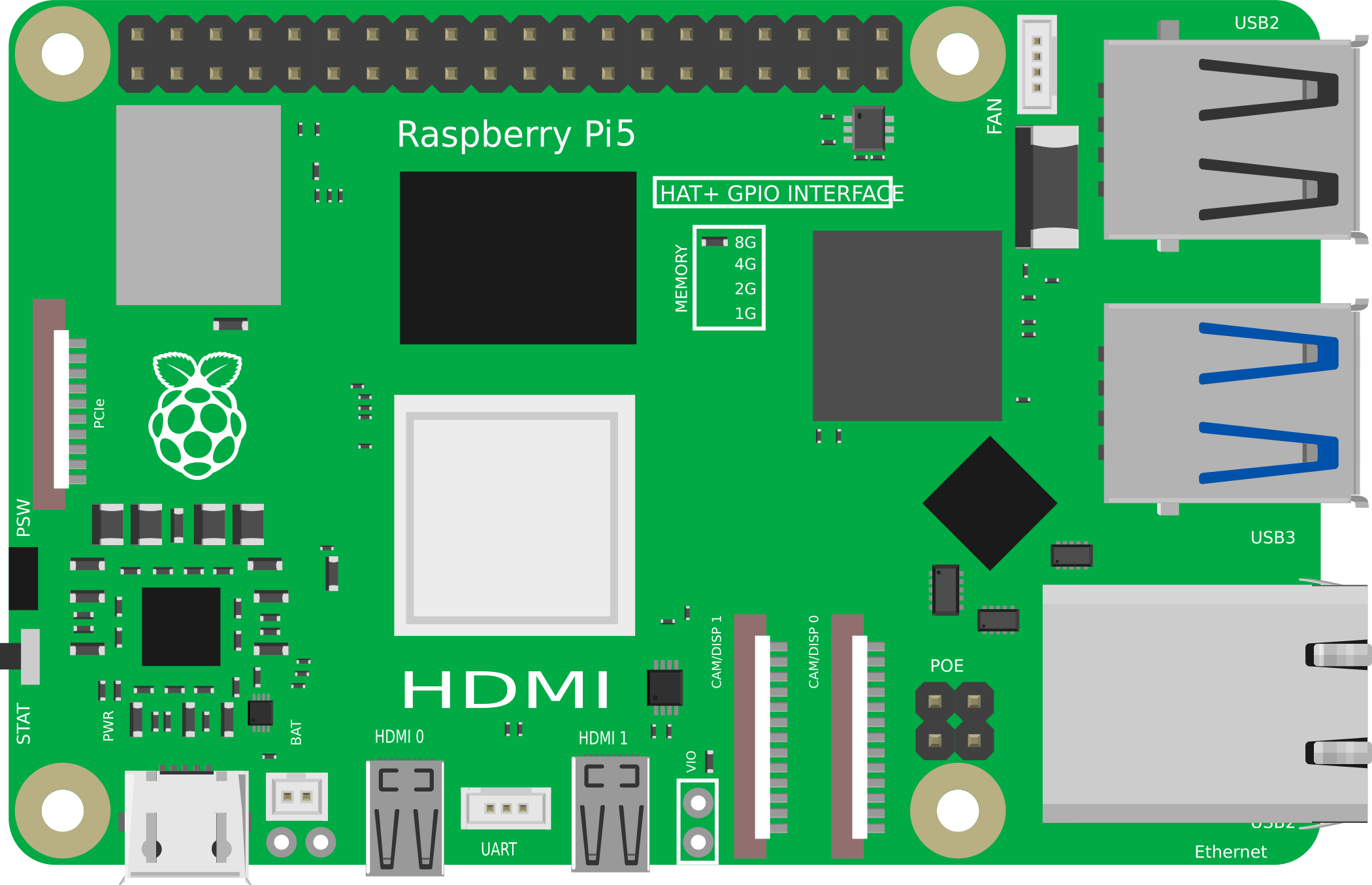
 Design with Rasberry Pi5 in Cirkit Designer
Introduction
The Raspberry Pi 5 is a compact, affordable single-board computer designed to empower users with a versatile platform for a wide range of applications. Featuring a quad-core processor, improved graphics capabilities, and multiple connectivity options, the Raspberry Pi 5 is ideal for projects ranging from learning programming and electronics to building Internet of Things (IoT) devices and media centers. Its small form factor and robust performance make it a popular choice for hobbyists, educators, and professionals alike.
Explore Projects Built with Rasberry Pi5
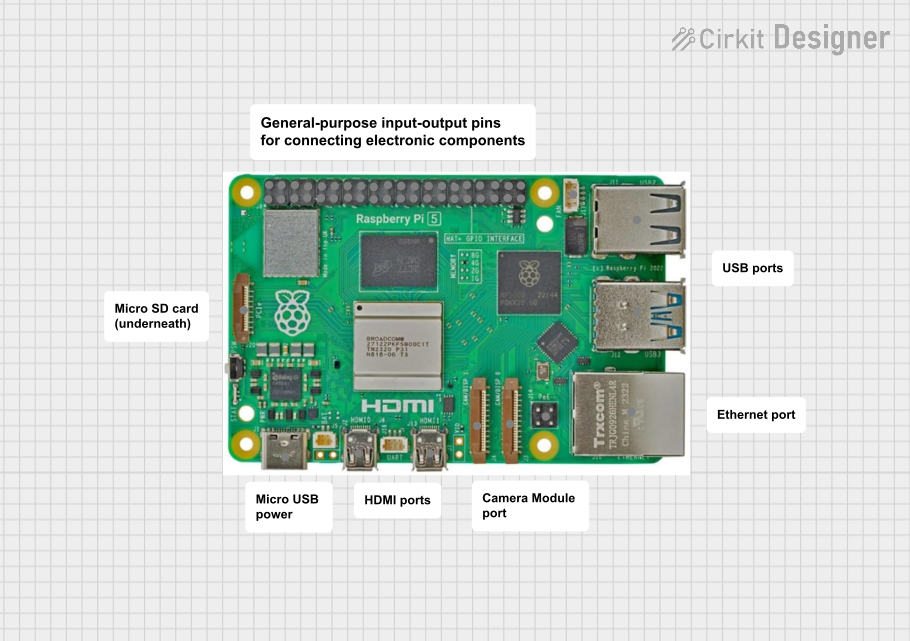 Open Project in Cirkit Designer
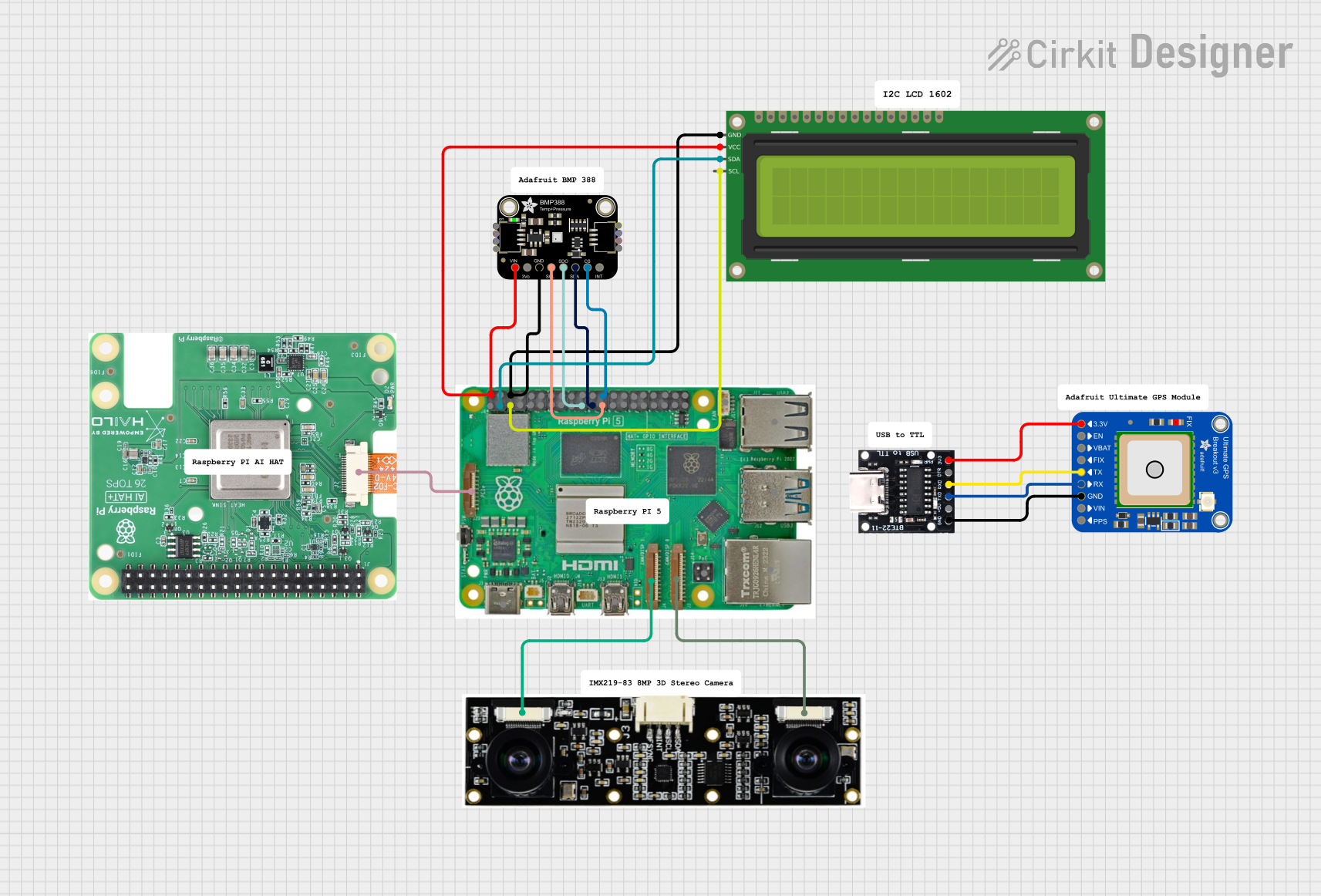 Open Project in Cirkit Designer
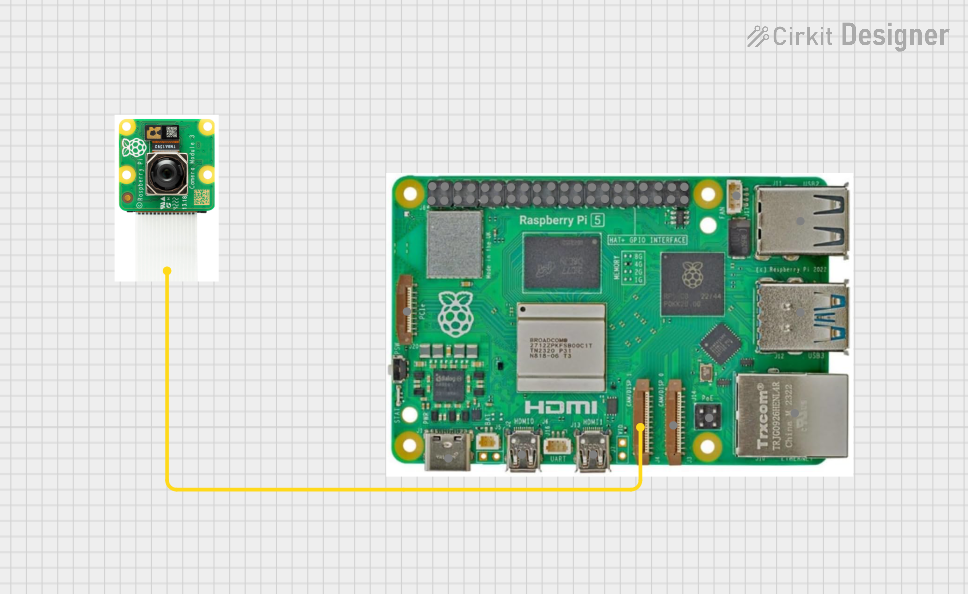 Open Project in Cirkit Designer
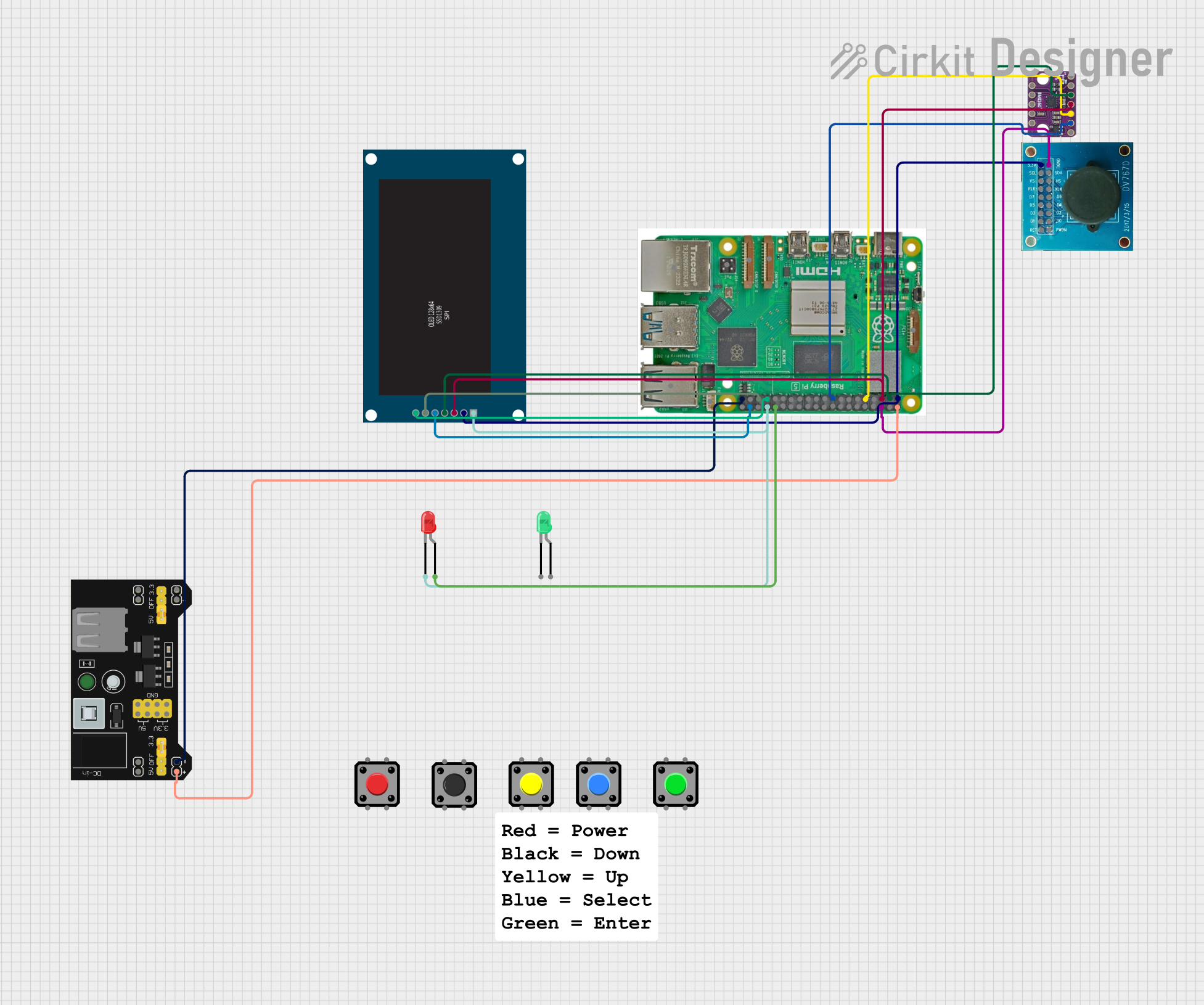 Open Project in Cirkit Designer
Explore Projects Built with Rasberry Pi5
Open Project in Cirkit DesignerOpen Project in Cirkit DesignerOpen Project in Cirkit DesignerOpen Project in Cirkit DesignerCommon Applications and Use Cases
- Learning programming languages such as Python, C++, and JavaScript
- Building IoT devices and smart home automation systems
- Creating media centers and streaming devices
- Robotics and embedded systems development
- Prototyping hardware and software projects
- Running lightweight servers for web hosting or file sharing
Technical Specifications
The Raspberry Pi 5 offers significant improvements over its predecessors, making it a powerful tool for various applications. Below are the key technical specifications:
General Specifications
| Feature | Specification |
|---|---|
| Processor | Quad-core ARM Cortex-A76, 2.4 GHz |
| GPU | VideoCore VII, supports 4K video output |
| RAM | 4GB or 8GB LPDDR4X |
| Storage | MicroSD card slot, supports up to 1TB |
| Connectivity | Dual-band Wi-Fi 6, Bluetooth 5.2, Gigabit Ethernet |
| USB Ports | 2x USB 3.0, 2x USB 2.0 |
| GPIO Pins | 40-pin header, 3.3V logic |
| Display Output | 2x micro-HDMI ports, supports dual 4K displays |
| Power Supply | USB-C, 5V/3A |
| Operating System | Raspberry Pi OS (Linux-based) |
GPIO Pin Configuration
The Raspberry Pi 5 features a 40-pin GPIO header for interfacing with external components. Below is the pinout configuration:
| Pin Number | Function | Description |
|---|---|---|
| 1 | 3.3V Power | Provides 3.3V power |
| 2 | 5V Power | Provides 5V power |
| 3 | GPIO 2 (SDA1) | I2C Data |
| 4 | 5V Power | Provides 5V power |
| 5 | GPIO 3 (SCL1) | I2C Clock |
| 6 | Ground | Ground |
| 7 | GPIO 4 | General-purpose I/O |
| 8 | GPIO 14 (TXD) | UART Transmit |
| 9 | Ground | Ground |
| 10 | GPIO 15 (RXD) | UART Receive |
| ... | ... | ... (Refer to official documentation for full pinout) |
Usage Instructions
The Raspberry Pi 5 is designed to be user-friendly, but proper setup and usage are essential for optimal performance. Follow the steps below to get started:
Setting Up the Raspberry Pi 5
Prepare the MicroSD Card:
- Download the Raspberry Pi OS image from the official website.
- Use a tool like Balena Etcher to flash the OS image onto a microSD card.
- Insert the microSD card into the Raspberry Pi 5's card slot.
Connect Peripherals:
- Attach a keyboard, mouse, and monitor to the Raspberry Pi 5.
- Use the micro-HDMI ports for display output.
Power Up:
- Connect a 5V/3A USB-C power supply to the Raspberry Pi 5.
- The device will boot up, and you will see the Raspberry Pi OS desktop.
Configure the System:
- Follow the on-screen setup wizard to configure Wi-Fi, language, and other settings.
Using GPIO Pins
The GPIO pins on the Raspberry Pi 5 can be used to interface with sensors, LEDs, and other components. Below is an example of controlling an LED using Python:
Import the GPIO library
import RPi.GPIO as GPIO import time
Set the GPIO mode to BCM (Broadcom pin numbering)
GPIO.setmode(GPIO.BCM)
Define the GPIO pin connected to the LED
LED_PIN = 18
Set up the LED pin as an output
GPIO.setup(LED_PIN, GPIO.OUT)
Blink the LED in a loop
try: while True: GPIO.output(LED_PIN, GPIO.HIGH) # Turn the LED on time.sleep(1) # Wait for 1 second GPIO.output(LED_PIN, GPIO.LOW) # Turn the LED off time.sleep(1) # Wait for 1 second except KeyboardInterrupt: # Clean up GPIO settings on exit GPIO.cleanup()
Important Considerations
- Always use a high-quality power supply to avoid voltage drops.
- Avoid connecting components that exceed the GPIO pin voltage/current ratings.
- Use level shifters when interfacing with 5V logic devices.
- Regularly update the Raspberry Pi OS to ensure security and compatibility.
Troubleshooting and FAQs
Common Issues and Solutions
The Raspberry Pi 5 does not boot:
- Ensure the microSD card is properly inserted and contains a valid OS image.
- Check the power supply for sufficient voltage and current.
No display output:
- Verify that the HDMI cable is securely connected.
- Ensure the monitor is set to the correct input source.
Wi-Fi connectivity issues:
- Check the Wi-Fi credentials and signal strength.
- Restart the Raspberry Pi and router if necessary.
GPIO pins not working:
- Confirm the correct pin numbering (BCM vs. physical).
- Check for loose connections or damaged components.
FAQs
Q: Can I use the Raspberry Pi 5 for gaming?
A: Yes, the Raspberry Pi 5 supports retro gaming emulators and lightweight games, but it is not designed for high-end gaming.
Q: What operating systems are compatible with the Raspberry Pi 5?
A: The Raspberry Pi 5 primarily supports Raspberry Pi OS, but other Linux-based distributions like Ubuntu and specialized OSes like RetroPie are also compatible.
Q: How do I update the Raspberry Pi OS?
A: Run the following commands in the terminal:
sudo apt update
sudo apt full-upgrade
Q: Can I power the Raspberry Pi 5 via GPIO pins?
A: Yes, you can power it through the 5V and GND pins, but this method bypasses the onboard power management and is not recommended for beginners.
By following this documentation, you can effectively utilize the Raspberry Pi 5 for your projects and troubleshoot common issues with ease.