
How to Use 45: Examples, Pinouts, and Specs
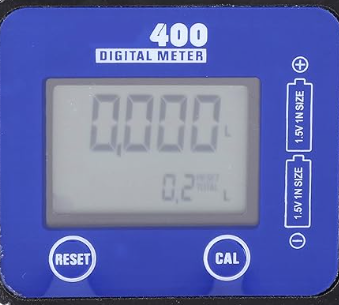
 Design with 45 in Cirkit Designer
It seems there was a misunderstanding regarding the component name. Let's choose a common electronic component for this documentation. We'll use the LM35 Temperature Sensor as our example component.
LM35 Temperature Sensor Documentation
Introduction
The LM35 is a precision integrated-circuit temperature sensor whose output voltage is linearly proportional to the Celsius (Centigrade) temperature. The LM35 thus has an advantage over linear temperature sensors calibrated in Kelvin, as the user is not required to subtract a large constant voltage from its output to obtain convenient Centigrade scaling. The LM35 does not require any external calibration or trimming to provide typical accuracies of ±¼°C at room temperature and ±¾°C over a full -55°C to +150°C temperature range.
Common Applications and Use Cases
- Environmental Monitoring: Used in weather stations and environmental monitoring systems.
- Home Automation: Integrated into smart home systems for temperature control.
- Industrial Applications: Used in various industrial processes where temperature monitoring is crucial.
- Consumer Electronics: Found in devices like thermostats and HVAC systems.
Technical Specifications
Key Technical Details
| Parameter | Value |
|---|---|
| Supply Voltage | 4V to 30V |
| Operating Temperature | -55°C to +150°C |
| Output Voltage Range | 0V to 5V |
| Accuracy | ±0.5°C (at 25°C) |
| Sensitivity | 10mV/°C |
| Current Consumption | 60µA |
Pin Configuration and Descriptions
| Pin Number | Pin Name | Description |
|---|---|---|
| 1 | Vcc | Supply Voltage (4V to 30V) |
| 2 | Vout | Output Voltage (10mV/°C) |
| 3 | GND | Ground |
Usage Instructions
How to Use the LM35 in a Circuit
Power the Sensor:
- Connect the Vcc pin to a power supply (4V to 30V).
- Connect the GND pin to the ground of the power supply.
Read the Output:
- Connect the Vout pin to an analog input of a microcontroller (e.g., Arduino).
Important Considerations and Best Practices
- Power Supply: Ensure the power supply is stable and within the specified range.
- Placement: Place the sensor away from heat sources to avoid inaccurate readings.
- Calibration: Although the LM35 is pre-calibrated, you may need to calibrate it for specific applications to achieve higher accuracy.
Example Circuit with Arduino UNO
```cpp
// Example code to read temperature from LM35 using Arduino UNO

const int sensorPin = A0; // Analog input pin that the LM35 is attached to
int sensorValue = 0;      // Variable to store the value coming from the sensor
float temperature = 0;    // Variable to store the temperature in Celsius

void setup() {
  Serial.begin(9600); // Initialize serial communication at 9600 bits per second
}

void loop() {
  // Read the analog input from the LM35
  sensorValue = analogRead(sensorPin);

  // Convert the analog reading (which goes from 0 - 1023) to a voltage (0 - 5V)
  float voltage = sensorValue * (5.0 / 1023.0);

  // Convert the voltage to temperature in Celsius
  temperature = voltage * 100.0;

  // Print the temperature to the Serial Monitor
  Serial.print("Temperature: ");
  Serial.print(temperature);
  Serial.println(" °C");

  delay(1000); // Wait for 1 second before taking another reading
}
## Troubleshooting and FAQs

### Common Issues Users Might Face

1. **Inaccurate Readings:**
   - **Cause:** Sensor placed near a heat source or in direct sunlight.
   - **Solution:** Relocate the sensor to a more stable environment.

2. **No Output Voltage:**
   - **Cause:** Incorrect wiring or insufficient power supply.
   - **Solution:** Double-check the wiring and ensure the power supply is within the specified range.

3. **Fluctuating Readings:**
   - **Cause:** Electrical noise or unstable power supply.
   - **Solution:** Use capacitors to filter noise and ensure a stable power supply.

### Solutions and Tips for Troubleshooting

- **Check Connections:** Ensure all connections are secure and correct.
- **Use Decoupling Capacitors:** Place capacitors between Vcc and GND to filter out noise.
- **Verify Power Supply:** Use a regulated power supply to avoid fluctuations.

---

This documentation provides a comprehensive guide to understanding, using, and troubleshooting the LM35 Temperature Sensor. Whether you are a beginner or an experienced user, this guide should help you effectively integrate the LM35 into your projects.
Explore Projects Built with 45
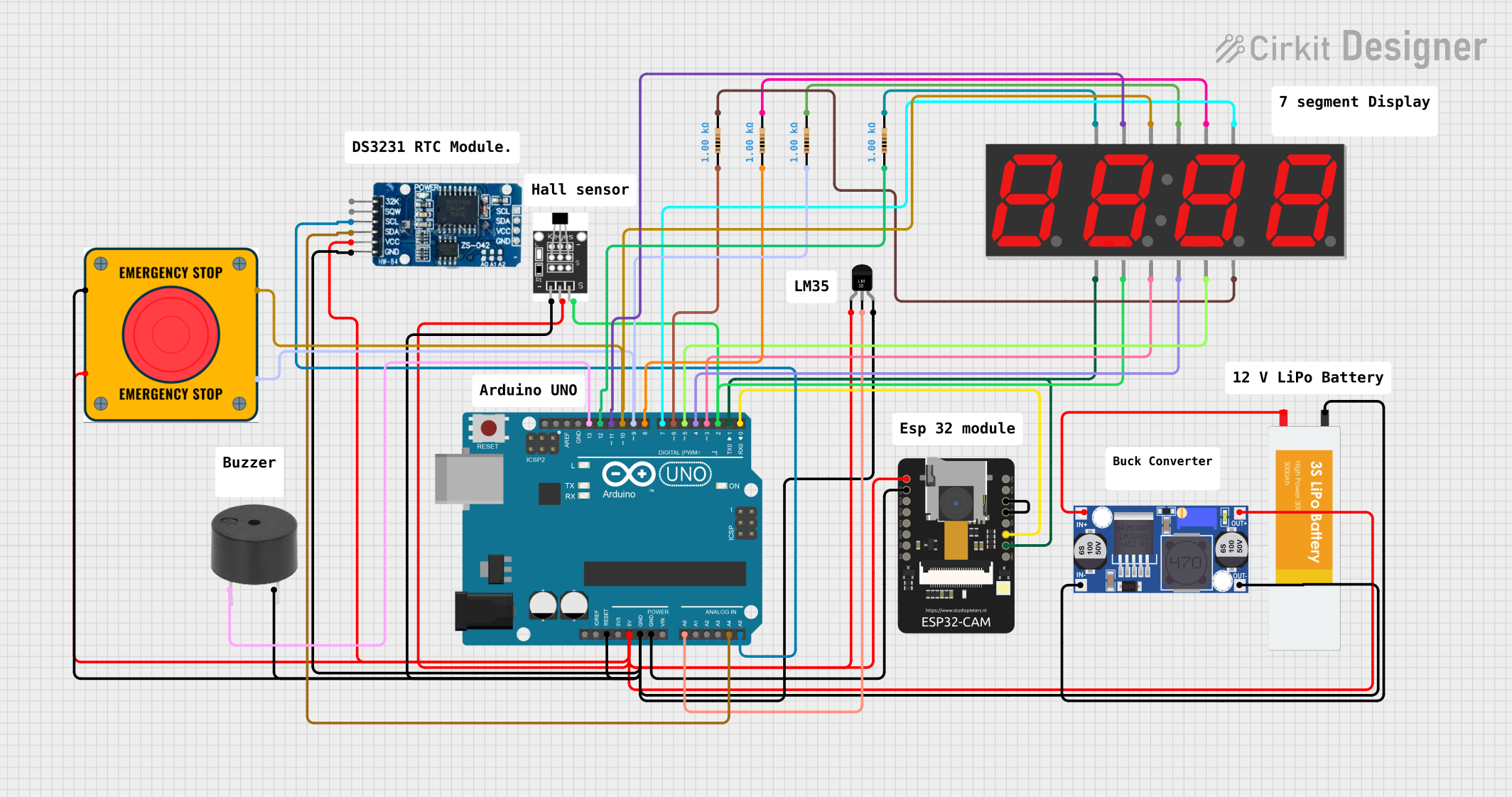 Open Project in Cirkit Designer
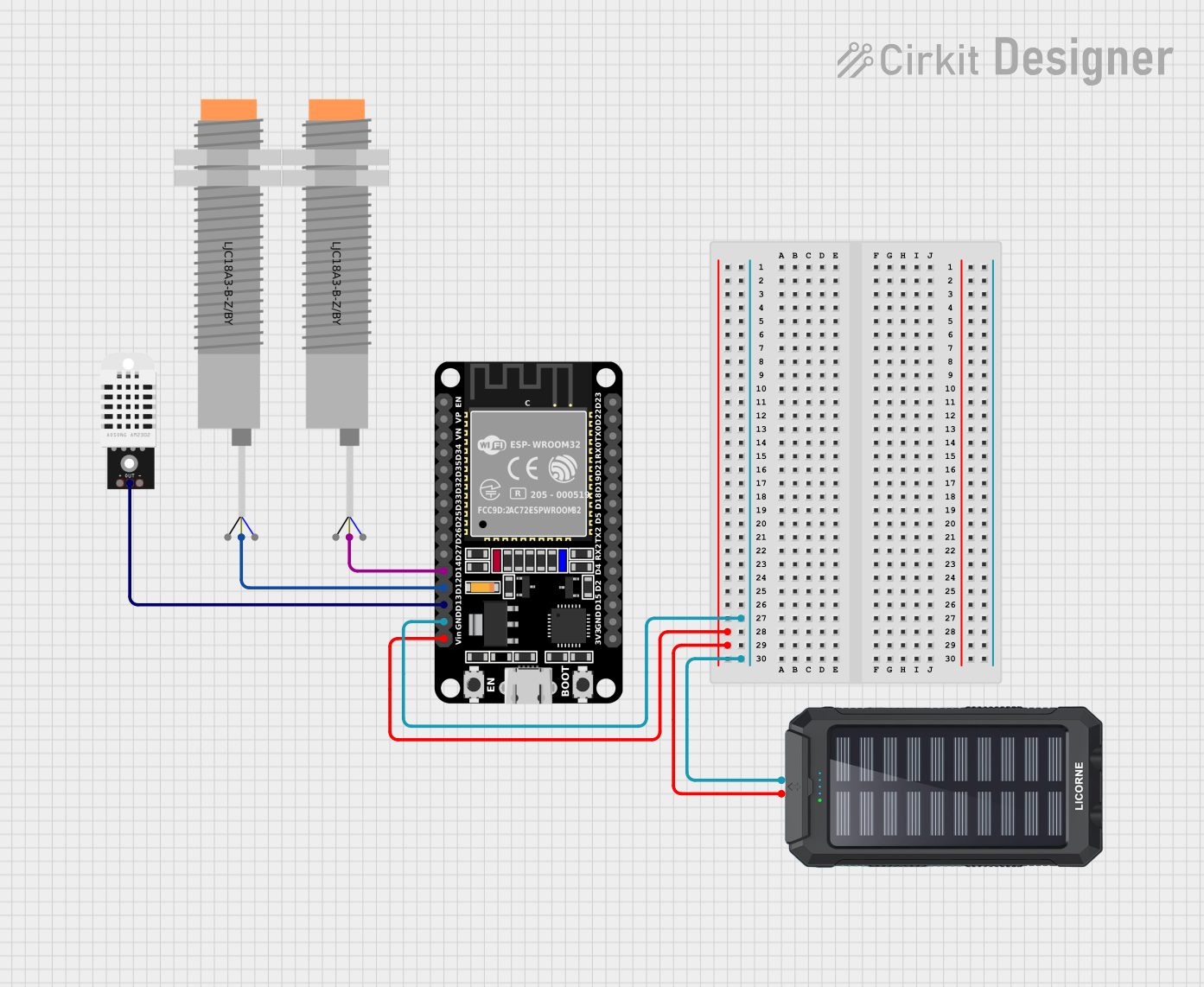 Open Project in Cirkit Designer
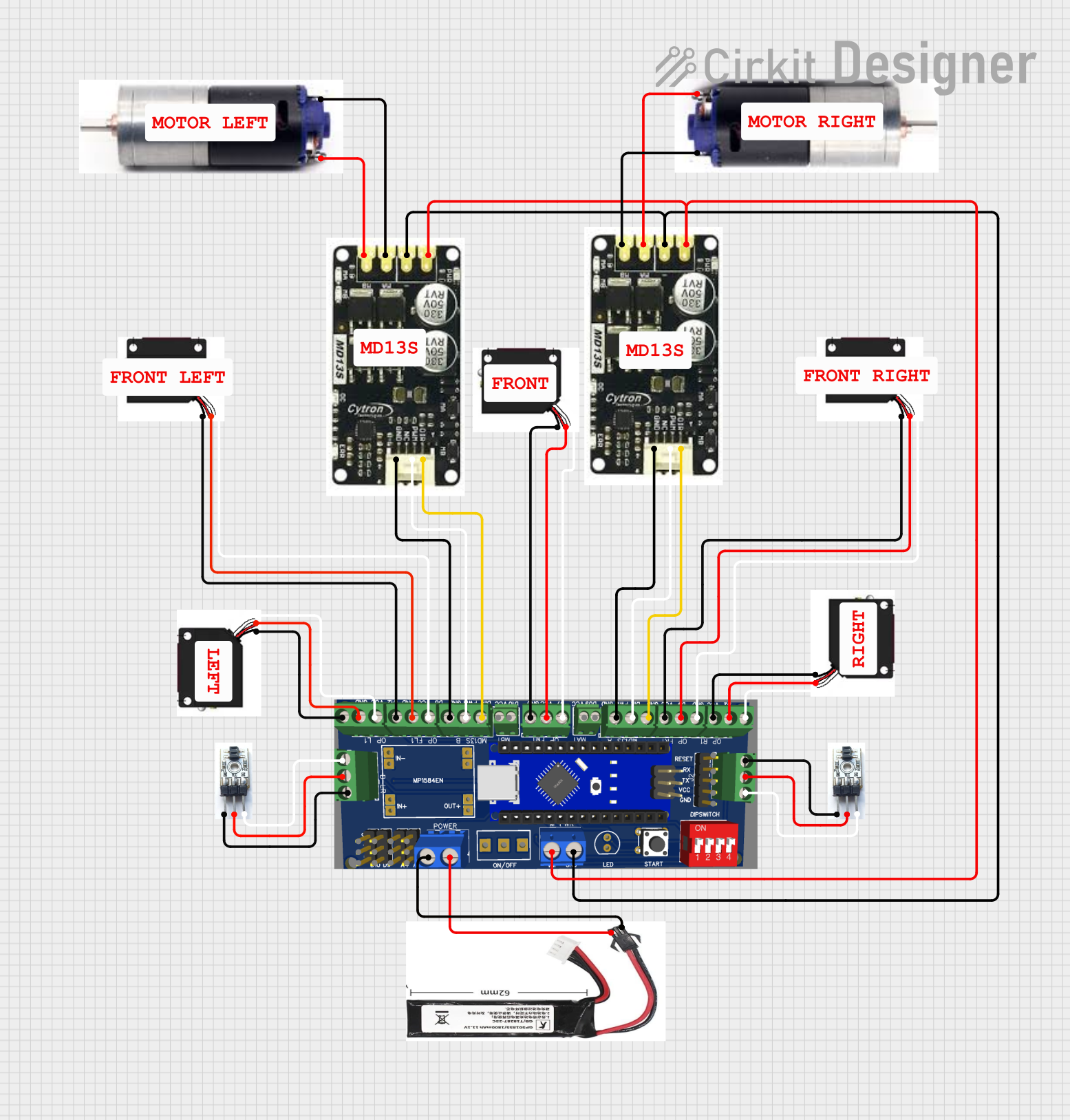 Open Project in Cirkit Designer
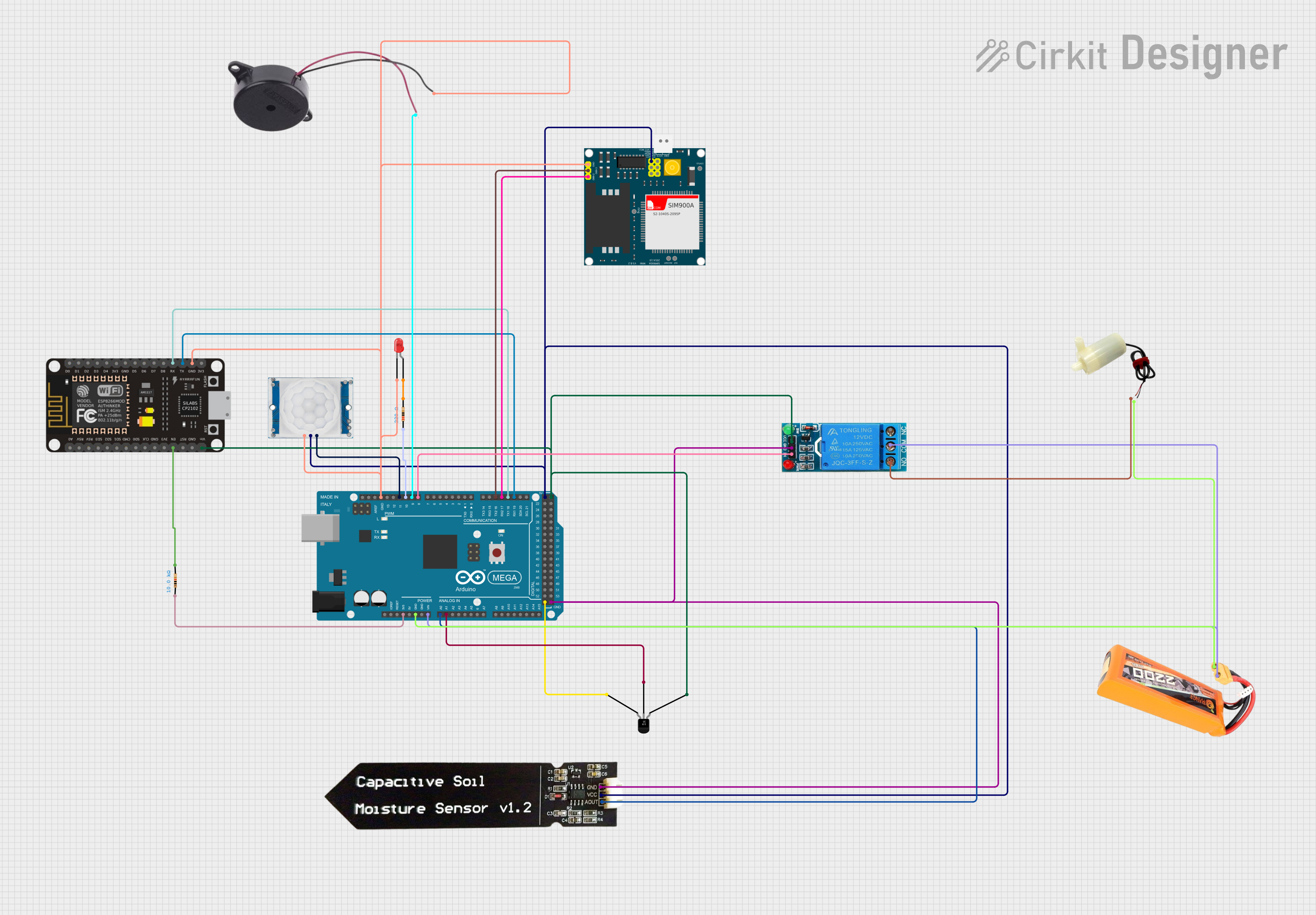 Open Project in Cirkit Designer
Explore Projects Built with 45
Open Project in Cirkit DesignerOpen Project in Cirkit DesignerOpen Project in Cirkit DesignerOpen Project in Cirkit Designer