
How to Use Flood Lights AC: Examples, Pinouts, and Specs
 Design with Flood Lights AC in Cirkit Designer
Introduction
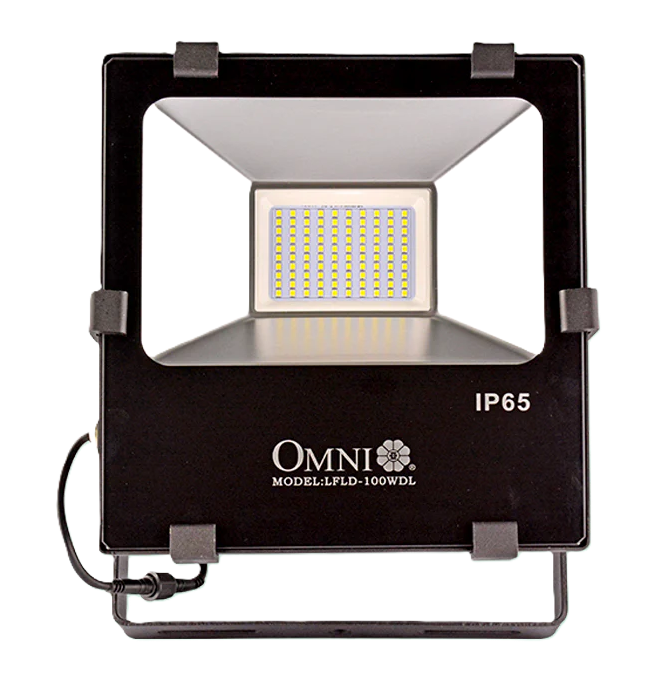
Flood lights are high-intensity lighting fixtures designed to illuminate large areas. They are typically used for outdoor applications, providing bright, wide-angle light to enhance visibility and safety. AC flood lights operate on alternating current and are commonly used in commercial and residential settings for security, landscaping, and event lighting.
Flood lights are ideal for:
- Outdoor security lighting for homes, businesses, and parking lots.
- Landscape lighting to highlight architectural features or gardens.
- Event lighting for sports fields, concerts, and other large gatherings.
- Industrial and construction site illumination.
Explore Projects Built with Flood Lights AC
 Open Project in Cirkit Designer
 Open Project in Cirkit Designer
 Open Project in Cirkit Designer
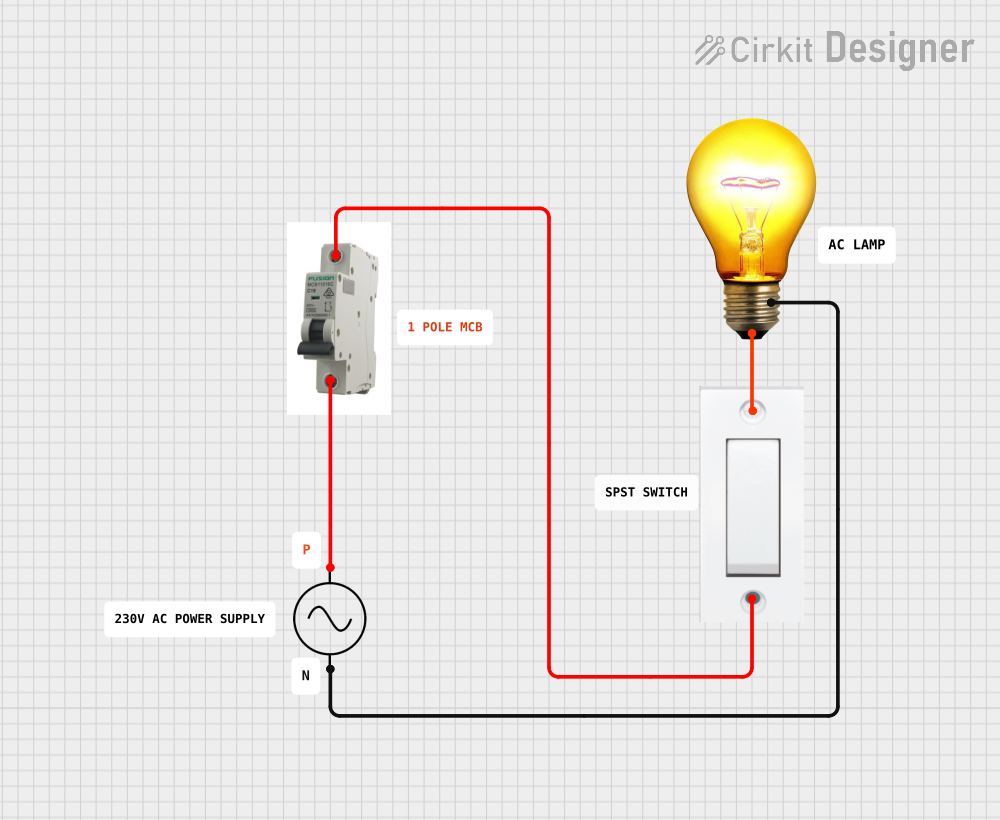 Open Project in Cirkit Designer
Explore Projects Built with Flood Lights AC
Open Project in Cirkit DesignerOpen Project in Cirkit DesignerOpen Project in Cirkit DesignerOpen Project in Cirkit DesignerTechnical Specifications
Below are the key technical details for a typical AC flood light:
| Parameter | Specification |
|---|---|
| Input Voltage | 110V - 240V AC |
| Power Rating | 10W - 500W (varies by model) |
| Luminous Flux | 800 - 50,000 lumens |
| Color Temperature | 2700K (warm white) to 6500K (cool white) |
| Beam Angle | 120° (typical) |
| IP Rating (Ingress Protection) | IP65 or higher (weatherproof) |
| Lifespan | 30,000 - 50,000 hours |
| Material | Aluminum housing with tempered glass |
| Operating Temperature | -20°C to 50°C |
Pin Configuration and Descriptions
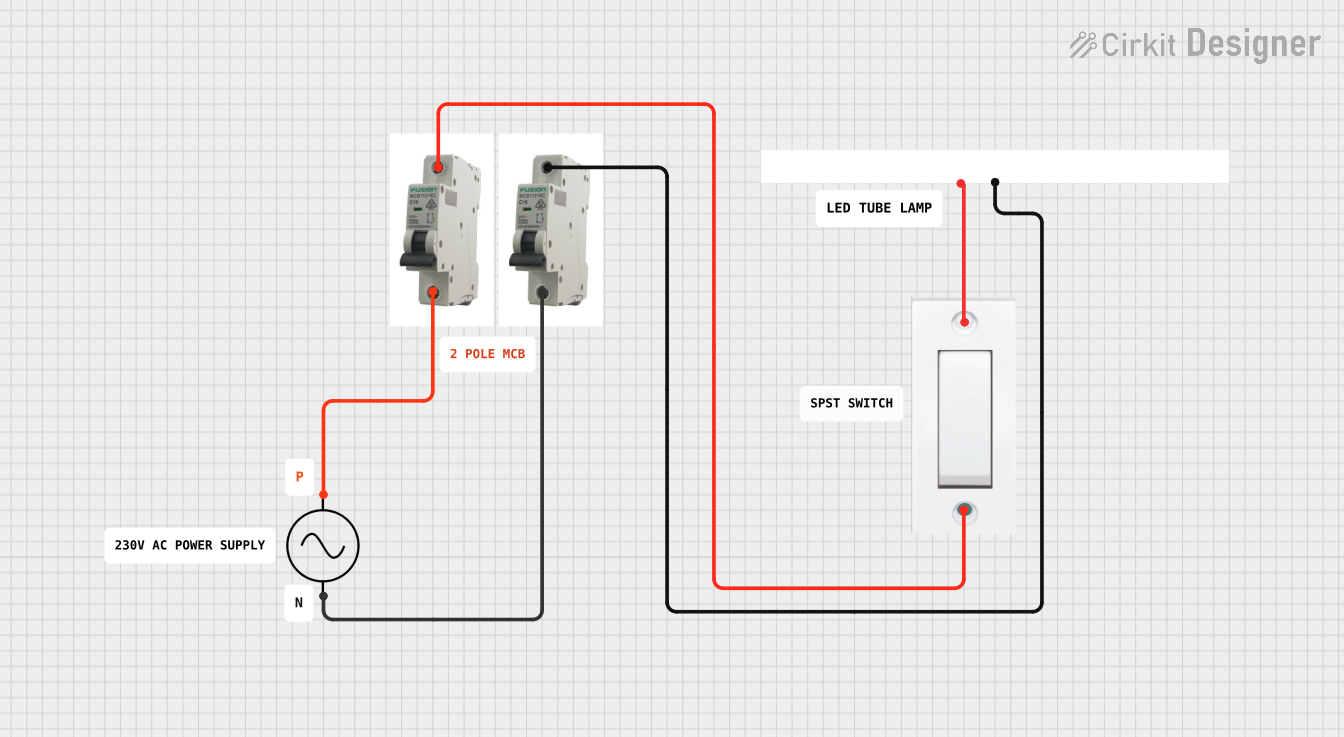
AC flood lights typically have a simple wiring configuration. The table below describes the standard wiring connections:
| Wire Color | Function | Description |
|---|---|---|
| Brown | Live (L) | Connects to the live wire of the AC supply. |
| Blue | Neutral (N) | Connects to the neutral wire of the AC supply. |
| Green/Yellow | Earth (Ground) | Provides grounding for safety. |
Usage Instructions
How to Use the Component in a Circuit
- Safety First: Ensure the power supply is turned off before wiring the flood light.
- Wiring:
- Connect the brown wire to the live (L) terminal of the AC power source.
- Connect the blue wire to the neutral (N) terminal of the AC power source.
- Connect the green/yellow wire to the ground terminal for safety.
- Mounting:
- Secure the flood light to a stable surface using the provided mounting bracket.
- Adjust the angle of the light to achieve the desired coverage area.
- Power On: Once all connections are secure, turn on the power supply to test the flood light.
Important Considerations and Best Practices
- Weatherproofing: Ensure the flood light is installed in a location that matches its IP rating (e.g., IP65 for outdoor use).
- Heat Dissipation: Avoid enclosing the flood light in a confined space to allow proper heat dissipation.
- Voltage Compatibility: Verify that the flood light's input voltage matches your AC power supply.
- Surge Protection: Use a surge protector to safeguard the flood light from voltage spikes.
- Maintenance: Periodically clean the lens and check for any loose connections.
Arduino Integration
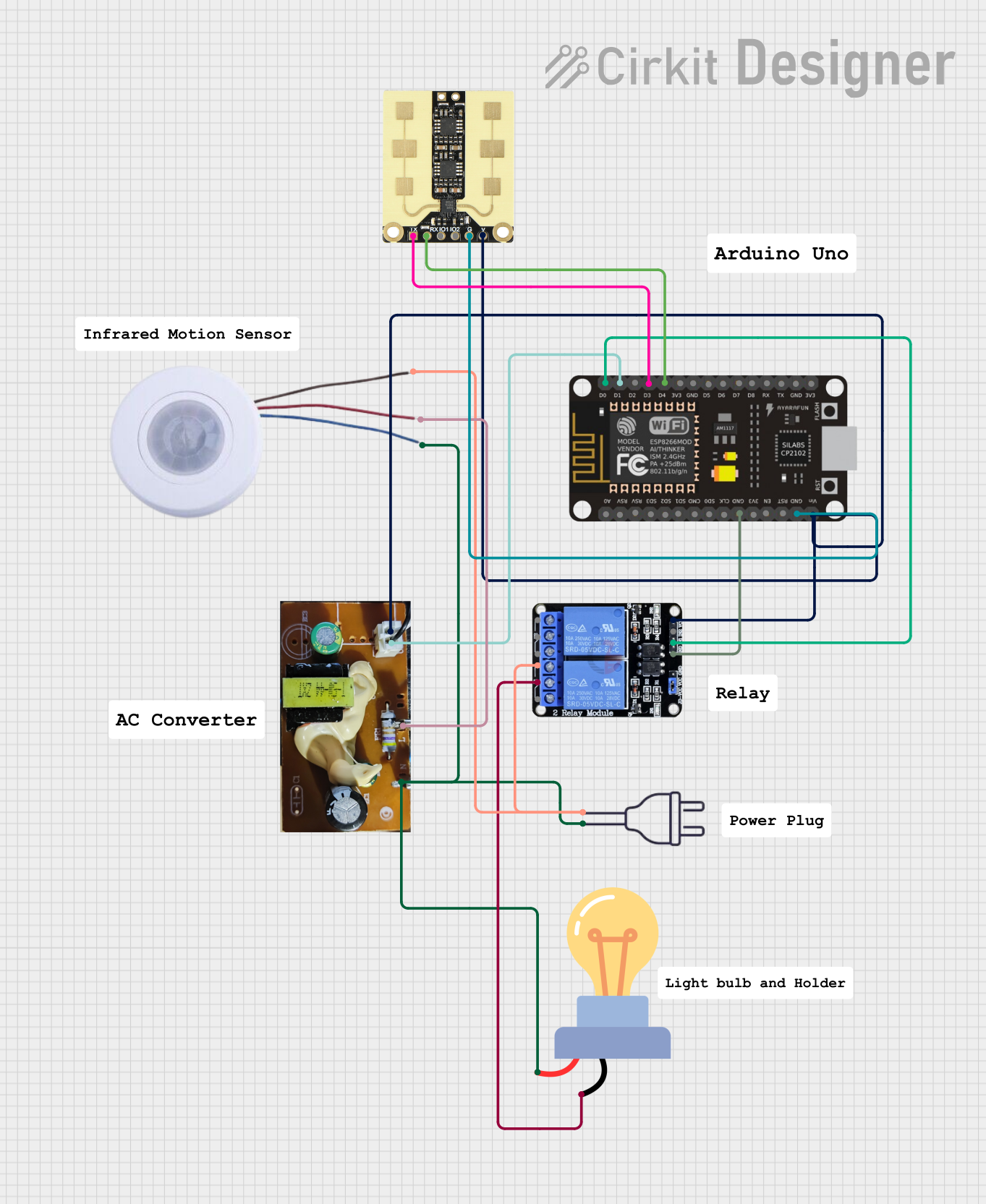
While AC flood lights are not directly compatible with Arduino due to their high voltage, you can control them using a relay module. Below is an example of how to control an AC flood light with an Arduino UNO and a relay:
/*
  Example: Controlling an AC Flood Light with Arduino and Relay
  This code turns the flood light ON for 5 seconds and OFF for 5 seconds.
  Ensure proper isolation between the Arduino and the AC circuit.
*/

const int relayPin = 7; // Pin connected to the relay module

void setup() {
  pinMode(relayPin, OUTPUT); // Set relay pin as output
  digitalWrite(relayPin, LOW); // Ensure relay is OFF at startup
}

void loop() {
  digitalWrite(relayPin, HIGH); // Turn ON the flood light
  delay(5000); // Wait for 5 seconds
  digitalWrite(relayPin, LOW); // Turn OFF the flood light
  delay(5000); // Wait for 5 seconds
}
Note: Always use a relay module rated for the flood light's voltage and current. Ensure proper isolation between the Arduino and the AC circuit to prevent electrical hazards.
Troubleshooting and FAQs
Common Issues and Solutions
| Issue | Possible Cause | Solution |
|---|---|---|
| Flood light does not turn on | Loose or incorrect wiring | Double-check all connections and wiring. |
| Flickering light | Voltage fluctuations or faulty driver | Use a voltage stabilizer or replace the driver. |
| Overheating | Poor ventilation or high ambient temperature | Ensure proper heat dissipation and airflow. |
| Water ingress | Damaged or improperly sealed housing | Inspect and reseal the housing if necessary. |
FAQs
Can I use an AC flood light indoors? Yes, AC flood lights can be used indoors, but ensure the brightness and beam angle are suitable for the space.
What is the difference between warm white and cool white? Warm white (2700K-3000K) provides a yellowish light, ideal for cozy environments. Cool white (5000K-6500K) emits a bluish light, suitable for task lighting and outdoor use.
How do I choose the right wattage for my application? For small areas, use 10W-50W flood lights. For larger spaces like parking lots or sports fields, consider 100W-500W models.
Can I dim an AC flood light? Only if the flood light is specifically designed to be dimmable. Check the product specifications before attempting to dim it.
Is it safe to install flood lights myself? If you are experienced with electrical work, you can install them. Otherwise, hire a licensed electrician to ensure safety and compliance with local codes.