
How to Use USB Extender: Examples, Pinouts, and Specs
 Design with USB Extender in Cirkit Designer
Introduction
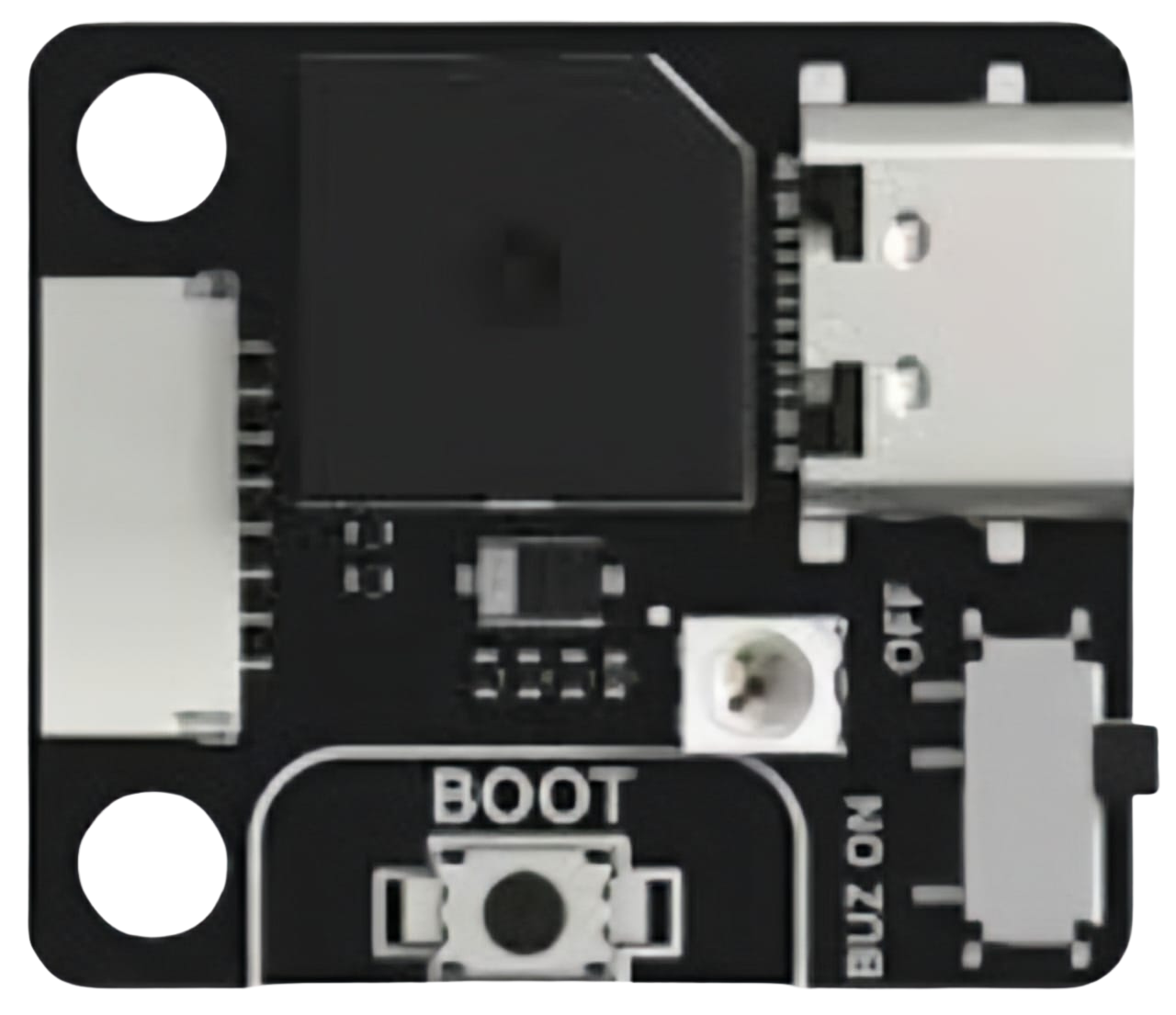
A USB Extender is a device designed to extend the range of USB connections beyond the standard cable length limitations (typically 5 meters for USB 2.0 and 3 meters for USB 3.0). It achieves this by transmitting USB signals over longer distances using alternative cabling methods, such as Ethernet (Cat5e/Cat6) or fiber optics, while maintaining signal integrity and performance.
Explore Projects Built with USB Extender
 Open Project in Cirkit Designer
 Open Project in Cirkit Designer
 Open Project in Cirkit Designer
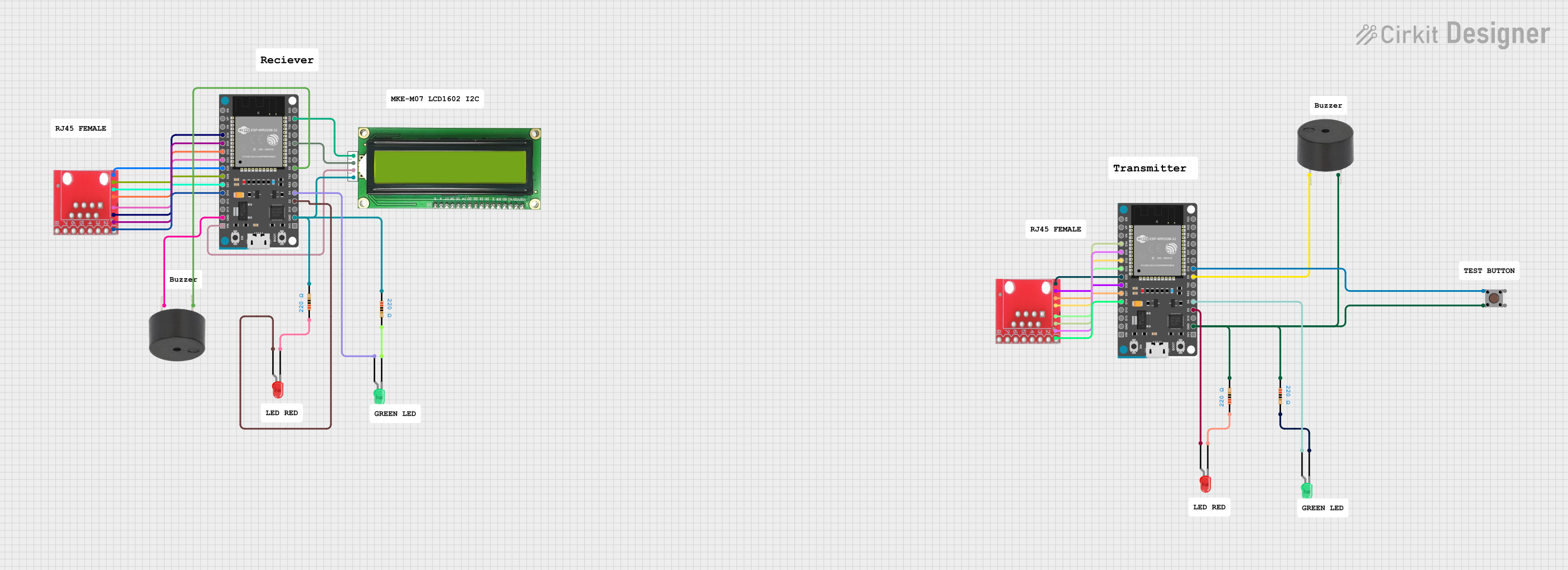 Open Project in Cirkit Designer
Explore Projects Built with USB Extender
Open Project in Cirkit DesignerOpen Project in Cirkit DesignerOpen Project in Cirkit DesignerOpen Project in Cirkit DesignerCommon Applications and Use Cases
- Remote USB Device Access: Connecting USB peripherals like printers, webcams, or external storage devices to a computer located far away.
- Industrial Automation: Extending USB connections in factory floors or large industrial setups.
- Home and Office Use: Enabling long-distance connections for USB devices in conference rooms or home theaters.
- Surveillance Systems: Connecting USB cameras or other security devices over long distances.
Technical Specifications
Below are the general technical specifications for a typical USB Extender. Note that specific models may vary slightly.
General Specifications
- Supported USB Standards: USB 1.1, USB 2.0, USB 3.0 (varies by model)
- Maximum Extension Distance:
- Up to 50 meters (Cat5e/Cat6 Ethernet cable for USB 2.0)
- Up to 100 meters or more (fiber optic cable for USB 3.0)
- Power Supply: May require external power for the receiver or transmitter (5V DC typical)
- Data Transfer Rate: Up to 480 Mbps (USB 2.0) or 5 Gbps (USB 3.0)
- Connector Types: USB Type-A, USB Type-B, RJ45 (Ethernet), or fiber optic ports
- Operating Temperature: 0°C to 50°C (typical)
Pin Configuration and Descriptions
USB Connector Pinout
| Pin | Name | Description |
|---|---|---|
| 1 | VBUS | +5V Power Supply |
| 2 | D- | Data Line (negative) |
| 3 | D+ | Data Line (positive) |
| 4 | GND | Ground |
Ethernet (RJ45) Pinout (for USB over Ethernet Extenders)
| Pin | Name | Description |
|---|---|---|
| 1 | TX+ | Transmit Data (positive) |
| 2 | TX- | Transmit Data (negative) |
| 3 | RX+ | Receive Data (positive) |
| 6 | RX- | Receive Data (negative) |
| 4, 5, 7, 8 | Unused | Not used in standard USB extenders |
Usage Instructions
How to Use the USB Extender in a Circuit
Connect the Transmitter:
- Plug the USB device (e.g., keyboard, mouse, or webcam) into the USB port on the transmitter unit.
- If the transmitter requires external power, connect the power adapter to the transmitter.
Connect the Receiver:
- Plug the receiver unit into the USB port of the host device (e.g., computer or laptop).
- If the receiver requires external power, connect the power adapter to the receiver.
Connect the Extender Cable:
- Use a Cat5e/Cat6 Ethernet cable (or fiber optic cable, depending on the extender type) to connect the transmitter and receiver units.
Verify the Connection:
- Ensure that the USB device is recognized by the host system. Check for proper functionality.
Important Considerations and Best Practices
- Cable Quality: Use high-quality Ethernet or fiber optic cables to ensure reliable data transmission.
- Power Requirements: Some USB extenders require external power for the transmitter, receiver, or both. Verify the power requirements before use.
- USB Standard Compatibility: Ensure that the extender supports the USB version of your device (e.g., USB 2.0 or USB 3.0).
- Signal Interference: Avoid running the extender cable near high-power electrical equipment to minimize interference.
Example: Using a USB Extender with Arduino UNO
If you are using a USB Extender to connect an Arduino UNO to a computer over a long distance, follow these steps:
- Connect the Arduino UNO to the transmitter unit using a USB cable.
- Connect the receiver unit to the computer's USB port.
- Use an Ethernet cable to link the transmitter and receiver units.
- Upload the following example code to the Arduino UNO to test the connection:
// Simple Arduino Blink Test
// This code blinks the onboard LED to verify the USB connection
// Ensure the USB Extender is properly connected before uploading

void setup() {
  pinMode(LED_BUILTIN, OUTPUT); // Set the onboard LED pin as output
}

void loop() {
  digitalWrite(LED_BUILTIN, HIGH); // Turn the LED on
  delay(1000);                     // Wait for 1 second
  digitalWrite(LED_BUILTIN, LOW);  // Turn the LED off
  delay(1000);                     // Wait for 1 second
}
Troubleshooting and FAQs
Common Issues and Solutions
USB Device Not Recognized:
- Ensure that both the transmitter and receiver units are powered (if required).
- Check the quality and length of the Ethernet or fiber optic cable.
- Verify that the USB device is compatible with the extender.
Intermittent Connection:
- Inspect the cable connections for loose or damaged connectors.
- Avoid running the cable near sources of electromagnetic interference.
Slow Data Transfer Speeds:
- Confirm that the extender supports the USB version of your device (e.g., USB 3.0 for high-speed devices).
- Use a shorter or higher-quality Ethernet cable if possible.
FAQs
Q: Can I use a USB Extender with a USB hub?
A: Yes, but ensure that the hub is powered and compatible with the extender to avoid power or bandwidth issues.
Q: What is the maximum distance I can achieve with a USB Extender?
A: The maximum distance depends on the extender type and cable used. For example, USB 2.0 extenders can typically reach up to 50 meters with Cat5e/Cat6 cables, while USB 3.0 extenders using fiber optics can exceed 100 meters.
Q: Do USB Extenders support all USB devices?
A: Most extenders support standard USB devices, but some high-power or specialized devices (e.g., USB audio interfaces) may require additional power or specific compatibility checks.