
How to Use Lithium LiFePO Smart Battery 12.8V 200Ah: Examples, Pinouts, and Specs
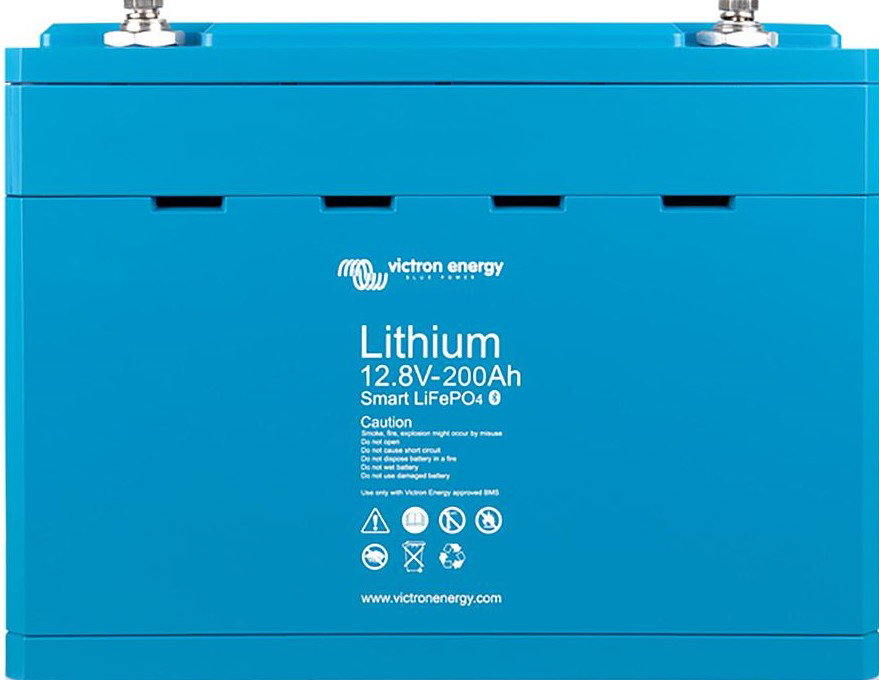
 Design with Lithium LiFePO Smart Battery 12.8V 200Ah in Cirkit Designer
Introduction
The Victron Lithium LiFePO Smart Battery 12.8V 200Ah (Part ID: BAT512120610) is a high-capacity lithium iron phosphate (LiFePO₄) battery designed for reliable energy storage. With a nominal voltage of 12.8V and a capacity of 200Ah, this battery is ideal for applications requiring long-lasting, efficient, and safe power solutions. It features integrated smart technology for real-time monitoring and management, ensuring optimal performance and extended lifespan.
Explore Projects Built with Lithium LiFePO Smart Battery 12.8V 200Ah
 Open Project in Cirkit Designer
 Open Project in Cirkit Designer
 Open Project in Cirkit Designer
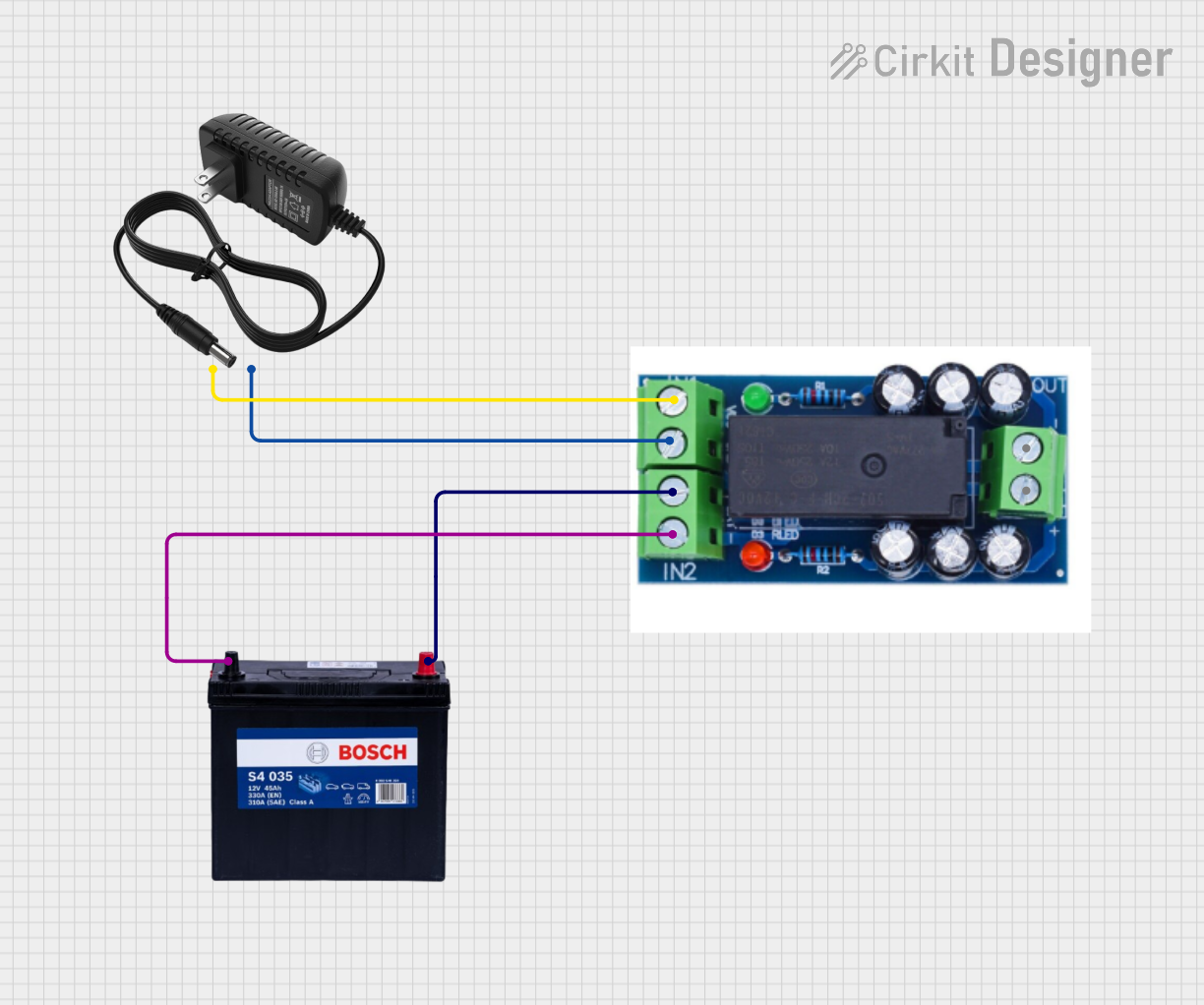 Open Project in Cirkit Designer
Explore Projects Built with Lithium LiFePO Smart Battery 12.8V 200Ah
Open Project in Cirkit DesignerOpen Project in Cirkit DesignerOpen Project in Cirkit DesignerOpen Project in Cirkit DesignerCommon Applications
- Renewable energy systems (e.g., solar and wind power storage)
- Electric vehicles (EVs) and marine applications
- Off-grid power systems
- Backup power supplies for critical systems
- Industrial and commercial energy storage solutions
Technical Specifications
Key Specifications
| Parameter | Value |
|---|---|
| Nominal Voltage | 12.8V |
| Nominal Capacity | 200Ah |
| Energy | 2560Wh |
| Maximum Continuous Current | 200A |
| Peak Discharge Current | 400A (for 10 seconds) |
| Charge Voltage Range | 14.0V - 14.4V |
| Recommended Charge Current | ≤100A |
| Operating Temperature | -20°C to +50°C |
| Storage Temperature | -40°C to +50°C |
| Weight | 28kg |
| Dimensions (L x W x H) | 362 x 260 x 197 mm |
| Communication Interface | Bluetooth, VE.Direct |
| Cycle Life | >2500 cycles at 80% DoD |
Pin Configuration and Descriptions
The battery includes a VE.Direct communication port and terminals for power connections. Below is the pin configuration:
Power Terminals
| Terminal | Description |
|---|---|
| Positive | Connect to the positive load or charging source |
| Negative | Connect to the negative load or charging source |
VE.Direct Port
| Pin | Description |
|---|---|
| 1 | Ground |
| 2 | TX (Transmit Data) |
| 3 | RX (Receive Data) |
| 4 | Not Connected |
Usage Instructions
How to Use the Battery in a Circuit
Connection to Load or Charger:
- Connect the positive terminal of the battery to the positive terminal of the load or charger.
- Connect the negative terminal of the battery to the negative terminal of the load or charger.
- Ensure that the connections are secure and that the polarity is correct to avoid damage.
Monitoring via VE.Direct or Bluetooth:
- Use the VE.Direct port to connect the battery to a compatible Victron device or monitoring system.
- Alternatively, use the built-in Bluetooth functionality to monitor the battery's status via the VictronConnect app.
Charging:
- Use a compatible lithium battery charger with a charge voltage range of 14.0V to 14.4V.
- Avoid overcharging or discharging below the recommended limits to maximize battery life.
Parallel and Series Connections:
- The battery supports parallel connections for increased capacity.
- Series connections are not recommended unless explicitly supported by the manufacturer.
Important Considerations and Best Practices
- Avoid Deep Discharge: Do not discharge the battery below 10% State of Charge (SoC) to prevent damage.
- Temperature Management: Operate the battery within the specified temperature range for optimal performance.
- Regular Monitoring: Use the VictronConnect app or VE.Direct interface to monitor the battery's health and performance.
- Fuse Protection: Install a fuse or circuit breaker between the battery and the load/charger to protect against overcurrent.
Arduino Integration Example
While this battery is not directly connected to an Arduino, it can be monitored using the VE.Direct interface. Below is an example of how to read data from the VE.Direct port using an Arduino:
#include <SoftwareSerial.h>

// Define RX and TX pins for VE.Direct communication
SoftwareSerial veDirect(10, 11); // RX = pin 10, TX = pin 11

void setup() {
  Serial.begin(9600); // Initialize Serial Monitor
  veDirect.begin(19200); // Initialize VE.Direct communication
  Serial.println("VE.Direct Monitoring Started");
}

void loop() {
  // Check if data is available from the VE.Direct port
  if (veDirect.available()) {
    String data = "";
    while (veDirect.available()) {
      char c = veDirect.read();
      data += c;
    }
    // Print the received data to the Serial Monitor
    Serial.println(data);
  }
}
Note: Ensure that the VE.Direct port is properly connected to the Arduino using a compatible interface cable. Refer to the Victron VE.Direct protocol documentation for detailed data parsing.
Troubleshooting and FAQs
Common Issues and Solutions
| Issue | Possible Cause | Solution |
|---|---|---|
| Battery does not charge | Incorrect charger settings | Verify charger voltage and current settings. |
| Battery discharges too quickly | Excessive load or deep discharge | Reduce load or avoid deep discharge. |
| Bluetooth connection fails | Out of range or interference | Move closer to the battery or reduce interference. |
| VE.Direct data not received | Incorrect wiring or baud rate mismatch | Check wiring and ensure baud rate is set to 19200. |
| Battery overheats | Operating outside temperature range | Ensure proper ventilation and operate within specified range. |
FAQs
Can I connect this battery in series?
- No, series connections are not recommended unless explicitly supported by Victron.
How do I monitor the battery's status?
- Use the VictronConnect app via Bluetooth or connect to a VE.Direct-compatible device.
What is the recommended charge current?
- The recommended charge current is ≤100A for optimal performance and longevity.
How many cycles can I expect from this battery?
- The battery provides over 2500 cycles at 80% Depth of Discharge (DoD).
By following this documentation, users can effectively integrate and maintain the Victron Lithium LiFePO Smart Battery 12.8V 200Ah in their systems.