
How to Use Gravity: GNSS GPS BeiDou Positioning Module with RTC - I2C&UART: Examples, Pinouts, and Specs
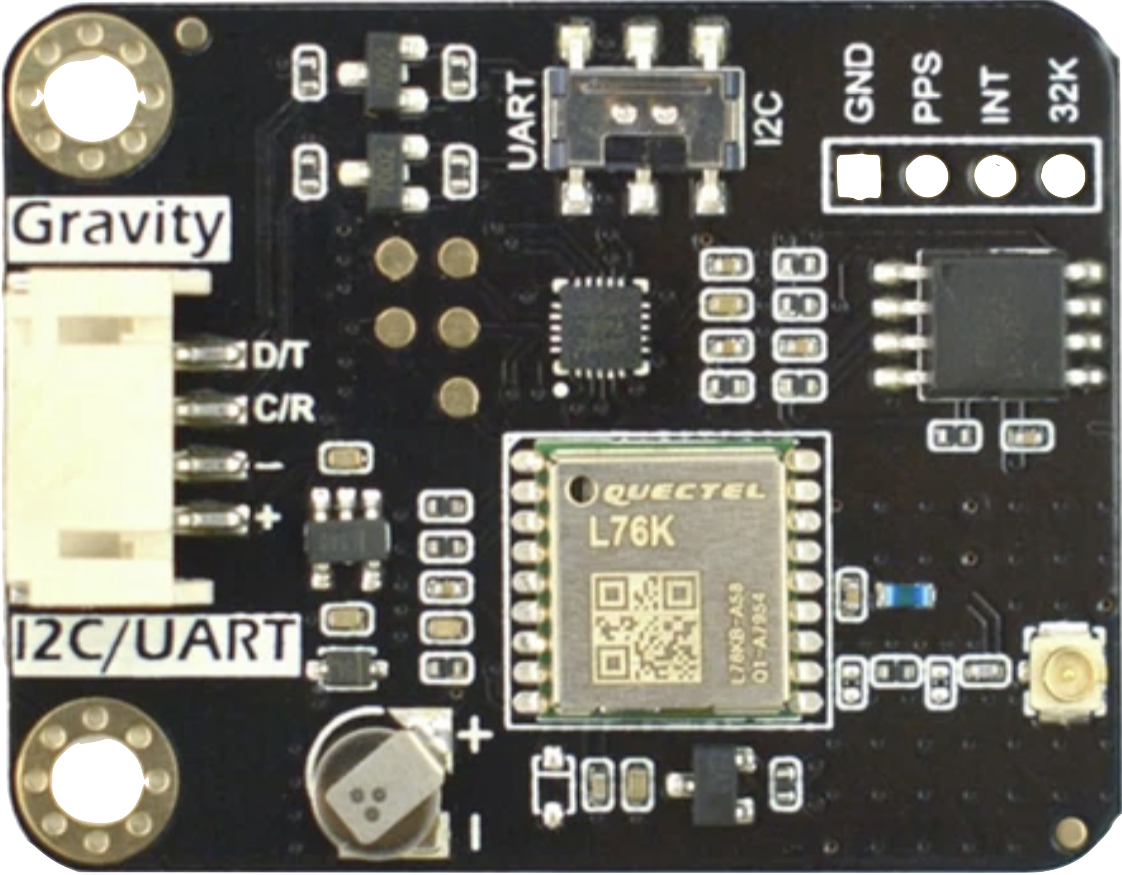
 Design with Gravity: GNSS GPS BeiDou Positioning Module with RTC - I2C&UART in Cirkit Designer
Introduction
The Gravity: GNSS GPS BeiDou Positioning Module with RTC - I2C&UART (Manufacturer Part ID: DFR1103) is a high-performance positioning module developed by DFRobot. It leverages GNSS (Global Navigation Satellite System) technology, supporting both GPS and BeiDou systems, to deliver precise location data. Additionally, the module includes a Real-Time Clock (RTC) for accurate timekeeping, even when satellite signals are unavailable. Its dual communication interfaces, I2C and UART, make it versatile and easy to integrate into a wide range of embedded systems.
Explore Projects Built with Gravity: GNSS GPS BeiDou Positioning Module with RTC - I2C&UART
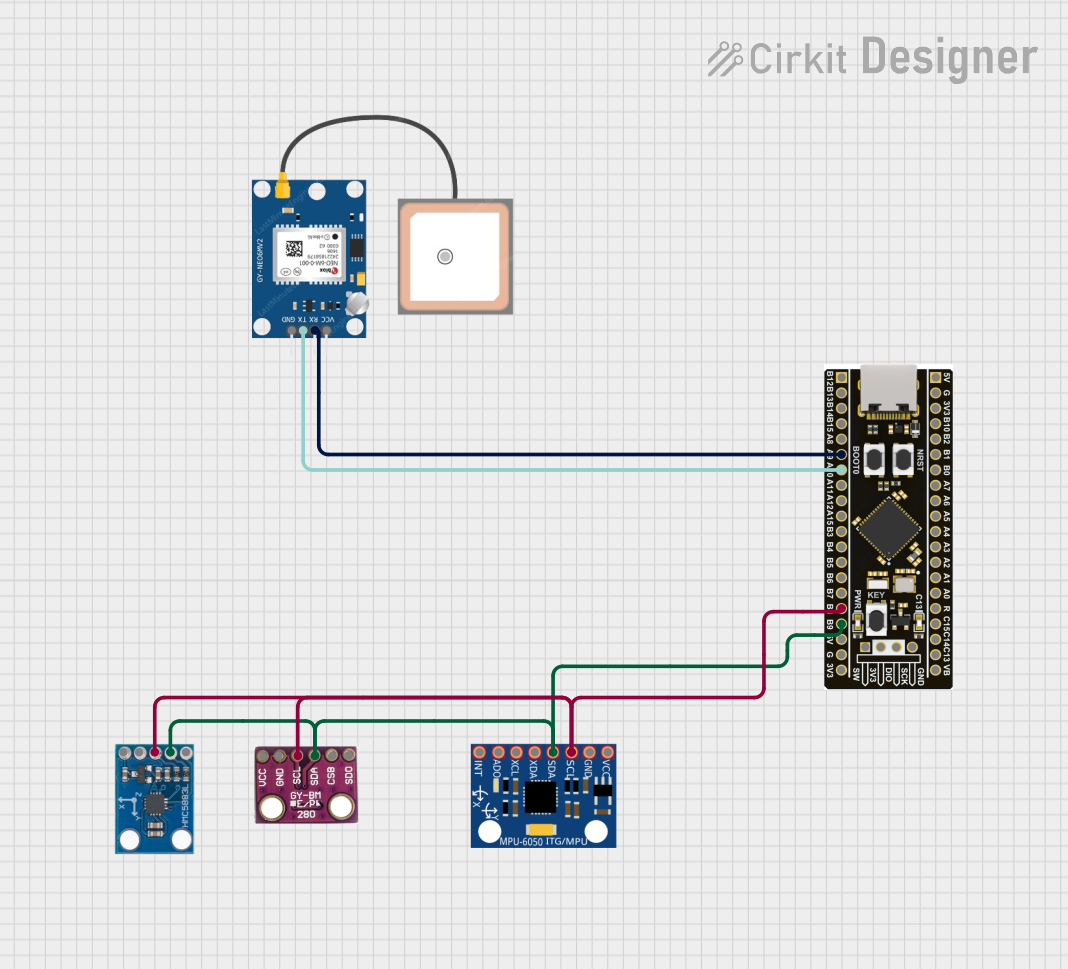 Open Project in Cirkit Designer
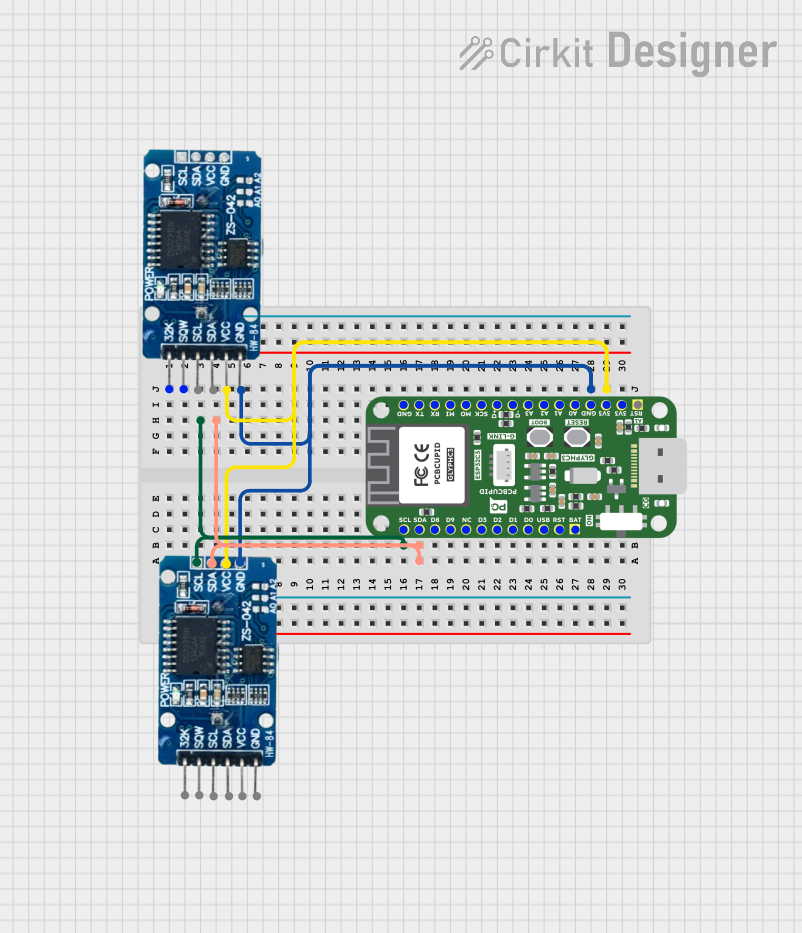 Open Project in Cirkit Designer
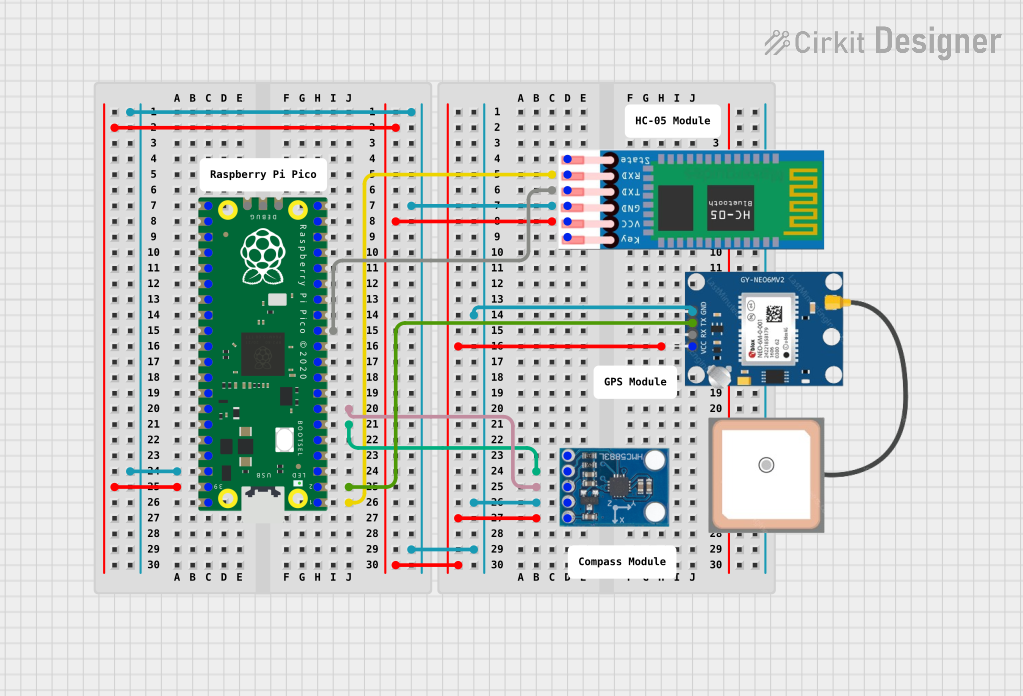 Open Project in Cirkit Designer
 Open Project in Cirkit Designer
Explore Projects Built with Gravity: GNSS GPS BeiDou Positioning Module with RTC - I2C&UART
Open Project in Cirkit DesignerOpen Project in Cirkit DesignerOpen Project in Cirkit DesignerOpen Project in Cirkit DesignerCommon Applications
- Navigation Systems: Ideal for robotics, drones, and autonomous vehicles.
- Time Synchronization: Provides accurate time data for IoT devices and servers.
- Geolocation Tracking: Suitable for asset tracking and outdoor positioning.
- Weather Stations: Used for precise location and time data in environmental monitoring systems.
Technical Specifications
Key Technical Details
| Parameter | Specification |
|---|---|
| Power Supply Voltage | 3.3V - 5.5V |
| Communication Interfaces | I2C, UART |
| Positioning Systems | GPS, BeiDou |
| Baud Rate (UART) | Default: 9600 bps |
| I2C Address | Default: 0x10 |
| RTC Functionality | Yes |
| Operating Temperature | -40°C to 85°C |
| Dimensions | 37mm x 22mm |
| Weight | 5g |
Pin Configuration and Descriptions
| Pin | Name | Description |
|---|---|---|
| 1 | VCC | Power input (3.3V - 5.5V). Connect to the power supply. |
| 2 | GND | Ground. Connect to the ground of the circuit. |
| 3 | RX | UART Receive pin. Connect to the TX pin of the microcontroller. |
| 4 | TX | UART Transmit pin. Connect to the RX pin of the microcontroller. |
| 5 | SDA | I2C Data line. Connect to the SDA pin of the microcontroller. |
| 6 | SCL | I2C Clock line. Connect to the SCL pin of the microcontroller. |
| 7 | PPS | Pulse Per Second output. Provides a precise timing pulse for synchronization. |
Usage Instructions
How to Use the Module in a Circuit
- Power Connection: Connect the VCC pin to a 3.3V or 5V power source and the GND pin to the ground.
- Communication Interface:
- For UART: Connect the RX and TX pins to the corresponding TX and RX pins of the microcontroller.
- For I2C: Connect the SDA and SCL pins to the microcontroller's I2C data and clock lines, respectively.
- Antenna: Ensure the module's antenna has a clear view of the sky for optimal satellite reception.
- RTC Functionality: The RTC operates automatically and does not require additional configuration.
- Pulse Per Second (PPS): Use the PPS pin for precise timing applications if needed.
Important Considerations and Best Practices
- Power Supply: Ensure a stable power supply within the specified voltage range to avoid damage to the module.
- Antenna Placement: Place the antenna in an open area, away from obstructions and sources of interference.
- UART Baud Rate: The default UART baud rate is 9600 bps. Adjust it in your microcontroller code if necessary.
- I2C Address: The default I2C address is 0x10. Ensure no other devices on the I2C bus share the same address.
Example Code for Arduino UNO (Using I2C)
#include <Wire.h>

// I2C address of the GNSS module
#define GNSS_I2C_ADDRESS 0x10

void setup() {
  Serial.begin(9600); // Initialize serial communication for debugging
  Wire.begin();       // Initialize I2C communication

  Serial.println("GNSS Module Initialization...");
}

void loop() {
  Wire.beginTransmission(GNSS_I2C_ADDRESS); // Start communication with GNSS module
  Wire.write(0x00);                         // Request data (example command)
  Wire.endTransmission();

  Wire.requestFrom(GNSS_I2C_ADDRESS, 32);   // Request 32 bytes of data
  while (Wire.available()) {
    char c = Wire.read();                   // Read data byte by byte
    Serial.print(c);                        // Print received data to Serial Monitor
  }
  Serial.println();

  delay(1000); // Wait 1 second before the next request
}
Troubleshooting and FAQs
Common Issues and Solutions
No Data Received from the Module:
- Ensure the module is powered correctly (check VCC and GND connections).
- Verify the communication interface (I2C or UART) is configured properly in your code.
- Check the antenna placement for clear satellite reception.
Incorrect or No Position Data:
- Ensure the antenna has a clear view of the sky.
- Wait for the module to acquire satellite signals (may take a few minutes initially).
I2C Communication Fails:
- Confirm the I2C address (default: 0x10) matches the address in your code.
- Check the pull-up resistors on the I2C lines (if required).
RTC Not Functioning:
- The RTC requires no additional configuration. If it fails, ensure the module is powered correctly.
FAQs
Q: Can the module work indoors?
A: The module is designed for outdoor use. Indoor operation may result in weak or no satellite signals.Q: How accurate is the positioning data?
A: The module provides positioning accuracy within a few meters under optimal conditions.Q: Can I use both I2C and UART simultaneously?
A: No, you must choose one communication interface at a time.Q: What is the purpose of the PPS pin?
A: The PPS pin outputs a precise timing pulse, useful for synchronization in time-sensitive applications.
This concludes the documentation for the Gravity: GNSS GPS BeiDou Positioning Module with RTC - I2C&UART. For further assistance, refer to the official DFRobot product page or contact their support team.