
How to Use Dc motor JGA25: Examples, Pinouts, and Specs
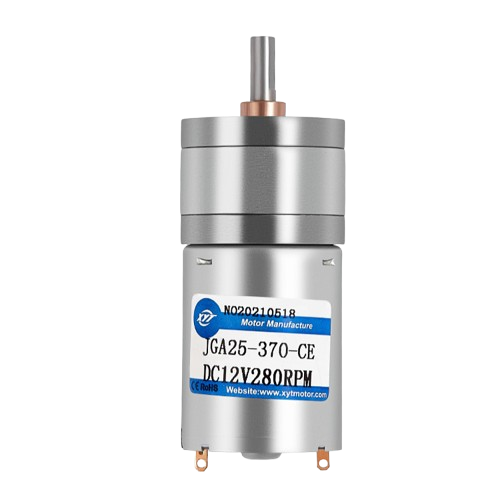
 Design with Dc motor JGA25 in Cirkit Designer
Introduction
The JGA25 is a compact and efficient DC motor designed for applications requiring high torque and reliable performance. Its small size and robust construction make it ideal for use in robotics, automation systems, and other electromechanical projects. The motor is often paired with gearboxes to achieve precise speed and torque control, making it a versatile choice for hobbyists and professionals alike.
Explore Projects Built with Dc motor JGA25
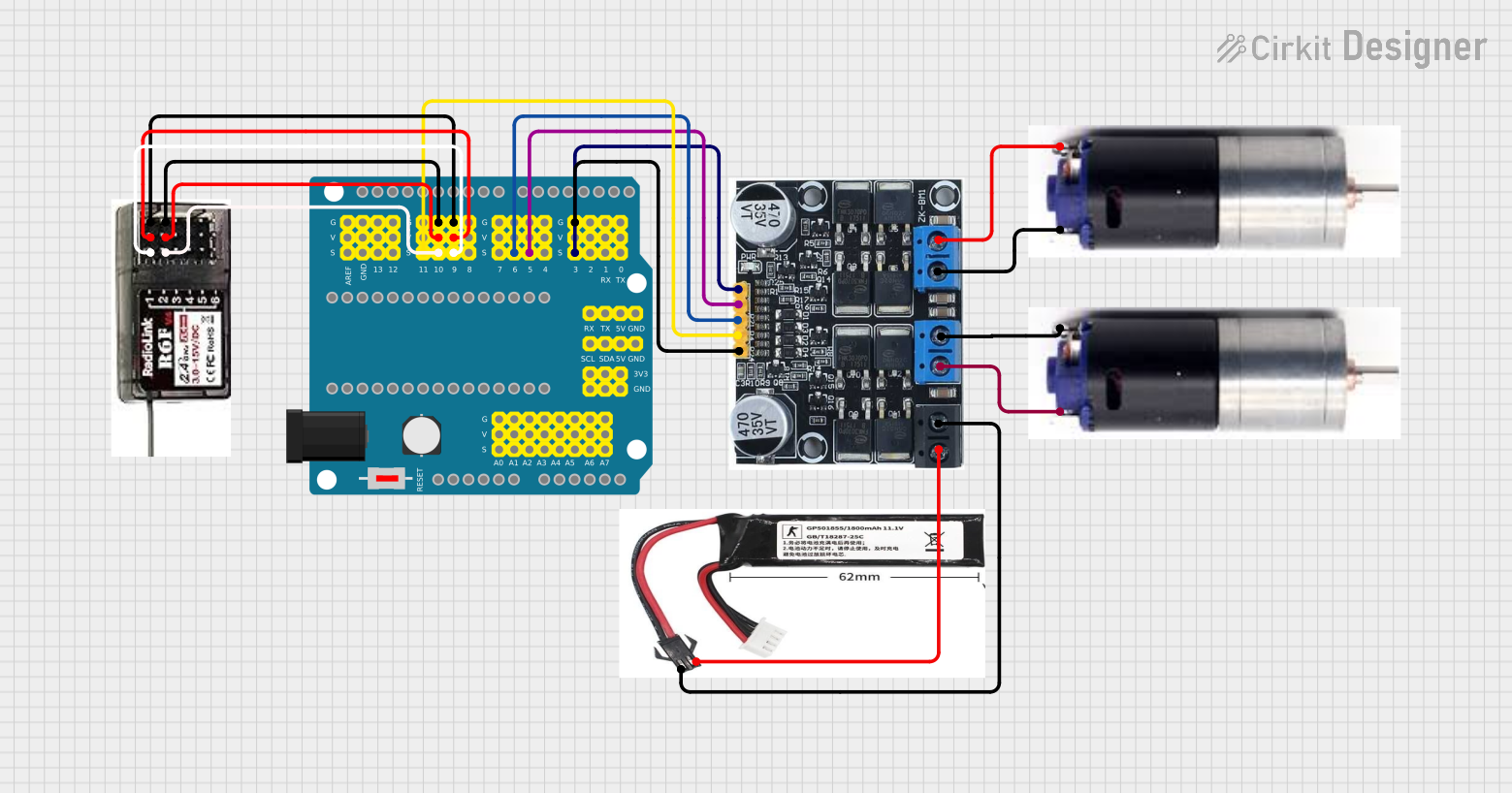 Open Project in Cirkit Designer
 Open Project in Cirkit Designer
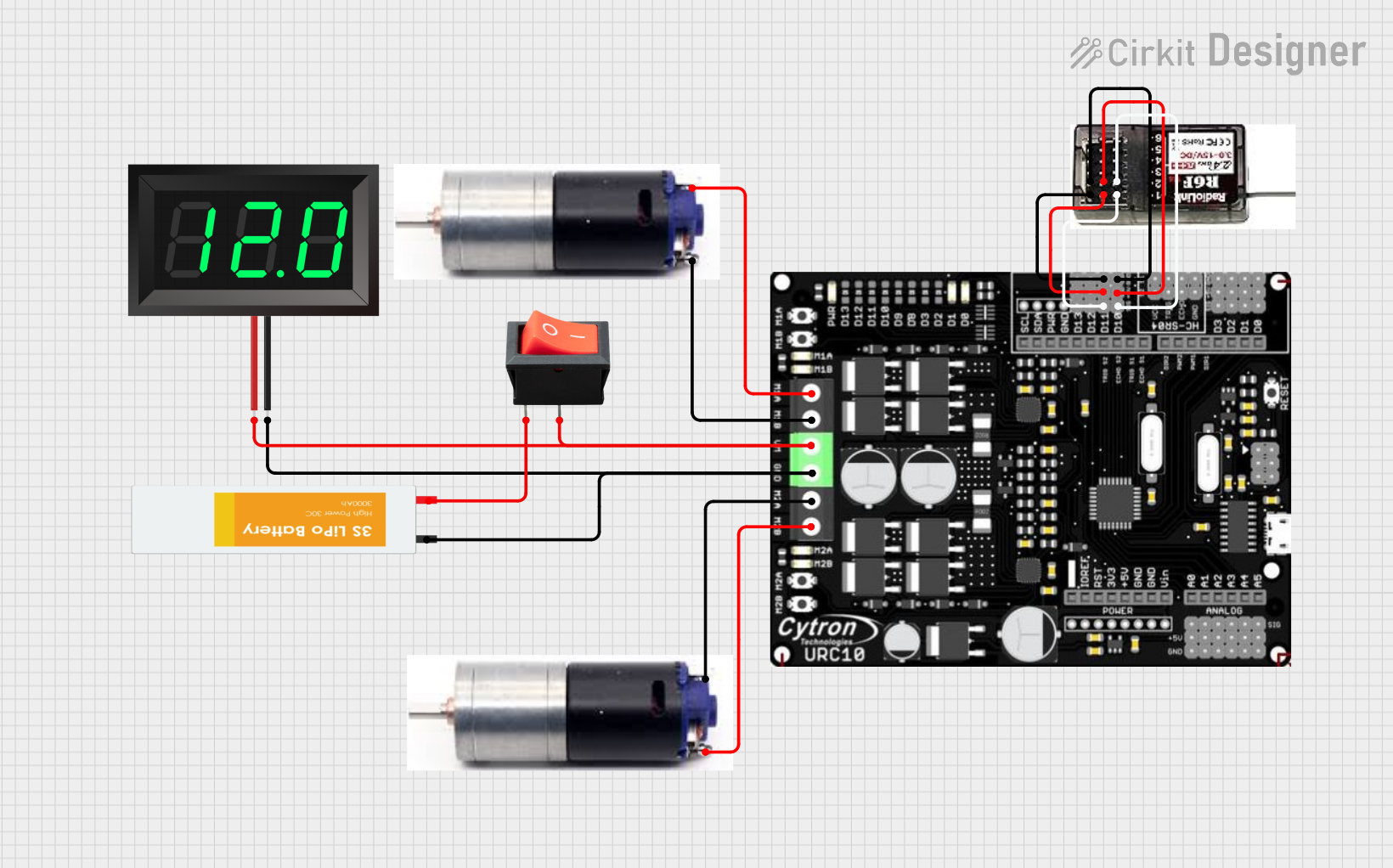 Open Project in Cirkit Designer
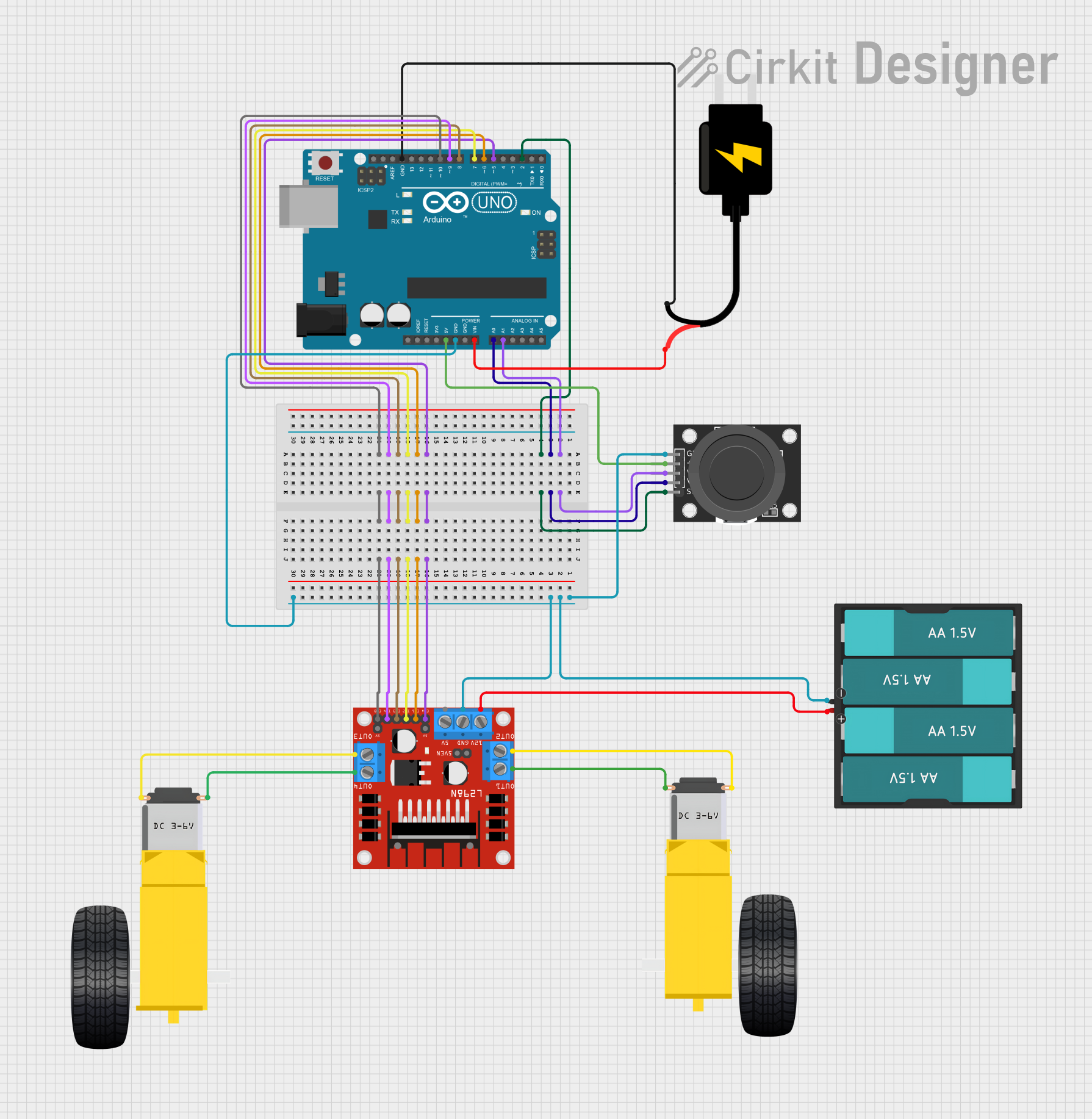 Open Project in Cirkit Designer
Explore Projects Built with Dc motor JGA25
Open Project in Cirkit DesignerOpen Project in Cirkit DesignerOpen Project in Cirkit DesignerOpen Project in Cirkit DesignerCommon Applications
- Robotics (e.g., robotic arms, mobile robots)
- Automation systems
- Conveyor belts
- Small electric vehicles
- DIY projects and prototyping
Technical Specifications
The following table outlines the key technical specifications of the JGA25 DC motor:
| Parameter | Value |
|---|---|
| Operating Voltage | 6V to 12V |
| Rated Torque | 1.5 kg·cm to 5 kg·cm (varies by model) |
| No-Load Speed | 30 RPM to 300 RPM (varies by model) |
| Stall Current | ~1.2A |
| Rated Current | ~0.2A to 0.6A |
| Shaft Diameter | 4mm |
| Motor Dimensions | 25mm diameter, ~50mm length |
| Gearbox Ratio | 1:10 to 1:150 (varies by model) |
| Weight | ~100g |
Pin Configuration
The JGA25 DC motor typically has two terminals for electrical connections. These terminals are used to control the motor's direction and speed.
| Pin/Terminal | Description |
|---|---|
| Terminal 1 | Positive terminal (connect to power or motor driver) |
| Terminal 2 | Negative terminal (connect to ground or motor driver) |
Note: The motor's direction of rotation can be reversed by swapping the polarity of the terminals.
Usage Instructions
How to Use the JGA25 in a Circuit
- Power Supply: Ensure the motor is powered within its operating voltage range (6V to 12V). Exceeding this range may damage the motor.
- Motor Driver: Use a motor driver (e.g., L298N or L293D) to control the motor's speed and direction. Directly connecting the motor to a microcontroller is not recommended due to high current requirements.
- Polarity Control: To change the motor's direction, reverse the polarity of the terminals using the motor driver.
- Speed Control: Use Pulse Width Modulation (PWM) signals from a microcontroller (e.g., Arduino) to control the motor's speed.
Example: Connecting the JGA25 to an Arduino UNO
Below is an example of how to control the JGA25 DC motor using an Arduino UNO and an L298N motor driver.
Circuit Connections
- Connect the motor terminals to the output pins of the L298N motor driver (e.g., OUT1 and OUT2).
- Connect the L298N's input pins (e.g., IN1 and IN2) to Arduino digital pins (e.g., D9 and D10).
- Connect the L298N's enable pin (e.g., ENA) to an Arduino PWM pin (e.g., D3).
- Provide a suitable power supply to the motor driver (e.g., 12V).
Arduino Code
// Define motor control pins
const int IN1 = 9;  // Motor driver input 1
const int IN2 = 10; // Motor driver input 2
const int ENA = 3;  // Motor driver enable pin (PWM)

// Setup function
void setup() {
  pinMode(IN1, OUTPUT); // Set IN1 as output
  pinMode(IN2, OUTPUT); // Set IN2 as output
  pinMode(ENA, OUTPUT); // Set ENA as output
}

// Loop function
void loop() {
  // Rotate motor clockwise
  digitalWrite(IN1, HIGH); // Set IN1 high
  digitalWrite(IN2, LOW);  // Set IN2 low
  analogWrite(ENA, 128);   // Set speed to 50% (PWM value: 128)

  delay(2000); // Run for 2 seconds

  // Rotate motor counterclockwise
  digitalWrite(IN1, LOW);  // Set IN1 low
  digitalWrite(IN2, HIGH); // Set IN2 high
  analogWrite(ENA, 128);   // Set speed to 50% (PWM value: 128)

  delay(2000); // Run for 2 seconds

  // Stop the motor
  digitalWrite(IN1, LOW);  // Set IN1 low
  digitalWrite(IN2, LOW);  // Set IN2 low
  analogWrite(ENA, 0);     // Set speed to 0 (motor off)

  delay(2000); // Wait for 2 seconds
}
Important Considerations
- Current Handling: Ensure the motor driver can handle the stall current of the motor (~1.2A).
- Heat Dissipation: Prolonged operation at high torque may cause the motor to heat up. Allow for proper ventilation or cooling.
- Power Supply: Use a stable power supply to avoid voltage fluctuations that could damage the motor or driver.
Troubleshooting and FAQs
Common Issues and Solutions
Motor Does Not Spin
- Cause: Insufficient power supply or loose connections.
- Solution: Check the power supply voltage and ensure all connections are secure.
Motor Spins in the Wrong Direction
- Cause: Incorrect polarity of the motor terminals.
- Solution: Swap the connections of the motor terminals or adjust the motor driver inputs.
Motor Overheats
- Cause: Prolonged operation at high torque or insufficient cooling.
- Solution: Reduce the load on the motor or provide better ventilation.
Motor Vibrates but Does Not Rotate
- Cause: Gearbox jam or insufficient torque.
- Solution: Inspect the gearbox for obstructions and ensure the motor is not overloaded.
FAQs
Can the JGA25 be used with a 5V power supply?
- It is not recommended, as the motor may not operate efficiently at 5V. Use a power supply within the 6V to 12V range.
What is the lifespan of the JGA25 motor?
- The lifespan depends on usage conditions, but with proper care, it can last for thousands of hours.
Can I use the JGA25 without a motor driver?
- Directly connecting the motor to a power source is possible but not recommended for precise control. Use a motor driver for better performance and safety.
This concludes the documentation for the JGA25 DC motor.