
How to Use EDISON: Examples, Pinouts, and Specs
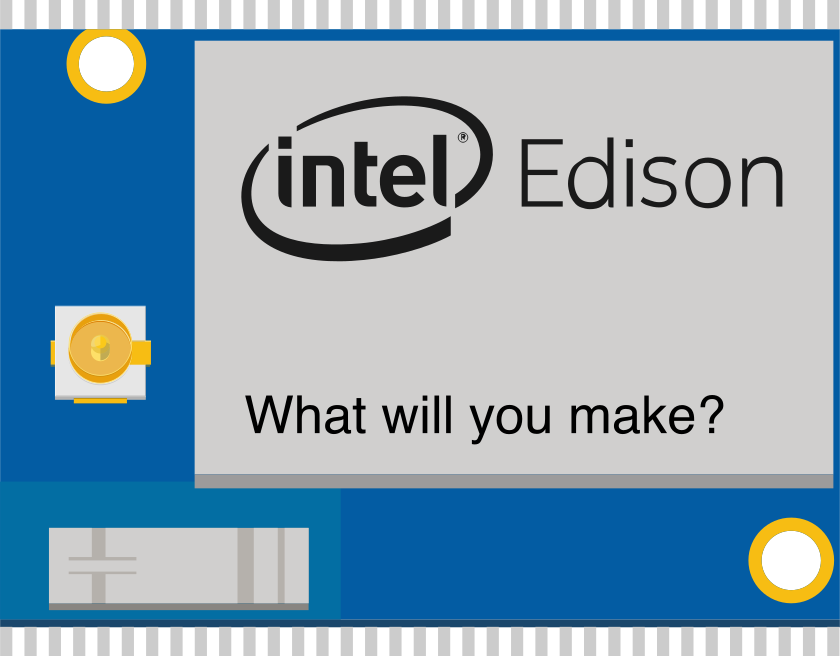
 Design with EDISON in Cirkit Designer
Introduction
The Intel EDISON is a compact, low-power computing platform designed specifically for Internet of Things (IoT) applications. It features an Intel Atom processor, integrated Wi-Fi, and Bluetooth connectivity, making it an ideal choice for embedded systems, smart devices, and wearable technology. With its small form factor and robust processing capabilities, the EDISON platform enables developers to create innovative, connected solutions for a wide range of applications.
Explore Projects Built with EDISON
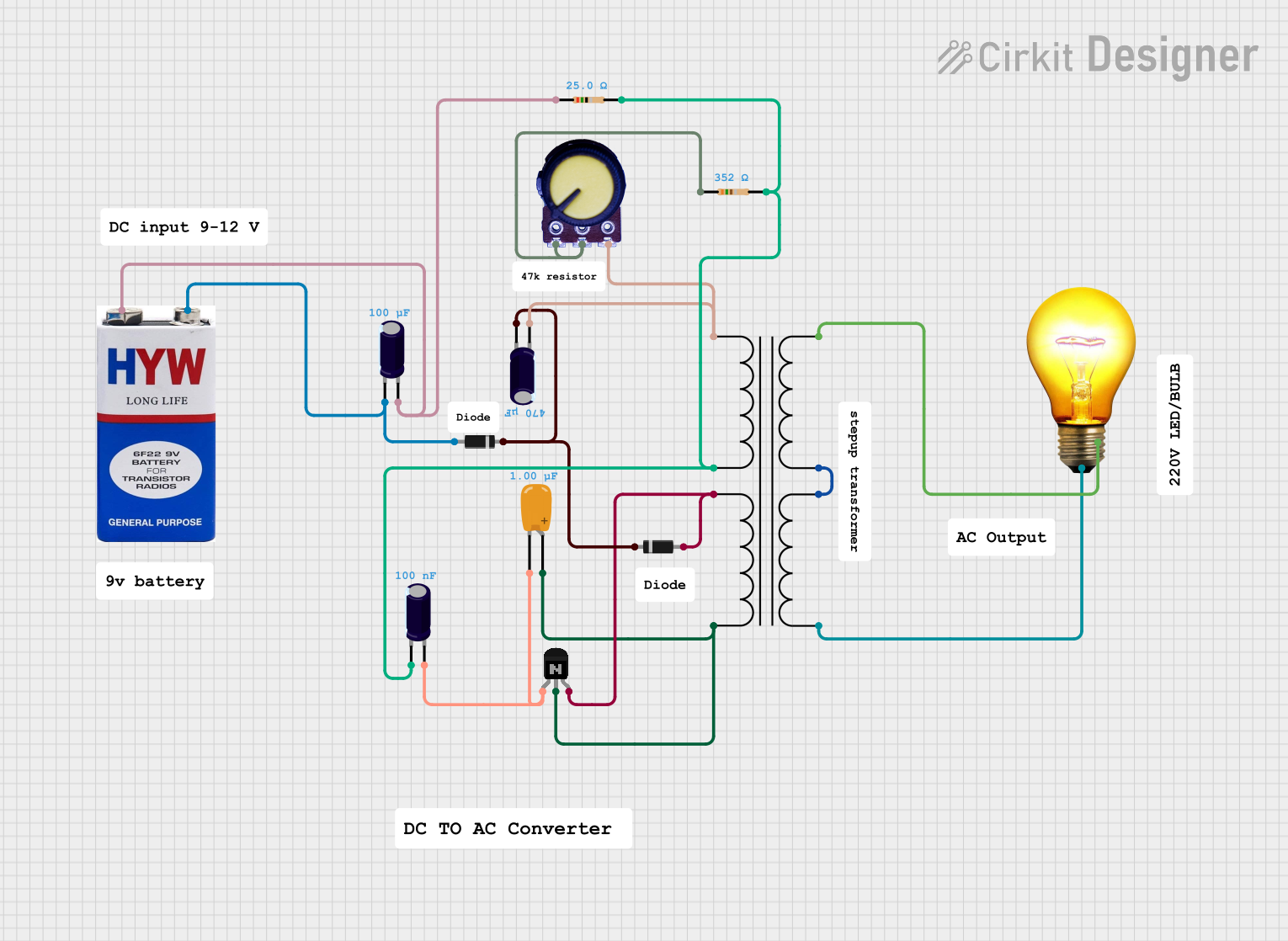 Open Project in Cirkit Designer
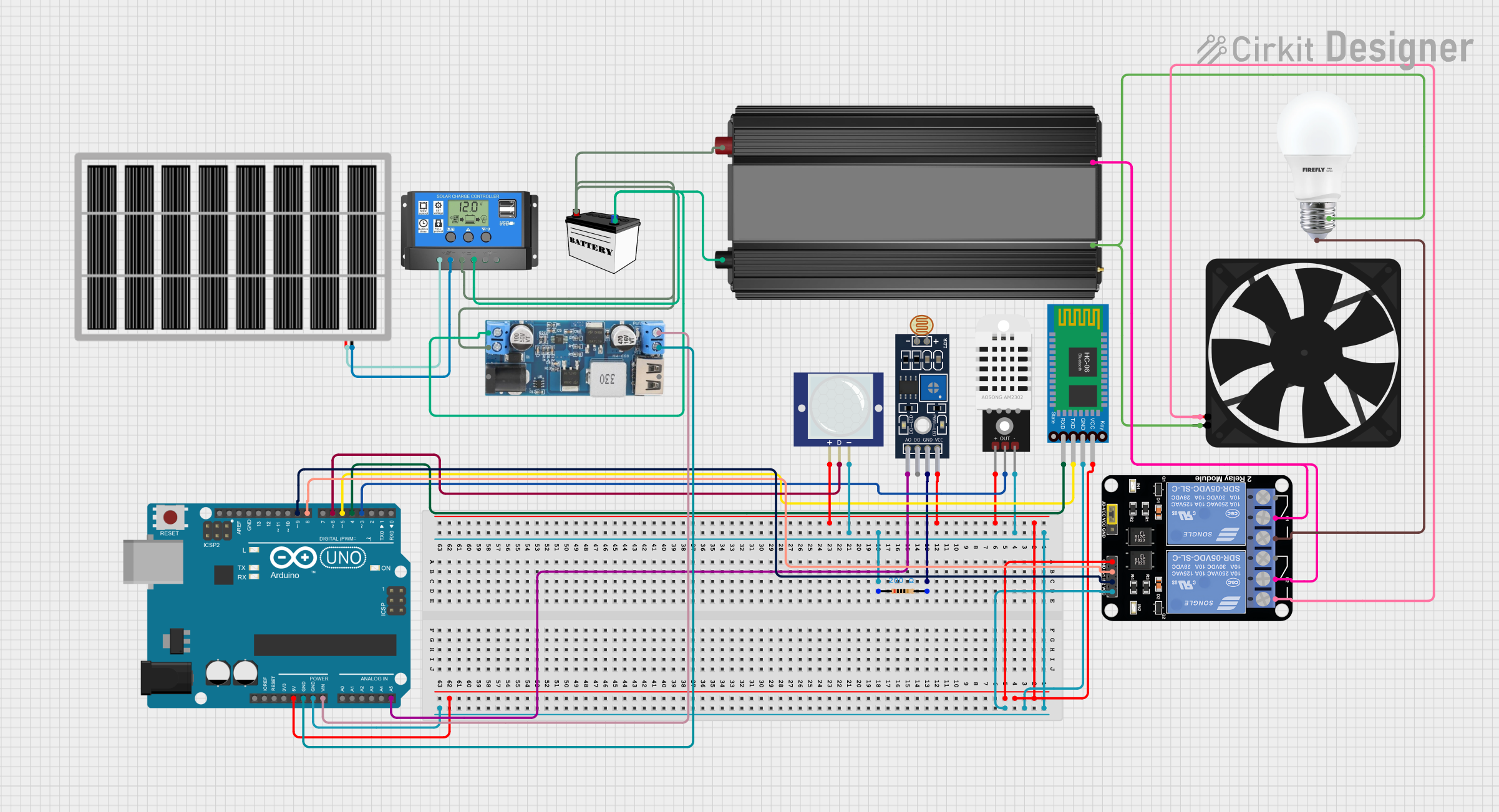 Open Project in Cirkit Designer
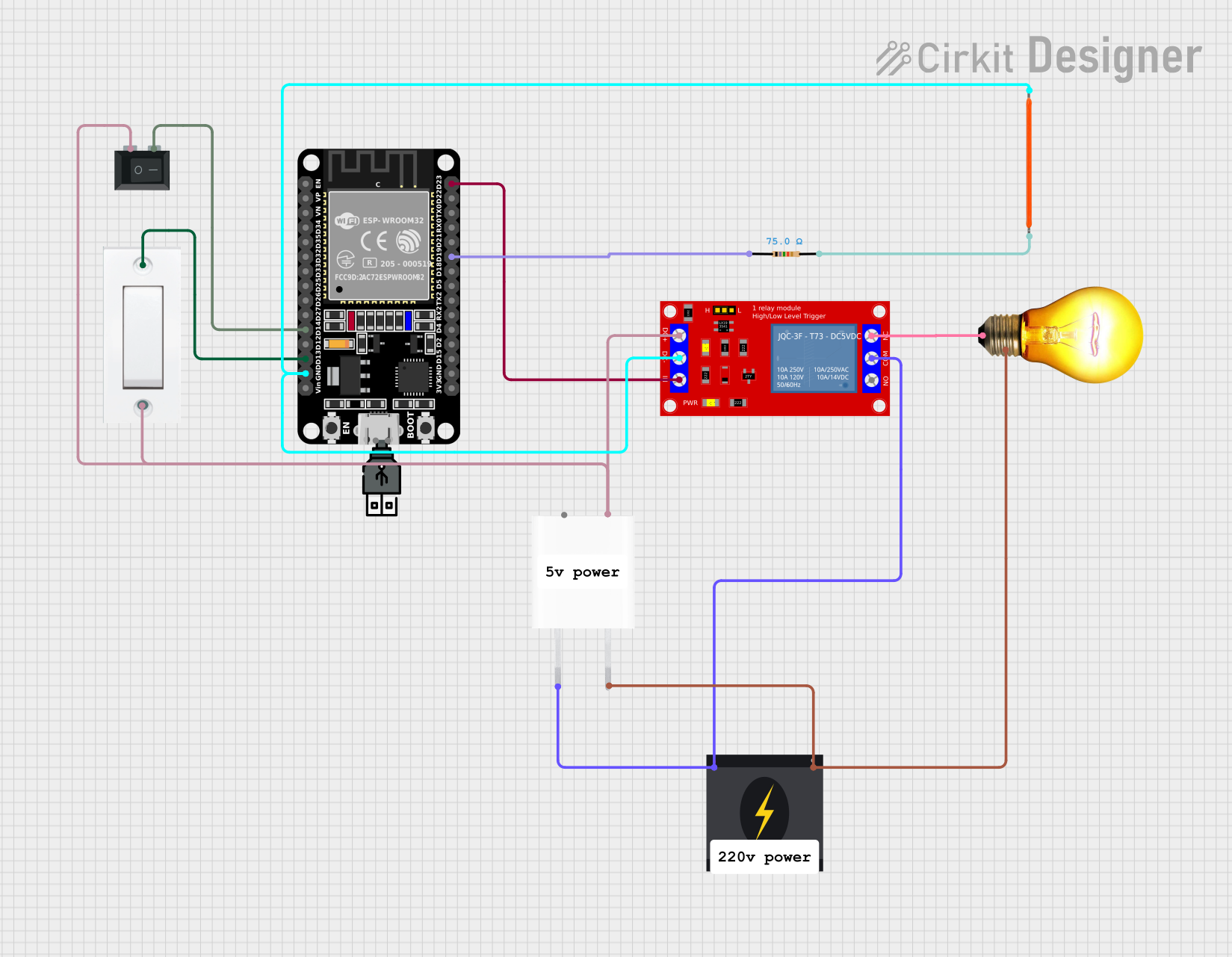 Open Project in Cirkit Designer
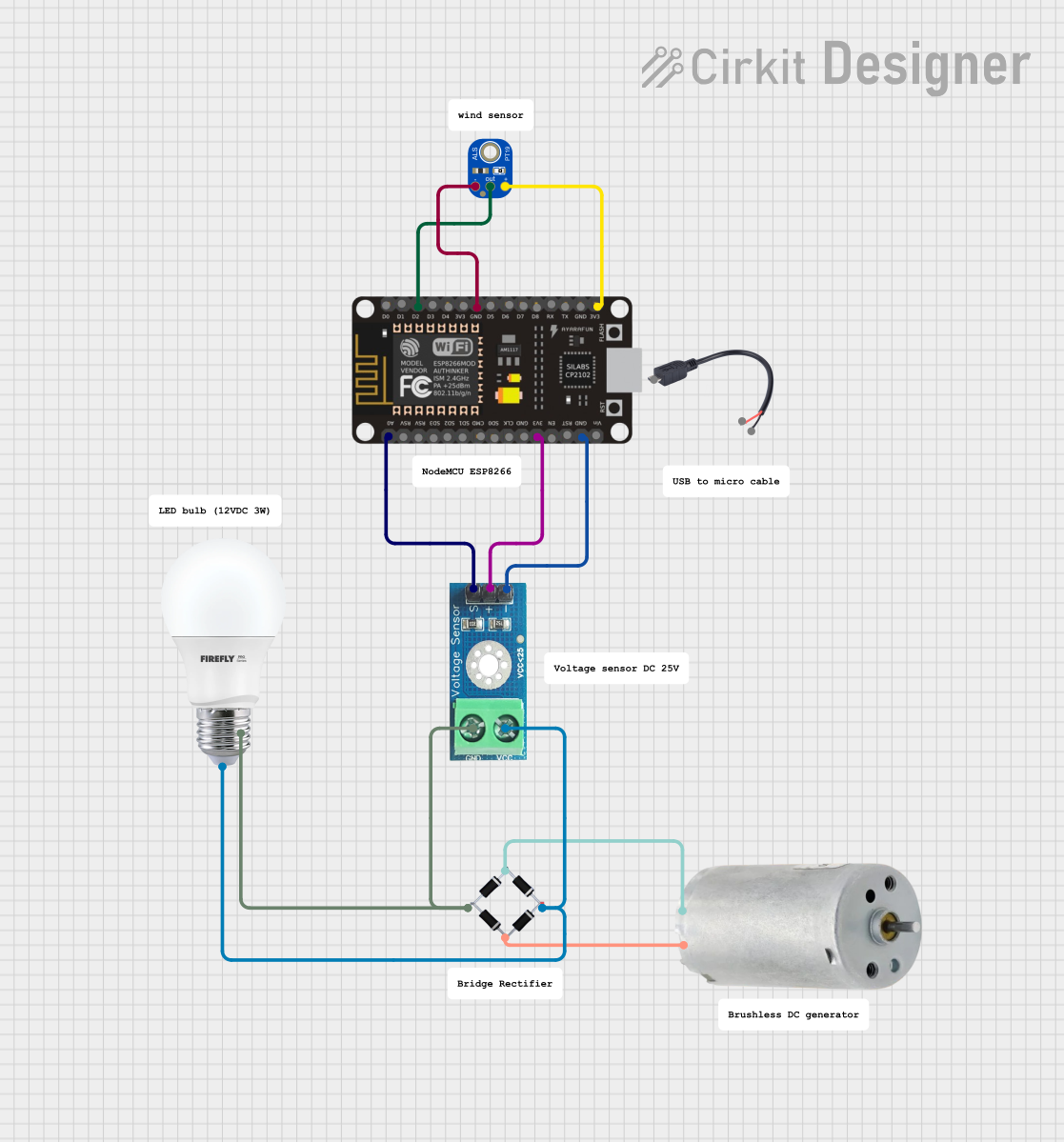 Open Project in Cirkit Designer
Explore Projects Built with EDISON
Open Project in Cirkit DesignerOpen Project in Cirkit DesignerOpen Project in Cirkit DesignerOpen Project in Cirkit DesignerCommon Applications and Use Cases
- Smart home devices (e.g., connected thermostats, lighting systems)
- Wearable technology (e.g., fitness trackers, health monitors)
- Industrial IoT (e.g., predictive maintenance, sensor networks)
- Robotics and automation
- Prototyping and rapid development of IoT solutions
Technical Specifications
The Intel EDISON platform is packed with features that make it a powerful tool for IoT development. Below are the key technical specifications:
General Specifications
| Feature | Description |
|---|---|
| Processor | Intel Atom SoC dual-core, dual-threaded at 500 MHz |
| RAM | 1 GB LPDDR3 |
| Storage | 4 GB eMMC |
| Connectivity | Wi-Fi 802.11 a/b/g/n, Bluetooth 4.0 (LE) |
| Operating System | Yocto Linux (default), supports other Linux distributions |
| GPIO Pins | 40 GPIO pins (via breakout board) |
| Dimensions | 35.5 mm x 25 mm x 3.9 mm |
| Power Supply | 3.3V to 4.5V input voltage |
Pin Configuration and Descriptions
The EDISON module itself is designed to be used with a breakout board or custom PCB. Below is the pin configuration for the EDISON breakout board:
GPIO and Power Pins
| Pin Number | Pin Name | Description |
|---|---|---|
| 1 | GND | Ground |
| 2 | 3.3V | 3.3V power output |
| 3 | GPIO_13 | General-purpose I/O pin |
| 4 | GPIO_12 | General-purpose I/O pin |
| 5 | GPIO_11 | General-purpose I/O pin |
| 6 | GPIO_10 | General-purpose I/O pin |
| 7 | UART_TX | UART transmit pin |
| 8 | UART_RX | UART receive pin |
| 9 | I2C_SCL | I2C clock line |
| 10 | I2C_SDA | I2C data line |
Communication Interfaces
| Interface | Description |
|---|---|
| UART | Serial communication interface |
| I2C | Inter-Integrated Circuit for sensor connections |
| SPI | Serial Peripheral Interface |
| USB OTG | USB On-The-Go for data transfer and debugging |
Usage Instructions
The Intel EDISON platform is versatile and can be used in a variety of IoT projects. Below are the steps to get started and important considerations:
Getting Started
- Powering the EDISON: Connect the EDISON to a power source using a 3.3V to 4.5V power supply or via USB.
- Setting Up Wi-Fi:
- Use the command-line interface to configure Wi-Fi:
configure_edison --wifi - Follow the prompts to connect to a Wi-Fi network.
- Use the command-line interface to configure Wi-Fi:
- Programming the EDISON:
- Install the Intel EDISON drivers and tools on your computer.
- Use the Arduino IDE or a terminal-based approach to upload code to the EDISON.
Example: Blinking an LED with Arduino IDE
The following example demonstrates how to blink an LED connected to GPIO_13 using the Arduino IDE:
// Define the GPIO pin for the LED
const int ledPin = 13;

void setup() {
  // Set the GPIO pin as an output
  pinMode(ledPin, OUTPUT);
}

void loop() {
  // Turn the LED on
  digitalWrite(ledPin, HIGH);
  delay(1000); // Wait for 1 second

  // Turn the LED off
  digitalWrite(ledPin, LOW);
  delay(1000); // Wait for 1 second
}
Important Considerations
- Power Supply: Ensure the EDISON is supplied with a stable voltage within the specified range (3.3V to 4.5V).
- Heat Management: The EDISON may generate heat during operation. Ensure proper ventilation or heat dissipation.
- Firmware Updates: Regularly update the firmware to ensure compatibility and access to the latest features.
Troubleshooting and FAQs
Common Issues and Solutions
EDISON Not Powering On
- Cause: Insufficient power supply.
- Solution: Verify that the power source provides 3.3V to 4.5V and is properly connected.
Wi-Fi Connection Fails
- Cause: Incorrect Wi-Fi credentials or weak signal.
- Solution: Re-run the
configure_edison --wificommand and ensure the network is within range.
Code Upload Fails
- Cause: Missing drivers or incorrect port selection in the Arduino IDE.
- Solution: Install the Intel EDISON drivers and select the correct COM port in the IDE.
GPIO Pins Not Responding
- Cause: Incorrect pin configuration or damaged pins.
- Solution: Double-check the pinMode and wiring. Test with a different GPIO pin.
FAQs
Q: Can I use the EDISON with other programming languages?
A: Yes, the EDISON supports Python, Node.js, and other languages compatible with Linux.
Q: How do I reset the EDISON to factory settings?
A: Use the following command in the terminal:
reboot ota
Q: Can the EDISON be powered via USB?
A: Yes, the EDISON can be powered through its USB OTG port for development purposes.
Q: Is the EDISON compatible with Arduino shields?
A: Yes, with the appropriate breakout board, the EDISON can interface with Arduino shields.
This concludes the documentation for the Intel EDISON platform. For further assistance, refer to the official Intel EDISON user guide.