
How to Use I2C port expander: Examples, Pinouts, and Specs

 Design with I2C port expander in Cirkit Designer
Introduction
The I2C Port Expander is a versatile electronic component designed to increase the number of available input/output (I/O) pins on a microcontroller. It achieves this by utilizing the I2C (Inter-Integrated Circuit) communication protocol, which allows multiple devices to communicate over just two wires: SDA (data line) and SCL (clock line). This makes it an ideal solution for projects requiring additional I/O pins without increasing the complexity of wiring.
Explore Projects Built with I2C port expander
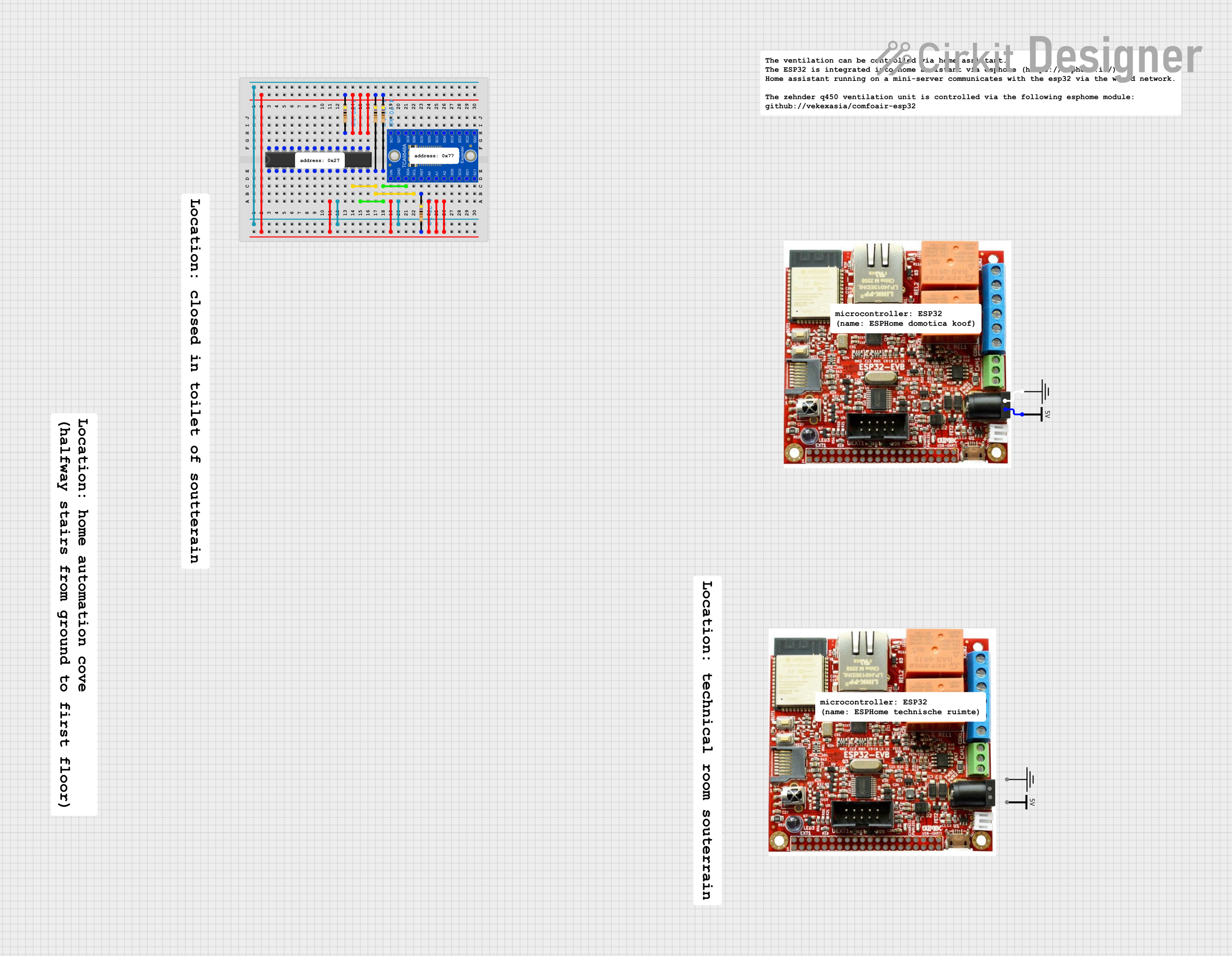 Open Project in Cirkit Designer
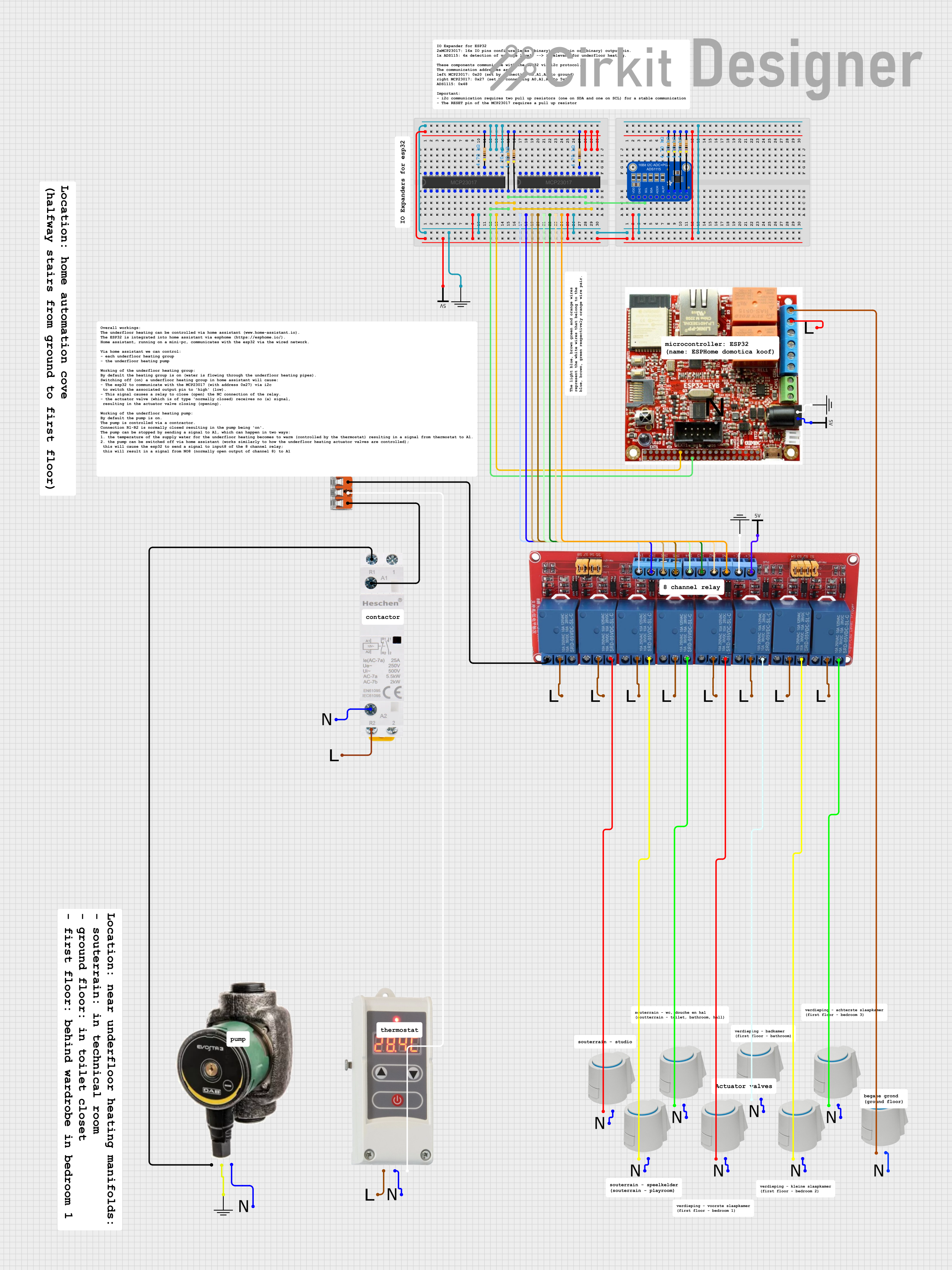 Open Project in Cirkit Designer
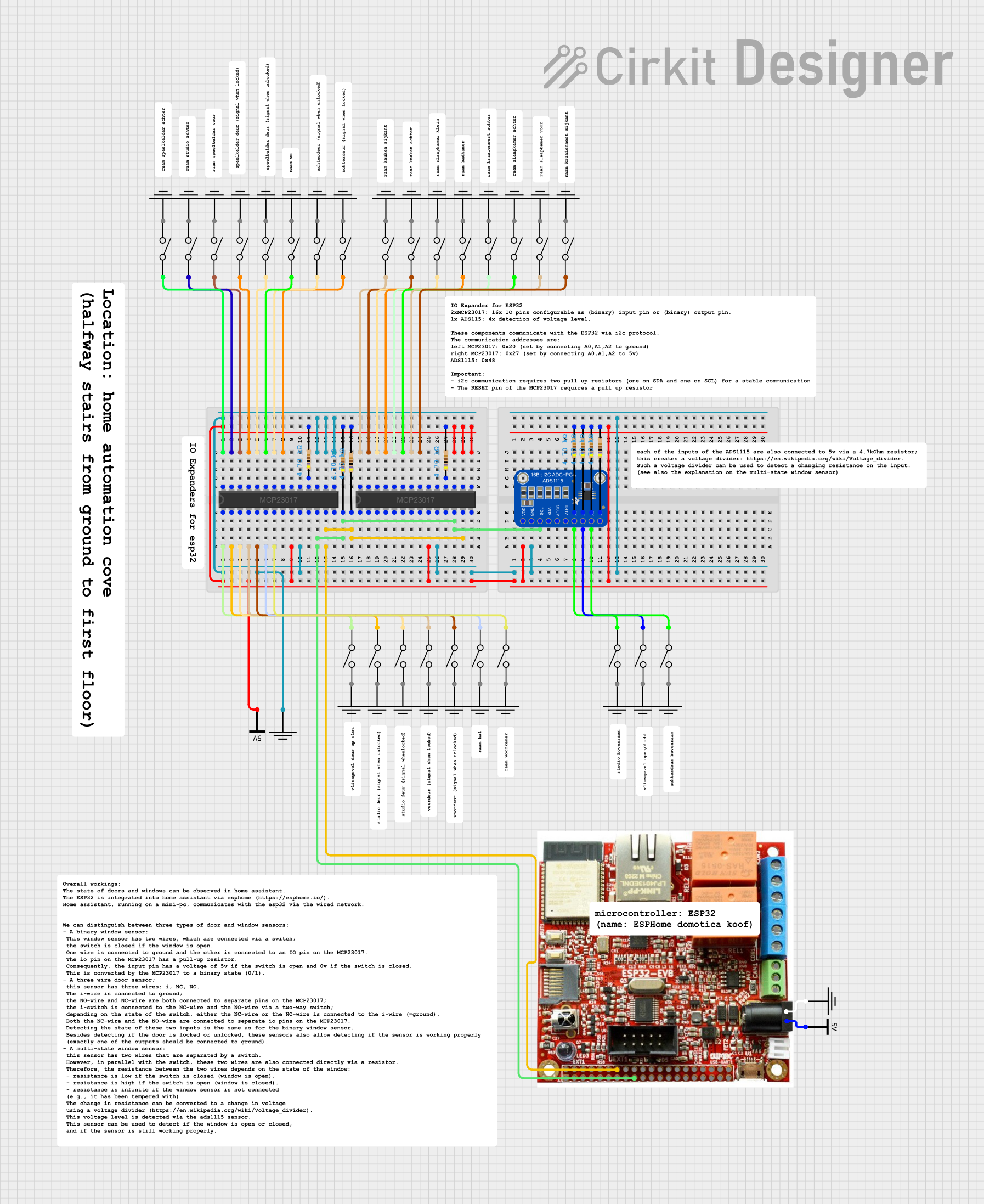 Open Project in Cirkit Designer
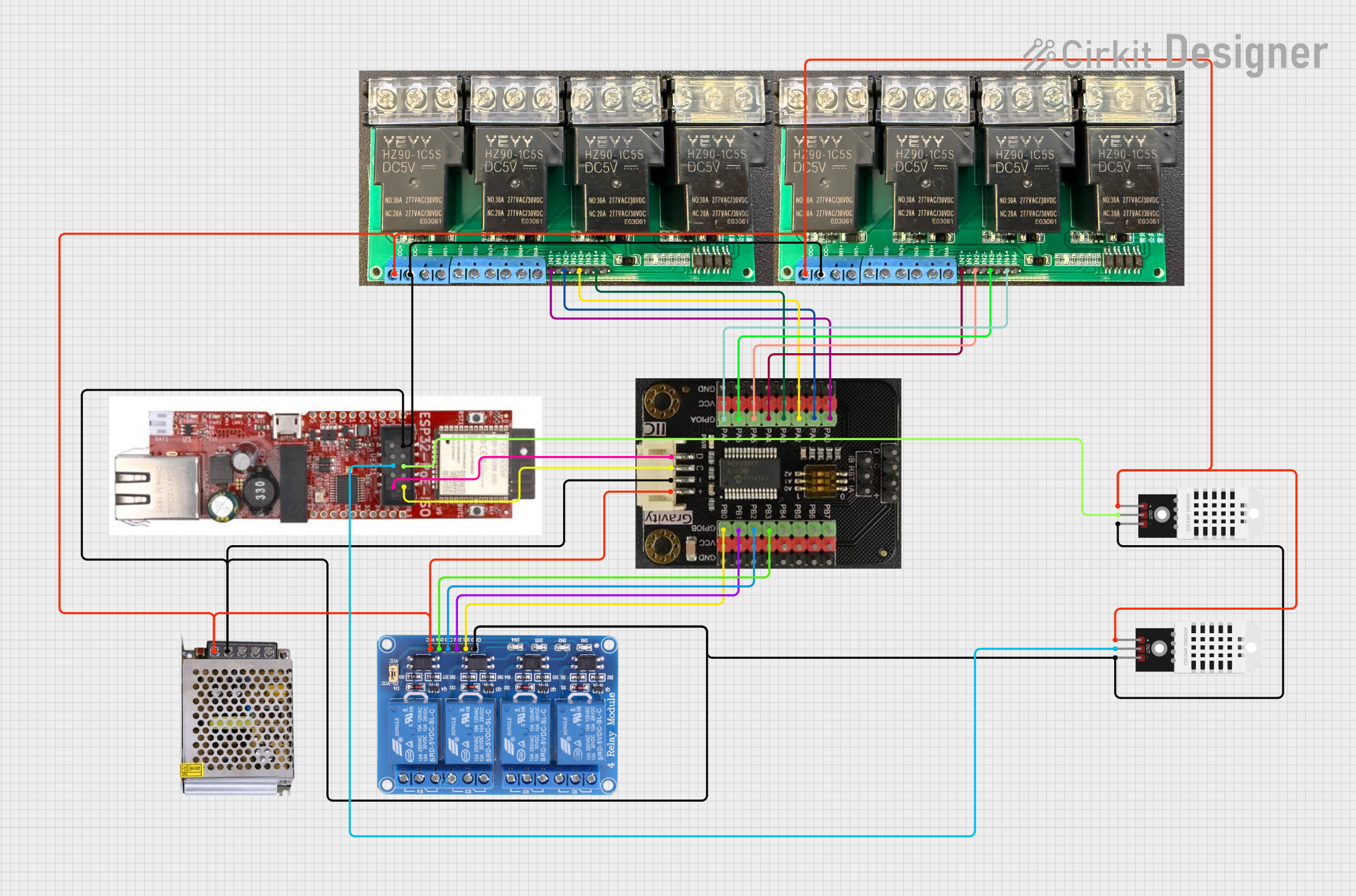 Open Project in Cirkit Designer
Explore Projects Built with I2C port expander
Open Project in Cirkit DesignerOpen Project in Cirkit DesignerOpen Project in Cirkit DesignerOpen Project in Cirkit DesignerCommon Applications and Use Cases
- Expanding the number of GPIO pins for microcontrollers like Arduino, Raspberry Pi, or ESP32.
- Controlling multiple LEDs, relays, or other output devices.
- Reading inputs from multiple buttons, switches, or sensors.
- Building modular systems with multiple I2C devices on the same bus.
- Reducing wiring complexity in large-scale projects.
Technical Specifications
Below are the general technical specifications for a typical I2C Port Expander, such as the popular PCF8574 or MCP23017:
Key Technical Details
- Operating Voltage: 2.5V to 5.5V (varies by model)
- I2C Address Range: Configurable via address pins (typically 0x20 to 0x27 for 3-bit addressing)
- Maximum I2C Clock Speed: 400 kHz (Fast Mode I2C)
- Number of I/O Pins: 8 (PCF8574) or 16 (MCP23017)
- Output Current: Typically 25 mA per pin (sink/source capability)
- Input Type: Digital (with optional pull-up resistors)
- Package Types: DIP, SOIC, or QFN
Pin Configuration and Descriptions
Example: PCF8574 (8-bit I2C Port Expander)
| Pin Number | Pin Name | Description |
|---|---|---|
| 1 | A0 | Address selection pin (LSB of I2C address) |
| 2 | A1 | Address selection pin |
| 3 | A2 | Address selection pin (MSB of I2C address) |
| 4 | GND | Ground connection |
| 5-12 | P0-P7 | General-purpose I/O pins |
| 13 | INT | Interrupt output (active low, triggered by input state change) |
| 14 | SDA | I2C data line |
| 15 | SCL | I2C clock line |
| 16 | VCC | Power supply (2.5V to 5.5V) |
Example: MCP23017 (16-bit I2C Port Expander)
| Pin Number | Pin Name | Description |
|---|---|---|
| 1-8 | GPA0-GPA7 | General-purpose I/O pins (Port A) |
| 9 | VDD | Power supply (2.5V to 5.5V) |
| 10 | INT A | Interrupt output for Port A (active low) |
| 11 | INT B | Interrupt output for Port B (active low) |
| 12 | SDA | I2C data line |
| 13 | SCL | I2C clock line |
| 14 | RESET | Active-low reset input |
| 15-22 | GPB0-GPB7 | General-purpose I/O pins (Port B) |
| 23 | A0 | Address selection pin (LSB of I2C address) |
| 24 | A1 | Address selection pin |
| 25 | A2 | Address selection pin (MSB of I2C address) |
| 26 | GND | Ground connection |
Usage Instructions
How to Use the Component in a Circuit
- Connect Power and Ground: Connect the VCC pin to the microcontroller's power supply (e.g., 3.3V or 5V) and the GND pin to ground.
- Connect I2C Lines: Connect the SDA and SCL pins to the corresponding I2C pins on the microcontroller. Use pull-up resistors (typically 4.7kΩ) on both lines if not already present.
- Set the I2C Address: Configure the address pins (A0, A1, A2) to set the I2C address. This allows multiple expanders to share the same I2C bus.
- Connect I/O Devices: Attach your input or output devices (e.g., LEDs, buttons, sensors) to the I/O pins (P0-P7 for PCF8574 or GPA0-GPB7 for MCP23017).
- Write Code: Use a microcontroller library (e.g., Wire.h for Arduino) to communicate with the expander and control the I/O pins.
Important Considerations and Best Practices
- I2C Address Conflicts: Ensure that no two devices on the same I2C bus share the same address.
- Interrupt Pin: Use the INT pin for efficient event-driven programming, especially when monitoring inputs.
- Voltage Compatibility: Verify that the expander's operating voltage matches the microcontroller's logic level.
- Pull-Up Resistors: If the I2C bus does not already have pull-up resistors, add them to SDA and SCL lines.
Example Code for Arduino UNO
Below is an example of using the PCF8574 to control LEDs and read button states:
#include <Wire.h> // Include the Wire library for I2C communication

#define I2C_ADDRESS 0x20 // I2C address of the PCF8574 (configured via A0, A1, A2)

void setup() {
  Wire.begin(); // Initialize I2C communication
  Serial.begin(9600); // Start serial communication for debugging

  // Set all pins as outputs (write 0x00 to the expander)
  Wire.beginTransmission(I2C_ADDRESS);
  Wire.write(0x00); // All pins low (outputs)
  Wire.endTransmission();
}

void loop() {
  // Example: Toggle an LED connected to P0
  Wire.beginTransmission(I2C_ADDRESS);
  Wire.write(0x01); // Set P0 high, others low
  Wire.endTransmission();
  delay(500); // Wait 500ms

  Wire.beginTransmission(I2C_ADDRESS);
  Wire.write(0x00); // Set all pins low
  Wire.endTransmission();
  delay(500); // Wait 500ms
}
Troubleshooting and FAQs
Common Issues and Solutions
I2C Device Not Detected:
- Ensure the SDA and SCL lines are correctly connected.
- Check for proper pull-up resistors on the I2C bus.
- Verify the I2C address configuration (A0, A1, A2 pins).
Incorrect Output Behavior:
- Confirm that the expander's operating voltage matches the microcontroller's logic level.
- Check for loose or incorrect wiring to the I/O pins.
Interrupt Pin Not Working:
- Ensure the INT pin is connected to a digital input pin on the microcontroller.
- Verify that the expander is configured to generate interrupts.
Multiple Devices on the Same Bus:
- Check for address conflicts and reconfigure the address pins if necessary.
FAQs
Q: Can I use multiple I2C Port Expanders on the same bus?
A: Yes, as long as each expander has a unique I2C address. Configure the address pins (A0, A1, A2) accordingly.
Q: Do I need external pull-up resistors for the I2C lines?
A: Yes, if your microcontroller or other devices on the bus do not already include them.
Q: Can the expander handle analog signals?
A: No, I2C Port Expanders are designed for digital I/O only. Use an ADC (Analog-to-Digital Converter) for analog signals.