
How to Use Fermion MEMS Odor Smell Gas Detection Sensor: Examples, Pinouts, and Specs
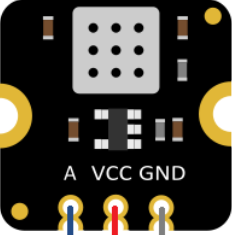
 Design with Fermion MEMS Odor Smell Gas Detection Sensor in Cirkit Designer
Introduction
The Fermion MEMS Odor Smell Gas Detection Sensor (SKU: SEN0571) by DFRobot is a cutting-edge sensor designed to detect and measure the concentration of specific gases associated with odors. Utilizing advanced Micro-Electro-Mechanical Systems (MEMS) technology, this sensor provides high sensitivity, low power consumption, and real-time data output. It is ideal for applications in safety monitoring, environmental analysis, air quality control, and smart home systems.
Explore Projects Built with Fermion MEMS Odor Smell Gas Detection Sensor
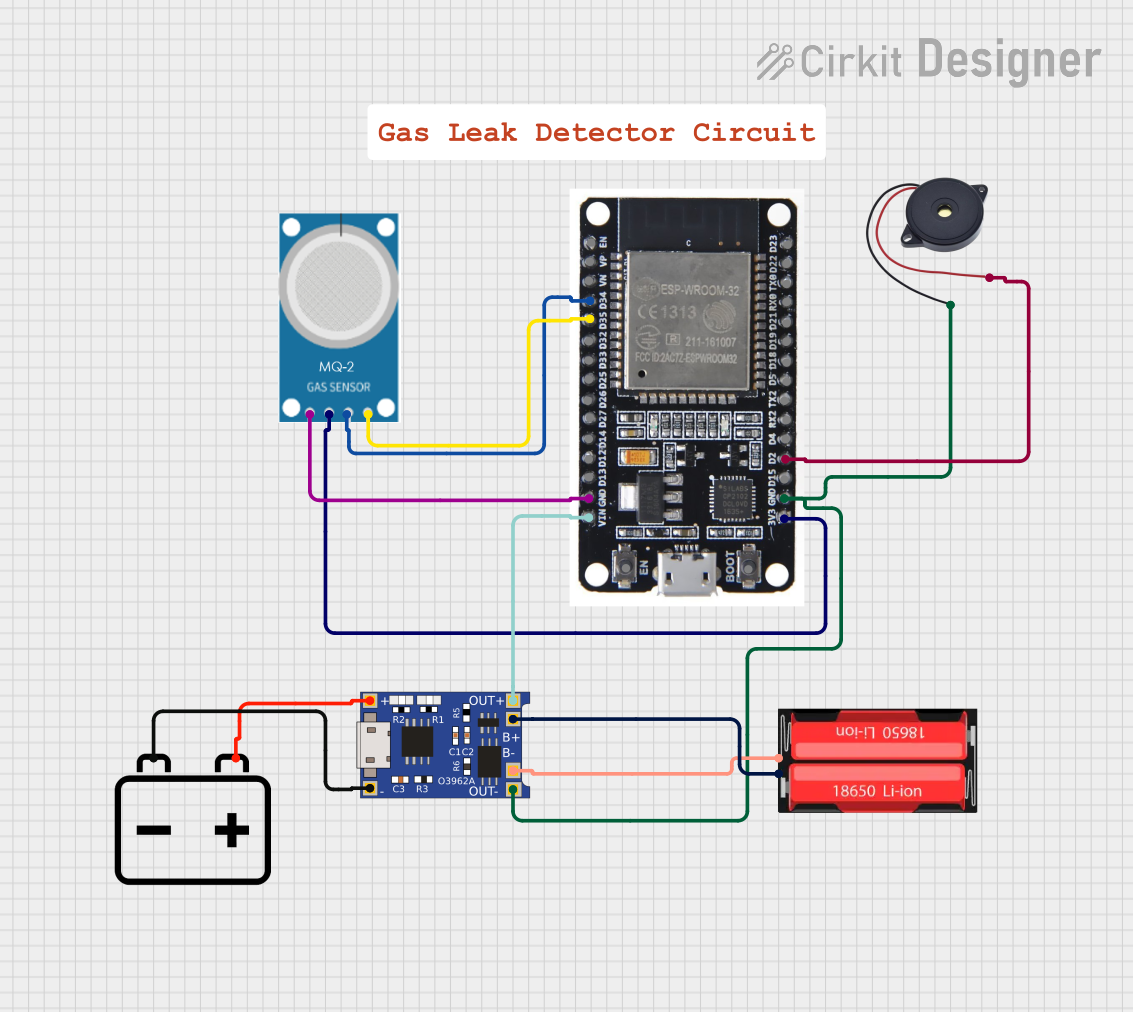 Open Project in Cirkit Designer
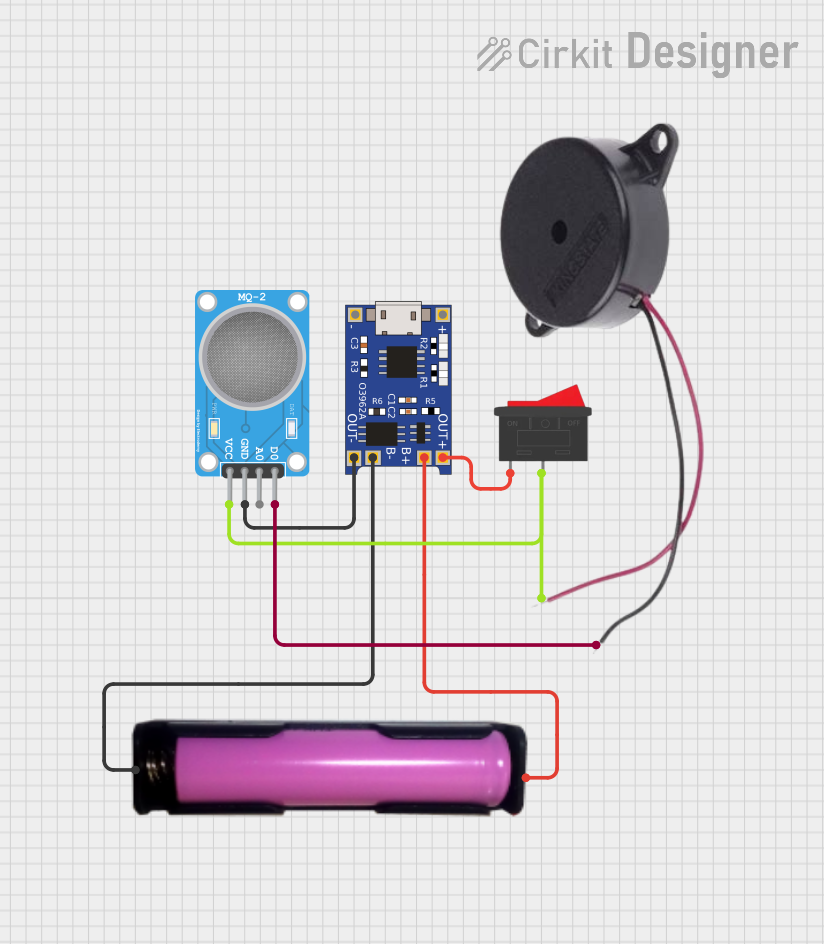 Open Project in Cirkit Designer
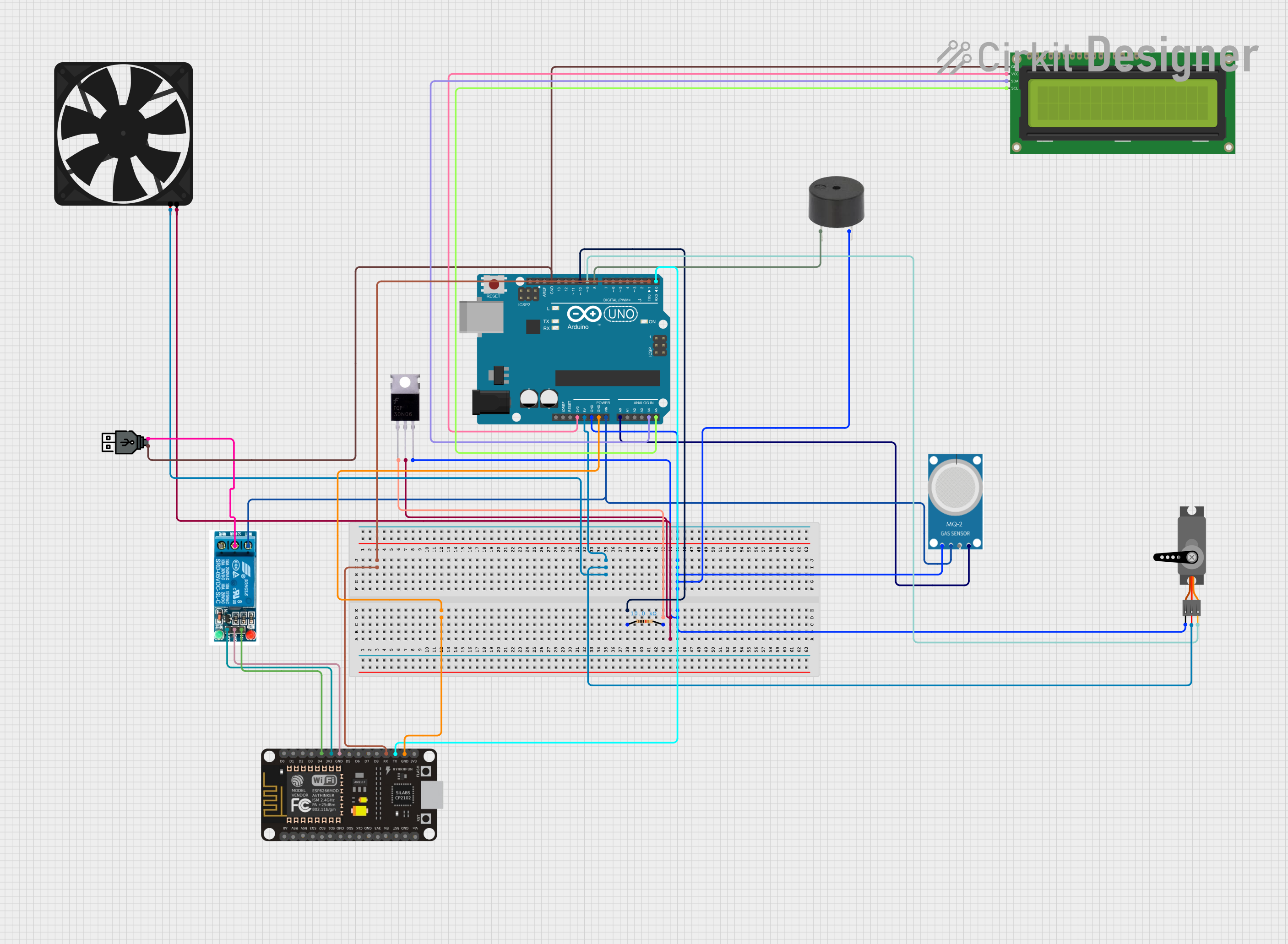 Open Project in Cirkit Designer
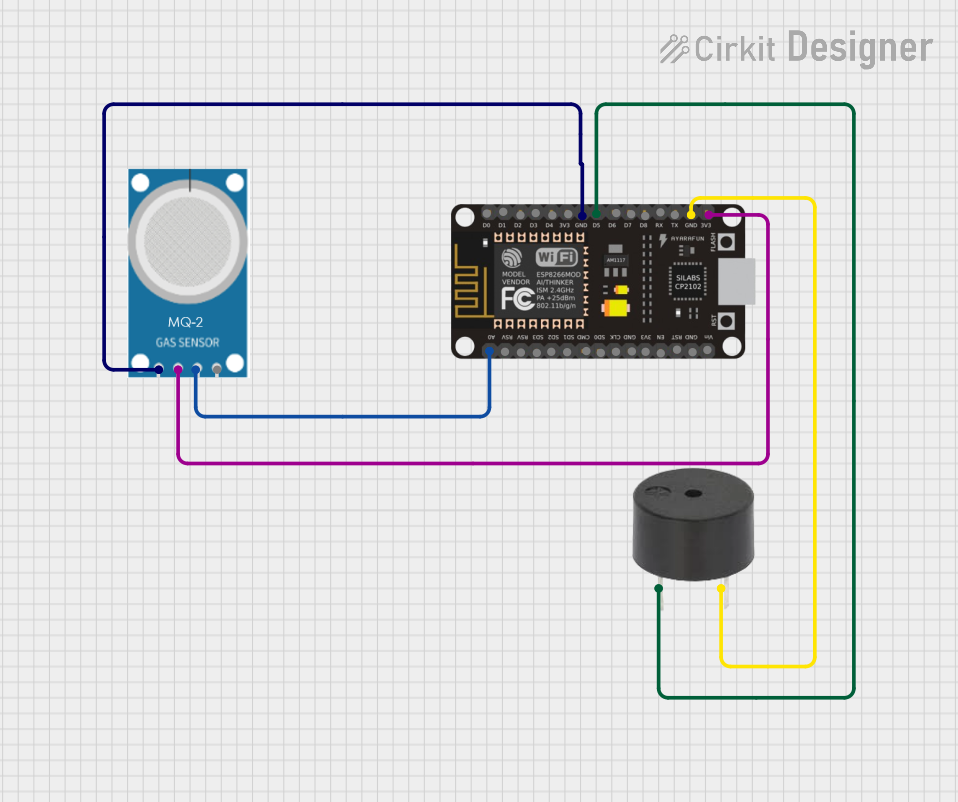 Open Project in Cirkit Designer
Explore Projects Built with Fermion MEMS Odor Smell Gas Detection Sensor
Open Project in Cirkit DesignerOpen Project in Cirkit DesignerOpen Project in Cirkit DesignerOpen Project in Cirkit DesignerCommon Applications
- Air quality monitoring in homes, offices, and industrial environments
- Detection of harmful gases for safety systems
- Environmental monitoring for research and development
- Odor detection in food and beverage quality control
- Integration into IoT devices for smart home automation
Technical Specifications
The following table outlines the key technical details of the Fermion MEMS Odor Smell Gas Detection Sensor:
| Parameter | Value |
|---|---|
| Operating Voltage | 3.3V - 5V |
| Operating Current | ≤ 5mA |
| Detection Range | 0 - 1000 ppm (parts per million) |
| Response Time | ≤ 1 second |
| Interface Type | I2C |
| Operating Temperature | -40°C to 85°C |
| Dimensions | 22mm x 22mm |
Pin Configuration
The sensor features a 4-pin interface for easy integration into circuits. The pin configuration is as follows:
| Pin | Name | Description |
|---|---|---|
| 1 | VCC | Power supply (3.3V - 5V) |
| 2 | GND | Ground |
| 3 | SDA | I2C data line |
| 4 | SCL | I2C clock line |
Usage Instructions
How to Use the Sensor in a Circuit
- Power Supply: Connect the VCC pin to a 3.3V or 5V power source and the GND pin to the ground.
- I2C Communication: Connect the SDA and SCL pins to the corresponding I2C pins on your microcontroller (e.g., Arduino UNO).
- Pull-Up Resistors: Ensure that the I2C lines (SDA and SCL) have appropriate pull-up resistors (typically 4.7kΩ) if not already included in your setup.
- Data Reading: Use an I2C library to communicate with the sensor and retrieve gas concentration data.
Important Considerations
- Calibration: The sensor may require calibration for accurate readings. Refer to the manufacturer's guidelines for calibration procedures.
- Environmental Factors: Avoid exposing the sensor to extreme humidity or temperatures outside its operating range.
- Placement: Place the sensor in an area with good airflow for accurate odor detection.
- Power Supply Stability: Use a stable power source to prevent fluctuations that could affect sensor performance.
Example Code for Arduino UNO
Below is an example code snippet to interface the Fermion MEMS Odor Smell Gas Detection Sensor with an Arduino UNO:
#include <Wire.h>

// I2C address of the sensor (default address, check datasheet for confirmation)
#define SENSOR_I2C_ADDRESS 0x5A

void setup() {
  Wire.begin(); // Initialize I2C communication
  Serial.begin(9600); // Initialize serial communication for debugging

  // Check if the sensor is connected
  Wire.beginTransmission(SENSOR_I2C_ADDRESS);
  if (Wire.endTransmission() == 0) {
    Serial.println("Sensor connected successfully!");
  } else {
    Serial.println("Sensor connection failed. Check wiring.");
  }
}

void loop() {
  Wire.beginTransmission(SENSOR_I2C_ADDRESS);
  Wire.write(0x00); // Command to request gas concentration data
  Wire.endTransmission();

  Wire.requestFrom(SENSOR_I2C_ADDRESS, 2); // Request 2 bytes of data
  if (Wire.available() == 2) {
    uint16_t gasConcentration = Wire.read() << 8 | Wire.read();
    // Combine two bytes into a 16-bit value
    Serial.print("Gas Concentration: ");
    Serial.print(gasConcentration);
    Serial.println(" ppm");
  } else {
    Serial.println("Failed to read data from sensor.");
  }

  delay(1000); // Wait 1 second before the next reading
}
Notes on the Code
- Replace
0x5Awith the actual I2C address of your sensor if it differs. - Ensure the Arduino UNO is powered and connected properly to the sensor.
Troubleshooting and FAQs
Common Issues
Sensor Not Detected
- Cause: Incorrect wiring or I2C address mismatch.
- Solution: Double-check the wiring and ensure the SDA and SCL pins are connected correctly. Verify the I2C address in the code.
Inaccurate Readings
- Cause: Sensor not calibrated or exposed to extreme environmental conditions.
- Solution: Perform calibration as per the manufacturer's instructions. Ensure the sensor is within its operating temperature and humidity range.
No Data Output
- Cause: Faulty connections or missing pull-up resistors on I2C lines.
- Solution: Check all connections and add pull-up resistors if necessary.
FAQs
Q: Can this sensor detect multiple gases simultaneously?
A: The sensor is designed to detect specific gases associated with odors. Refer to the datasheet for details on detectable gases.
Q: How often should the sensor be calibrated?
A: Calibration frequency depends on the application and environmental conditions. For critical applications, periodic calibration is recommended.
Q: Can this sensor be used outdoors?
A: Yes, but ensure it is protected from direct exposure to water and extreme environmental conditions.
Q: What is the lifespan of the sensor?
A: The sensor's lifespan depends on usage and environmental factors. Refer to the manufacturer's datasheet for detailed information.
By following this documentation, users can effectively integrate and utilize the Fermion MEMS Odor Smell Gas Detection Sensor in their projects.