Cirkit Designer LogoCirkit DesignerYour all-in-one circuit design IDE Launch Cirkit Designer App

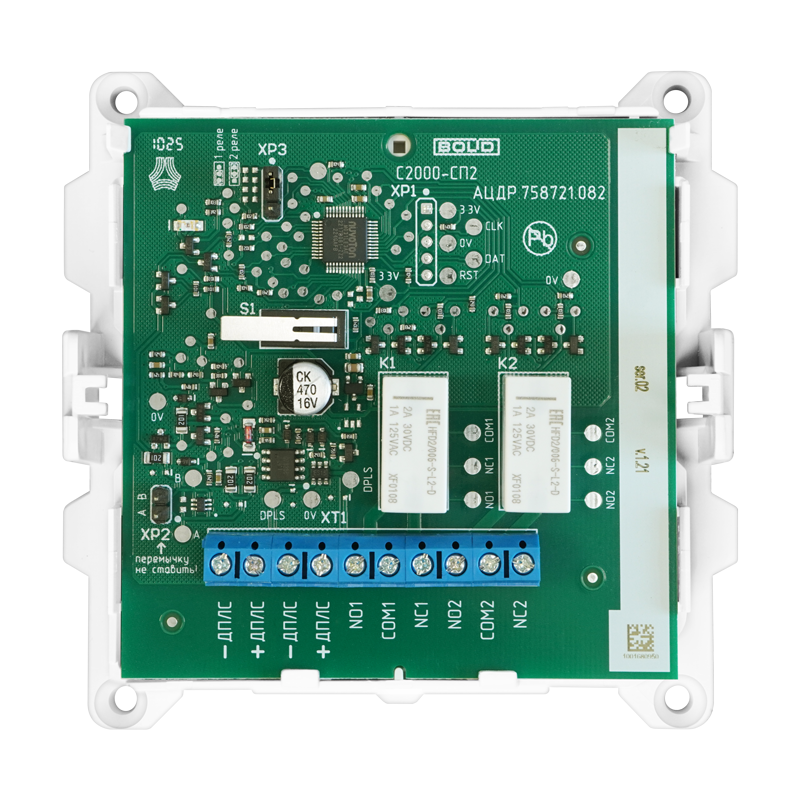
How to Use С2000-СП2: Examples, Pinouts, and Specs

Image of С2000-СП2Design with С2000-СП2 in Cirkit Designer

Introduction

The С2000-СП2, manufactured by Bolid, is a programmable logic controller (PLC) designed for industrial automation applications. It is widely used for controlling machinery, processes, and systems in manufacturing, energy management, and other industrial environments. The С2000-СП2 features a modular design, enabling users to expand its functionality by integrating additional input/output (I/O) modules. This flexibility makes it suitable for a wide range of automation tasks, from simple control systems to complex industrial processes.

Explore Projects Built with С2000-СП2

Use Cirkit Designer to design, explore, and prototype these projects online. Some projects support real-time simulation. Click "Open Project" to start designing instantly!
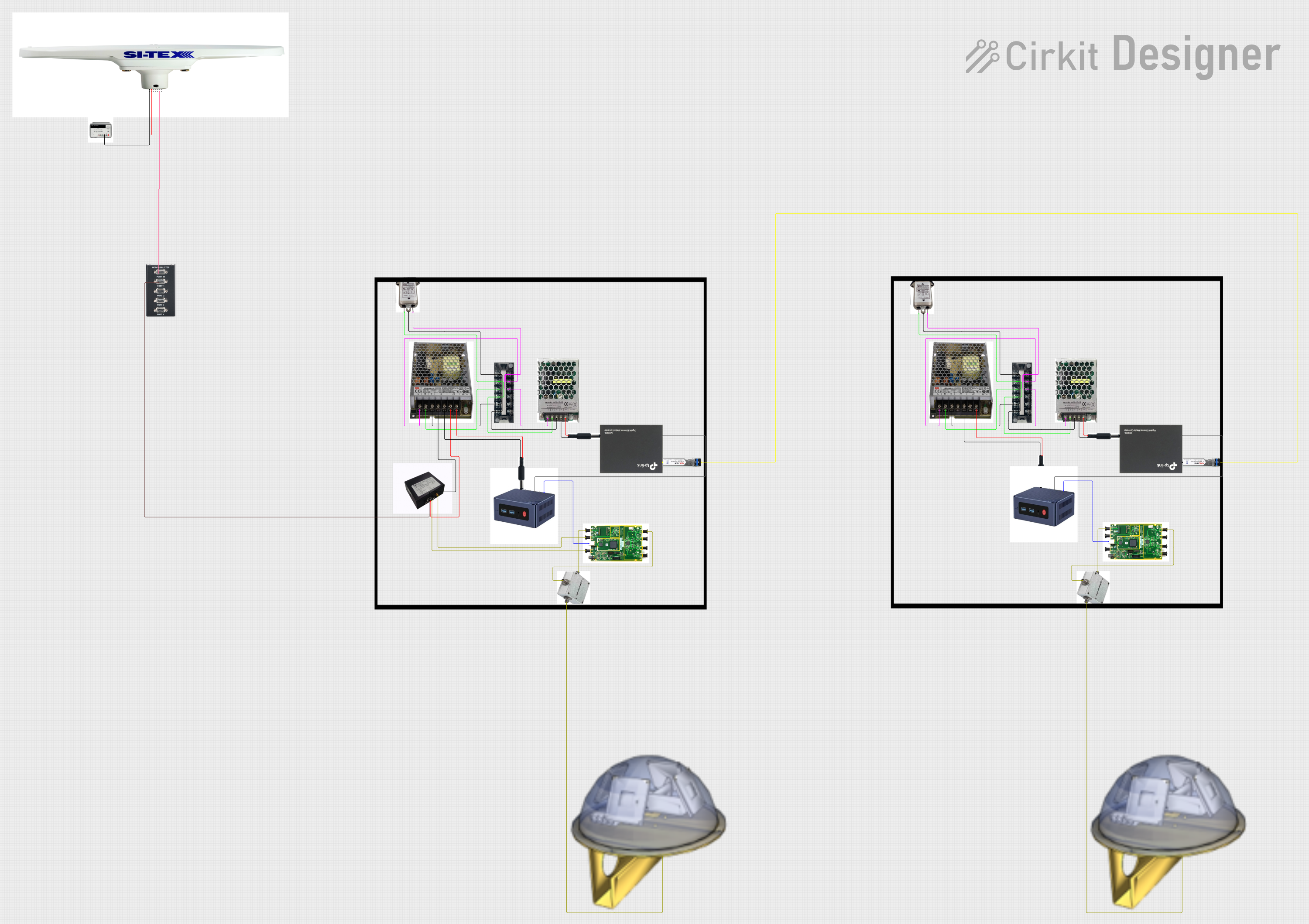
Image of Satellite-Based Timing and Navigation System with SDR and Atomic Clock Synchronization: A project utilizing С2000-СП2 in a practical application

Satellite-Based Timing and Navigation System with SDR and Atomic Clock Synchronization

This circuit appears to be a complex system involving power supply management, GPS and timing synchronization, and data communication. It includes a SI-TEX G1 Satellite Compass for GPS data, an XHTF1021 Atomic Rubidium Clock for precise timing, and Ettus USRP B200 units for software-defined radio communication. Power is supplied through various SMPS units and distributed via terminal blocks and DC jacks. Data communication is facilitated by Beelink MINI S12 N95 computers, RS232 splitters, and a 1000BASE-T Media Converter for network connectivity. RF Directional Couplers are used to interface antennas with the USRP units, and the entire system is likely contained within cases for protection and organization.

Open Project in Cirkit Designer
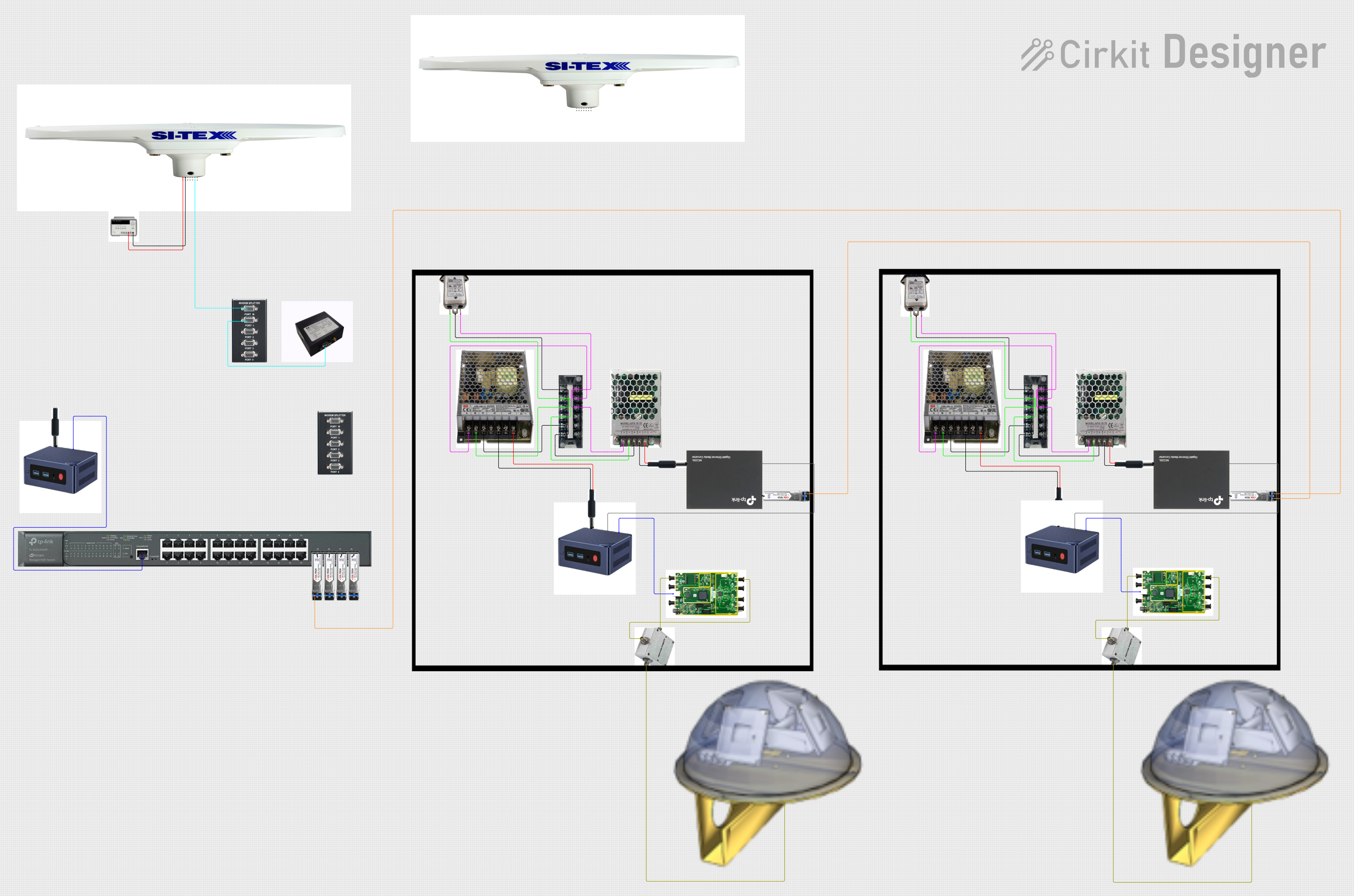
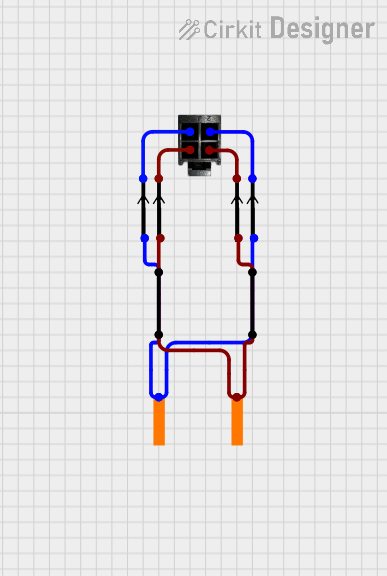
Image of Satellite Compass and Network-Integrated GPS Data Processing System: A project utilizing С2000-СП2 in a practical application
Satellite Compass and Network-Integrated GPS Data Processing System

This circuit comprises a satellite compass, a mini PC, two GPS antennas, power supplies, a network switch, media converters, and an atomic rubidium clock. The satellite compass is powered by a triple output DC power supply and interfaces with an RS232 splitter for 1PPS signals. The mini PCs are connected to the USRP B200 devices via USB for data and power, and to media converters via Ethernet, which in turn connect to a network switch using fiber optic links. The antennas are connected to the USRP B200s through RF directional couplers, and the atomic clock provides a 1PPS input to the RS232 splitter.

Open Project in Cirkit Designer
Image of 4-Pin Connector Circuit for Edge Detection: A project utilizing С2000-СП2 in a practical application
4-Pin Connector Circuit for Edge Detection

This circuit appears to be a simple interconnection of pins and points, with a 4-pin component serving as a central hub. The red and black pins of the 4-pin component are connected to various other pins and edge components, forming a basic network of connections without any active components or microcontroller logic.

Open Project in Cirkit Designer
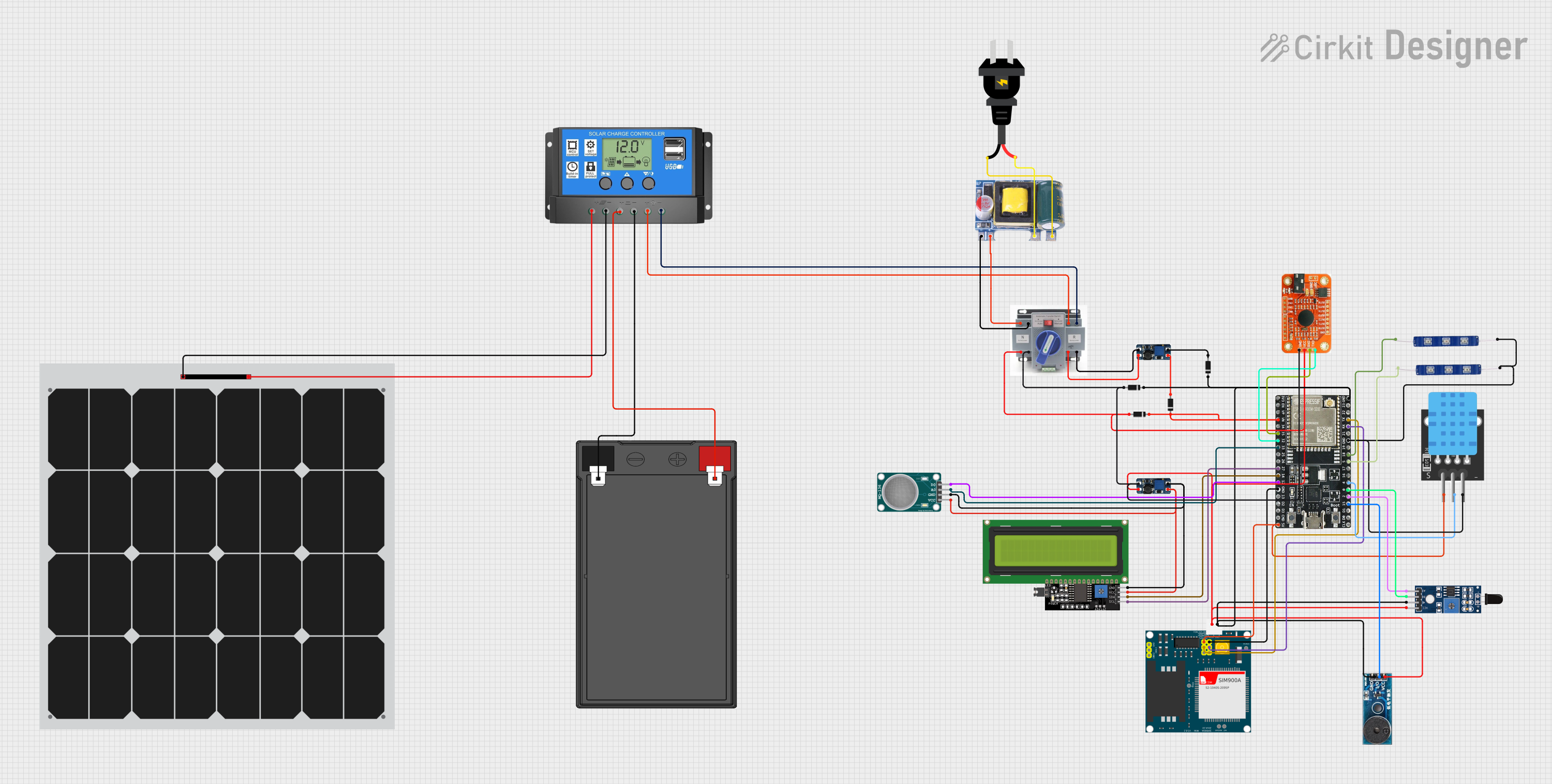
Image of Solar-Powered Environmental Monitoring Station with GSM Reporting: A project utilizing С2000-СП2 in a practical application
Solar-Powered Environmental Monitoring Station with GSM Reporting

This is a solar-powered monitoring and control system with automatic power source selection, environmental sensing, and communication capabilities. It uses an ESP32 microcontroller to process inputs from gas, flame, and temperature sensors, and to manage outputs like an LCD display, LEDs, and a buzzer. The system can communicate via a SIM900A module and switch between solar and AC power sources using an ATS.

Open Project in Cirkit Designer

Common Applications and Use Cases

Technical Specifications

Key Technical Details

Parameter Specification
Manufacturer Bolid
Model С2000-СП2
Power Supply Voltage 24V DC
Power Consumption ≤ 5W
Operating Temperature Range -10°C to +50°C
Communication Interfaces RS-485, Ethernet
Supported Protocols Modbus RTU, Modbus TCP
I/O Module Compatibility Supports various digital and analog I/O modules
Dimensions 120mm x 90mm x 60mm
Mounting Type DIN rail

Pin Configuration and Descriptions

The С2000-СП2 features a modular design, and its pin configuration depends on the connected I/O modules. Below is a general description of the main interface pins:

Pin Number Pin Name Description
1 +24V Positive terminal for 24V DC power supply
2 GND Ground terminal
3 RS-485 A RS-485 communication line (A)
4 RS-485 B RS-485 communication line (B)
5 Ethernet TX+ Ethernet transmit line (positive)
6 Ethernet TX- Ethernet transmit line (negative)
7 Ethernet RX+ Ethernet receive line (positive)
8 Ethernet RX- Ethernet receive line (negative)

Usage Instructions

How to Use the С2000-СП2 in a Circuit

  1. Power Supply Connection: Connect a 24V DC power supply to the +24V and GND terminals. Ensure the power supply is stable and within the specified voltage range.
  2. Communication Setup:
    • For RS-485 communication, connect the A and B lines to the corresponding terminals of the communication network.
    • For Ethernet communication, connect the Ethernet TX and RX lines to a compatible Ethernet switch or router.
  3. I/O Module Integration: Attach compatible digital or analog I/O modules to the С2000-СП2. Follow the manufacturer's guidelines for module installation and wiring.
  4. Programming: Use the Bolid programming software to configure the PLC. Write and upload the control logic to the device via the RS-485 or Ethernet interface.
  5. Testing and Deployment: Test the system to ensure proper operation. Deploy the PLC in the desired industrial environment.

Important Considerations and Best Practices

Example Code for Arduino UNO Integration

The С2000-СП2 can communicate with an Arduino UNO via the Modbus RTU protocol over RS-485. Below is an example code snippet for setting up communication:

#include <ModbusMaster.h>

// Instantiate ModbusMaster object
ModbusMaster node;

// Define RS-485 communication pins
#define RS485_TX 2  // Arduino TX pin connected to RS-485 driver
#define RS485_RX 3  // Arduino RX pin connected to RS-485 driver
#define RS485_DE 4  // Driver enable pin

void preTransmission() {
  digitalWrite(RS485_DE, HIGH); // Enable RS-485 driver for transmission
}

void postTransmission() {
  digitalWrite(RS485_DE, LOW);  // Disable RS-485 driver after transmission
}

void setup() {
  // Initialize RS-485 communication
  pinMode(RS485_DE, OUTPUT);
  digitalWrite(RS485_DE, LOW);
  Serial.begin(9600); // Set baud rate for RS-485 communication
  node.begin(1, Serial); // Set Modbus slave ID to 1
  node.preTransmission(preTransmission);
  node.postTransmission(postTransmission);
}

void loop() {
  uint8_t result;
  uint16_t data;

  // Read a register from the С2000-СП2
  result = node.readHoldingRegisters(0x0001, 1); // Read register at address 0x0001
  if (result == node.ku8MBSuccess) {
    data = node.getResponseBuffer(0); // Get the value of the register
    Serial.print("Register Value: ");
    Serial.println(data);
  } else {
    Serial.println("Communication Error");
  }

  delay(1000); // Wait 1 second before the next request
}

Troubleshooting and FAQs

Common Issues and Solutions

  1. No Power to the Device

    • Cause: Incorrect power supply connection or insufficient voltage.
    • Solution: Verify the power supply voltage and connections. Ensure the power supply provides 24V DC.
  2. Communication Failure

    • Cause: Incorrect wiring or mismatched communication settings.
    • Solution: Check the RS-485 or Ethernet connections. Ensure the baud rate, slave ID, and protocol settings match between the С2000-СП2 and the connected device.
  3. I/O Modules Not Detected

    • Cause: Improper installation or incompatible modules.
    • Solution: Reinstall the modules and ensure they are compatible with the С2000-СП2.
  4. Overheating

    • Cause: Installation in an environment exceeding the temperature range.
    • Solution: Relocate the device to a cooler environment or improve ventilation.

FAQs