Introduction
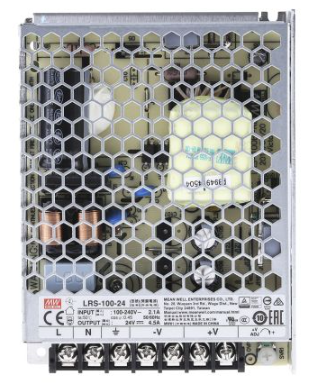
The LRS-100-15 Power Supply by Mean Well is a compact, low-cost, and highly efficient switching power supply. It delivers a stable 15V DC output with a maximum current of 6.67A, making it ideal for powering a wide range of electronic devices and systems. With its robust design and high reliability, the LRS-100-15 is suitable for industrial automation, LED lighting, communication equipment, and general-purpose electronics.
Common Applications
- Industrial control systems
- LED lighting and signage
- Communication equipment
- DIY electronics projects
- Laboratory power supplies
Technical Specifications
The following table outlines the key technical details of the LRS-100-15 Power Supply:
Pin Configuration and Descriptions
The LRS-100-15 features screw terminal connections for input and output. The pin configuration is as follows:
Output Terminals
Adjustment
Usage Instructions
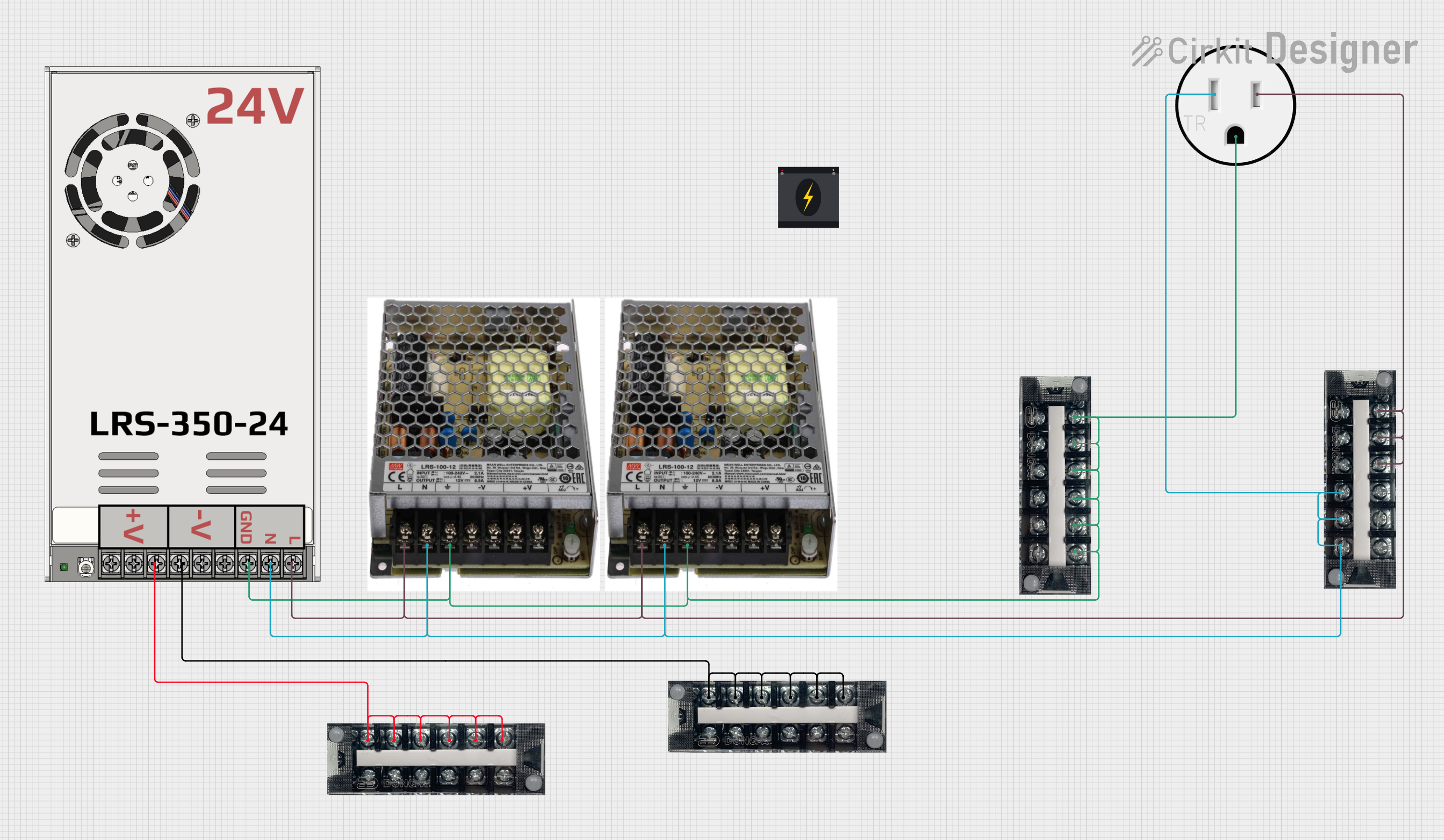
How to Use the LRS-100-15 in a Circuit
- Mounting: Secure the power supply in a well-ventilated area to ensure proper heat dissipation. Avoid placing it near heat-sensitive components.
- Input Connection:
- Connect the L terminal to the live AC line.
- Connect the N terminal to the neutral AC line.
- Connect the FG terminal to the earth ground for safety.
- Output Connection:
- Connect the V+ terminal to the positive input of your load.
- Connect the V- terminal to the ground of your load.
- Voltage Adjustment (if needed):
- Use a small screwdriver to turn the V ADJ potentiometer. Clockwise increases the output voltage, while counterclockwise decreases it. Ensure the voltage remains within the load's tolerance.
Important Considerations and Best Practices
- Input Voltage: Ensure the input voltage is within the specified range (85-264V AC). Exceeding this range may damage the power supply.
- Load Requirements: Do not exceed the maximum output current of 6.67A. Overloading may trigger the built-in protection mechanisms or damage the unit.
- Ventilation: Maintain adequate airflow around the power supply to prevent overheating.
- Safety: Always disconnect the power supply from the mains before making any connections or adjustments.
- Fusing: Use an appropriate fuse on the input side for added protection.
Example: Connecting to an Arduino UNO
The LRS-100-15 can be used to power an Arduino UNO and other peripherals. Below is an example circuit and code:
Circuit
- Connect the V+ terminal to the Arduino's VIN pin.
- Connect the V- terminal to the Arduino's GND pin.
- Ensure the output voltage is set to 15V or adjust it to 12V if required for compatibility.
Code Example
// Example code to blink an LED using Arduino UNO powered by LRS-100-15
// Ensure the power supply output is properly connected to the Arduino VIN and GND.

const int ledPin = 13; // Built-in LED pin on Arduino UNO

void setup() {
  pinMode(ledPin, OUTPUT); // Set the LED pin as an output
}

void loop() {
  digitalWrite(ledPin, HIGH); // Turn the LED on
  delay(1000);                // Wait for 1 second
  digitalWrite(ledPin, LOW);  // Turn the LED off
  delay(1000);                // Wait for 1 second
}
Troubleshooting and FAQs
Common Issues and Solutions
FAQs
Can I use the LRS-100-15 to power a 12V device?
- Yes, but you must adjust the output voltage to 12V using the V ADJ potentiometer.
What happens if I exceed the maximum current rating?
- The power supply has built-in overcurrent protection. It will shut down or reduce the output to protect itself and the connected load.
Is the LRS-100-15 suitable for outdoor use?
- No, the LRS-100-15 is not weatherproof. Use it in a dry, indoor environment or within a suitable enclosure.
Can I use this power supply with a battery?
- The LRS-100-15 is not designed for direct battery charging. Use a dedicated battery charger for this purpose.
By following the guidelines and recommendations in this documentation, you can safely and effectively use the LRS-100-15 Power Supply in your projects.

 Open Project in Cirkit Designer