
How to Use Battery: Examples, Pinouts, and Specs
 Design with Battery in Cirkit Designer
Introduction
A battery is a device that stores electrical energy in chemical form and converts it into electrical energy to power electronic circuits. Batteries are widely used in various applications, ranging from small electronic devices like remote controls and smartphones to large systems such as electric vehicles and renewable energy storage. They are essential for providing portable and reliable power.
Common applications of batteries include:
- Powering portable electronic devices (e.g., smartphones, laptops, cameras)
- Backup power for critical systems (e.g., UPS systems, emergency lighting)
- Energy storage in renewable energy systems (e.g., solar panels, wind turbines)
- Electric vehicles and robotics
Explore Projects Built with Battery
 Open Project in Cirkit Designer
 Open Project in Cirkit Designer
 Open Project in Cirkit Designer
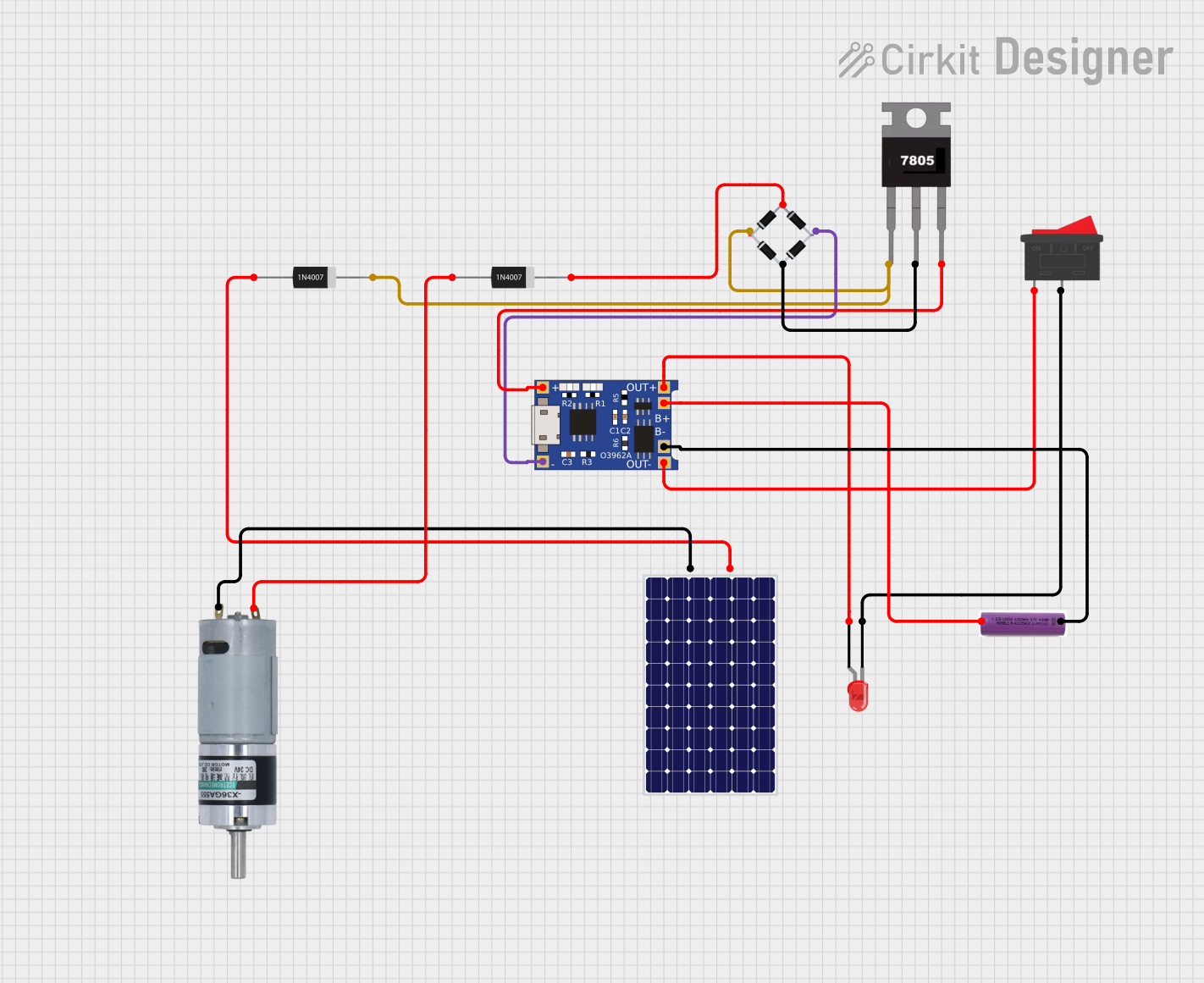 Open Project in Cirkit Designer
Explore Projects Built with Battery
Open Project in Cirkit DesignerOpen Project in Cirkit DesignerOpen Project in Cirkit DesignerOpen Project in Cirkit DesignerTechnical Specifications
Batteries come in various types, sizes, and chemistries. Below are the general technical specifications for a typical battery:
| Parameter | Description |
|---|---|
| Voltage Range | 1.2V to 24V (varies by type and configuration) |
| Capacity | Measured in milliampere-hours (mAh) or ampere-hours (Ah) |
| Chemistry | Common types: Alkaline, Lithium-ion (Li-ion), Nickel-Metal Hydride (NiMH), etc. |
| Rechargeability | Rechargeable (e.g., Li-ion, NiMH) or non-rechargeable (e.g., Alkaline) |
| Operating Temperature | Typically -20°C to 60°C (varies by battery type) |
| Shelf Life | 2 to 10 years (depends on chemistry and storage conditions) |
Pin Configuration and Descriptions
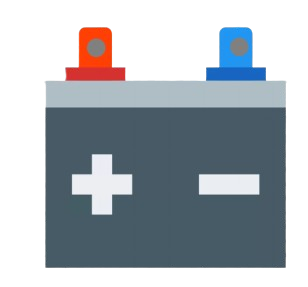
Batteries typically have two terminals: positive (+) and negative (-). The configuration is as follows:
| Pin | Symbol | Description |
|---|---|---|
| 1 | + | Positive terminal: Connects to the positive side of the circuit |
| 2 | - | Negative terminal: Connects to the ground or negative side of the circuit |
For multi-cell battery packs, additional pins may be present for balancing, monitoring, or temperature sensing.
Usage Instructions
How to Use a Battery in a Circuit
- Identify the Voltage and Capacity Requirements: Ensure the battery's voltage and capacity match the requirements of your circuit.
- Connect the Terminals Correctly: Connect the positive terminal of the battery to the positive rail of the circuit and the negative terminal to the ground.
- Use a Battery Holder or Connector: For safety and convenience, use a battery holder or connector to secure the battery in place.
- Add Protection Circuits: For rechargeable batteries, include a protection circuit to prevent overcharging, over-discharging, and short circuits.
- Monitor Battery Voltage: Use a voltage divider or battery monitoring IC to track the battery's charge level.
Important Considerations and Best Practices
- Avoid Overloading: Do not draw more current than the battery's rated capacity to prevent overheating or damage.
- Store Properly: Store batteries in a cool, dry place to maximize shelf life.
- Dispose Responsibly: Follow local regulations for recycling or disposing of batteries to minimize environmental impact.
- Use Compatible Chargers: For rechargeable batteries, always use a charger designed for the specific battery chemistry and voltage.
Example: Connecting a Battery to an Arduino UNO
Below is an example of powering an Arduino UNO using a 9V battery:
- Connect the positive terminal of the 9V battery to the Arduino's VIN pin.
- Connect the negative terminal of the battery to the Arduino's GND pin.
// Example code to blink an LED using a battery-powered Arduino UNO

int ledPin = 13; // Pin connected to the onboard LED

void setup() {
  pinMode(ledPin, OUTPUT); // Set the LED pin as an output
}

void loop() {
  digitalWrite(ledPin, HIGH); // Turn the LED on
  delay(1000);               // Wait for 1 second
  digitalWrite(ledPin, LOW);  // Turn the LED off
  delay(1000);               // Wait for 1 second
}
Troubleshooting and FAQs
Common Issues
Battery Drains Quickly:
- Cause: High current draw or a faulty circuit.
- Solution: Check the circuit for short circuits or excessive power consumption. Use a higher-capacity battery if needed.
Battery Overheats:
- Cause: Overloading or short circuit.
- Solution: Ensure the load does not exceed the battery's rated capacity. Add a fuse or protection circuit.
Device Does Not Power On:
- Cause: Incorrect terminal connection or depleted battery.
- Solution: Verify the polarity of the connections and check the battery's charge level.
Battery Swells or Leaks:
- Cause: Overcharging, over-discharging, or physical damage.
- Solution: Stop using the battery immediately and dispose of it safely.
FAQs
Q: Can I use a rechargeable battery in place of a non-rechargeable one?
A: Yes, but ensure the voltage and capacity are compatible with your device. Also, use a charger designed for the rechargeable battery type.
Q: How do I calculate the runtime of a battery?
A: Divide the battery's capacity (in mAh) by the device's current draw (in mA). For example, a 2000mAh battery powering a 100mA device will last approximately 20 hours.
Q: Can I connect batteries in series or parallel?
A: Yes. Connecting in series increases the voltage, while connecting in parallel increases the capacity. Ensure all batteries are of the same type and charge level.
Q: How do I safely dispose of a battery?
A: Follow local recycling guidelines. Many stores and recycling centers accept used batteries for proper disposal.