
How to Use HW-504 Joystick: Examples, Pinouts, and Specs
 Design with HW-504 Joystick in Cirkit Designer
Introduction
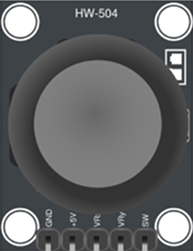
The HW-504 Joystick is a versatile input device designed for controlling movement in a wide range of applications. It features dual-axis motion (X and Y axes) and is often equipped with a push-button for additional functionality. This joystick is commonly used in robotics, gaming controllers, remote-controlled vehicles, and other interactive systems requiring precise directional input.
Its compact design and ease of integration make it a popular choice for hobbyists and professionals alike. The HW-504 Joystick is compatible with microcontrollers such as Arduino, Raspberry Pi, and other development boards, making it an excellent choice for prototyping and DIY projects.
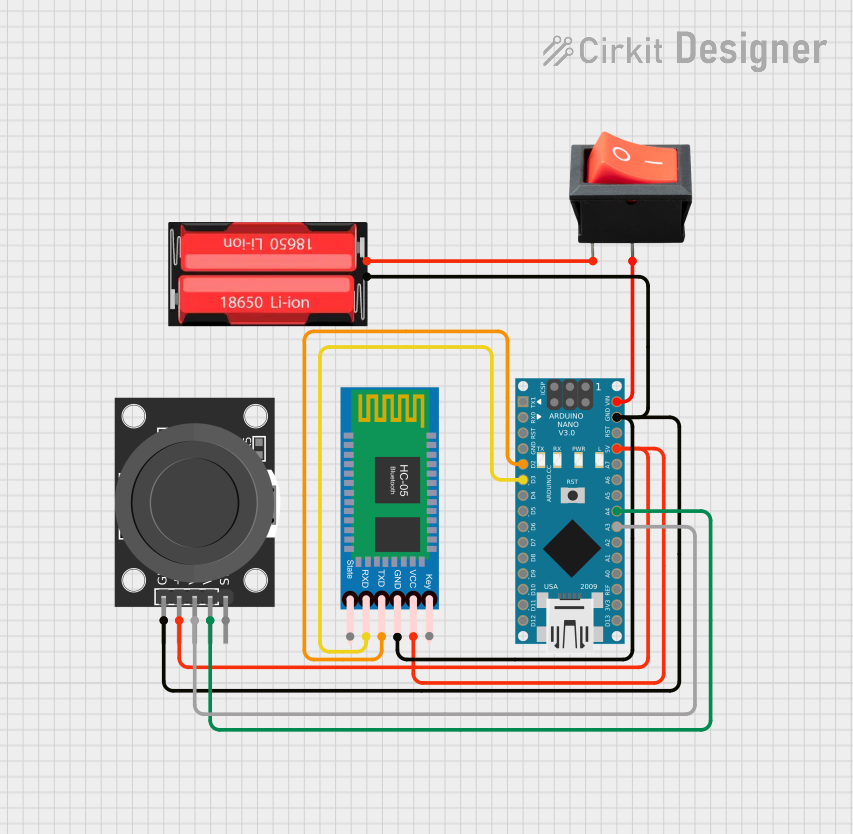
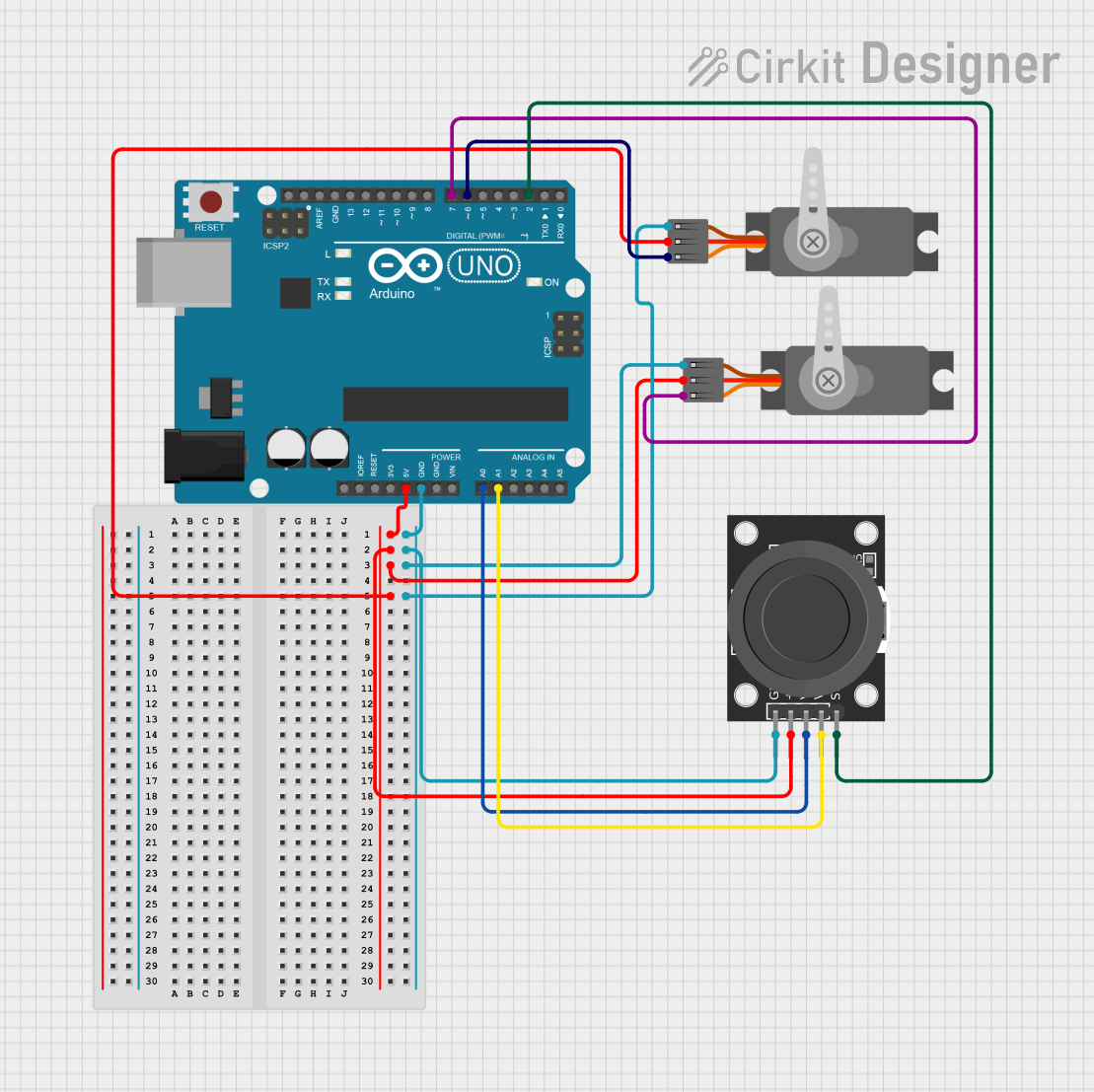
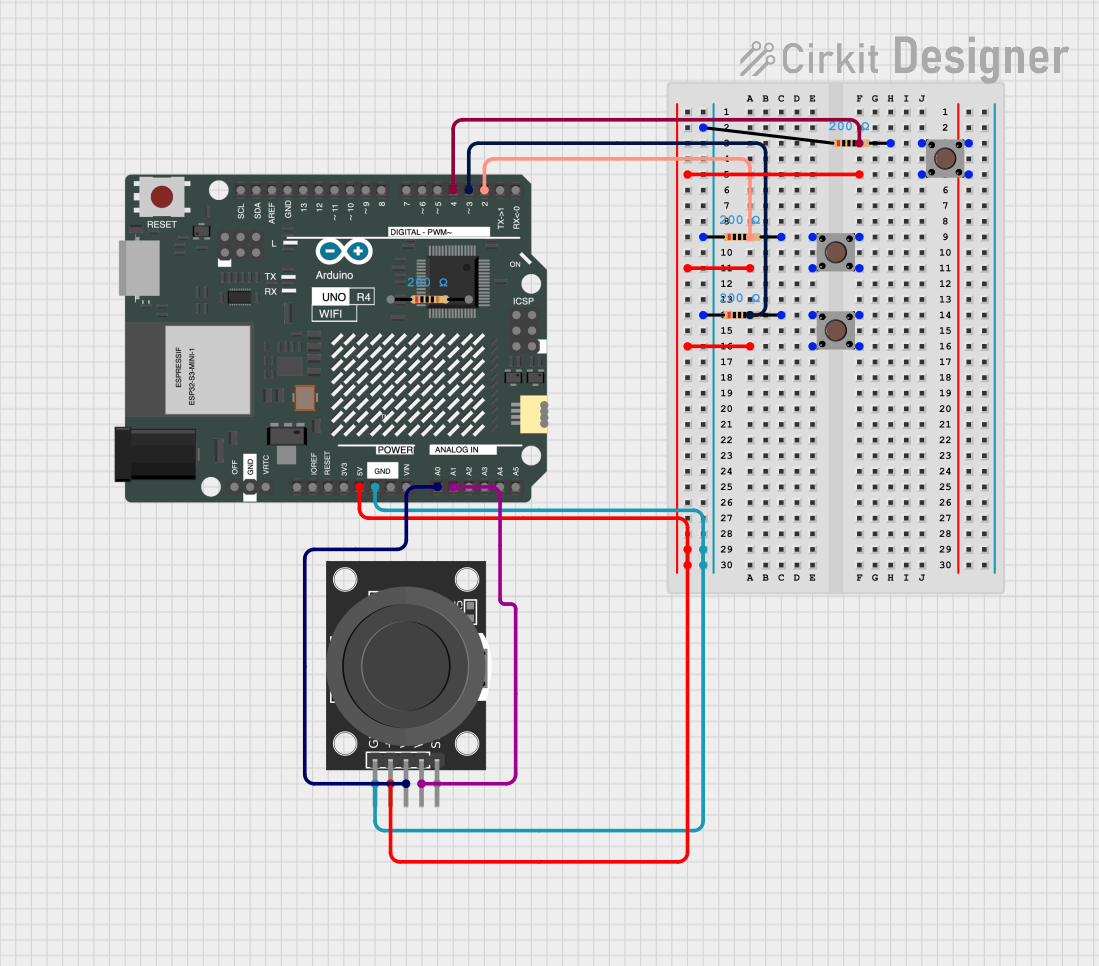
Explore Projects Built with HW-504 Joystick
 Open Project in Cirkit Designer
 Open Project in Cirkit Designer
 Open Project in Cirkit Designer
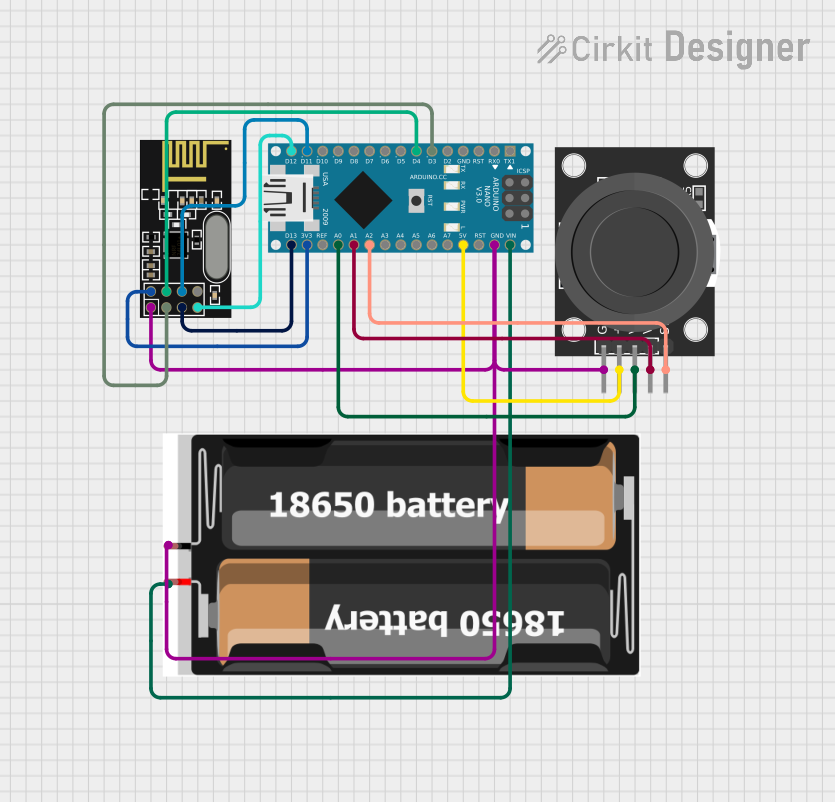 Open Project in Cirkit Designer
Explore Projects Built with HW-504 Joystick
Open Project in Cirkit DesignerOpen Project in Cirkit DesignerOpen Project in Cirkit DesignerOpen Project in Cirkit DesignerTechnical Specifications
- Model: HW-504 Joystick
- Operating Voltage: 3.3V to 5V
- Output Type: Analog (X and Y axes), Digital (push-button)
- X and Y Axis Range: 0V to Vcc (typically 0V to 5V)
- Push-Button Output: Active LOW
- Dimensions: 40mm x 26mm x 32mm (approx.)
- Mounting Holes: M2 screws
Pin Configuration and Descriptions
The HW-504 Joystick typically has 5 pins. The table below describes each pin:
| Pin | Label | Description |
|---|---|---|
| 1 | GND | Ground connection |
| 2 | +5V | Power supply (3.3V to 5V) |
| 3 | VRx | Analog output for X-axis movement |
| 4 | VRy | Analog output for Y-axis movement |
| 5 | SW | Digital output for push-button (Active LOW) |
Usage Instructions
How to Use the HW-504 Joystick in a Circuit
- Power the Joystick: Connect the
+5Vpin to the 5V output of your microcontroller and theGNDpin to ground. - Read Analog Outputs: Connect the
VRxandVRypins to the analog input pins of your microcontroller to read the X and Y axis values. - Read the Push-Button: Connect the
SWpin to a digital input pin of your microcontroller. Use a pull-up resistor if necessary, as the button output is active LOW. - Calibrate the Joystick: The joystick outputs a voltage range corresponding to its position. The center position typically outputs a voltage near half of the supply voltage (e.g., ~2.5V for a 5V supply). Ensure your code accounts for this.
Important Considerations and Best Practices
- Debouncing the Button: When using the push-button, implement software debouncing to avoid false triggers.
- Voltage Compatibility: Ensure the joystick's operating voltage matches your microcontroller's input voltage range.
- Mechanical Limits: Avoid applying excessive force to the joystick to prevent damage.
- Noise Filtering: Use capacitors on the analog output lines if you experience noisy readings.
Example Code for Arduino UNO
Below is an example of how to interface the HW-504 Joystick with an Arduino UNO:
// Define pin connections
const int VRxPin = A0; // X-axis connected to analog pin A0
const int VRyPin = A1; // Y-axis connected to analog pin A1
const int SWPin = 2;   // Push-button connected to digital pin 2

void setup() {
  // Initialize serial communication for debugging
  Serial.begin(9600);

  // Configure the push-button pin as input with internal pull-up resistor
  pinMode(SWPin, INPUT_PULLUP);
}

void loop() {
  // Read the X and Y axis values (0 to 1023 for 10-bit ADC)
  int xValue = analogRead(VRxPin);
  int yValue = analogRead(VRyPin);

  // Read the push-button state (LOW when pressed)
  bool buttonState = digitalRead(SWPin) == LOW;

  // Print the joystick values to the Serial Monitor
  Serial.print("X: ");
  Serial.print(xValue);
  Serial.print(" | Y: ");
  Serial.print(yValue);
  Serial.print(" | Button: ");
  Serial.println(buttonState ? "Pressed" : "Released");

  // Add a small delay for stability
  delay(100);
}
Troubleshooting and FAQs
Common Issues
No Output or Incorrect Readings:
- Cause: Loose or incorrect wiring.
- Solution: Double-check all connections and ensure the joystick is powered correctly.
Push-Button Not Responding:
- Cause: Missing pull-up resistor or incorrect pin configuration.
- Solution: Use the
INPUT_PULLUPmode in your code or add an external pull-up resistor.
Noisy Analog Readings:
- Cause: Electrical noise or interference.
- Solution: Add decoupling capacitors (e.g., 0.1µF) between the analog output pins and ground.
Joystick Not Centered:
- Cause: Manufacturing tolerances or wear and tear.
- Solution: Calibrate the joystick in software by determining the center values.
FAQs
Q1: Can I use the HW-504 Joystick with a 3.3V microcontroller?
A1: Yes, the joystick operates at 3.3V to 5V. Ensure the microcontroller's ADC can read the voltage range.
Q2: How do I extend the joystick's lifespan?
A2: Avoid applying excessive force or rapid, repetitive movements. Store the joystick in a dry, dust-free environment.
Q3: Can I use the joystick for PWM motor control?
A3: Yes, you can map the analog output values to PWM signals to control motor speed and direction.
Q4: What is the resolution of the joystick's analog output?
A4: The resolution depends on the microcontroller's ADC. For example, an Arduino UNO has a 10-bit ADC, providing values from 0 to 1023.