
How to Use Seeed XIAO SAMD21: Examples, Pinouts, and Specs
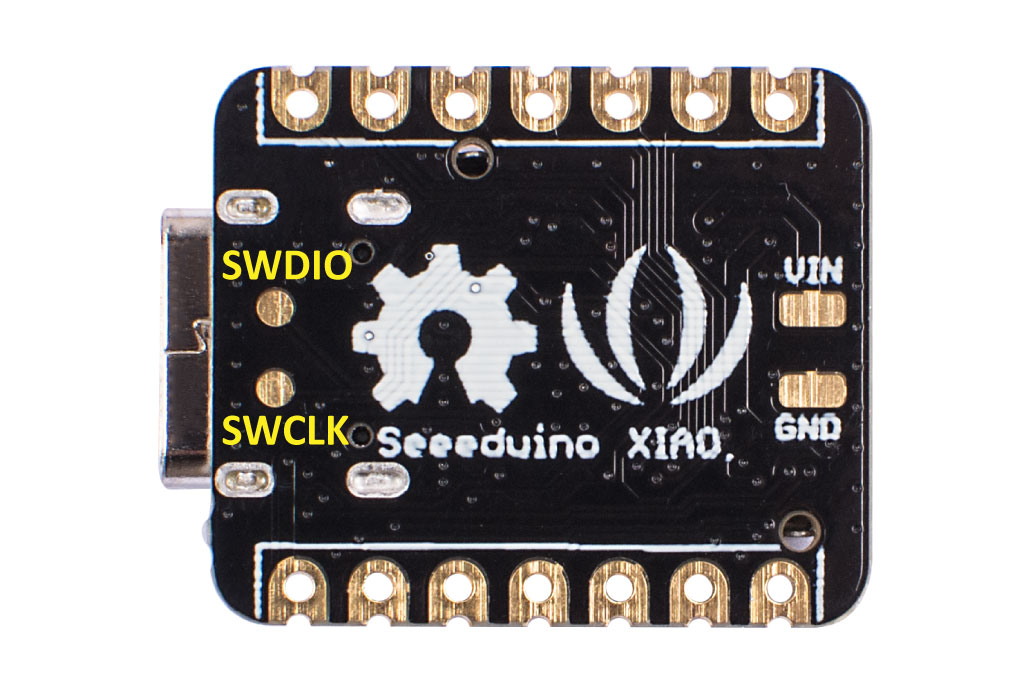
 Design with Seeed XIAO SAMD21 in Cirkit Designer
Introduction
The Seeed XIAO SAMD21 is a compact microcontroller board designed by Seeed Studios. It is powered by the SAMD21 chip, which features a 32-bit ARM Cortex-M0+ core. This board is ideal for low-power applications and offers a small form factor, making it suitable for projects with space constraints. Its versatility allows seamless integration with various sensors and modules, making it a popular choice for IoT, wearable devices, and rapid prototyping.
Explore Projects Built with Seeed XIAO SAMD21
 Open Project in Cirkit Designer
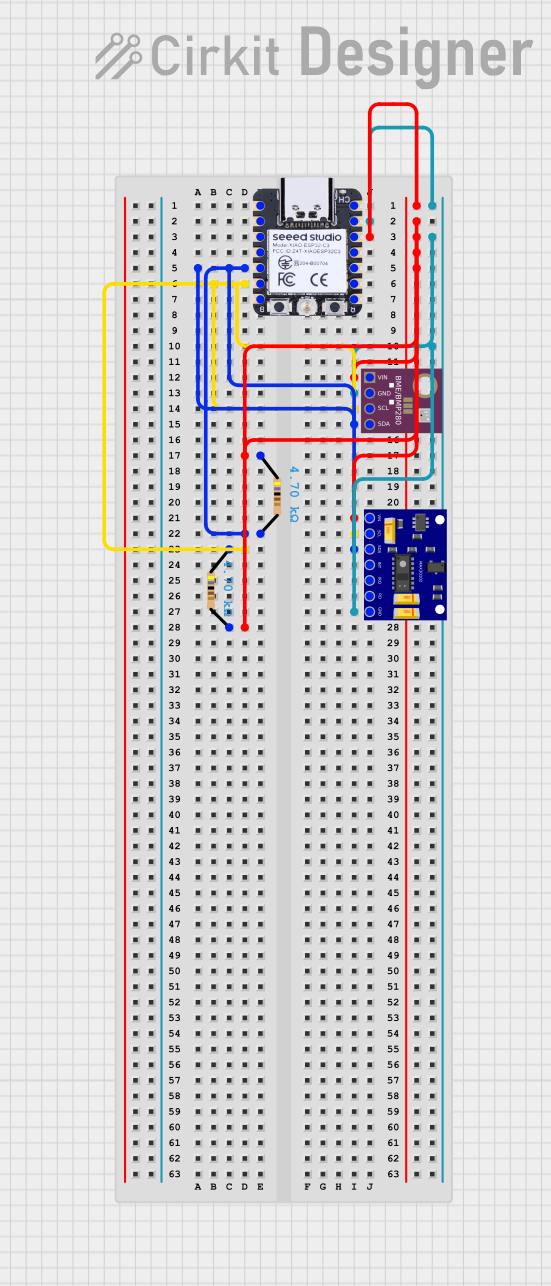 Open Project in Cirkit Designer
 Open Project in Cirkit Designer
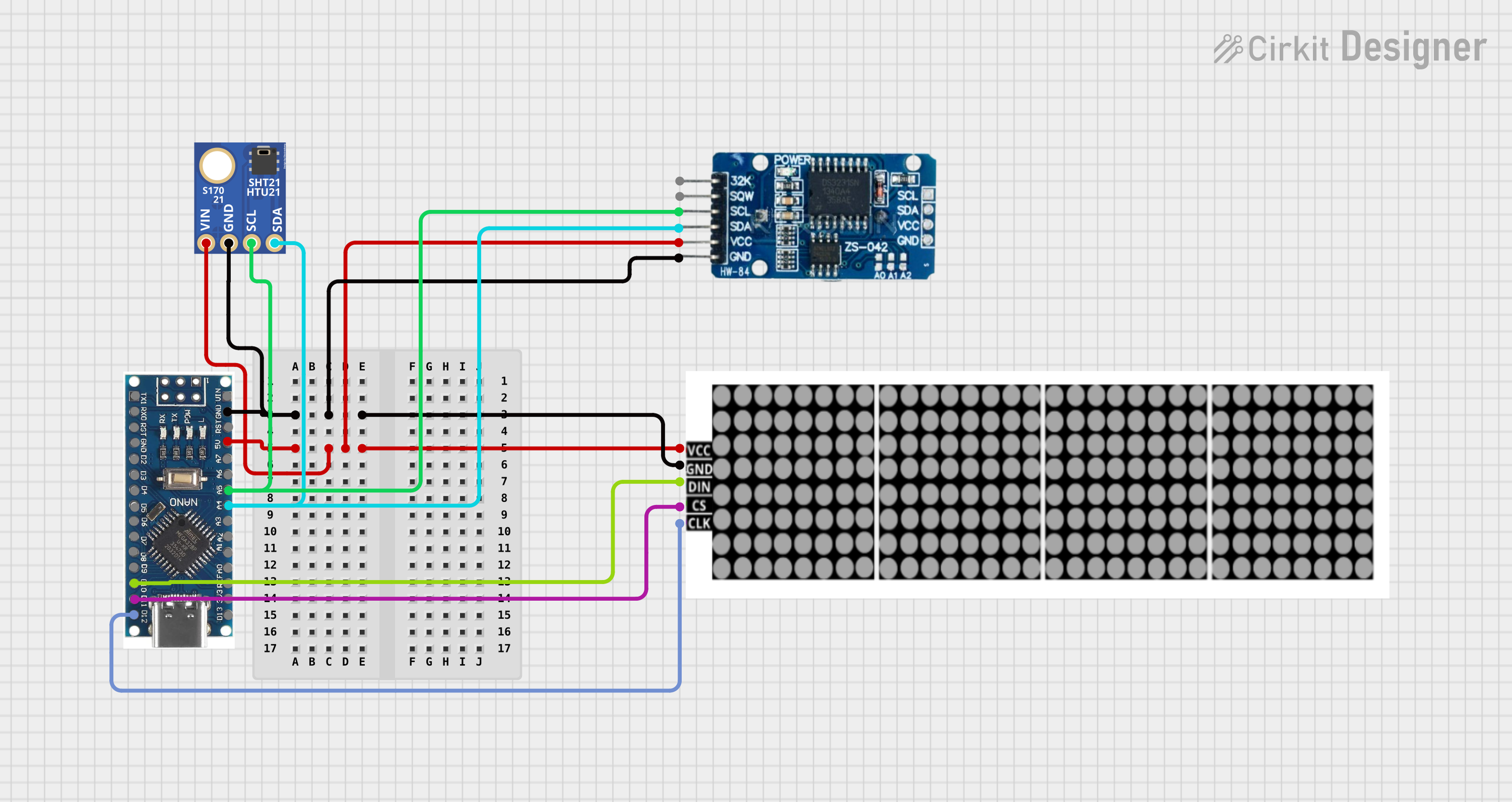 Open Project in Cirkit Designer
Explore Projects Built with Seeed XIAO SAMD21
Open Project in Cirkit DesignerOpen Project in Cirkit DesignerOpen Project in Cirkit DesignerOpen Project in Cirkit DesignerCommon Applications and Use Cases
- IoT devices and smart home applications
- Wearable technology
- Robotics and automation
- Data logging and environmental monitoring
- Prototyping for low-power embedded systems
Technical Specifications
The Seeed XIAO SAMD21 is packed with features that make it a powerful yet compact microcontroller board. Below are its key technical specifications:
| Specification | Details |
|---|---|
| Microcontroller | Microchip SAMD21G18 (ARM Cortex-M0+ 32-bit processor) |
| Operating Voltage | 3.3V |
| Input Voltage (VIN) | 5V (via USB-C) |
| Digital I/O Pins | 11 (including 1 analog pin and 1 I2C pin) |
| PWM Pins | 11 |
| Analog Input Pins | 1 (12-bit ADC) |
| Flash Memory | 256 KB |
| SRAM | 32 KB |
| Clock Speed | 48 MHz |
| Interfaces | I2C, UART, SPI |
| USB Interface | USB-C (supports programming and power supply) |
| Dimensions | 20mm x 17.5mm |
| Weight | 1g |
Pin Configuration and Descriptions
The Seeed XIAO SAMD21 has a total of 14 pins, including power, digital, and analog pins. Below is the pinout description:
| Pin | Type | Description |
|---|---|---|
| 3.3V | Power | 3.3V output for powering external components. |
| GND | Power | Ground connection. |
| A0/D0 | Analog/Digital | Analog input (12-bit ADC) or digital I/O. |
| D1 | Digital | Digital I/O with PWM support. |
| D2 | Digital | Digital I/O with PWM support. |
| D3 | Digital | Digital I/O with PWM support. |
| D4 | Digital | Digital I/O with PWM support. |
| D5 | Digital | Digital I/O with PWM support. |
| D6 | Digital | Digital I/O with PWM support. |
| D7 | Digital | Digital I/O with PWM support. |
| D8 | Digital | Digital I/O with PWM support. |
| D9 | Digital | Digital I/O with PWM support. |
| I2C | Communication | I2C interface (SDA and SCL). |
| RX/TX | Communication | UART interface for serial communication. |
Usage Instructions
The Seeed XIAO SAMD21 is easy to use and can be programmed using the Arduino IDE or other compatible development environments. Below are the steps to get started and some best practices for using the board.
Getting Started
- Install the Arduino IDE: Download and install the Arduino IDE from the official website.
- Add the Seeed SAMD21 Board Package:
- Open the Arduino IDE and go to
File > Preferences. - In the "Additional Board Manager URLs" field, add the following URL:
https://files.seeedstudio.com/arduino/package_seeeduino_boards_index.json - Go to
Tools > Board > Boards Manager, search for "Seeed SAMD21," and install the package.
- Open the Arduino IDE and go to
- Connect the Board:
- Use a USB-C cable to connect the Seeed XIAO SAMD21 to your computer.
- Select the correct board (
Seeed XIAO SAMD21) and port under theToolsmenu.
- Upload a Sketch:
- Write or load a sketch in the Arduino IDE.
- Click the "Upload" button to program the board.
Example Code: Blinking an LED
The following example demonstrates how to blink an LED connected to pin D1.
// Define the pin for the LED
const int ledPin = 1; // D1 pin on the Seeed XIAO SAMD21

void setup() {
  // Set the LED pin as an output
  pinMode(ledPin, OUTPUT);
}

void loop() {
  // Turn the LED on
  digitalWrite(ledPin, HIGH);
  delay(1000); // Wait for 1 second

  // Turn the LED off
  digitalWrite(ledPin, LOW);
  delay(1000); // Wait for 1 second
}
Important Considerations and Best Practices
- Power Supply: Ensure the board is powered via USB-C or a regulated 3.3V source.
- Voltage Levels: The board operates at 3.3V logic levels. Avoid connecting 5V signals directly to the pins.
- Heat Management: While the board is efficient, avoid prolonged high-current operations to prevent overheating.
- Pin Usage: Refer to the pinout diagram to avoid conflicts when using multiple peripherals.
Troubleshooting and FAQs
Common Issues and Solutions
The board is not detected by the Arduino IDE:
- Ensure the USB-C cable is a data cable (not just a charging cable).
- Check if the correct board and port are selected in the
Toolsmenu. - Try reinstalling the Seeed SAMD21 board package.
Sketch upload fails:
- Double-check the connections and ensure the board is in bootloader mode (double-tap the reset button if necessary).
- Verify that no other application is using the COM port.
The board is not powering on:
- Confirm that the USB-C cable is properly connected and the power source is functional.
- Check for any visible damage to the board.
I/O pins are not working as expected:
- Ensure the pins are configured correctly in the code (e.g.,
pinMode). - Verify that the connected peripherals are compatible with 3.3V logic levels.
- Ensure the pins are configured correctly in the code (e.g.,
FAQs
Q: Can I use the Seeed XIAO SAMD21 with 5V sensors?
A: The board operates at 3.3V logic levels. Use a level shifter to interface with 5V sensors.
Q: How do I reset the board?
A: Press the reset button once to reset the board. Double-tap the reset button to enter bootloader mode.
Q: What is the maximum current output of the 3.3V pin?
A: The 3.3V pin can supply up to 200mA, depending on the power source.
Q: Can I use the board for battery-powered applications?
A: Yes, the low-power design makes it suitable for battery-powered projects. Use a 3.7V LiPo battery with a suitable regulator if needed.