
How to Use Pushbutton: Examples, Pinouts, and Specs
 Design with Pushbutton in Cirkit Designer
Introduction
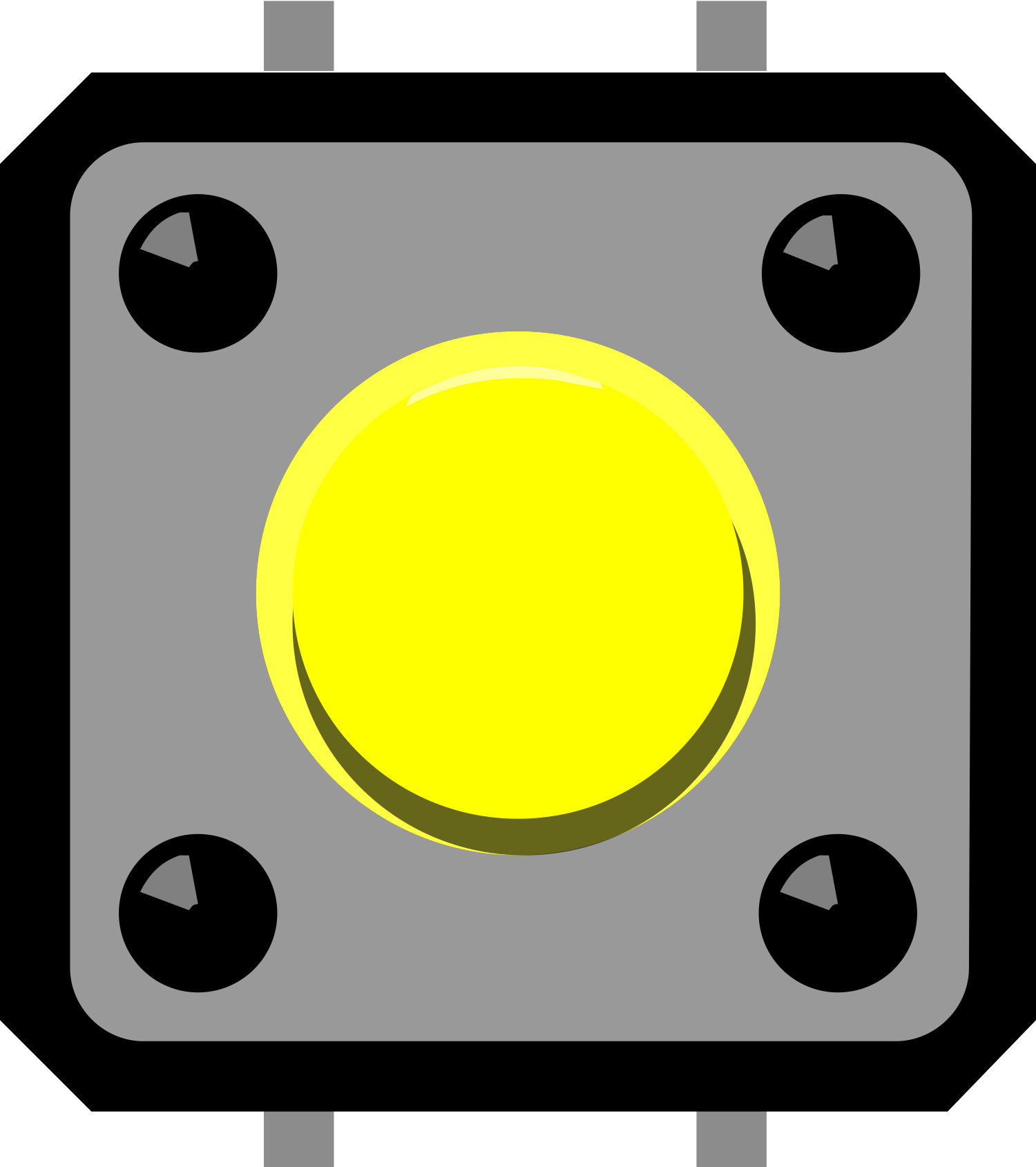
A pushbutton is a momentary switch that completes a circuit when pressed and breaks the circuit when released. It is a simple yet essential component in electronics, commonly used for user input in devices such as calculators, remote controls, and microcontroller-based projects. Pushbuttons are available in various sizes and designs, making them versatile for a wide range of applications.
Explore Projects Built with Pushbutton
 Open Project in Cirkit Designer
 Open Project in Cirkit Designer
 Open Project in Cirkit Designer
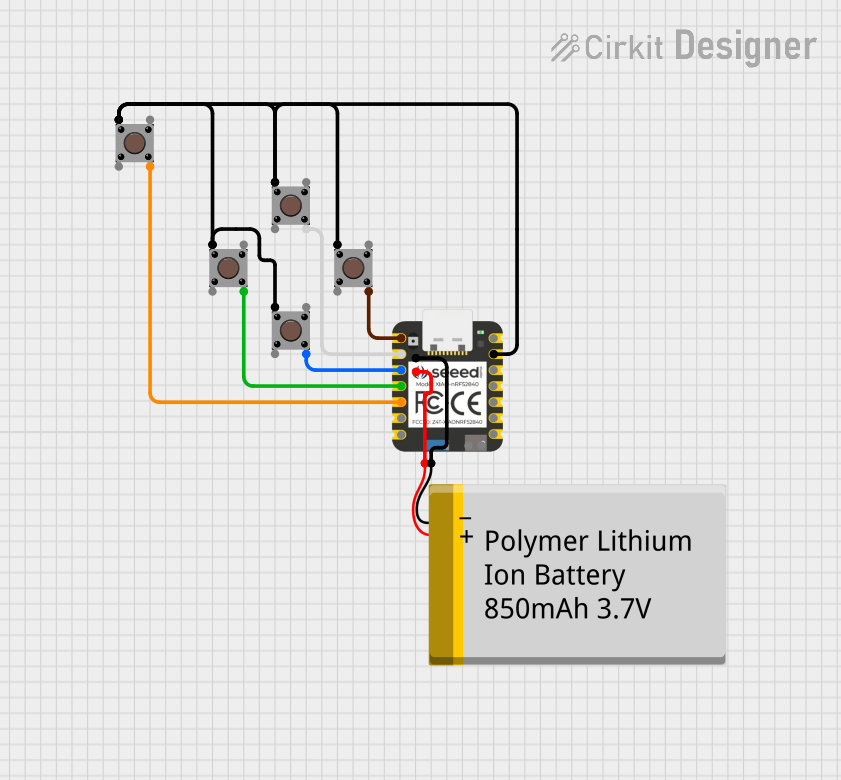 Open Project in Cirkit Designer
Explore Projects Built with Pushbutton
Open Project in Cirkit DesignerOpen Project in Cirkit DesignerOpen Project in Cirkit DesignerOpen Project in Cirkit DesignerCommon Applications and Use Cases
- User input for microcontroller projects (e.g., Arduino, Raspberry Pi)
- Reset or power buttons in electronic devices
- Control panels for appliances and machinery
- Prototyping and testing circuits
- Interactive projects such as games or toys
Technical Specifications
Below are the general technical specifications for a standard pushbutton:
| Parameter | Value |
|---|---|
| Operating Voltage | 3.3V to 12V (typical) |
| Maximum Current Rating | 50mA to 500mA (depending on type) |
| Contact Resistance | < 100 mΩ |
| Insulation Resistance | > 100 MΩ |
| Operating Temperature | -20°C to +70°C |
| Mechanical Lifespan | 100,000 to 1,000,000 presses |
Pin Configuration and Descriptions
A standard 4-pin pushbutton typically has the following pin configuration:
| Pin Number | Description |
|---|---|
| Pin 1 | Connected to one side of the switch |
| Pin 2 | Connected to the same side as Pin 1 |
| Pin 3 | Connected to the opposite side of the switch |
| Pin 4 | Connected to the same side as Pin 3 |
Note: Pins 1 and 2 are internally connected, as are Pins 3 and 4. When the button is pressed, the circuit between these two groups of pins is completed.
Usage Instructions
How to Use the Pushbutton in a Circuit
- Identify the Pins: Use a multimeter to confirm which pins are internally connected. Pins 1 and 2 are one group, and Pins 3 and 4 are the other.
- Connect to a Microcontroller or Circuit:
- Connect one group of pins (e.g., Pins 1 and 2) to the input pin of a microcontroller or to the circuit you want to control.
- Connect the other group (e.g., Pins 3 and 4) to the ground (GND) or power supply, depending on your circuit design.
- Use a Pull-Up or Pull-Down Resistor:
- To avoid floating input states, use a pull-up resistor (e.g., 10kΩ) to connect the input pin to the power supply (Vcc) or a pull-down resistor to connect it to GND.
Example Circuit with Arduino UNO
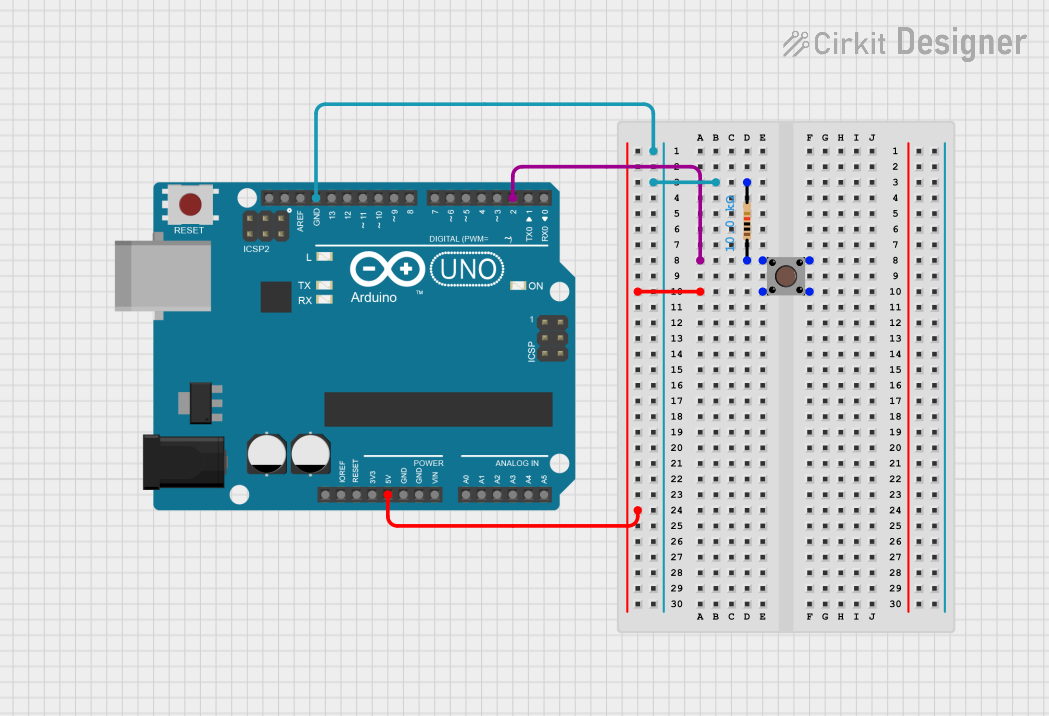
Below is an example of how to connect a pushbutton to an Arduino UNO and read its state:
Circuit Diagram
- Connect one side of the pushbutton (Pins 1 and 2) to digital pin 2 on the Arduino.
- Connect the other side (Pins 3 and 4) to GND.
- Add a 10kΩ pull-up resistor between digital pin 2 and Vcc.
Arduino Code
// Define the pin connected to the pushbutton
const int buttonPin = 2;

// Variable to store the button state
int buttonState = 0;

void setup() {
  // Set the button pin as input
  pinMode(buttonPin, INPUT_PULLUP);

  // Initialize serial communication for debugging
  Serial.begin(9600);
}

void loop() {
  // Read the state of the pushbutton
  buttonState = digitalRead(buttonPin);

  // Print the button state to the Serial Monitor
  if (buttonState == LOW) {
    // Button is pressed (LOW because of pull-up resistor)
    Serial.println("Button Pressed");
  } else {
    // Button is not pressed
    Serial.println("Button Released");
  }

  // Add a small delay to avoid bouncing issues
  delay(50);
}
Important Considerations and Best Practices
- Debouncing: Mechanical pushbuttons can produce noise or "bouncing" when pressed or released. Use software debouncing (e.g., a small delay) or hardware debouncing (e.g., a capacitor) to ensure stable readings.
- Current Rating: Ensure the pushbutton's current rating matches your circuit requirements to avoid damage.
- Pull-Up/Pull-Down Resistors: Always use pull-up or pull-down resistors to prevent floating input states, which can cause erratic behavior.
Troubleshooting and FAQs
Common Issues and Solutions
Button Not Responding:
- Check the wiring and ensure the pushbutton is properly connected.
- Verify the pull-up or pull-down resistor is in place.
- Test the pushbutton with a multimeter to confirm it is functional.
Erratic or Unstable Readings:
- Add a small delay in your code to debounce the button.
- Use a capacitor (e.g., 0.1µF) across the pushbutton terminals for hardware debouncing.
Button Always Reads as Pressed or Released:
- Ensure the correct pin is configured as an input in your code.
- Verify the resistor value (e.g., 10kΩ) is appropriate for your circuit.
FAQs
Q: Can I use a pushbutton without a resistor?
A: It is not recommended. Without a pull-up or pull-down resistor, the input pin may float, leading to unpredictable behavior.
Q: How do I debounce a pushbutton in software?
A: Add a small delay (e.g., 50ms) after detecting a button press or release to filter out noise caused by bouncing.
Q: Can I use a pushbutton to control high-power devices?
A: No, standard pushbuttons are not designed for high-power applications. Use a relay or transistor to control high-power devices.
By following this documentation, you can effectively integrate a pushbutton into your electronic projects and troubleshoot common issues with ease.