
How to Use ZMPT101B Voltage Sensor: Examples, Pinouts, and Specs
 Design with ZMPT101B Voltage Sensor in Cirkit Designer
Introduction
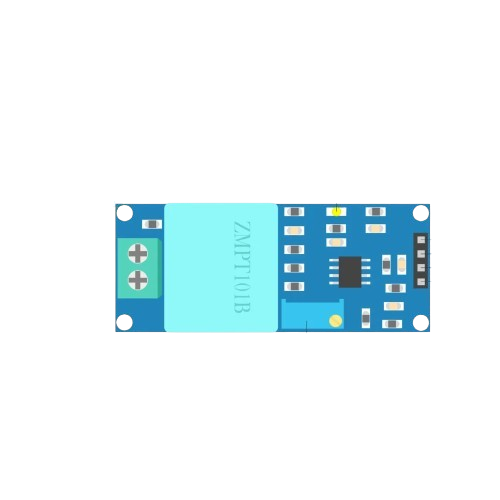
The ZMPT101B is a voltage sensor module designed to measure AC voltage levels with high accuracy. It features a built-in operational amplifier circuit for signal conditioning and provides an analog output proportional to the input voltage. This module is widely used in energy monitoring, power measurement, and control systems due to its compact design and reliable performance.
Explore Projects Built with ZMPT101B Voltage Sensor
 Open Project in Cirkit Designer
 Open Project in Cirkit Designer
 Open Project in Cirkit Designer
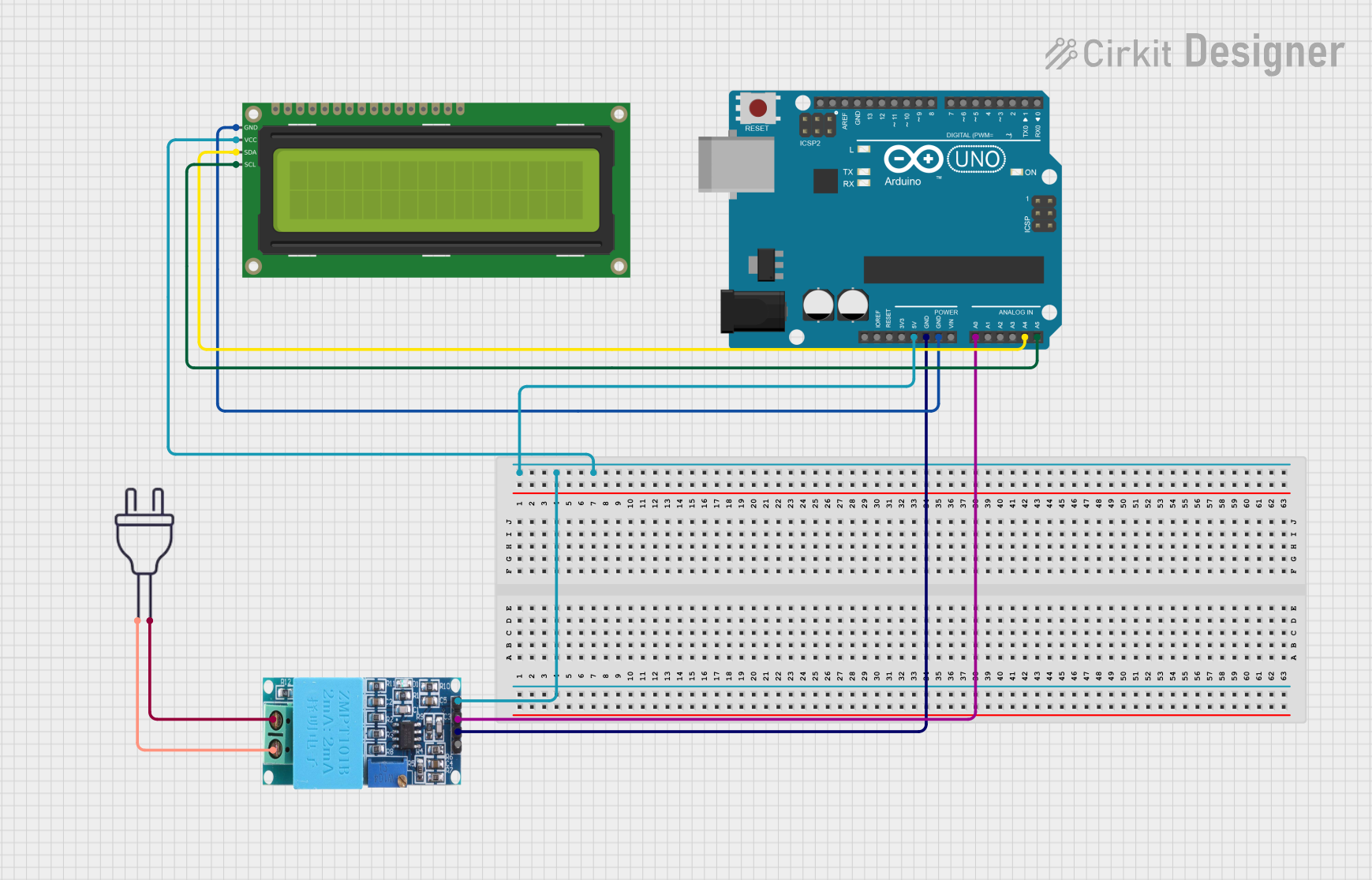 Open Project in Cirkit Designer
Explore Projects Built with ZMPT101B Voltage Sensor
Open Project in Cirkit DesignerOpen Project in Cirkit DesignerOpen Project in Cirkit DesignerOpen Project in Cirkit DesignerCommon Applications and Use Cases
- Energy monitoring systems
- Power quality analysis
- Smart home automation
- Industrial control systems
- Voltage measurement in IoT projects
Technical Specifications
Below are the key technical details of the ZMPT101B voltage sensor module:
| Parameter | Value |
|---|---|
| Input Voltage Range | 0–250V AC (with proper scaling) |
| Output Voltage Range | 0–5V (analog output) |
| Operating Voltage | 5V DC |
| Accuracy | High |
| Dimensions | 49mm x 19mm x 16mm |
| Weight | ~10g |
Pin Configuration and Descriptions
The ZMPT101B module has the following pin configuration:
| Pin | Name | Description |
|---|---|---|
| 1 | VCC | Power supply input (5V DC) |
| 2 | GND | Ground connection |
| 3 | OUT | Analog output voltage proportional to input AC voltage |
Usage Instructions
How to Use the ZMPT101B in a Circuit
- Power the Module: Connect the
VCCpin to a 5V DC power supply and theGNDpin to the ground of your circuit. - Connect the Output: The
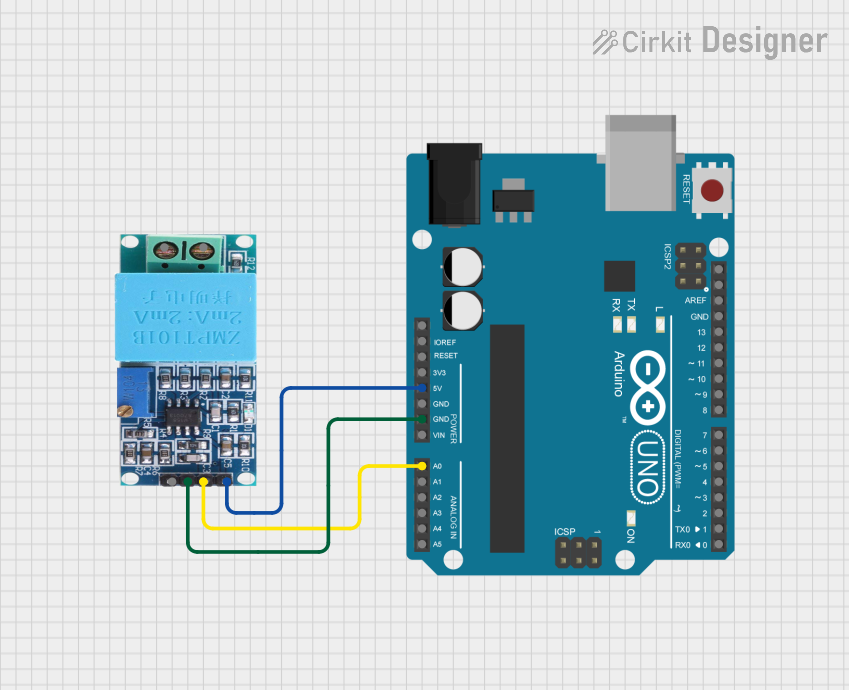
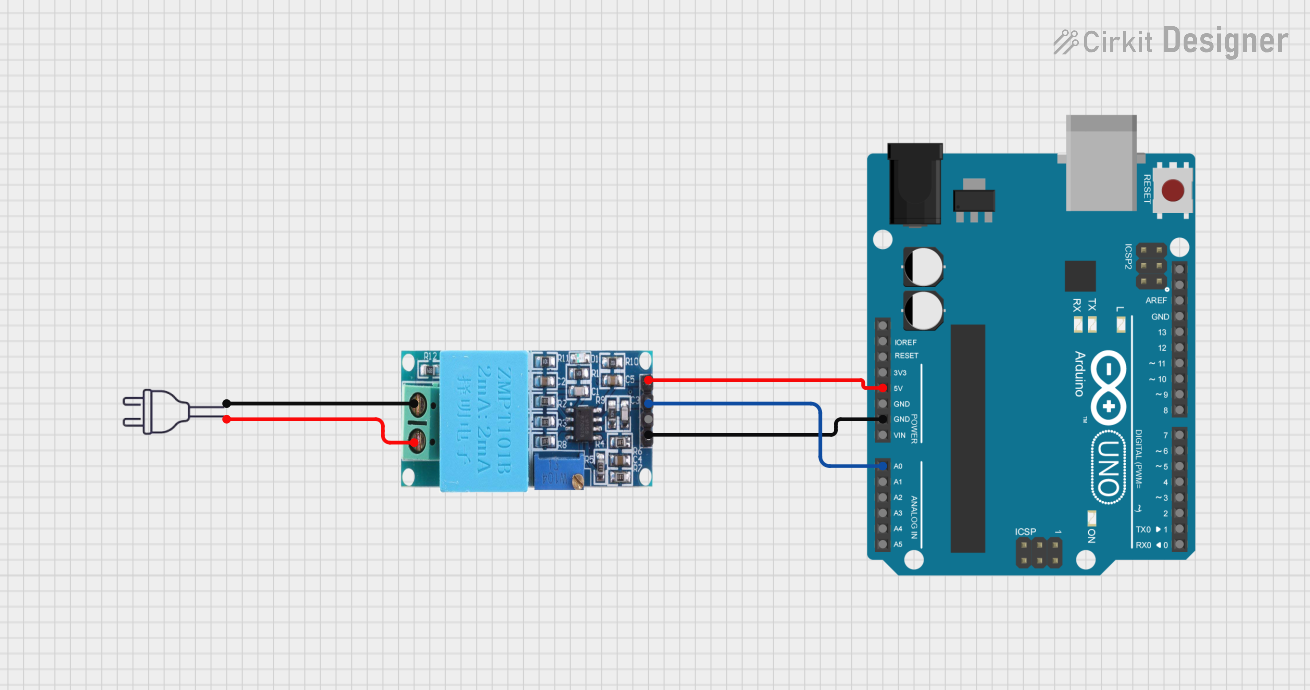
OUTpin provides an analog voltage proportional to the input AC voltage. Connect this pin to an analog input pin of a microcontroller (e.g., Arduino). - Input Voltage: Connect the AC voltage source to the input terminals of the ZMPT101B module. Ensure proper isolation and scaling to avoid damage to the module or connected devices.
- Read the Output: Use an ADC (Analog-to-Digital Converter) to read the output voltage and calculate the corresponding AC voltage.
Important Considerations and Best Practices
- Calibration: The ZMPT101B requires calibration to ensure accurate voltage measurements. Use a known reference voltage for calibration.
- Isolation: Always ensure proper electrical isolation when working with high-voltage AC sources to prevent damage or injury.
- Filtering: Add a capacitor at the output to filter noise and improve signal stability.
- Scaling: The module is designed for 0–250V AC input. For higher voltages, use appropriate voltage dividers or transformers.
Example Code for Arduino UNO
Below is an example code to interface the ZMPT101B with an Arduino UNO:
// ZMPT101B Voltage Sensor Example Code
// Reads the analog output of the ZMPT101B and calculates the AC voltage

const int sensorPin = A0; // Connect ZMPT101B OUT pin to Arduino A0
float calibrationFactor = 100.0; // Adjust this value based on calibration

void setup() {
  Serial.begin(9600); // Initialize serial communication
  pinMode(sensorPin, INPUT); // Set sensor pin as input
}

void loop() {
  int sensorValue = analogRead(sensorPin); // Read analog value from sensor
  float voltage = (sensorValue / 1023.0) * 5.0; // Convert to voltage (0-5V)

  // Calculate AC voltage using calibration factor
  float acVoltage = voltage * calibrationFactor;

  // Print the measured AC voltage to the Serial Monitor
  Serial.print("AC Voltage: ");
  Serial.print(acVoltage);
  Serial.println(" V");

  delay(1000); // Wait for 1 second before next reading
}
Note: The
calibrationFactormust be adjusted based on your specific setup and calibration process.
Troubleshooting and FAQs
Common Issues and Solutions
No Output Signal:
- Ensure the module is powered correctly (5V DC to
VCCandGND). - Verify that the input AC voltage is within the supported range (0–250V AC).
- Ensure the module is powered correctly (5V DC to
Inaccurate Voltage Readings:
- Perform proper calibration using a known reference voltage.
- Check for noise in the output signal and add a capacitor for filtering if necessary.
Arduino Reads Zero Voltage:
- Confirm that the
OUTpin is connected to the correct analog input pin on the Arduino. - Verify that the Arduino's ADC is functioning correctly.
- Confirm that the
Module Overheating:
- Ensure the input AC voltage does not exceed the module's rated range.
- Check for proper electrical isolation and avoid short circuits.
FAQs
Q: Can the ZMPT101B measure DC voltage?
A: No, the ZMPT101B is designed specifically for AC voltage measurement. It is not suitable for DC voltage applications.
Q: How do I improve the accuracy of the ZMPT101B?
A: Perform a thorough calibration using a known reference voltage. Additionally, use a stable power supply and minimize noise in the circuit.
Q: Is the ZMPT101B safe for high-voltage applications?
A: The module is designed for 0–250V AC input. For higher voltages, use appropriate isolation techniques and scaling components to ensure safety.
Q: Can I use the ZMPT101B with microcontrollers other than Arduino?
A: Yes, the ZMPT101B can be used with any microcontroller that has an ADC (Analog-to-Digital Converter) and supports 5V logic levels.