
How to Use ENS160 Air Quality Sensor: Examples, Pinouts, and Specs
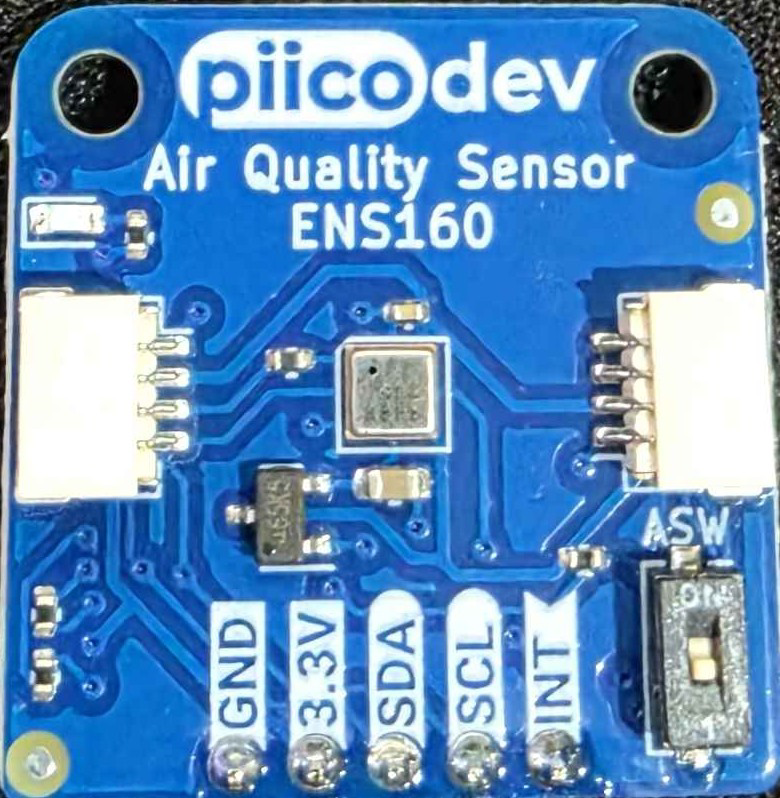
 Design with ENS160 Air Quality Sensor in Cirkit Designer
Introduction
The ENS160 is a digital air quality sensor manufactured by PiicoDev, designed to measure various air quality parameters such as volatile organic compounds (VOCs), carbon dioxide (CO2), and total volatile organic compounds (TVOCs). This sensor provides real-time data, making it ideal for monitoring indoor air quality in applications like smart homes, HVAC systems, air purifiers, and IoT devices.
The ENS160 leverages advanced metal oxide (MOX) technology and integrates a microcontroller for on-chip processing, enabling accurate and reliable air quality measurements. Its compact design and I²C/SPI communication interfaces make it easy to integrate into a wide range of projects.
Explore Projects Built with ENS160 Air Quality Sensor
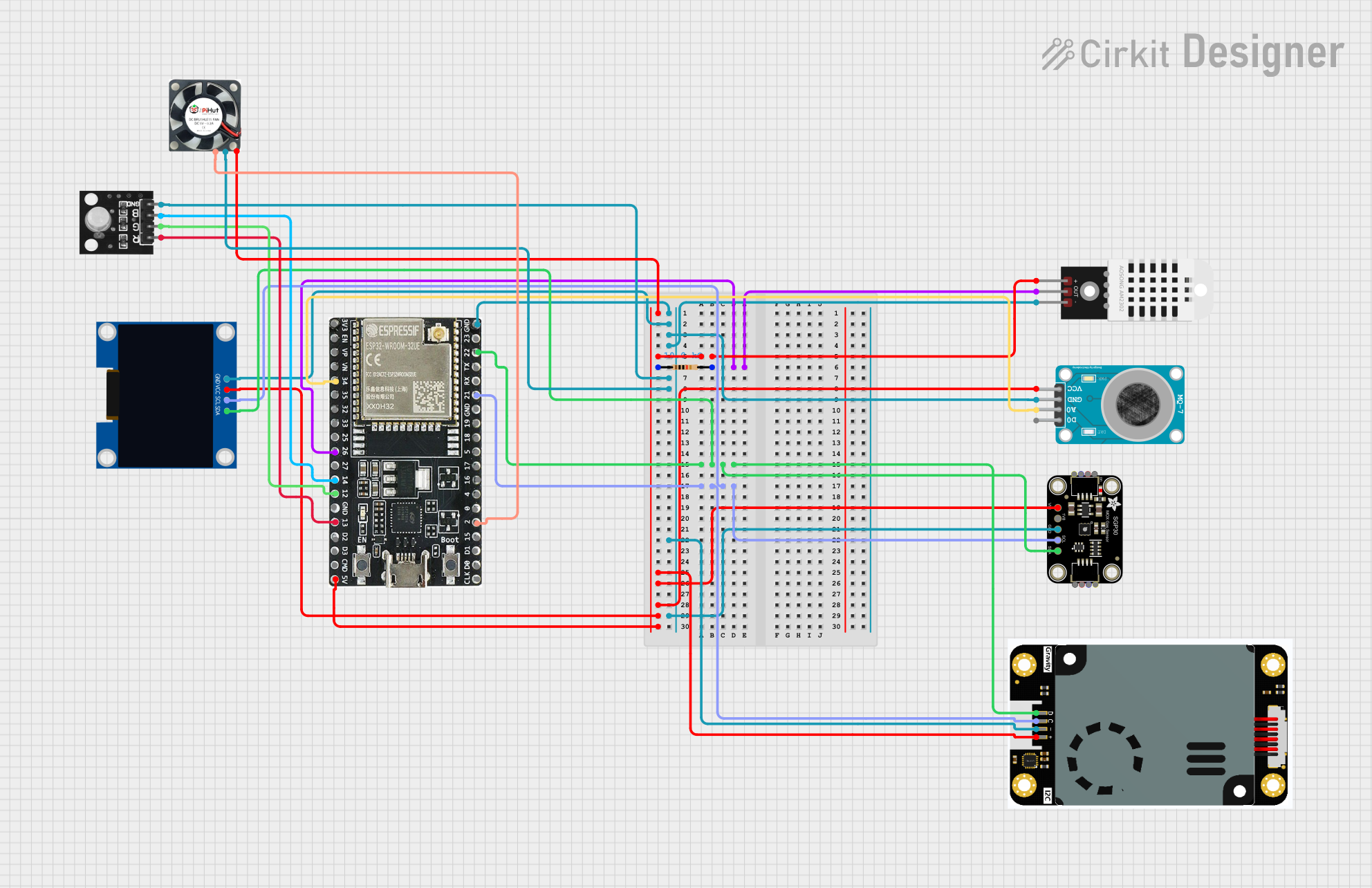 Open Project in Cirkit Designer
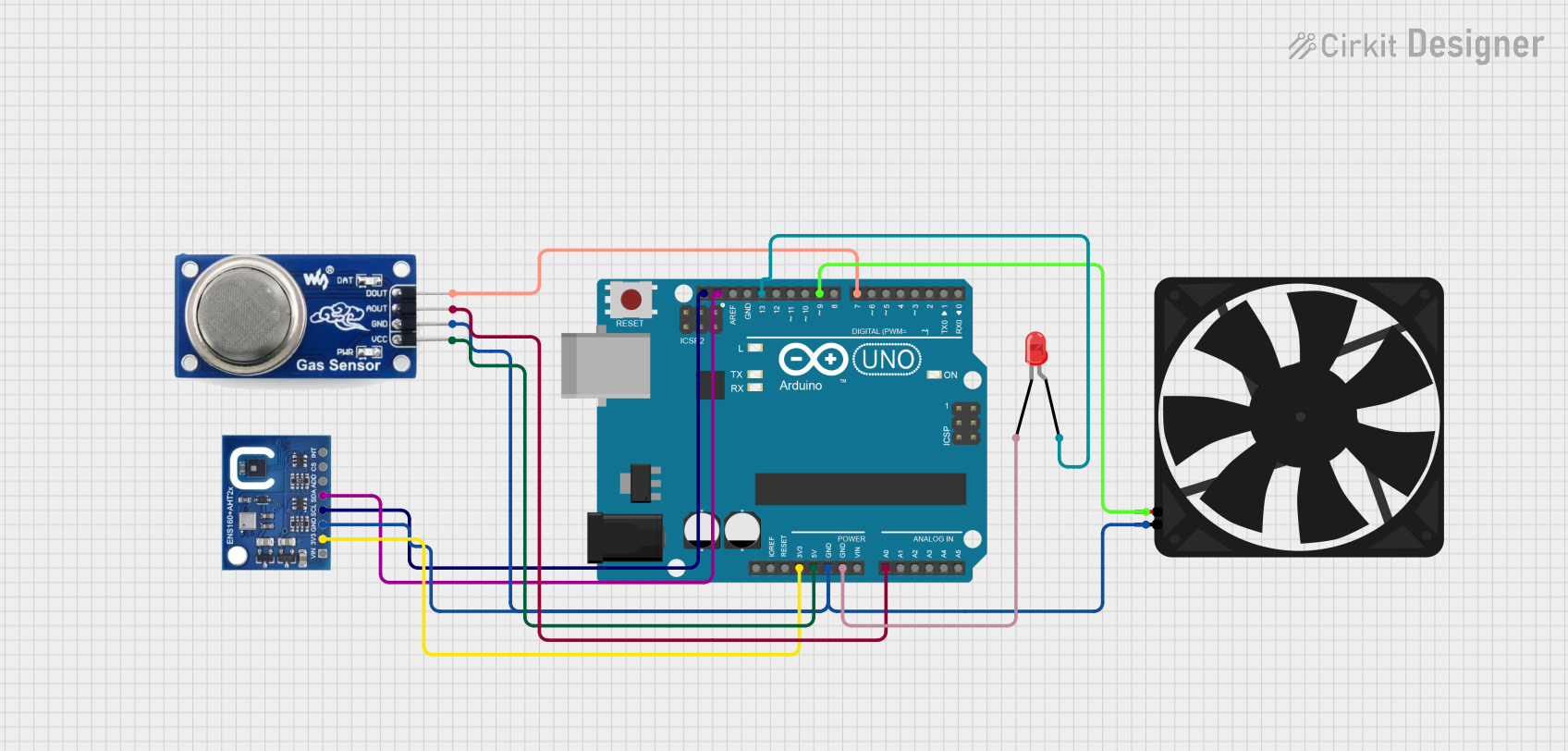 Open Project in Cirkit Designer
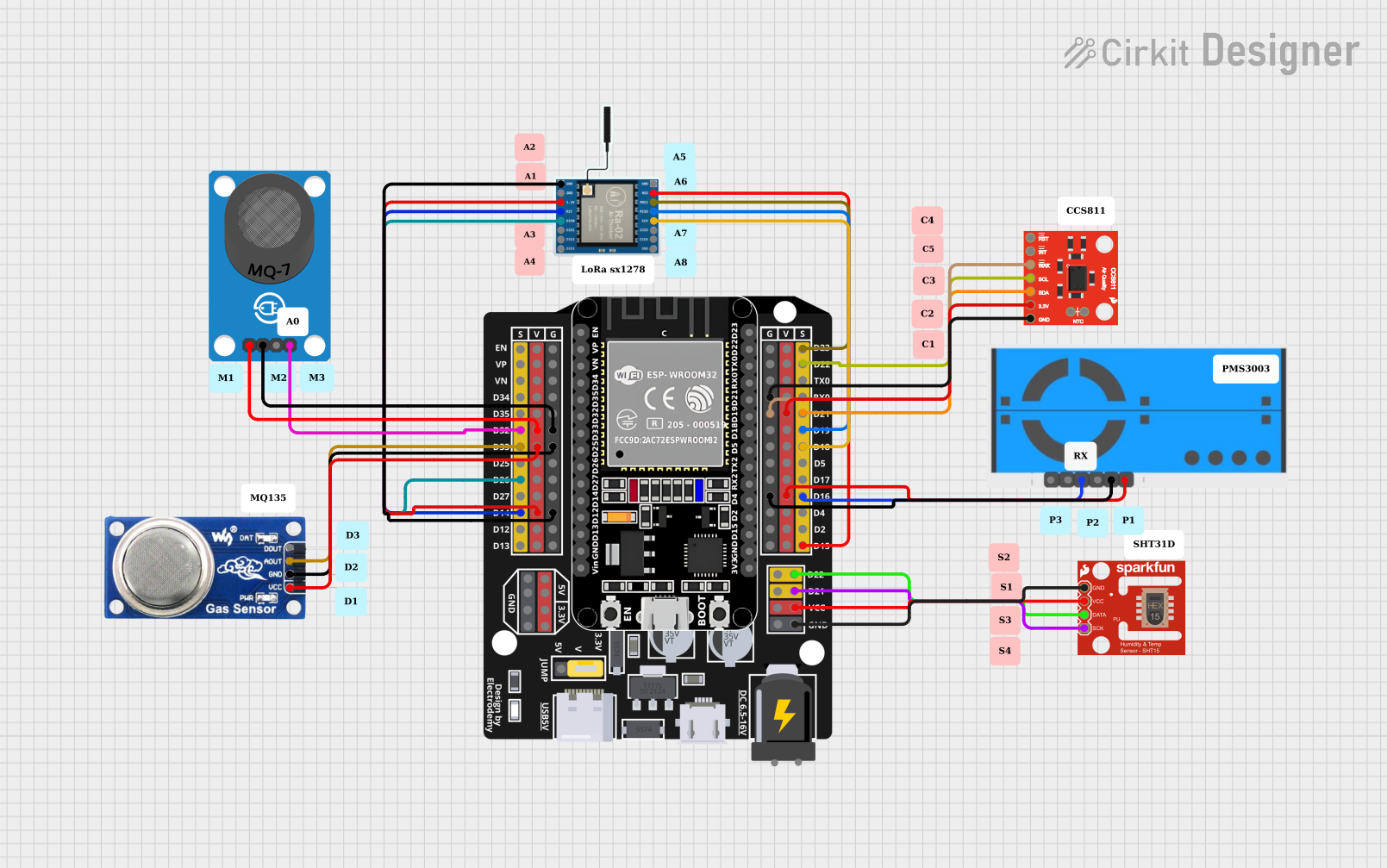 Open Project in Cirkit Designer
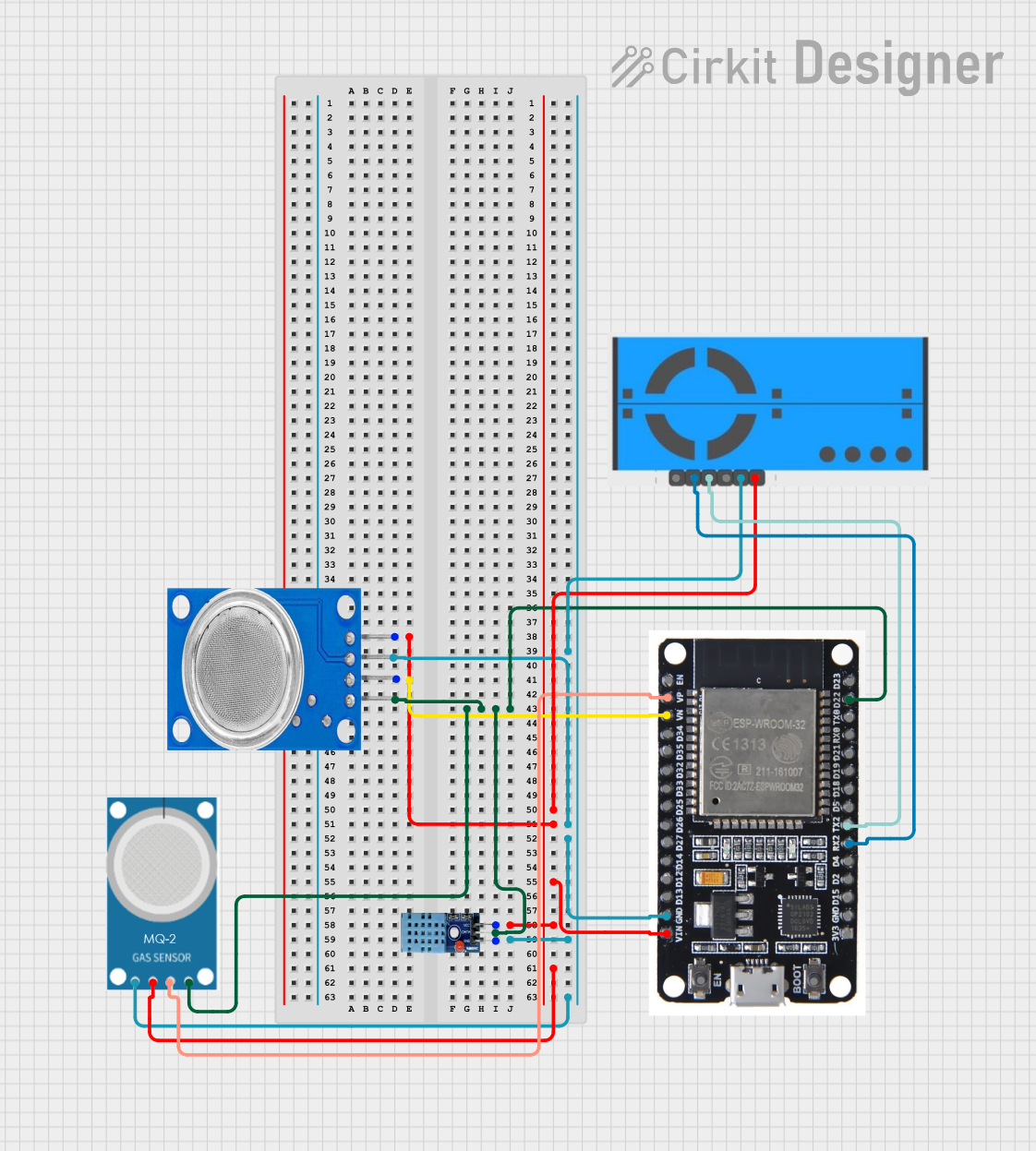 Open Project in Cirkit Designer
Explore Projects Built with ENS160 Air Quality Sensor
Open Project in Cirkit DesignerOpen Project in Cirkit DesignerOpen Project in Cirkit DesignerOpen Project in Cirkit DesignerTechnical Specifications
Below are the key technical details of the ENS160 air quality sensor:
General Specifications
| Parameter | Value |
|---|---|
| Manufacturer | PiicoDev |
| Part ID | ENS160 |
| Measurement Parameters | VOCs, CO2, TVOCs |
| Operating Voltage | 1.8V to 3.6V |
| Communication Interfaces | I²C, SPI |
| Operating Temperature Range | -40°C to +85°C |
| Power Consumption | 1.1 mA (typical) |
| Package Type | LGA |
Pin Configuration
The ENS160 sensor has the following pin configuration:
| Pin Name | Pin Number | Description |
|---|---|---|
| VDD | 1 | Power supply input (1.8V to 3.6V) |
| GND | 2 | Ground |
| SDA | 3 | I²C data line |
| SCL | 4 | I²C clock line |
| CS | 5 | Chip select for SPI (active low) |
| SDO | 6 | SPI data output |
| SDI | 7 | SPI data input |
| INT | 8 | Interrupt output (optional, configurable) |
| RST | 9 | Reset pin (active low, optional) |
Usage Instructions
How to Use the ENS160 in a Circuit
- Power Supply: Connect the VDD pin to a 1.8V to 3.6V power source and the GND pin to ground.
- Communication Interface: Choose between I²C or SPI for communication:
- For I²C, connect the SDA and SCL pins to the corresponding lines on your microcontroller.
- For SPI, connect the CS, SDO, and SDI pins to the appropriate SPI lines.
- Pull-Up Resistors: If using I²C, ensure pull-up resistors (typically 4.7kΩ) are connected to the SDA and SCL lines.
- Interrupt and Reset: Optionally, connect the INT pin to monitor interrupts and the RST pin for hardware resets.
- Initialization: Configure the sensor using the appropriate commands for your chosen interface.
Important Considerations and Best Practices
- Power Stability: Ensure a stable power supply to avoid measurement inaccuracies.
- Placement: Place the sensor in an area with good airflow for accurate air quality readings.
- Warm-Up Time: Allow the sensor to warm up for a few seconds after powering on for optimal performance.
- I²C Address: The default I²C address of the ENS160 is
0x53. Ensure no address conflicts if multiple devices are on the same bus.
Example Code for Arduino UNO (I²C)
Below is an example of how to interface the ENS160 with an Arduino UNO using the I²C protocol:
#include <Wire.h> // Include the Wire library for I²C communication

#define ENS160_I2C_ADDRESS 0x53 // Default I²C address of the ENS160

void setup() {
  Wire.begin(); // Initialize I²C communication
  Serial.begin(9600); // Start serial communication for debugging

  // Initialize the ENS160
  Wire.beginTransmission(ENS160_I2C_ADDRESS);
  Wire.write(0x10); // Example: Write to a configuration register
  Wire.write(0x01); // Example: Set the sensor to active mode
  if (Wire.endTransmission() == 0) {
    Serial.println("ENS160 initialized successfully.");
  } else {
    Serial.println("Failed to initialize ENS160.");
  }
}

void loop() {
  // Request air quality data from the ENS160
  Wire.beginTransmission(ENS160_I2C_ADDRESS);
  Wire.write(0x02); // Example: Register address for air quality data
  Wire.endTransmission();

  Wire.requestFrom(ENS160_I2C_ADDRESS, 2); // Request 2 bytes of data
  if (Wire.available() == 2) {
    uint8_t highByte = Wire.read(); // Read high byte
    uint8_t lowByte = Wire.read();  // Read low byte
    int airQuality = (highByte << 8) | lowByte; // Combine bytes into a 16-bit value

    Serial.print("Air Quality Index: ");
    Serial.println(airQuality);
  }

  delay(1000); // Wait 1 second before the next reading
}
Troubleshooting and FAQs
Common Issues and Solutions
Sensor Not Responding
- Cause: Incorrect wiring or I²C address mismatch.
- Solution: Double-check the wiring and ensure the correct I²C address (
0x53) is used.
Inaccurate Readings
- Cause: Insufficient warm-up time or poor sensor placement.
- Solution: Allow the sensor to warm up for a few seconds and ensure it is placed in an area with good airflow.
Communication Errors
- Cause: Missing pull-up resistors on the I²C lines.
- Solution: Add 4.7kΩ pull-up resistors to the SDA and SCL lines.
High Power Consumption
- Cause: Sensor operating in high-power mode.
- Solution: Configure the sensor to operate in low-power mode if supported.
FAQs
Can the ENS160 measure CO2 directly?
- No, the ENS160 estimates CO2 levels based on VOC measurements.
What is the typical response time of the ENS160?
- The sensor typically responds within a few seconds to changes in air quality.
Is the ENS160 suitable for outdoor use?
- The ENS160 is designed for indoor air quality monitoring and may not perform reliably in outdoor environments.
Can I use the ENS160 with a 5V microcontroller?
- Yes, but you will need a level shifter to step down the 5V signals to the sensor's operating voltage range (1.8V to 3.6V).