
How to Use LCD 16x2 I2C Display: Examples, Pinouts, and Specs
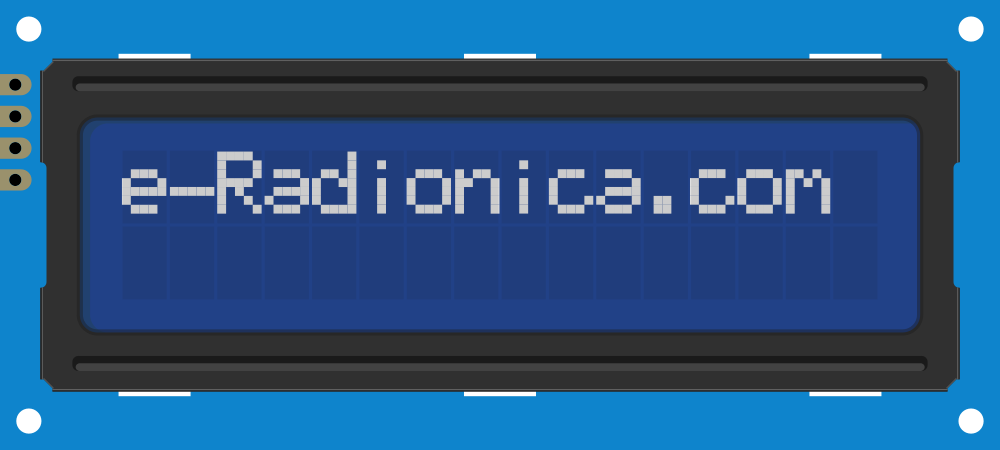
 Design with LCD 16x2 I2C Display in Cirkit Designer
Introduction
The LCD 16x2 I2C Display is a liquid crystal display module capable of showing 16 characters per line across 2 lines. It features an integrated I2C (Inter-Integrated Circuit) interface, which significantly reduces the number of pins required for connection, making it ideal for microcontroller-based projects. This display is widely used in applications such as DIY electronics, embedded systems, and prototyping where visual feedback is required.
Explore Projects Built with LCD 16x2 I2C Display
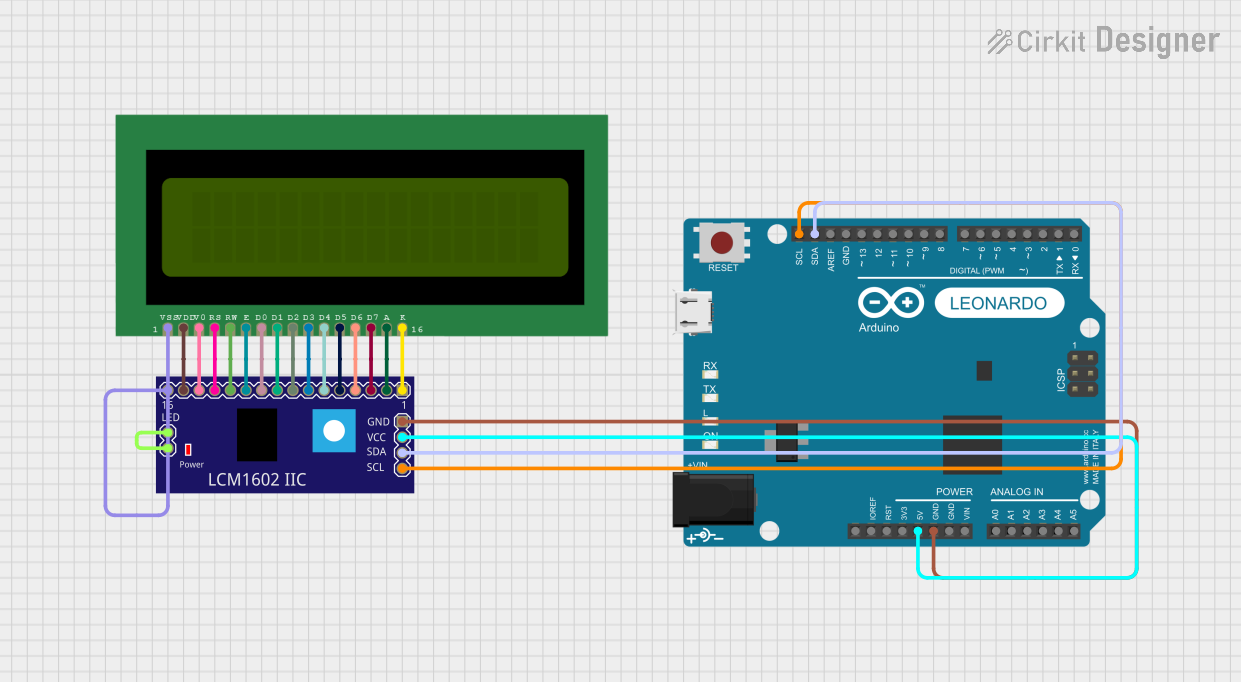 Open Project in Cirkit Designer
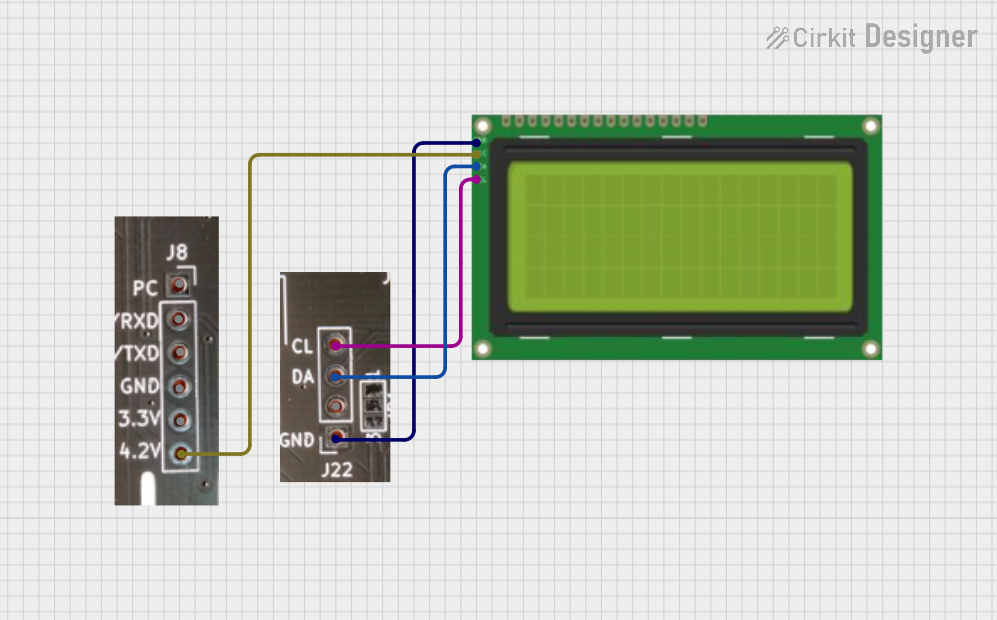 Open Project in Cirkit Designer
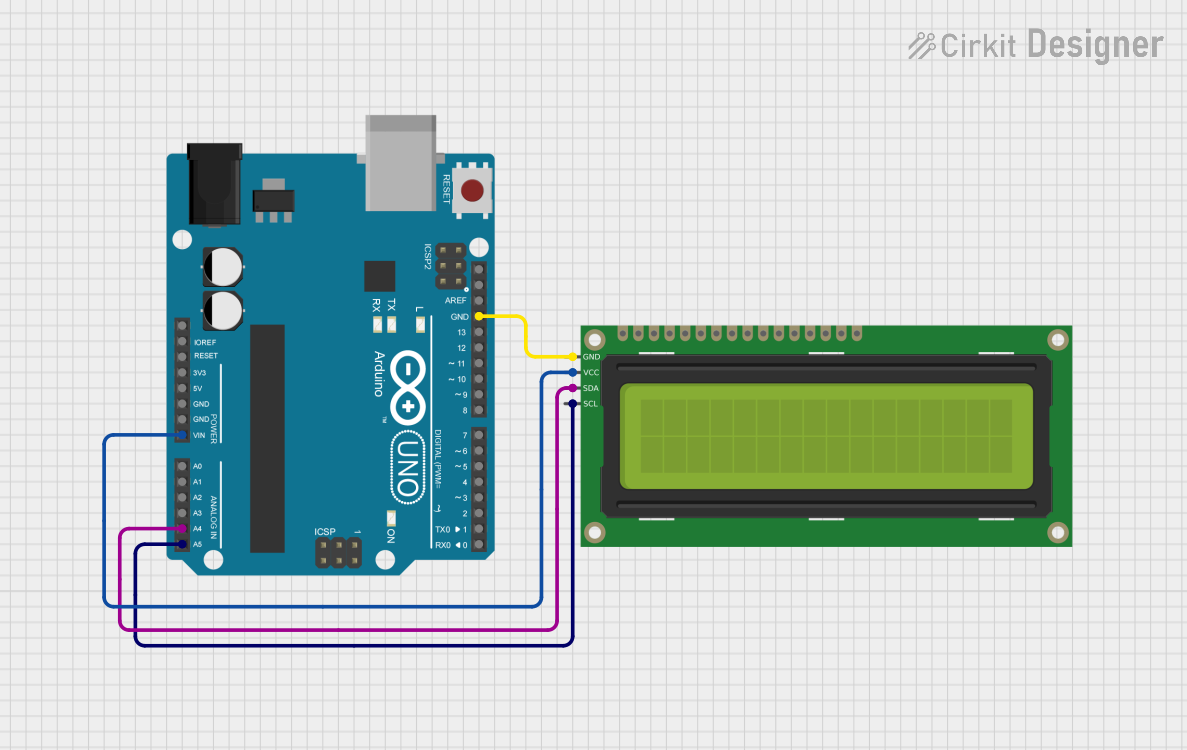 Open Project in Cirkit Designer
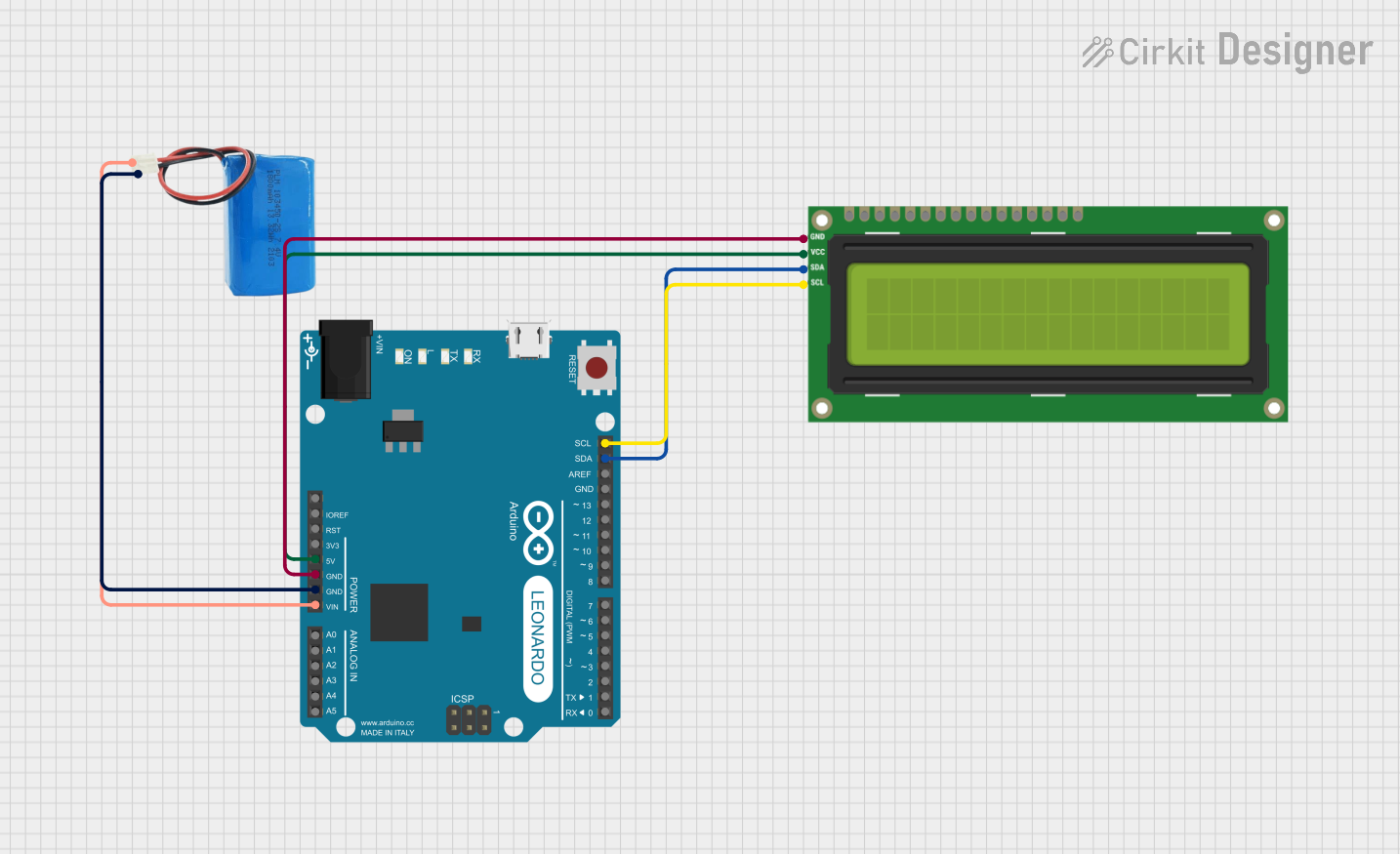 Open Project in Cirkit Designer
Explore Projects Built with LCD 16x2 I2C Display
Open Project in Cirkit DesignerOpen Project in Cirkit DesignerOpen Project in Cirkit DesignerOpen Project in Cirkit DesignerCommon Applications:
- Microcontroller-based projects (e.g., Arduino, Raspberry Pi)
- Home automation systems
- Measurement and monitoring devices
- User interfaces for embedded systems
- Educational and prototyping projects
Technical Specifications
Key Technical Details:
- Display Type: 16x2 character LCD
- Interface: I2C (requires only 2 data pins: SDA and SCL)
- Operating Voltage: 5V DC
- Backlight: LED (usually white or blue)
- Character Size: ~5.2mm x 2.95mm
- I2C Address: Typically 0x27 or 0x3F (configurable via solder jumpers)
- Current Consumption: ~20mA (with backlight on)
- Operating Temperature: -20°C to +70°C
Pin Configuration:
The I2C interface simplifies the connection to just four pins:
| Pin Name | Description | Connection to Microcontroller |
|---|---|---|
| VCC | Power supply (5V) | Connect to 5V pin |
| GND | Ground | Connect to GND pin |
| SDA | Serial Data Line | Connect to I2C SDA pin |
| SCL | Serial Clock Line | Connect to I2C SCL pin |
Usage Instructions
How to Use the LCD 16x2 I2C Display in a Circuit:
Wiring the Display:
- Connect the
VCCpin of the display to the 5V pin of your microcontroller. - Connect the
GNDpin to the ground (GND) of your microcontroller. - Connect the
SDApin to the I2C data line (e.g., A4 on Arduino UNO). - Connect the
SCLpin to the I2C clock line (e.g., A5 on Arduino UNO).
- Connect the
Install Required Libraries:
- For Arduino, install the
LiquidCrystal_I2Clibrary via the Library Manager:- Open the Arduino IDE.
- Go to
Sketch > Include Library > Manage Libraries. - Search for
LiquidCrystal_I2Cand install it.
- For Arduino, install the
Arduino Example Code: Below is an example code to display "Hello, World!" on the LCD:
// Include the LiquidCrystal_I2C library
#include <Wire.h>
#include <LiquidCrystal_I2C.h>

// Initialize the LCD with I2C address 0x27 and 16x2 dimensions
LiquidCrystal_I2C lcd(0x27, 16, 2);

void setup() {
  lcd.begin(); // Initialize the LCD
  lcd.backlight(); // Turn on the backlight
  lcd.setCursor(0, 0); // Set cursor to the first column, first row
  lcd.print("Hello, World!"); // Print message on the first row
  lcd.setCursor(0, 1); // Set cursor to the first column, second row
  lcd.print("LCD 16x2 I2C"); // Print message on the second row
}

void loop() {
  // No actions in the loop for this example
}
Important Considerations and Best Practices:
- I2C Address: Ensure the correct I2C address is used in your code. If the display does not respond, use an I2C scanner sketch to detect the address.
- Power Supply: Use a stable 5V power source to avoid flickering or malfunctioning of the display.
- Contrast Adjustment: Some modules include a potentiometer for adjusting the contrast. If characters are not visible, adjust the contrast.
- Backlight Control: The backlight can be turned on or off programmatically using the
lcd.backlight()andlcd.noBacklight()functions.
Troubleshooting and FAQs
Common Issues and Solutions:
No Display or Characters Not Visible:
- Verify the wiring connections, especially the SDA and SCL lines.
- Check the power supply voltage (should be 5V).
- Adjust the contrast potentiometer if available.
Incorrect or No Response from the Display:
- Ensure the correct I2C address is used in the code. Use an I2C scanner sketch to detect the address.
- Confirm that the
LiquidCrystal_I2Clibrary is installed and included in your code.
Flickering or Unstable Display:
- Check for loose connections or poor solder joints.
- Ensure the power supply can provide sufficient current (at least 20mA).
Backlight Not Working:
- Verify that the backlight control pin is not disabled in the library or code.
- Check the module for any physical damage.
FAQs:
Q: Can I use the LCD 16x2 I2C Display with a 3.3V microcontroller?
A: Most modules require 5V for proper operation. However, some modules are compatible with 3.3V logic. Check the datasheet or use a level shifter for compatibility.
Q: How do I change the I2C address of the display?
A: The I2C address can typically be changed by modifying the solder jumpers on the back of the module. Refer to the module's datasheet for details.
Q: Can I connect multiple I2C devices to the same microcontroller?
A: Yes, I2C supports multiple devices on the same bus. Ensure each device has a unique address.
Q: What is the maximum cable length for I2C connections?
A: The maximum length depends on the pull-up resistor values and the speed of communication. For standard setups, keep the cable length under 1 meter to avoid signal degradation.
By following this documentation, you can effectively integrate and troubleshoot the LCD 16x2 I2C Display in your projects.