
How to Use Eaton HTC-15M 5 x 20 mm Fuse Holder: Examples, Pinouts, and Specs

 Design with Eaton HTC-15M 5 x 20 mm Fuse Holder in Cirkit Designer
Introduction
The Eaton HTC-15M is a high-quality fuse holder designed to securely house 5 x 20 mm fuses. It provides reliable overcurrent protection for electrical circuits by ensuring a stable connection and allowing for easy fuse replacement. This component is widely used in various applications, including consumer electronics, industrial equipment, and automotive systems, where circuit protection is critical.
Explore Projects Built with Eaton HTC-15M 5 x 20 mm Fuse Holder
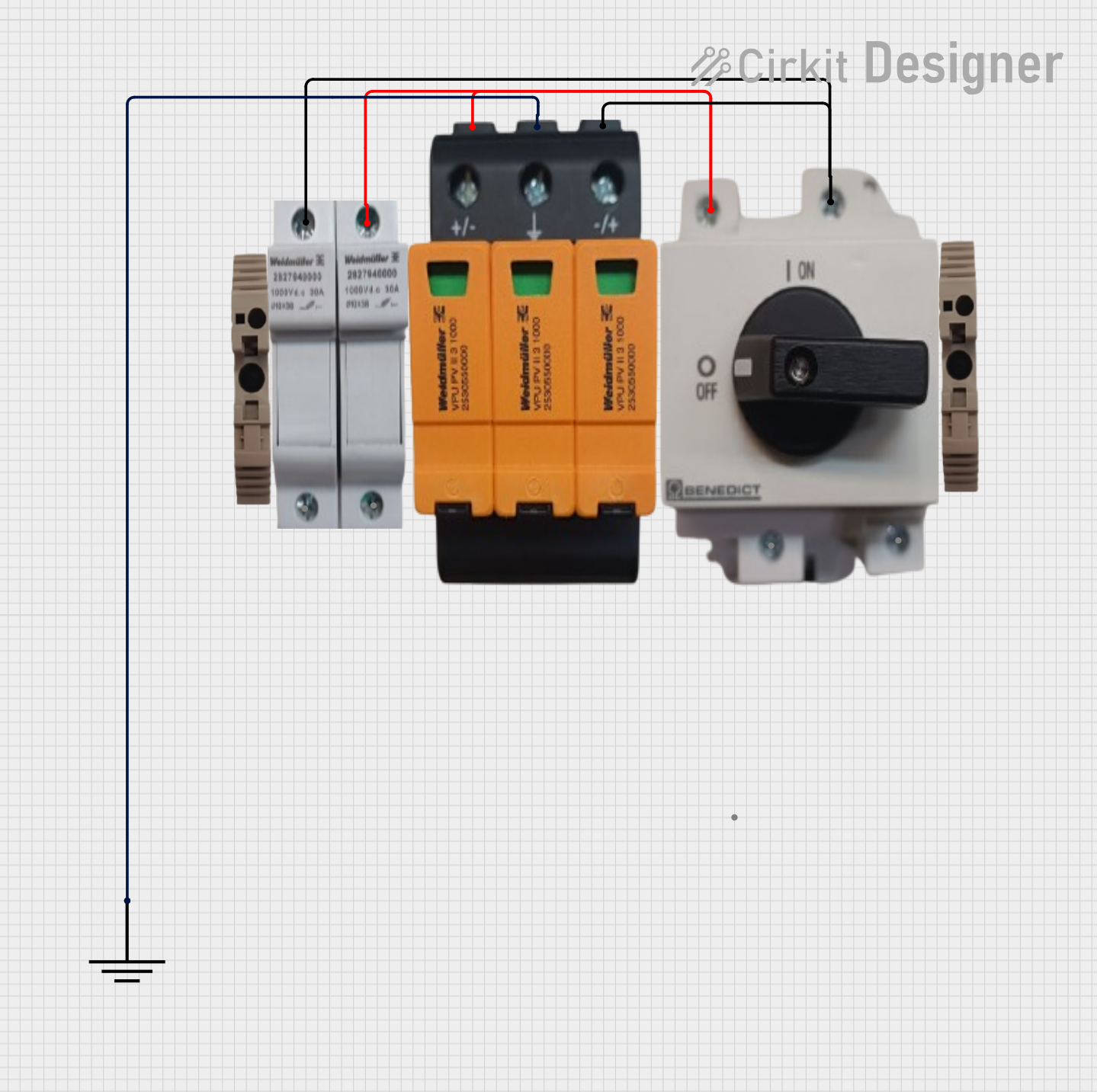 Open Project in Cirkit Designer
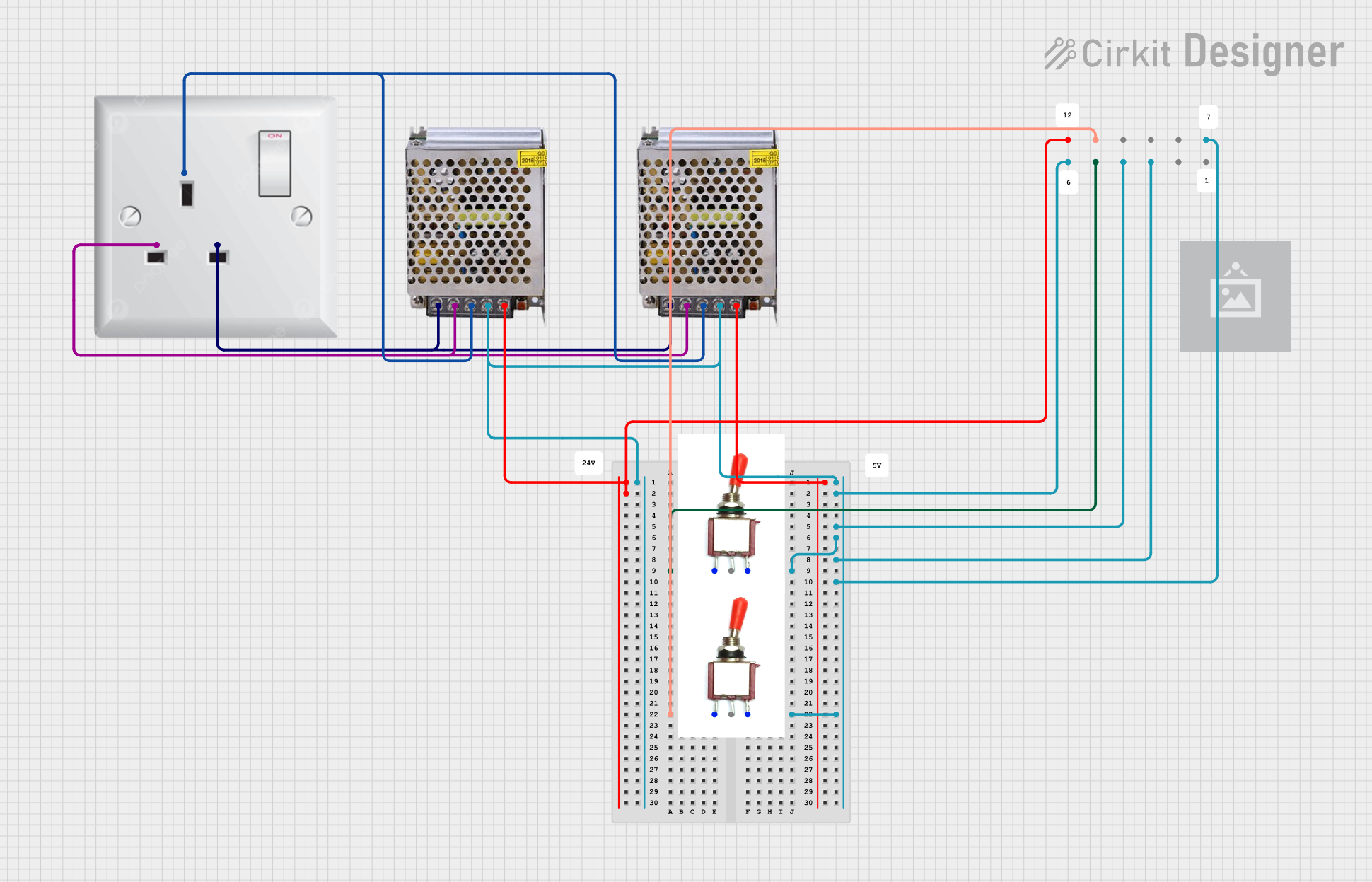 Open Project in Cirkit Designer
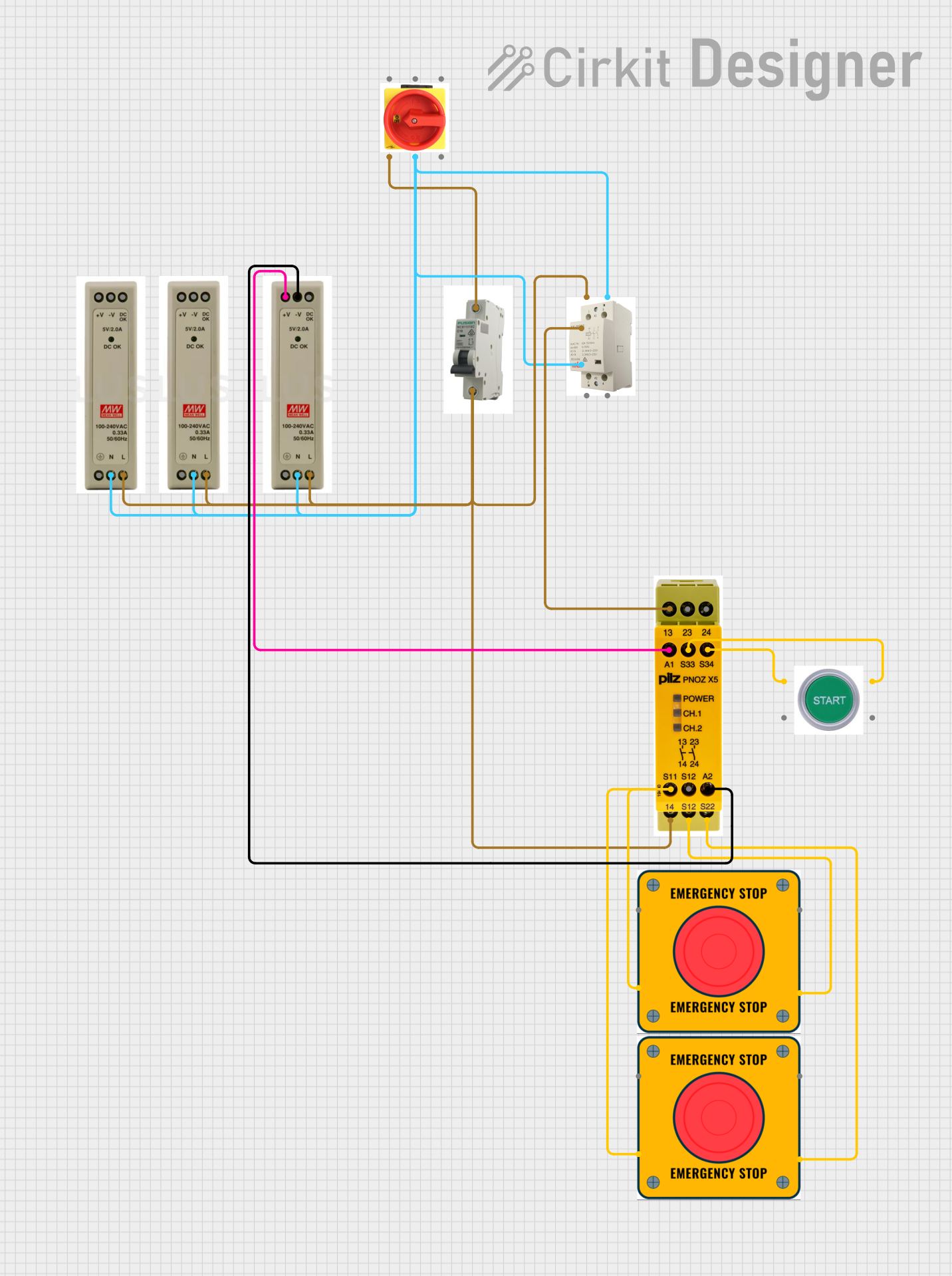 Open Project in Cirkit Designer
 Open Project in Cirkit Designer
Explore Projects Built with Eaton HTC-15M 5 x 20 mm Fuse Holder
Open Project in Cirkit DesignerOpen Project in Cirkit DesignerOpen Project in Cirkit DesignerOpen Project in Cirkit DesignerCommon Applications:
- Consumer electronics (e.g., power supplies, chargers)
- Industrial control systems
- Automotive electrical systems
- Home appliances
- Test and measurement equipment
Technical Specifications
The Eaton HTC-15M fuse holder is designed to meet the needs of robust circuit protection. Below are its key technical details:
Key Specifications:
| Parameter | Value |
|---|---|
| Fuse Size | 5 x 20 mm |
| Rated Voltage | 250 V AC |
| Rated Current | Up to 15 A |
| Material | Thermoplastic (UL94 V-0) |
| Mounting Style | Panel Mount |
| Operating Temperature | -40°C to +85°C |
| Contact Material | Tin-plated brass |
| Terminal Type | Solder Lug |
| Compliance | RoHS, UL Recognized |
Pin Configuration and Descriptions:
The Eaton HTC-15M has two solder lug terminals for electrical connections. Below is the pin description:
| Pin Number | Description |
|---|---|
| 1 | Input terminal (connect to power source) |
| 2 | Output terminal (connect to load) |
Usage Instructions
How to Use the Eaton HTC-15M Fuse Holder in a Circuit:
Mounting the Fuse Holder:
- Drill a hole in the panel or enclosure where the fuse holder will be installed. Ensure the hole matches the recommended panel cutout size for the HTC-15M.
- Insert the fuse holder into the hole and secure it using the provided nut.
Installing the Fuse:
- Select a 5 x 20 mm fuse with the appropriate current and voltage rating for your application.
- Unscrew the cap of the fuse holder.
- Insert the fuse into the holder and screw the cap back on securely.
Connecting the Terminals:
- Solder the input terminal (Pin 1) to the power source.
- Solder the output terminal (Pin 2) to the load.
- Use heat shrink tubing or insulation to protect the solder joints.
Testing the Circuit:
- Power on the circuit and verify that the fuse holder is functioning correctly.
- If the fuse blows, replace it with a new one of the same rating after addressing the cause of the overcurrent.
Important Considerations and Best Practices:
- Always use a fuse with the correct voltage and current rating to avoid damage to the circuit or the fuse holder.
- Ensure proper insulation of solder joints to prevent short circuits.
- Avoid exceeding the operating temperature range of the fuse holder.
- Periodically inspect the fuse holder for signs of wear or damage.
Example: Using the Fuse Holder with an Arduino UNO
The Eaton HTC-15M can be used to protect an Arduino UNO circuit from overcurrent. Below is an example of how to integrate it:
Circuit Description:
- The fuse holder is placed between the power supply and the Arduino UNO's VIN pin.
- A 5 x 20 mm fuse rated at 1 A is used to protect the Arduino from excessive current.
Sample Code:
// Example code for Arduino UNO circuit protected by Eaton HTC-15M fuse holder
// This code blinks an LED connected to pin 13

void setup() {
  pinMode(13, OUTPUT); // Set pin 13 as an output for the LED
}

void loop() {
  digitalWrite(13, HIGH); // Turn the LED on
  delay(1000);            // Wait for 1 second
  digitalWrite(13, LOW);  // Turn the LED off
  delay(1000);            // Wait for 1 second
}
Note: The fuse holder is a passive component and does not require any specific code. The above code is provided as an example of a circuit that can be protected using the HTC-15M.
Troubleshooting and FAQs
Common Issues:
Fuse Blows Frequently:
- Cause: The fuse rating is too low for the circuit's current requirements.
- Solution: Replace the fuse with one that has a higher current rating, but ensure it is still within the safe limits of the circuit.
Loose Connection:
- Cause: The fuse holder cap is not tightened properly.
- Solution: Ensure the cap is securely fastened after inserting the fuse.
Overheating:
- Cause: Poor soldering or excessive current through the fuse holder.
- Solution: Check the solder joints for proper connection and ensure the current does not exceed the rated value.
Fuse Holder Does Not Fit Panel:
- Cause: Incorrect panel cutout size.
- Solution: Verify the panel cutout dimensions and adjust as needed.
FAQs:
Q1: Can I use a 6 x 30 mm fuse with the HTC-15M?
A1: No, the HTC-15M is specifically designed for 5 x 20 mm fuses. Using a different size may result in improper fit or unreliable operation.
Q2: Is the HTC-15M waterproof?
A2: No, the HTC-15M is not waterproof. It should be used in dry environments or within a protective enclosure.
Q3: Can I use the HTC-15M for DC circuits?
A3: Yes, the HTC-15M can be used for both AC and DC circuits, provided the voltage and current ratings are not exceeded.
Q4: How do I know if the fuse is blown?
A4: You can visually inspect the fuse for a broken filament or use a multimeter to check for continuity. If there is no continuity, the fuse is blown and needs replacement.