
How to Use Power Transformer (220V to 24V): Examples, Pinouts, and Specs
 Design with Power Transformer (220V to 24V) in Cirkit Designer
Introduction
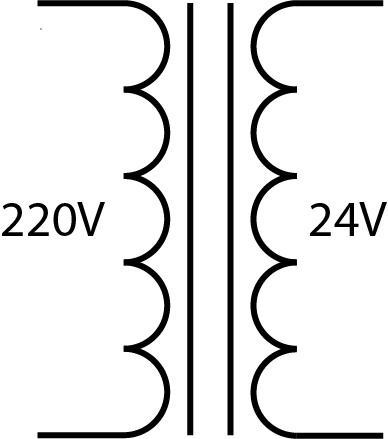
A power transformer is an electrical device designed to convert high-voltage (220V) alternating current (AC) power to a lower voltage (24V) AC power. This step-down transformer is commonly used in applications where low-voltage AC power is required, such as in industrial control systems, low-voltage lighting, and powering devices like relays, solenoids, and small motors.
By isolating the primary (high-voltage) and secondary (low-voltage) windings, the transformer also provides electrical isolation, enhancing safety in the circuit.
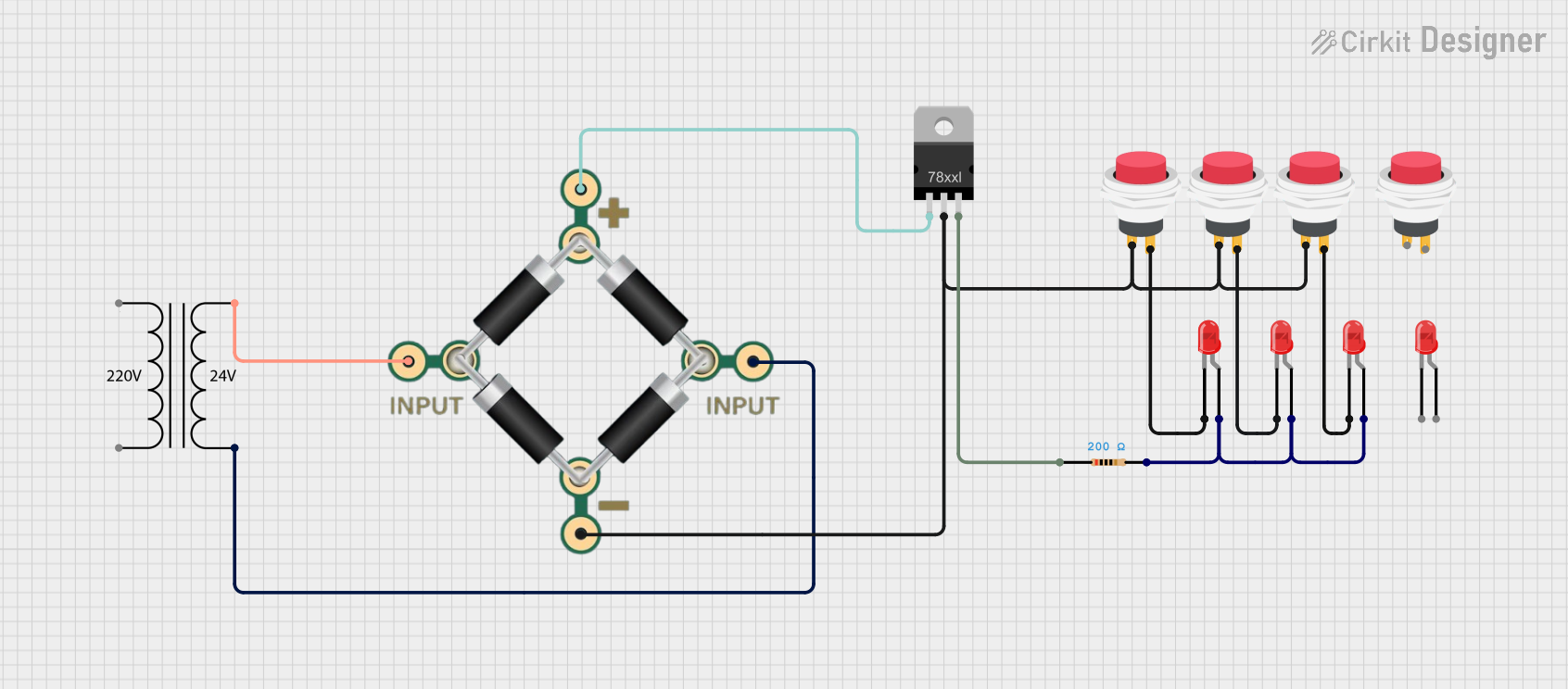
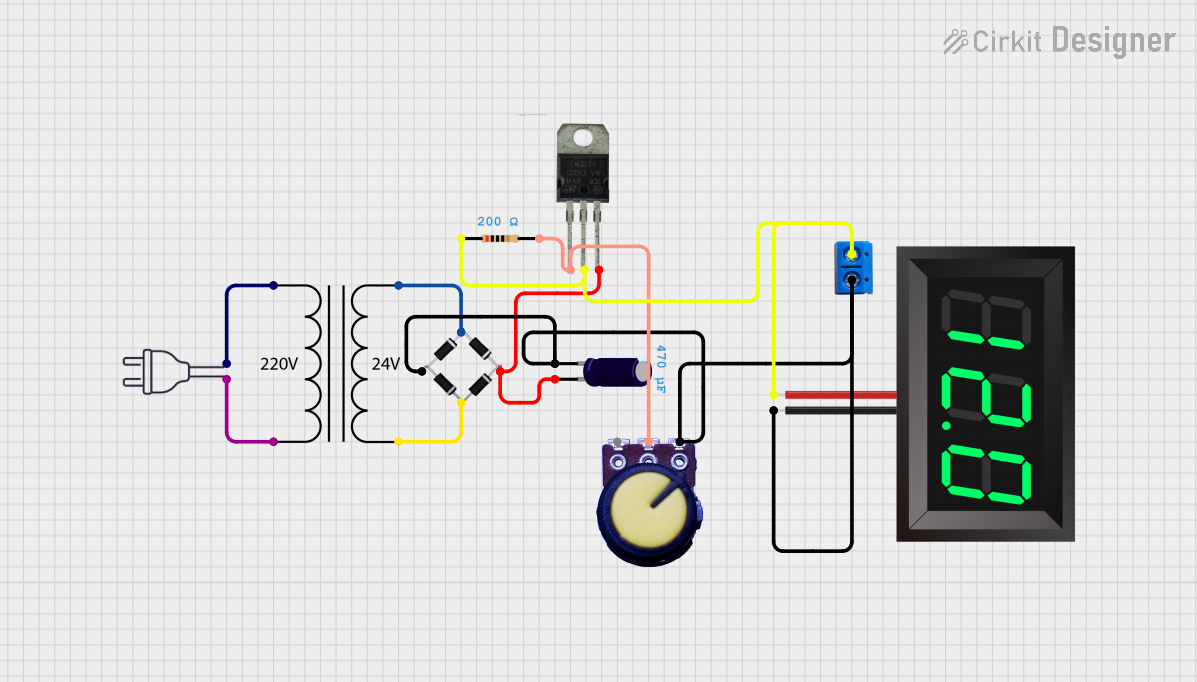
Explore Projects Built with Power Transformer (220V to 24V)
 Open Project in Cirkit Designer
 Open Project in Cirkit Designer
 Open Project in Cirkit Designer
 Open Project in Cirkit Designer
Explore Projects Built with Power Transformer (220V to 24V)
Open Project in Cirkit DesignerOpen Project in Cirkit DesignerOpen Project in Cirkit DesignerOpen Project in Cirkit DesignerCommon Applications:
- Powering low-voltage AC devices
- Industrial control panels
- HVAC systems
- Low-voltage lighting systems
- Rectifier circuits for DC power supplies
Technical Specifications
Below are the key technical details for a typical 220V to 24V power transformer:
| Parameter | Specification |
|---|---|
| Input Voltage (Primary) | 220V AC ±10% |
| Output Voltage (Secondary) | 24V AC ±5% |
| Frequency | 50Hz / 60Hz |
| Power Rating | 50VA, 100VA, 200VA (varies by model) |
| Efficiency | 85% to 95% |
| Insulation Resistance | ≥ 100MΩ |
| Dielectric Strength | 1500V AC for 1 minute |
| Operating Temperature | -10°C to 50°C |
| Mounting Type | Chassis mount or PCB mount |
Pin Configuration and Descriptions
The transformer typically has two sets of terminals: primary (high voltage) and secondary (low voltage). Below is a table describing the pin configuration:
| Pin Number | Label | Description |
|---|---|---|
| 1, 2 | Primary (L, N) | Connect to 220V AC mains (Live and Neutral) |
| 3, 4 | Secondary | Outputs 24V AC for powering low-voltage devices |
Note: Some transformers may include additional taps on the secondary winding for multiple output voltages (e.g., 12V, 24V).
Usage Instructions
How to Use the Transformer in a Circuit
Primary Connection:
- Connect the primary winding terminals (labeled L and N) to the 220V AC mains supply.
- Ensure proper insulation and secure connections to avoid electrical hazards.
Secondary Connection:
- Connect the secondary winding terminals to the load or circuit requiring 24V AC.
- If the transformer has multiple secondary taps, use the appropriate terminals for the desired voltage.
Grounding:
- If the transformer includes a grounding terminal, connect it to the system ground for safety.
Load Considerations:
- Ensure the connected load does not exceed the transformer's power rating (e.g., 50VA, 100VA).
- For inductive loads (e.g., motors), consider inrush current and use a transformer with a higher power rating.
Important Considerations and Best Practices
- Fusing: Use a fuse on the primary side to protect against overcurrent or short circuits.
- Ventilation: Ensure adequate ventilation around the transformer to prevent overheating.
- Isolation: Avoid direct contact with the transformer terminals when powered.
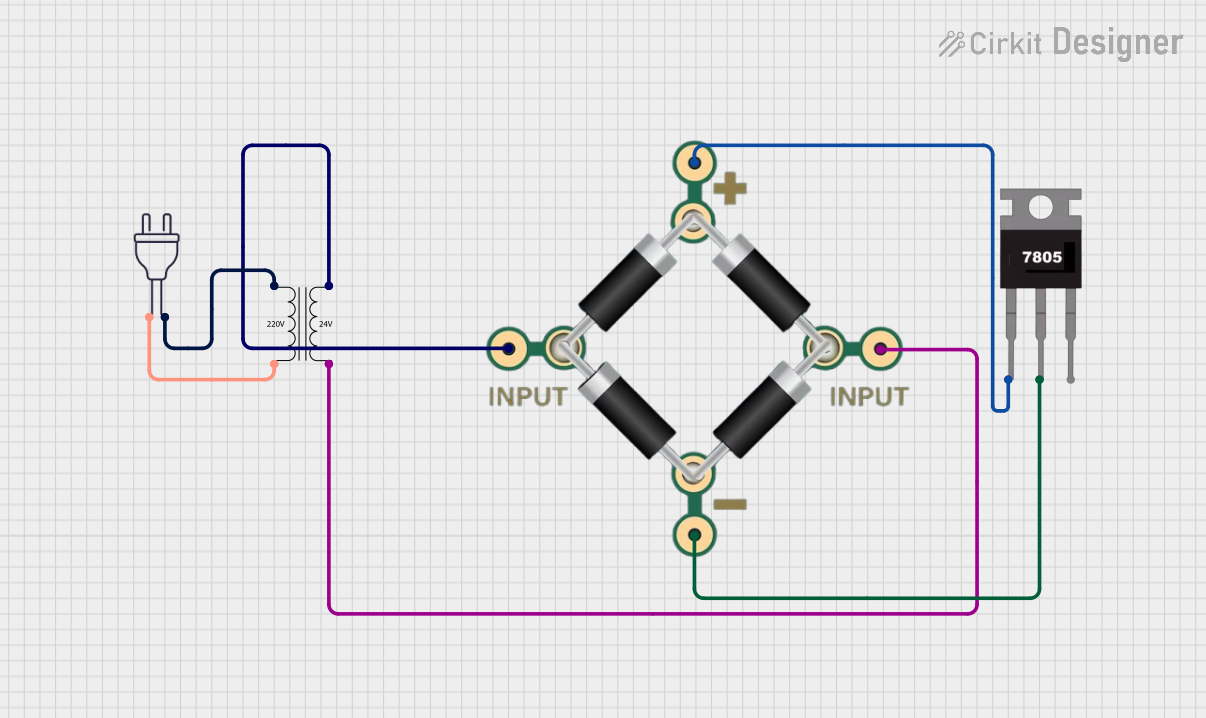
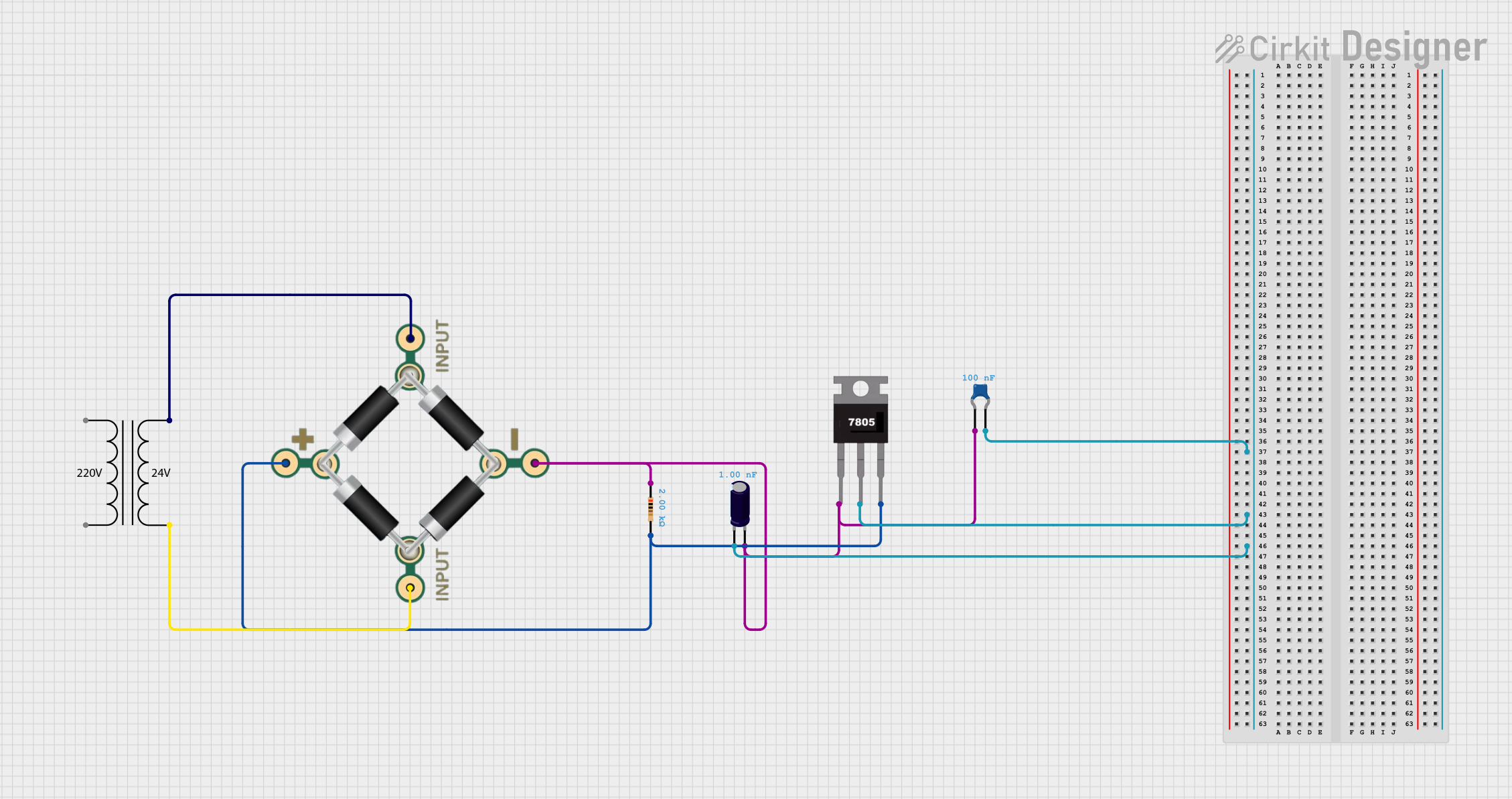
- Rectification: If DC power is required, use a rectifier circuit (e.g., bridge rectifier) and a filter capacitor to convert the 24V AC output to DC.
Example: Using the Transformer with an Arduino UNO
If you need to power an Arduino UNO with this transformer, you must first convert the 24V AC output to DC using a rectifier and voltage regulator. Below is an example circuit and code:
Circuit Steps:
- Connect the transformer's secondary terminals to a bridge rectifier.
- Add a filter capacitor (e.g., 1000µF) to smooth the DC output.
- Use a voltage regulator (e.g., LM7805) to step down the DC voltage to 5V for the Arduino UNO.
Arduino Code Example:
// Example code to read an analog sensor powered by the transformer
// Ensure the transformer output is rectified and regulated to 5V DC
// before connecting to the Arduino UNO.

const int sensorPin = A0;  // Analog pin connected to the sensor
int sensorValue = 0;       // Variable to store the sensor reading

void setup() {
  Serial.begin(9600);      // Initialize serial communication
}

void loop() {
  sensorValue = analogRead(sensorPin);  // Read the sensor value
  Serial.print("Sensor Value: ");
  Serial.println(sensorValue);         // Print the sensor value to the Serial Monitor
  delay(1000);                          // Wait for 1 second
}
Note: Ensure the Arduino is powered by a regulated 5V DC supply derived from the transformer.
Troubleshooting and FAQs
Common Issues and Solutions
| Issue | Possible Cause | Solution |
|---|---|---|
| No output voltage on the secondary side | Loose or incorrect connections | Verify all connections and ensure proper wiring. |
| Transformer overheating | Overloaded or insufficient ventilation | Reduce the load or improve ventilation. |
| Output voltage too low or unstable | Load exceeds power rating or faulty winding | Check the load and replace the transformer if necessary. |
| Humming noise | Loose laminations or high inrush current | Tighten the mounting or use a soft-start circuit. |
FAQs
Can I use this transformer to power DC devices?
- No, the transformer outputs AC voltage. You need a rectifier and voltage regulator to convert the output to DC.
What happens if I connect the transformer to 110V AC instead of 220V AC?
- The output voltage will be proportionally lower (approximately 12V AC instead of 24V AC).
Can I use this transformer outdoors?
- Only if it is enclosed in a weatherproof housing and meets the required safety standards.
How do I calculate the required transformer power rating?
- Multiply the load current (in amps) by the output voltage (24V) to get the VA rating. Add a safety margin of 20-30%.
By following these guidelines, you can safely and effectively use a 220V to 24V power transformer in your projects.