
How to Use K30: Examples, Pinouts, and Specs
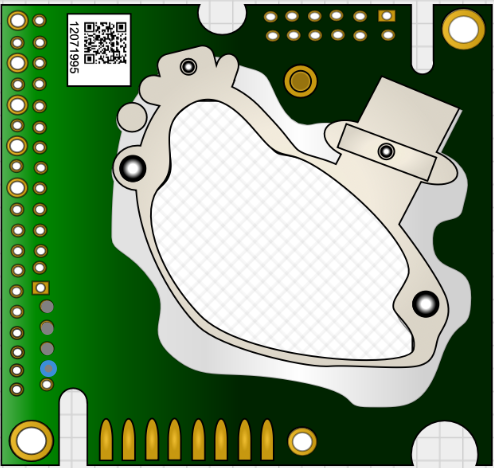
 Design with K30 in Cirkit Designer
Introduction
The K30 is a versatile relay commonly used in electronic circuits for switching applications. It enables low-power control signals to manage higher power loads, making it an essential component in automation, control systems, and various industrial applications. The K30 relay provides electrical isolation between the control circuit and the load, ensuring safety and reliability in operation.
Explore Projects Built with K30
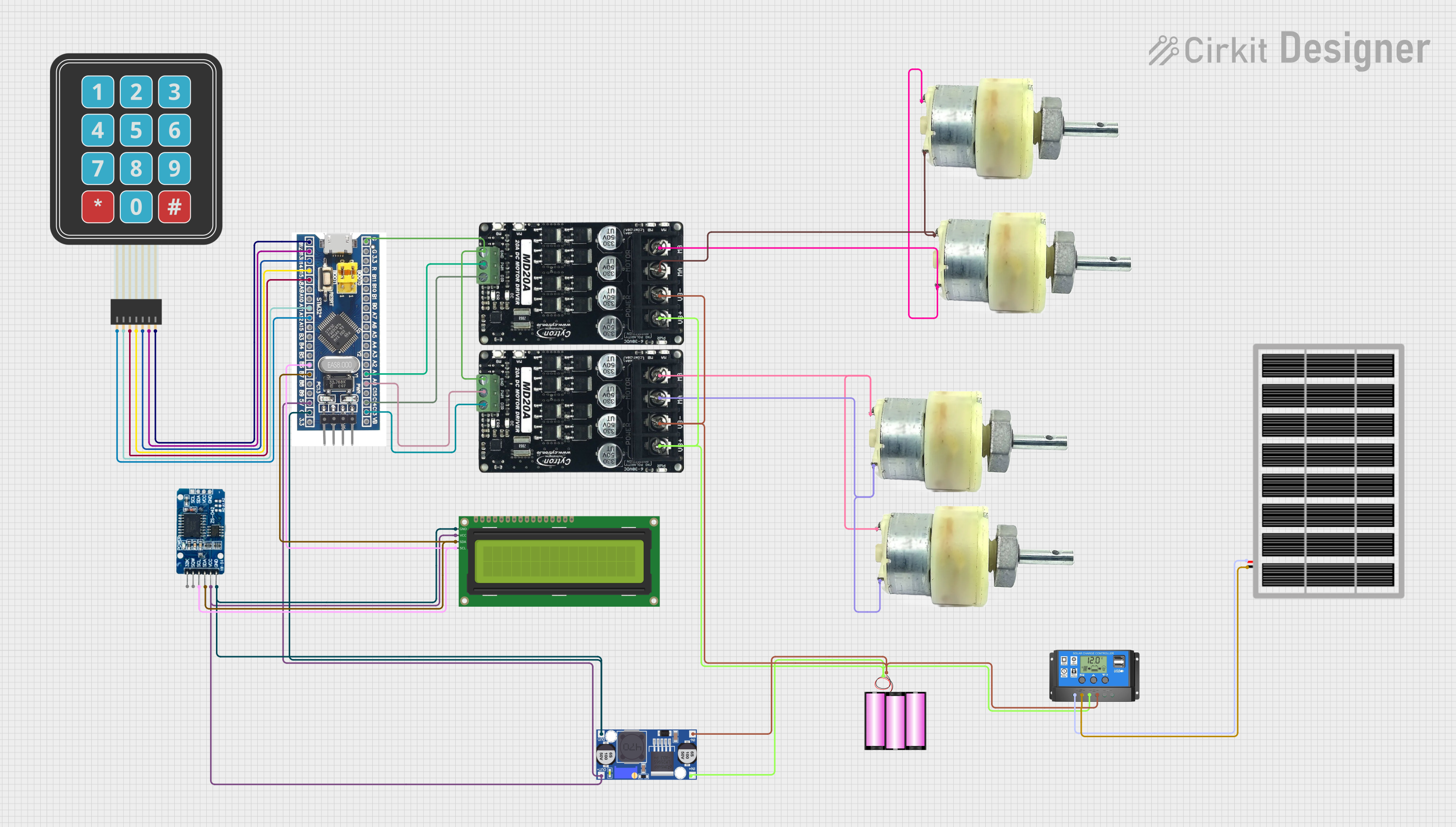 Open Project in Cirkit Designer
 Open Project in Cirkit Designer
 Open Project in Cirkit Designer
 Open Project in Cirkit Designer
Explore Projects Built with K30
Open Project in Cirkit DesignerOpen Project in Cirkit DesignerOpen Project in Cirkit DesignerOpen Project in Cirkit DesignerCommon Applications:
- Industrial automation systems
- Home appliances
- Motor control circuits
- Lighting systems
- Power distribution and protection circuits
Technical Specifications
Key Technical Details:
- Coil Voltage: 5V, 12V, or 24V DC (depending on the variant)
- Contact Configuration: SPDT (Single Pole Double Throw) or DPDT (Double Pole Double Throw)
- Contact Rating: Up to 10A at 250V AC or 30V DC
- Coil Resistance: Varies by voltage (e.g., ~70Ω for 5V variant)
- Switching Time: Typically 10ms (operate) and 5ms (release)
- Dielectric Strength: 1500V AC (coil to contacts)
- Insulation Resistance: ≥100MΩ at 500V DC
- Operating Temperature: -40°C to +85°C
- Mechanical Life: 10 million operations (minimum)
Pin Configuration and Descriptions:
The K30 relay typically has 5 or 8 pins, depending on the configuration (SPDT or DPDT). Below is the pinout for the SPDT variant:
| Pin Number | Name | Description |
|---|---|---|
| 1 | Coil (+) | Positive terminal of the relay coil. |
| 2 | Coil (-) | Negative terminal of the relay coil. |
| 3 | Common (COM) | Common terminal for the switching contacts. |
| 4 | Normally Closed (NC) | Connected to COM when the relay is not energized. |
| 5 | Normally Open (NO) | Connected to COM when the relay is energized. |
For the DPDT variant, there are additional pins for the second set of contacts.
| Pin Number | Name | Description |
|---|---|---|
| 6 | Common (COM2) | Common terminal for the second set of switching contacts. |
| 7 | Normally Closed (NC2) | Connected to COM2 when the relay is not energized. |
| 8 | Normally Open (NO2) | Connected to COM2 when the relay is energized. |
Usage Instructions
How to Use the K30 Relay in a Circuit:
- Power the Coil: Connect the coil terminals (pins 1 and 2) to a DC power source matching the relay's rated coil voltage (e.g., 5V, 12V, or 24V).
- Control the Load: Connect the load to the appropriate contact terminals (COM, NC, and NO) based on the desired switching behavior:
- Use the NC terminal if the load should be powered when the relay is off.
- Use the NO terminal if the load should be powered when the relay is on.
- Provide Isolation: Ensure the control circuit and load circuit are electrically isolated to prevent damage or interference.
- Add a Flyback Diode: Place a flyback diode (e.g., 1N4007) across the coil terminals to protect the control circuit from voltage spikes when the relay is de-energized.
Example Circuit with Arduino UNO:
The K30 relay can be easily controlled using an Arduino UNO. Below is an example of how to connect and program the relay:
Circuit Connections:
- Connect the relay's Coil (+) to Arduino pin 8 through a transistor (e.g., 2N2222) and a 1kΩ base resistor.
- Connect the relay's Coil (-) to GND.
- Connect the load to the COM and NO terminals of the relay.
- Add a flyback diode across the relay coil terminals.
Arduino Code:
// Define the pin connected to the relay
const int relayPin = 8;

void setup() {
  pinMode(relayPin, OUTPUT); // Set the relay pin as an output
  digitalWrite(relayPin, LOW); // Ensure the relay is off at startup
}

void loop() {
  digitalWrite(relayPin, HIGH); // Turn the relay on
  delay(1000); // Keep the relay on for 1 second
  digitalWrite(relayPin, LOW); // Turn the relay off
  delay(1000); // Keep the relay off for 1 second
}
Important Considerations:
- Voltage Matching: Ensure the relay's coil voltage matches the control circuit's output voltage.
- Current Handling: Verify that the relay's contact rating is sufficient for the load's current and voltage.
- Isolation: Use optocouplers or transistors to isolate the control circuit from the relay coil if necessary.
- Heat Dissipation: Avoid exceeding the relay's rated current to prevent overheating.
Troubleshooting and FAQs
Common Issues:
Relay Not Switching:
- Cause: Insufficient voltage or current to the coil.
- Solution: Verify the control circuit provides the correct voltage and current for the relay.
Chattering or Unstable Operation:
- Cause: Noise or insufficient power supply.
- Solution: Add a capacitor across the power supply to stabilize it.
Load Not Turning On/Off:
- Cause: Incorrect wiring of the load to the relay contacts.
- Solution: Double-check the connections to the COM, NC, and NO terminals.
Burnt Relay Contacts:
- Cause: Exceeding the relay's contact rating.
- Solution: Use a relay with a higher contact rating or add a snubber circuit.
FAQs:
Q: Can the K30 relay handle AC loads?
- A: Yes, the K30 relay can handle AC loads up to its rated voltage and current (e.g., 250V AC, 10A).
Q: Do I need a transistor to control the relay with an Arduino?
- A: Yes, the Arduino cannot directly drive the relay coil due to its limited current output. Use a transistor as a switch.
Q: What is the purpose of the flyback diode?
- A: The flyback diode protects the control circuit from voltage spikes generated when the relay coil is de-energized.
Q: Can I use the K30 relay for high-frequency switching?
- A: No, mechanical relays like the K30 are not suitable for high-frequency switching due to their slower response time and mechanical wear.
By following this documentation, you can effectively integrate the K30 relay into your electronic projects and troubleshoot common issues with ease.