
How to Use ESP-32S: Examples, Pinouts, and Specs
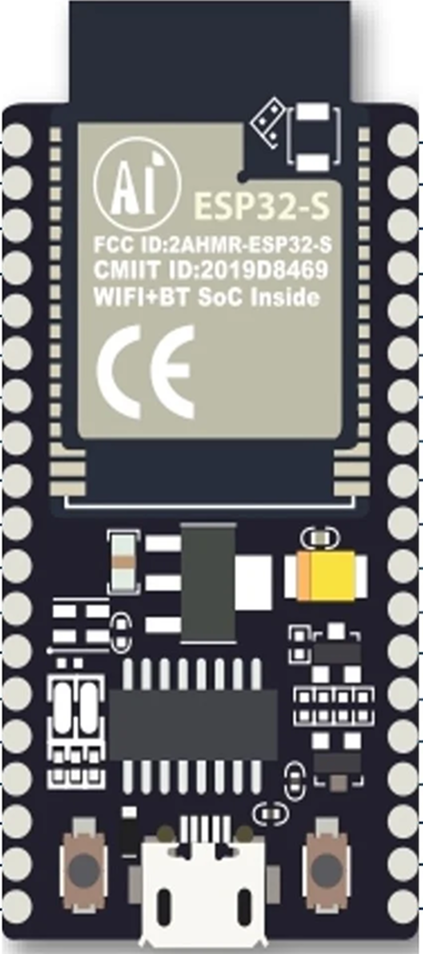
 Design with ESP-32S in Cirkit Designer
Introduction
The ESP-32S is a powerful microcontroller with integrated Wi-Fi and Bluetooth capabilities, making it an excellent choice for Internet of Things (IoT) applications. It is based on the ESP32 chip and offers dual-core processing, low power consumption, and a wide range of peripherals. The ESP-32S is widely used in projects requiring wireless communication, such as smart home devices, wearable electronics, and industrial automation systems.
Explore Projects Built with ESP-32S
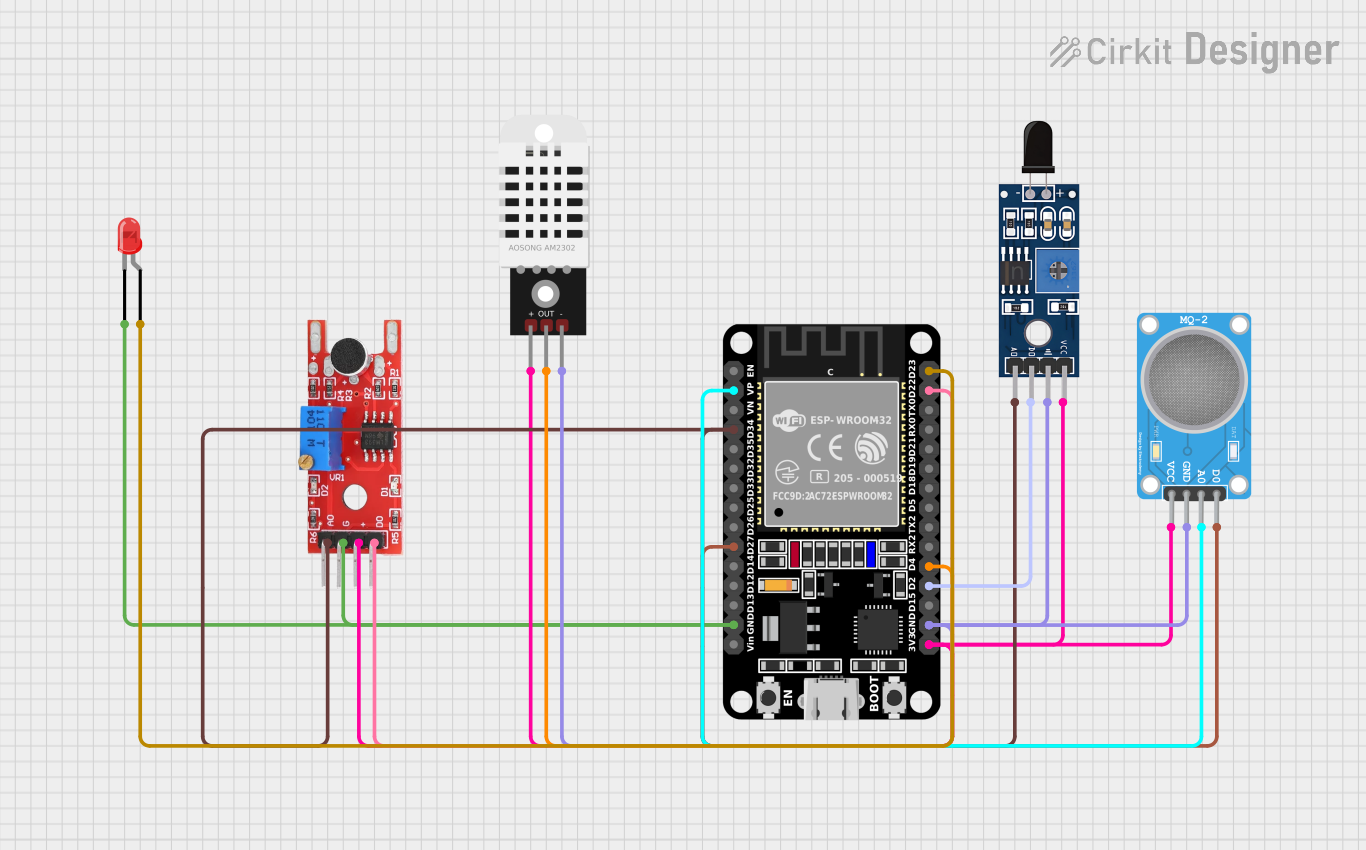 Open Project in Cirkit Designer
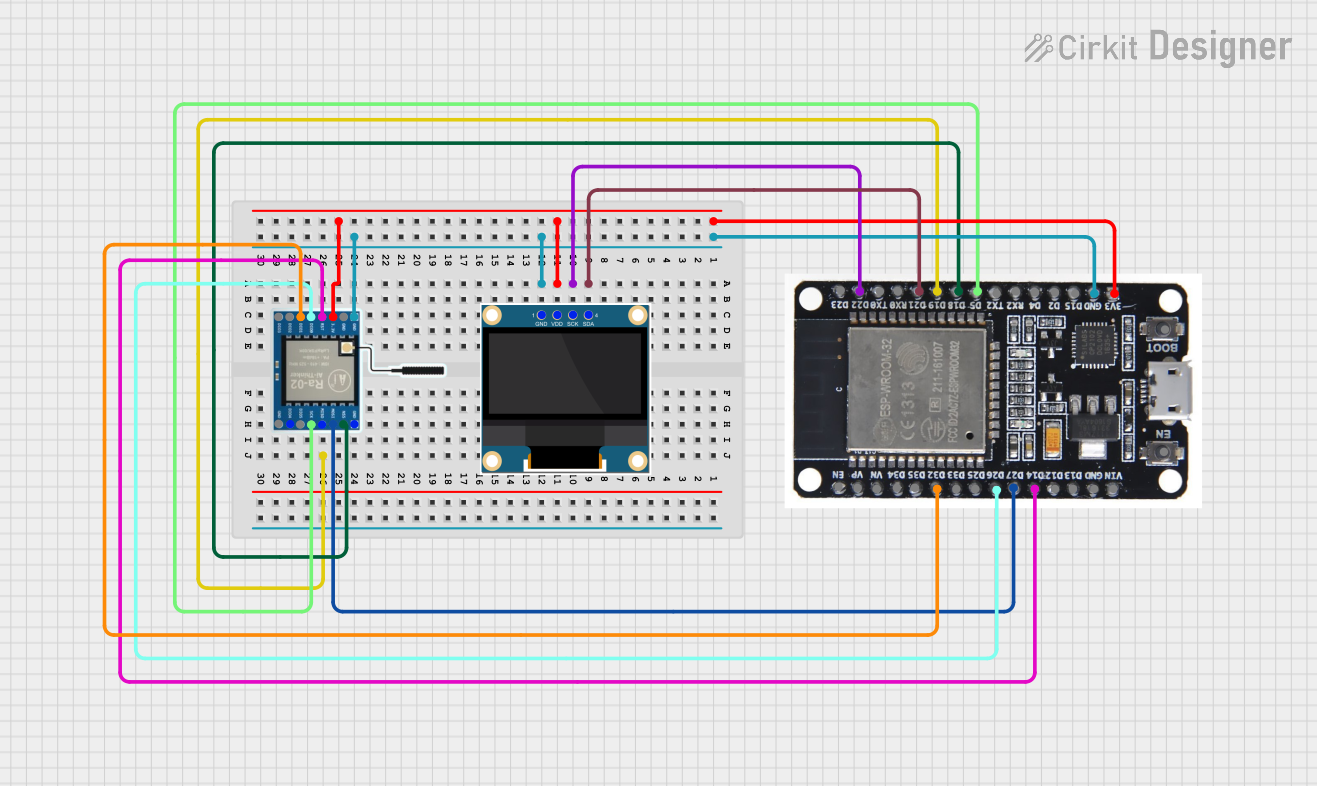 Open Project in Cirkit Designer
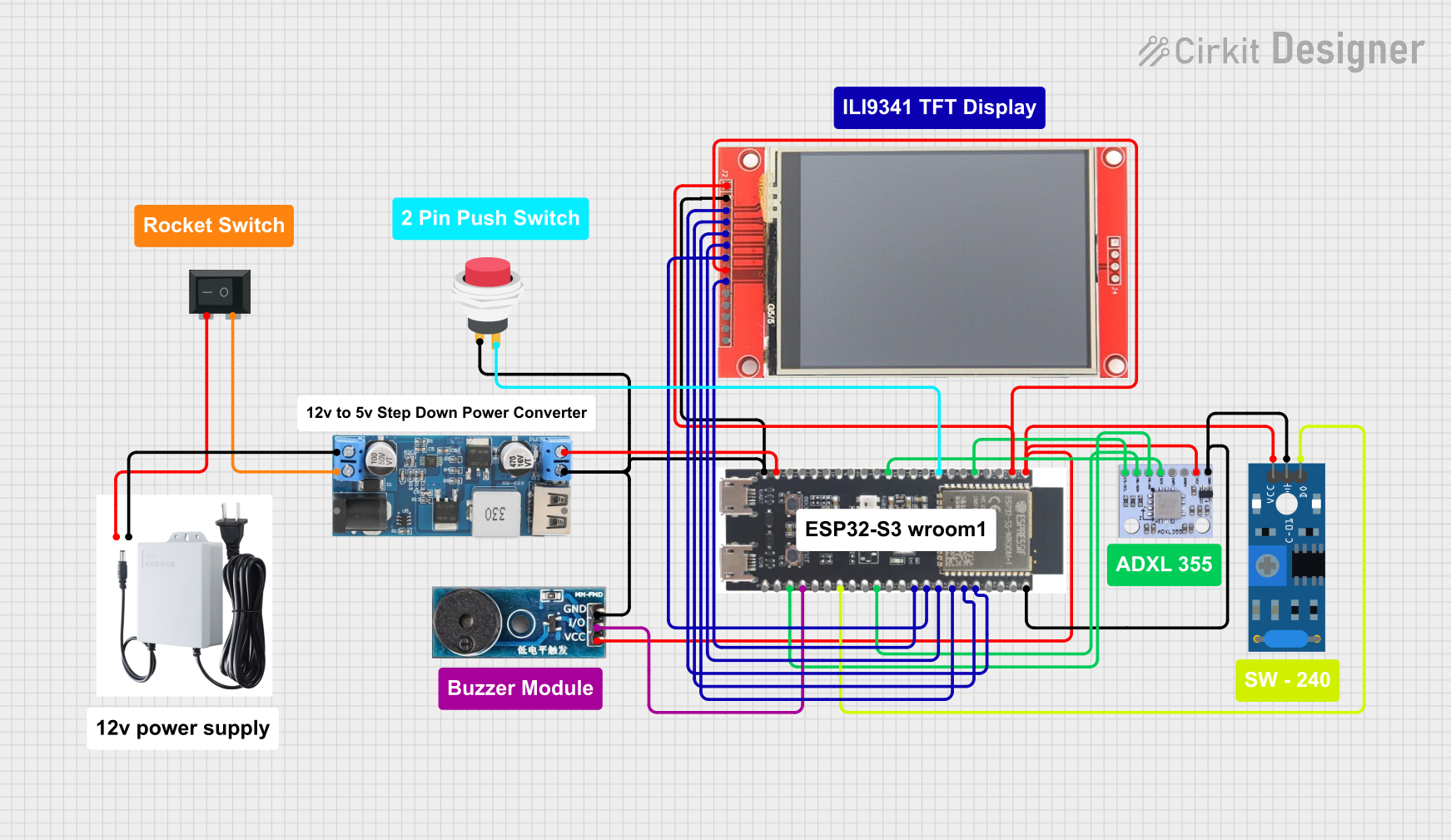 Open Project in Cirkit Designer
 Open Project in Cirkit Designer
Explore Projects Built with ESP-32S
Open Project in Cirkit DesignerOpen Project in Cirkit DesignerOpen Project in Cirkit DesignerOpen Project in Cirkit DesignerTechnical Specifications
The ESP-32S microcontroller is packed with features that make it versatile and efficient for a variety of applications. Below are its key technical specifications:
General Specifications
- Processor: Dual-core Xtensa® 32-bit LX6 microprocessor
- Clock Speed: Up to 240 MHz
- Flash Memory: 4 MB (external)
- SRAM: 520 KB
- Wireless Connectivity: Wi-Fi 802.11 b/g/n and Bluetooth 4.2 (Classic + BLE)
- Operating Voltage: 3.0V to 3.6V
- GPIO Pins: 34 (multipurpose)
- ADC Channels: 18 (12-bit resolution)
- DAC Channels: 2 (8-bit resolution)
- PWM Channels: 16
- Communication Interfaces: UART, SPI, I2C, I2S, CAN, and Ethernet MAC
- Power Modes: Active, Light Sleep, Deep Sleep, and Hibernation
- Operating Temperature: -40°C to +85°C
Pin Configuration and Descriptions
The ESP-32S has a total of 38 pins, with multiple functions assigned to each pin. Below is a summary of the pin configuration:
| Pin Name | Function | Description |
|---|---|---|
| GPIO0 | GPIO, Boot Mode Selection | Used for general I/O or to select boot mode during startup. |
| GPIO1 (TXD0) | UART TX | UART0 transmit pin. |
| GPIO3 (RXD0) | UART RX | UART0 receive pin. |
| GPIO4 | GPIO, ADC, PWM | General-purpose I/O, ADC input, or PWM output. |
| GPIO5 | GPIO, ADC, PWM, SPI | General-purpose I/O, ADC input, PWM output, or SPI function. |
| GPIO12 | GPIO, ADC, Touch Sensor | General-purpose I/O, ADC input, or capacitive touch sensing. |
| GPIO13 | GPIO, ADC, Touch Sensor | General-purpose I/O, ADC input, or capacitive touch sensing. |
| GPIO14 | GPIO, ADC, PWM, SPI | General-purpose I/O, ADC input, PWM output, or SPI function. |
| GPIO15 | GPIO, ADC, PWM, Touch Sensor | General-purpose I/O, ADC input, PWM output, or capacitive touch sensing. |
| GPIO16 | GPIO, Wake-up from Deep Sleep | General-purpose I/O or wake-up pin for deep sleep mode. |
| GPIO17 | GPIO, UART | General-purpose I/O or UART function. |
| EN | Enable | Chip enable pin. Pull high to enable the chip. |
| 3V3 | Power Supply | 3.3V power input. |
| GND | Ground | Ground connection. |
For a complete pinout diagram, refer to the ESP-32S datasheet.
Usage Instructions
The ESP-32S is highly versatile and can be used in a variety of circuits. Below are the steps and best practices for using the ESP-32S in your projects:
Basic Setup
- Power Supply: Ensure the ESP-32S is powered with a stable 3.3V supply. Avoid exceeding 3.6V to prevent damage.
- Boot Mode: To upload code, connect GPIO0 to GND and reset the board. After uploading, disconnect GPIO0 from GND.
- Connections: Use the appropriate GPIO pins for your peripherals. Refer to the pin configuration table for details.
Example: Connecting to an Arduino IDE
The ESP-32S can be programmed using the Arduino IDE. Follow these steps:
- Install the ESP32 board package in the Arduino IDE:
- Go to File > Preferences and add the following URL to the "Additional Board Manager URLs" field:
https://dl.espressif.com/dl/package_esp32_index.json - Open Tools > Board > Boards Manager, search for "ESP32," and install the package.
- Go to File > Preferences and add the following URL to the "Additional Board Manager URLs" field:
- Select the ESP32 board:
- Go to Tools > Board and choose "ESP32 Dev Module."
- Connect the ESP-32S to your computer via a USB-to-Serial adapter.
- Write and upload your code.
Example Code: Wi-Fi Connection
The following code demonstrates how to connect the ESP-32S to a Wi-Fi network:
#include <WiFi.h> // Include the Wi-Fi library

const char* ssid = "Your_SSID";       // Replace with your Wi-Fi network name
const char* password = "Your_Password"; // Replace with your Wi-Fi password

void setup() {
  Serial.begin(115200); // Initialize serial communication at 115200 baud
  WiFi.begin(ssid, password); // Start connecting to Wi-Fi

  Serial.print("Connecting to Wi-Fi");
  while (WiFi.status() != WL_CONNECTED) {
    delay(500); // Wait for connection
    Serial.print(".");
  }
  Serial.println("\nConnected to Wi-Fi!");
  Serial.print("IP Address: ");
  Serial.println(WiFi.localIP()); // Print the assigned IP address
}

void loop() {
  // Add your main code here
}
Best Practices
- Use level shifters if interfacing with 5V logic devices, as the ESP-32S operates at 3.3V logic levels.
- Avoid using GPIO6 to GPIO11, as these are connected to the internal flash memory.
- Use decoupling capacitors (e.g., 0.1 µF) near the power pins to reduce noise.
Troubleshooting and FAQs
Common Issues
ESP-32S Not Connecting to Wi-Fi
- Solution: Double-check the SSID and password. Ensure the Wi-Fi network is within range.
- Tip: Use
WiFi.status()to debug connection issues.
Code Upload Fails
- Solution: Ensure GPIO0 is connected to GND during upload. Check the USB-to-Serial adapter drivers.
- Tip: Press the reset button after initiating the upload.
Random Resets or Instability
- Solution: Verify the power supply is stable and capable of providing sufficient current (at least 500 mA).
- Tip: Add a capacitor (e.g., 100 µF) across the power supply pins to handle voltage drops.
FAQs
Q: Can the ESP-32S operate on battery power?
A: Yes, the ESP-32S can operate on battery power. Use a 3.7V LiPo battery with a voltage regulator to provide 3.3V.Q: How do I reduce power consumption?
A: Use deep sleep or hibernation modes to minimize power usage. Configure wake-up sources as needed.Q: Can I use the ESP-32S for Bluetooth audio?
A: Yes, the ESP-32S supports Bluetooth audio via the A2DP profile. Additional libraries may be required.
By following this documentation, you can effectively use the ESP-32S in your projects and troubleshoot common issues.