
How to Use Pressure Sensor: XGZP6897D: Examples, Pinouts, and Specs
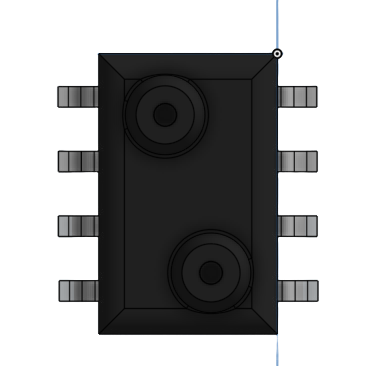
 Design with Pressure Sensor: XGZP6897D in Cirkit Designer
Introduction
The XGZP6897D is a high-precision digital pressure sensor manufactured by Empere. It is designed to measure atmospheric pressure and output the data in a digital format, making it ideal for applications requiring accurate and reliable pressure measurements. This sensor is commonly used in weather stations, altitude measurement devices, and industrial monitoring systems. Its compact design and digital interface make it easy to integrate into a wide range of projects.
Explore Projects Built with Pressure Sensor: XGZP6897D
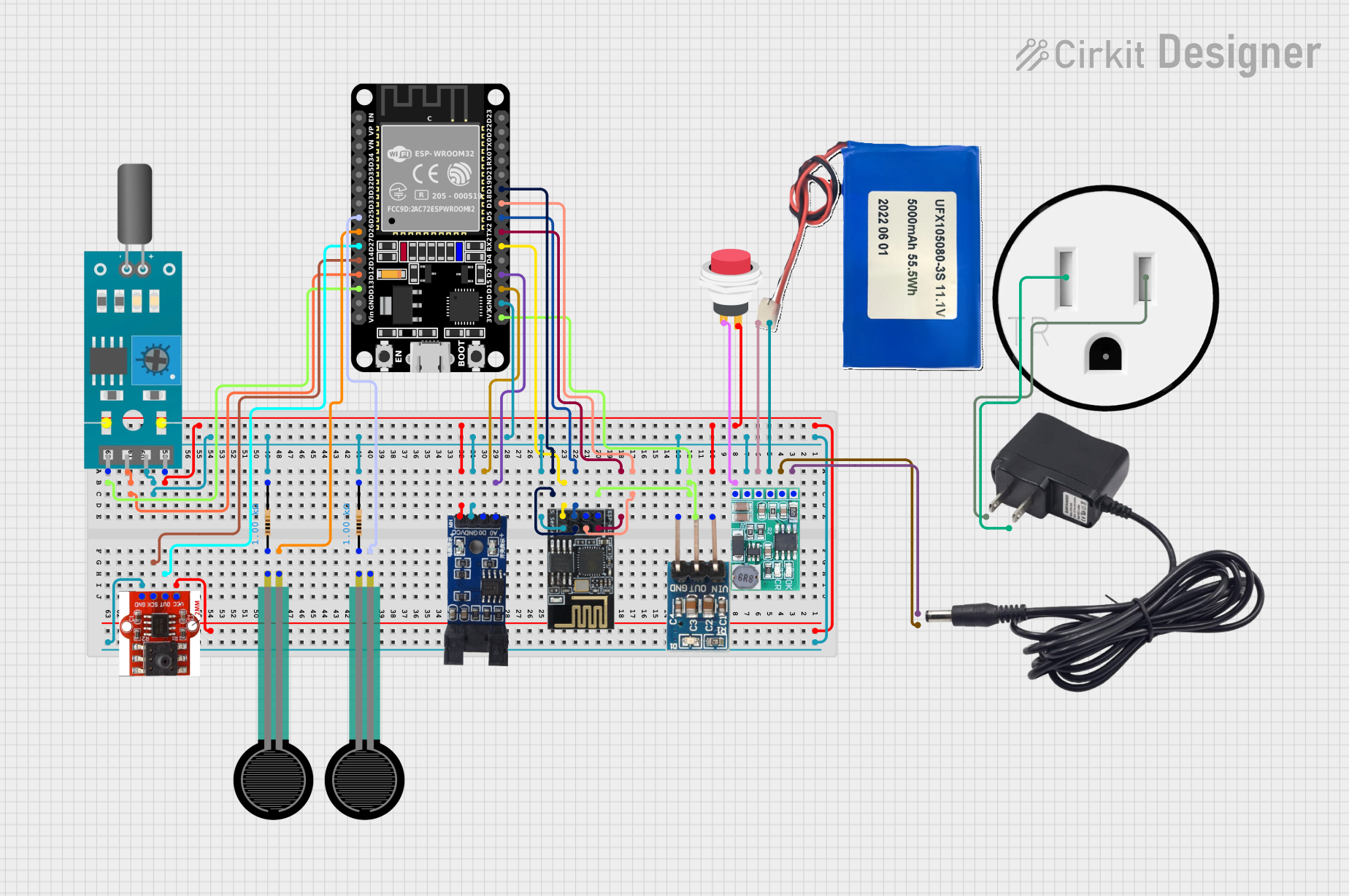 Open Project in Cirkit Designer
 Open Project in Cirkit Designer
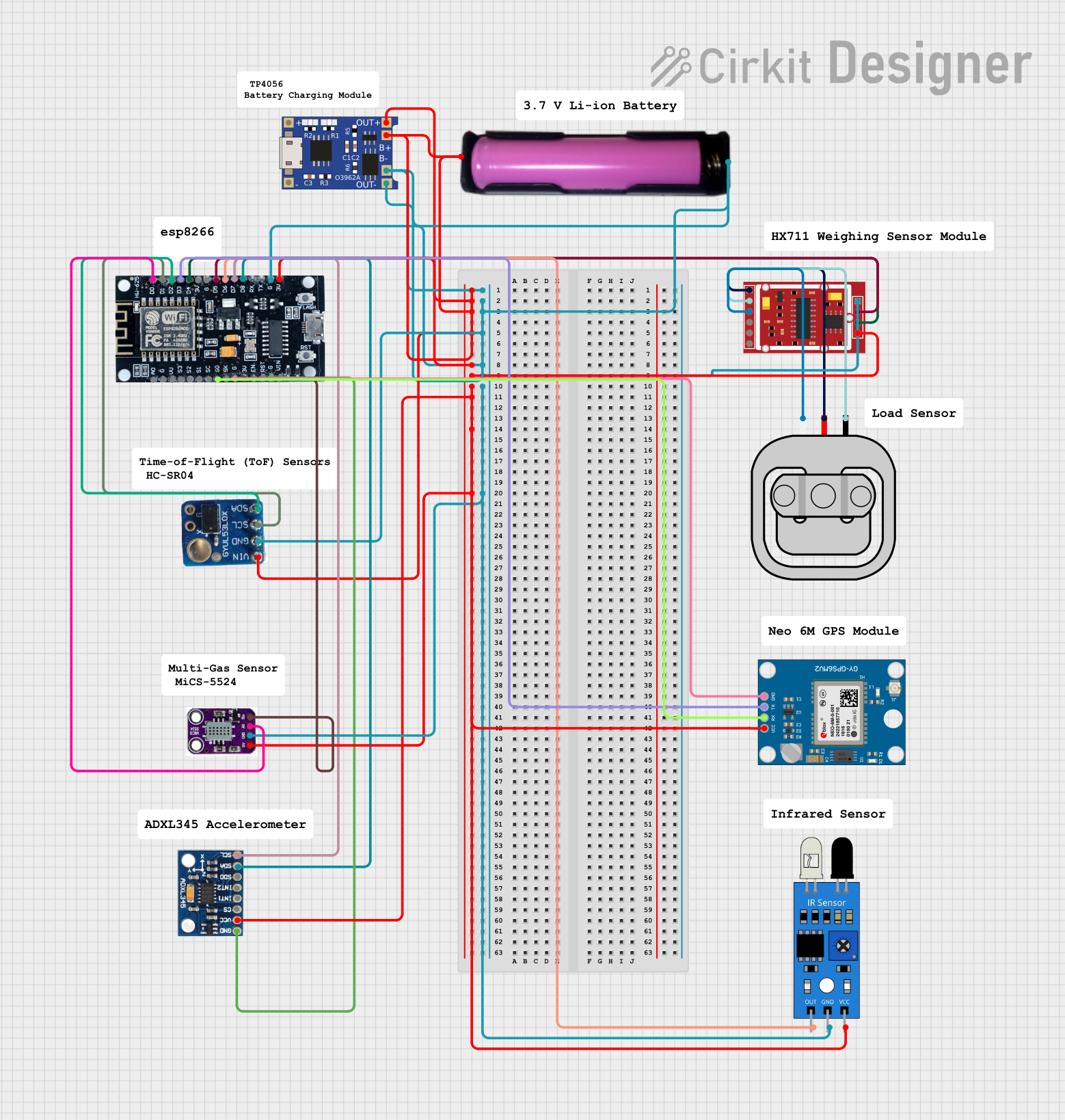 Open Project in Cirkit Designer
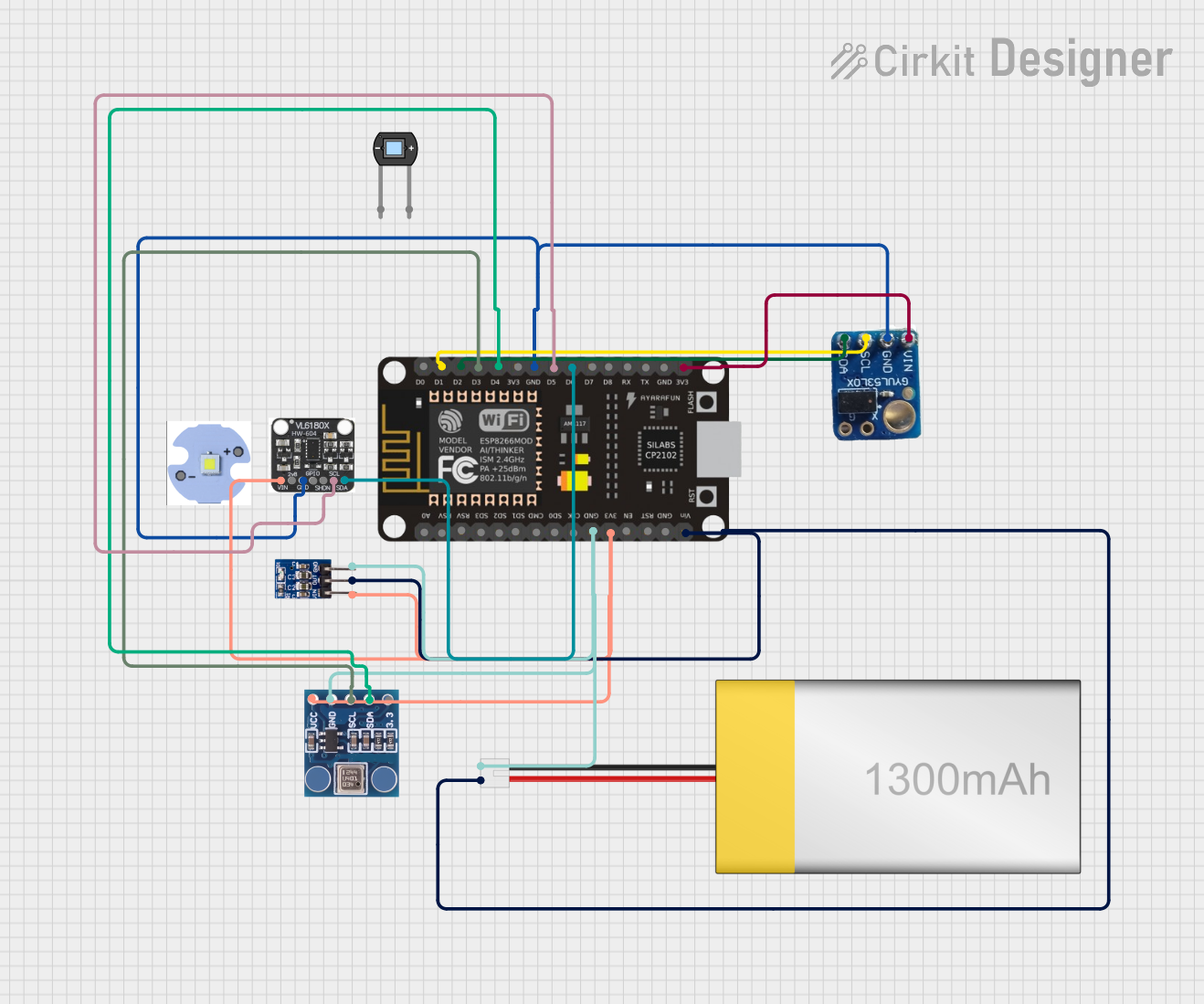 Open Project in Cirkit Designer
Explore Projects Built with Pressure Sensor: XGZP6897D
Open Project in Cirkit DesignerOpen Project in Cirkit DesignerOpen Project in Cirkit DesignerOpen Project in Cirkit DesignerTechnical Specifications
The XGZP6897D offers excellent performance and reliability. Below are its key technical specifications:
| Parameter | Value |
|---|---|
| Operating Voltage | 3.3V to 5.0V |
| Pressure Range | 300 hPa to 1100 hPa |
| Output Format | I²C (Inter-Integrated Circuit) |
| Accuracy | ±1 hPa |
| Operating Temperature | -40°C to +85°C |
| Response Time | <10 ms |
| Power Consumption | <1 mA (typical) |
| Dimensions | 10 mm x 10 mm x 3 mm |
Pin Configuration and Descriptions
The XGZP6897D has a 4-pin interface for easy connection to microcontrollers. Below is the pinout:
| Pin | Name | Description |
|---|---|---|
| 1 | VCC | Power supply input (3.3V to 5.0V) |
| 2 | GND | Ground connection |
| 3 | SDA | Serial Data Line for I²C communication |
| 4 | SCL | Serial Clock Line for I²C communication |
Usage Instructions
To use the XGZP6897D in a circuit, follow these steps:
- Power the Sensor: Connect the VCC pin to a 3.3V or 5.0V power source and the GND pin to the ground of your circuit.
- I²C Communication: Connect the SDA and SCL pins to the corresponding I²C pins on your microcontroller. Use pull-up resistors (typically 4.7 kΩ) on the SDA and SCL lines if not already present.
- Initialize the Sensor: Configure your microcontroller to communicate with the sensor using the I²C protocol. The default I²C address of the XGZP6897D is typically
0x76or0x77(check the datasheet for confirmation). - Read Pressure Data: Use the I²C interface to read the pressure data from the sensor. The data is usually provided in a 16-bit format, which can be converted to hPa using the sensor's calibration formula.
Example Code for Arduino UNO
Below is an example Arduino sketch to interface with the XGZP6897D:
#include <Wire.h>

// Define the I²C address of the sensor
#define SENSOR_ADDR 0x76

void setup() {
  Wire.begin(); // Initialize I²C communication
  Serial.begin(9600); // Start serial communication for debugging

  // Check if the sensor is connected
  Wire.beginTransmission(SENSOR_ADDR);
  if (Wire.endTransmission() != 0) {
    Serial.println("Sensor not detected. Check connections.");
    while (1); // Halt execution if sensor is not found
  }
  Serial.println("Sensor initialized successfully.");
}

void loop() {
  uint16_t pressureData = readPressure(); // Read pressure data
  float pressure = pressureData / 100.0; // Convert to hPa
  Serial.print("Pressure: ");
  Serial.print(pressure);
  Serial.println(" hPa");
  delay(1000); // Wait 1 second before the next reading
}

uint16_t readPressure() {
  uint16_t pressure = 0;

  // Request 2 bytes of pressure data from the sensor
  Wire.beginTransmission(SENSOR_ADDR);
  Wire.write(0xF7); // Register address for pressure data
  Wire.endTransmission();
  Wire.requestFrom(SENSOR_ADDR, 2);

  if (Wire.available() == 2) {
    pressure = (Wire.read() << 8) | Wire.read(); // Combine MSB and LSB
  } else {
    Serial.println("Error reading pressure data.");
  }

  return pressure;
}
Important Considerations
- Ensure the power supply voltage matches the sensor's operating range (3.3V to 5.0V).
- Use appropriate pull-up resistors on the I²C lines if not already included in your circuit.
- Avoid exposing the sensor to extreme environmental conditions beyond its specified operating range.
Troubleshooting and FAQs
Common Issues
Sensor Not Detected:
- Cause: Incorrect wiring or I²C address mismatch.
- Solution: Verify the connections and ensure the correct I²C address is used in the code.
Inaccurate Readings:
- Cause: Environmental interference or incorrect calibration.
- Solution: Ensure the sensor is placed in a stable environment and apply the correct calibration formula.
No Data Output:
- Cause: Faulty sensor or communication failure.
- Solution: Check the power supply, wiring, and I²C communication lines.
FAQs
Q: Can the XGZP6897D measure altitude?
A: Yes, the sensor can be used to calculate altitude based on atmospheric pressure changes. Use a standard barometric formula for conversion.
Q: What is the maximum cable length for I²C communication?
A: The maximum length depends on the pull-up resistor values and communication speed. Typically, lengths up to 1 meter are reliable.
Q: Is the sensor waterproof?
A: No, the XGZP6897D is not waterproof. Avoid exposing it to liquids or high humidity.
By following this documentation, you can effectively integrate the XGZP6897D into your projects and troubleshoot common issues.