
How to Use SGP30 Air Quality Sensor : Examples, Pinouts, and Specs
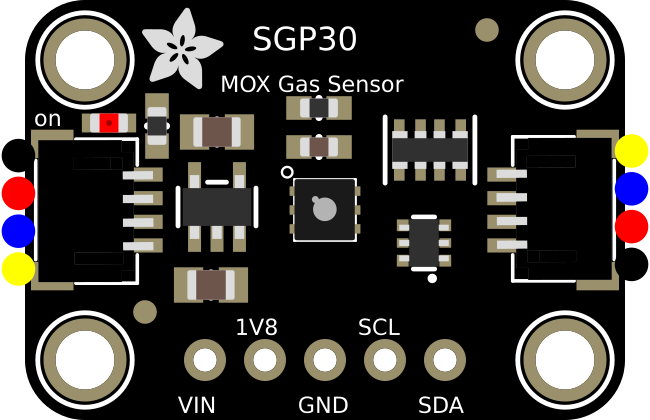
 Design with SGP30 Air Quality Sensor in Cirkit Designer
Introduction
The SGP30 is a digital gas sensor designed to measure indoor air quality by detecting a range of volatile organic compounds (VOCs) and equivalent CO2 (eCO2) levels. It is based on Sensirion's CMOSens® technology, which ensures high accuracy and long-term stability. The sensor outputs air quality data digitally via an I2C interface, making it easy to integrate into various systems.
Explore Projects Built with SGP30 Air Quality Sensor
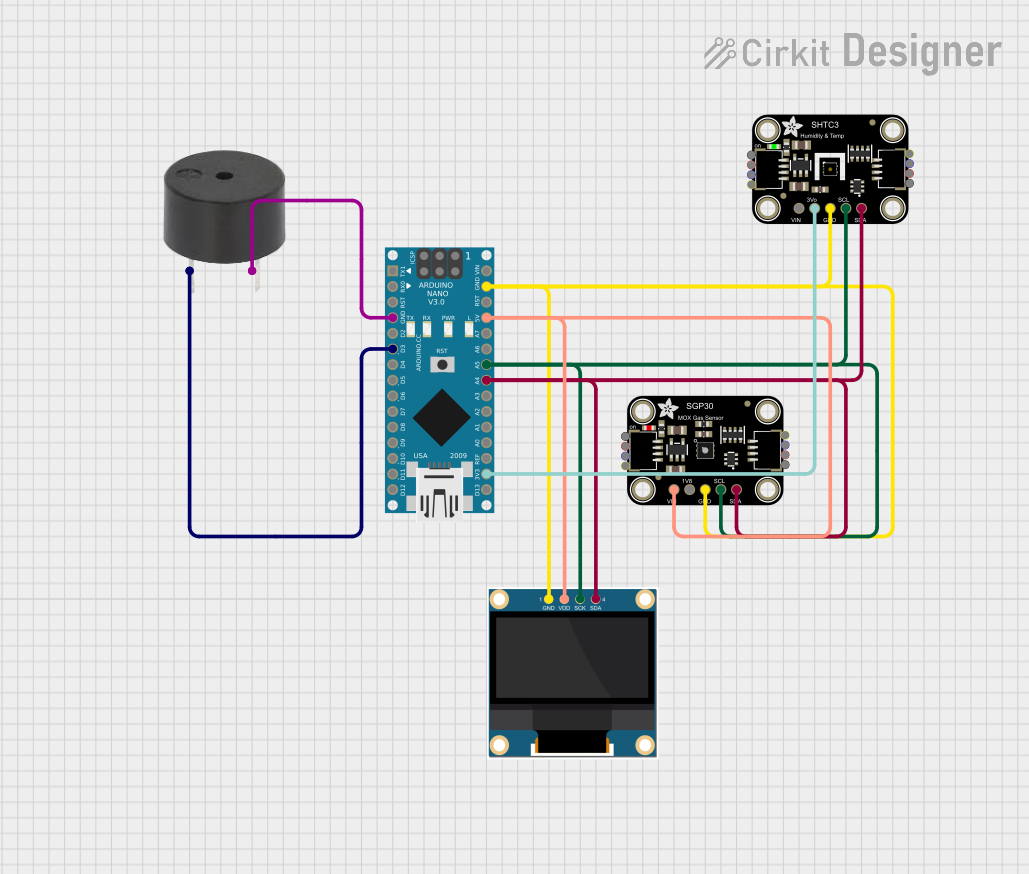 Open Project in Cirkit Designer
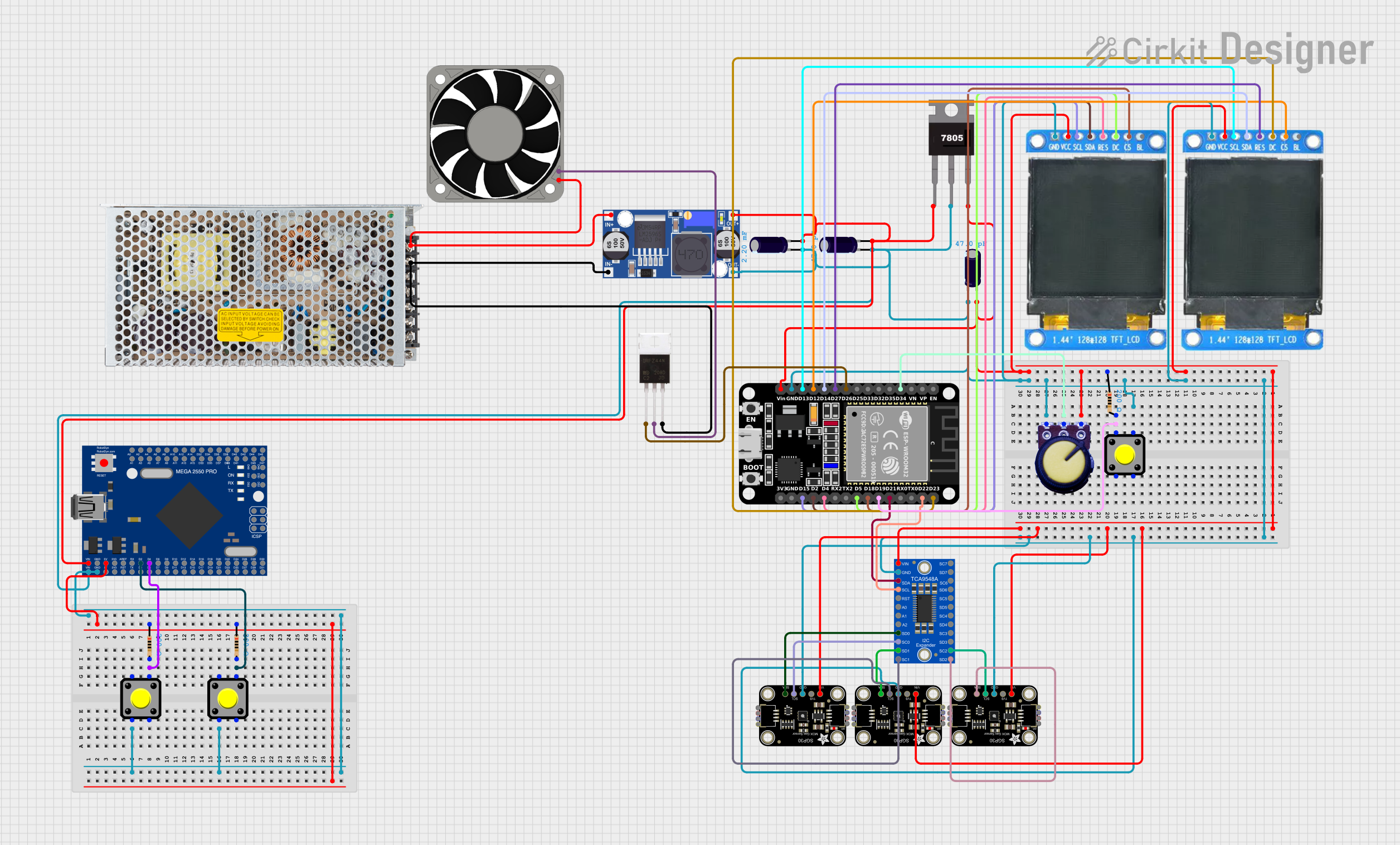 Open Project in Cirkit Designer
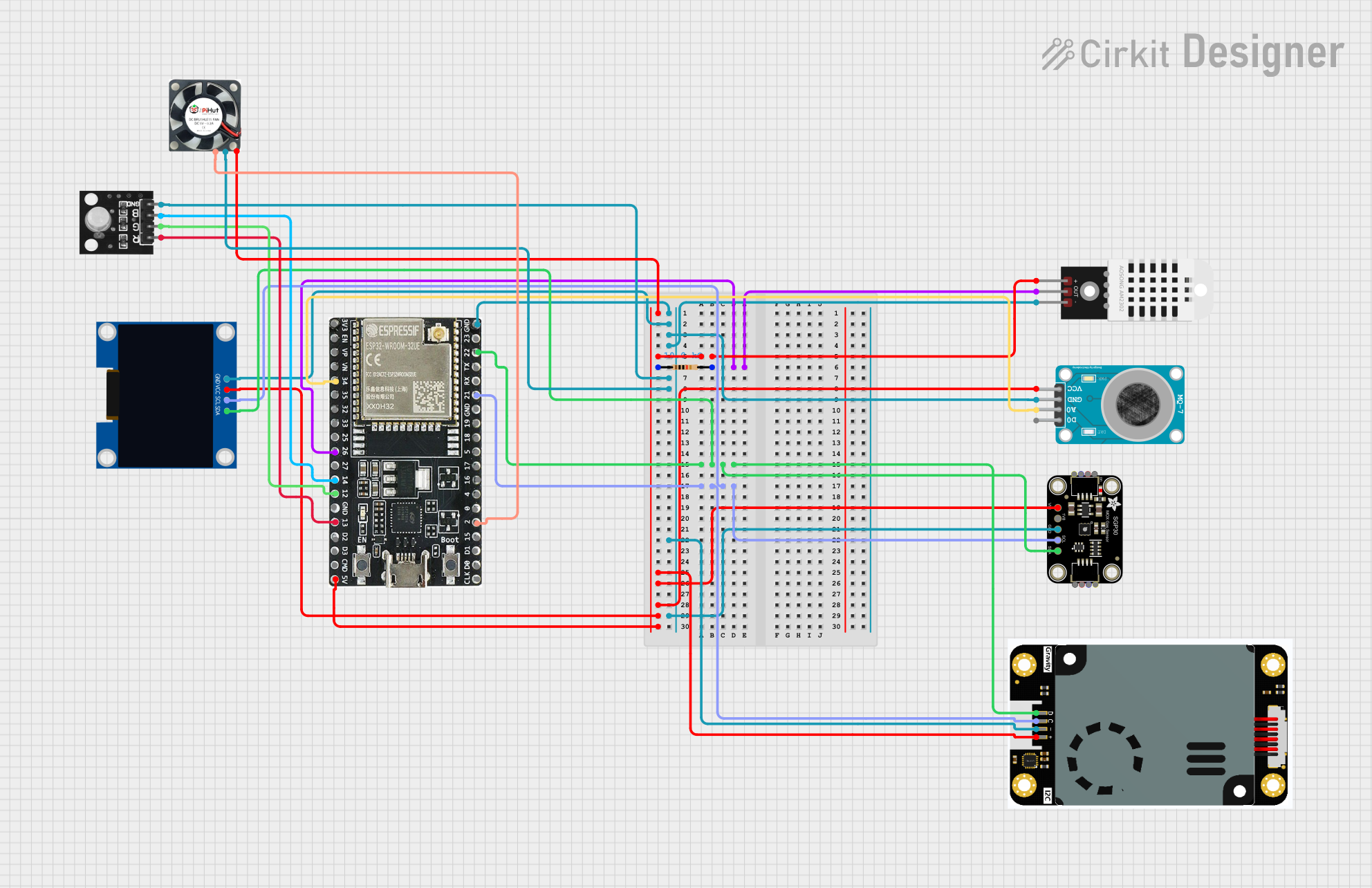 Open Project in Cirkit Designer
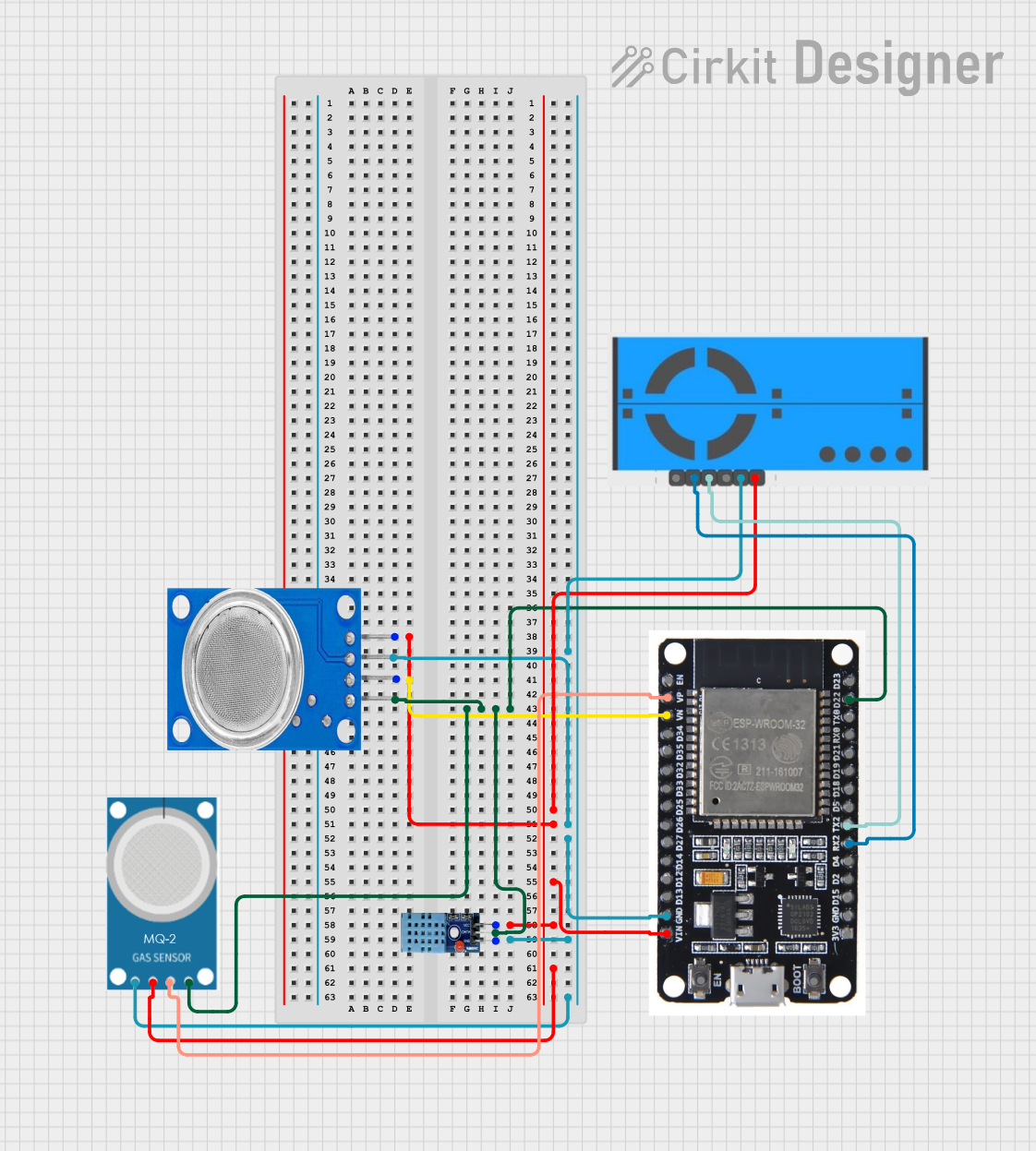 Open Project in Cirkit Designer
Explore Projects Built with SGP30 Air Quality Sensor
Open Project in Cirkit DesignerOpen Project in Cirkit DesignerOpen Project in Cirkit DesignerOpen Project in Cirkit DesignerCommon Applications and Use Cases
- Smart home devices (e.g., air purifiers, thermostats)
- HVAC (Heating, Ventilation, and Air Conditioning) systems
- Indoor air quality monitoring
- IoT (Internet of Things) environmental sensing
- Automotive cabin air quality systems
Technical Specifications
The SGP30 sensor is compact and highly efficient, with the following key specifications:
| Parameter | Value |
|---|---|
| Supply Voltage | 1.8V to 3.6V |
| Typical Operating Voltage | 3.3V |
| Current Consumption | 48 mA (average during measurement) |
| Communication Interface | I2C |
| I2C Address | 0x58 |
| Measurement Range (eCO2) | 400 ppm to 60,000 ppm |
| Measurement Range (TVOC) | 0 ppb to 60,000 ppb |
| Operating Temperature Range | -40°C to +85°C |
| Humidity Compensation | Supported (requires external RH sensor) |
Pin Configuration and Descriptions
The SGP30 sensor typically comes in a 4-pin package. Below is the pinout description:
| Pin | Name | Description |
|---|---|---|
| 1 | VDD | Power supply (1.8V to 3.6V) |
| 2 | GND | Ground |
| 3 | SDA | I2C data line |
| 4 | SCL | I2C clock line |
Usage Instructions
How to Use the SGP30 in a Circuit
- Power Supply: Connect the VDD pin to a 3.3V power source and the GND pin to ground.
- I2C Communication: Connect the SDA and SCL pins to the corresponding I2C pins on your microcontroller (e.g., Arduino UNO).
- Pull-Up Resistors: Use 10kΩ pull-up resistors on the SDA and SCL lines if not already present on your board.
- Humidity Compensation: For improved accuracy, use an external humidity sensor to provide compensation data to the SGP30.
Important Considerations and Best Practices
- Burn-In Time: The sensor requires an initial burn-in period of approximately 15 minutes for optimal accuracy.
- Baseline Calibration: The SGP30 maintains an internal baseline for air quality measurements. It is recommended to operate the sensor in a well-ventilated environment for at least 12 hours to establish a reliable baseline.
- Avoid Contaminants: Protect the sensor from exposure to liquids, dust, and corrosive gases, as these can degrade its performance.
- I2C Address: Ensure no other devices on the I2C bus share the same address (0x58).
Example Code for Arduino UNO
Below is an example of how to interface the SGP30 with an Arduino UNO using the Adafruit SGP30 library:
#include <Wire.h>
#include "Adafruit_SGP30.h"

// Create an SGP30 object
Adafruit_SGP30 sgp;

// Setup function runs once when the program starts
void setup() {
  Serial.begin(9600); // Initialize serial communication at 9600 baud
  while (!Serial) {
    delay(10); // Wait for the serial monitor to open
  }

  Serial.println("SGP30 Air Quality Sensor Test");

  // Initialize the SGP30 sensor
  if (!sgp.begin()) {
    Serial.println("Sensor not found. Check wiring!");
    while (1); // Halt execution if sensor initialization fails
  }

  Serial.println("SGP30 initialized successfully!");

  // Print sensor serial number
  Serial.print("Sensor Serial Number: ");
  Serial.print(sgp.serialnumber[0], HEX);
  Serial.print(sgp.serialnumber[1], HEX);
  Serial.println(sgp.serialnumber[2], HEX);
}

// Loop function runs repeatedly after setup
void loop() {
  // Measure air quality
  if (!sgp.IAQmeasure()) {
    Serial.println("Measurement failed!");
    return;
  }

  // Print eCO2 and TVOC values
  Serial.print("eCO2: ");
  Serial.print(sgp.eCO2);
  Serial.print(" ppm, TVOC: ");
  Serial.print(sgp.TVOC);
  Serial.println(" ppb");

  delay(1000); // Wait 1 second before the next measurement
}
Troubleshooting and FAQs
Common Issues and Solutions
Sensor Not Detected
- Cause: Incorrect wiring or I2C address conflict.
- Solution: Double-check the connections and ensure the SDA and SCL lines are properly connected. Verify that no other devices on the I2C bus use the same address (0x58).
Inaccurate Readings
- Cause: Insufficient burn-in time or lack of baseline calibration.
- Solution: Allow the sensor to run for at least 15 minutes for burn-in and 12 hours in a well-ventilated environment for baseline calibration.
Measurement Fails
- Cause: Communication error or power supply issue.
- Solution: Ensure the power supply is stable and within the specified range (1.8V to 3.6V). Check the I2C connections and pull-up resistors.
FAQs
Q: Can the SGP30 measure CO2 directly?
A: No, the SGP30 estimates equivalent CO2 (eCO2) levels based on VOC measurements. For direct CO2 measurement, a dedicated CO2 sensor is required.Q: How often should I read data from the sensor?
A: The recommended measurement interval is 1 second for optimal performance.Q: Can I use the SGP30 outdoors?
A: The SGP30 is designed for indoor air quality monitoring. Outdoor use may expose it to extreme conditions and contaminants, reducing its accuracy and lifespan.