Cirkit Designer LogoCirkit DesignerYour all-in-one circuit design IDE Launch Cirkit Designer App

How to Use Power Transformer (120V to 24V): Examples, Pinouts, and Specs

Image of Power Transformer (120V to 24V)Design with Power Transformer (120V to 24V) in Cirkit Designer

Introduction

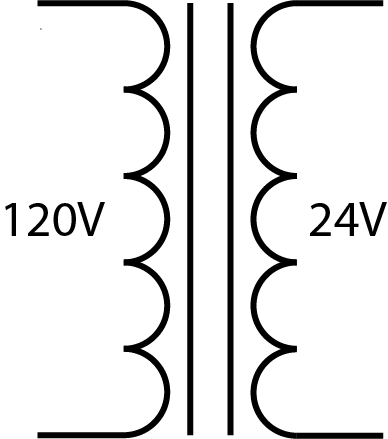
A power transformer is a critical component in electrical and electronic systems, used to convert alternating current (AC) power from one voltage level to another through electromagnetic induction. The 120V to 24V power transformer steps down the voltage from a standard US household voltage of 120 volts to a lower voltage of 24 volts, which is commonly required for various low-voltage applications such as control circuits, HVAC systems, and certain types of lighting.

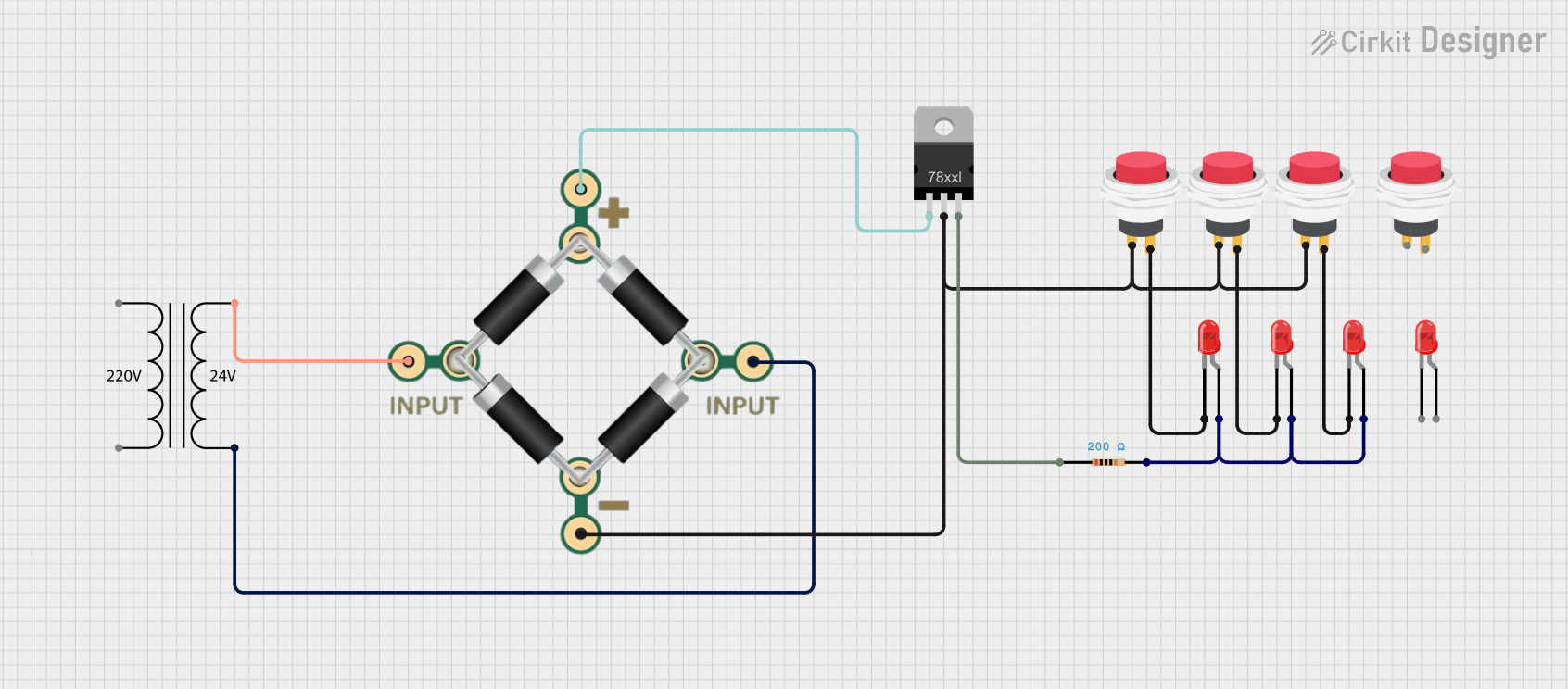
Explore Projects Built with Power Transformer (120V to 24V)

Use Cirkit Designer to design, explore, and prototype these projects online. Some projects support real-time simulation. Click "Open Project" to start designing instantly!

Common Applications and Use Cases

Technical Specifications

Key Technical Details

Pin Configuration and Descriptions

Pin Number Description Notes
1 Primary (Input) L1 Connect to 120V AC Line
2 Primary (Input) N Connect to Neutral
3 Secondary (Output) L2 24V AC output (Load)
4 Secondary (Output) N 24V AC output (Neutral/Return)

Note: The actual pin configuration may vary based on the transformer design and manufacturer. Always refer to the manufacturer's datasheet for exact details.

Usage Instructions

How to Use the Component in a Circuit

  1. Mounting: Secure the transformer to a stable surface using the provided mounting hardware.
  2. Wiring the Primary Side:
    • Disconnect power before wiring.
    • Connect the primary side (pins 1 and 2) to the 120V AC power source.
    • Ensure proper grounding for safety.
  3. Wiring the Secondary Side:
    • Connect the secondary side (pins 3 and 4) to the load that requires 24V AC.
    • Use appropriate wire gauge based on the current rating.

Important Considerations and Best Practices

Troubleshooting and FAQs

Common Issues Users Might Face

Solutions and Tips for Troubleshooting

FAQs

Note: This documentation is for informational purposes only. Always consult a professional electrician or engineer when working with electrical components.