
How to Use pi hat wm1302 : Examples, Pinouts, and Specs
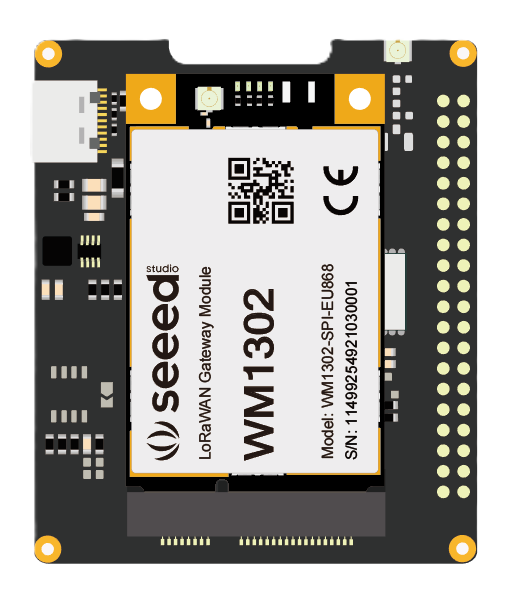
 Design with pi hat wm1302 in Cirkit Designer
Introduction
The Pi Hat WM1302, manufactured by Seeed Studio, is a LoRaWAN® gateway module designed to work seamlessly with Raspberry Pi boards. It is based on the Semtech SX1302 baseband chip, which provides high-performance LoRa® communication capabilities. This module is ideal for building LoRaWAN gateways for IoT applications, enabling long-range, low-power communication between devices.
Explore Projects Built with pi hat wm1302
 Open Project in Cirkit Designer
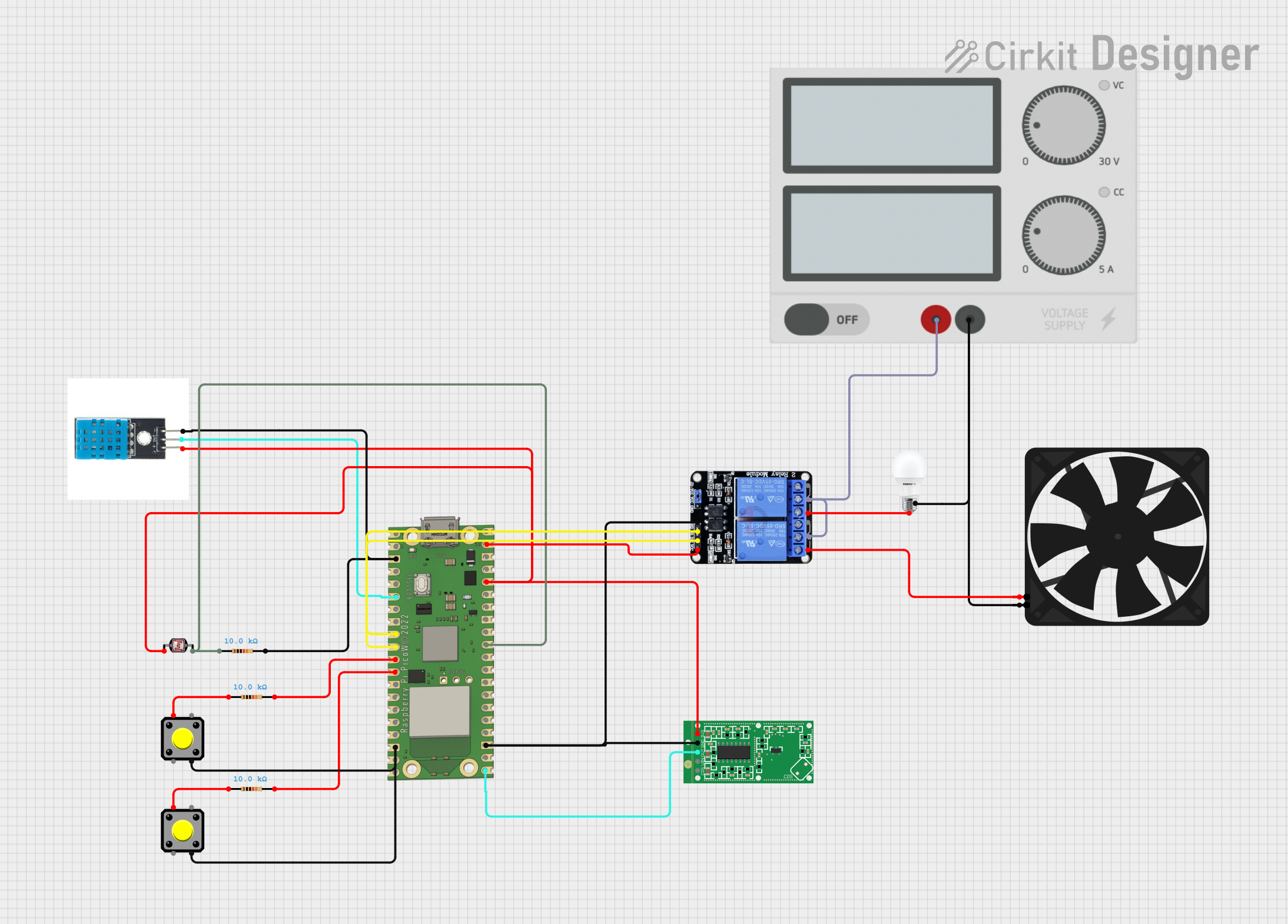 Open Project in Cirkit Designer
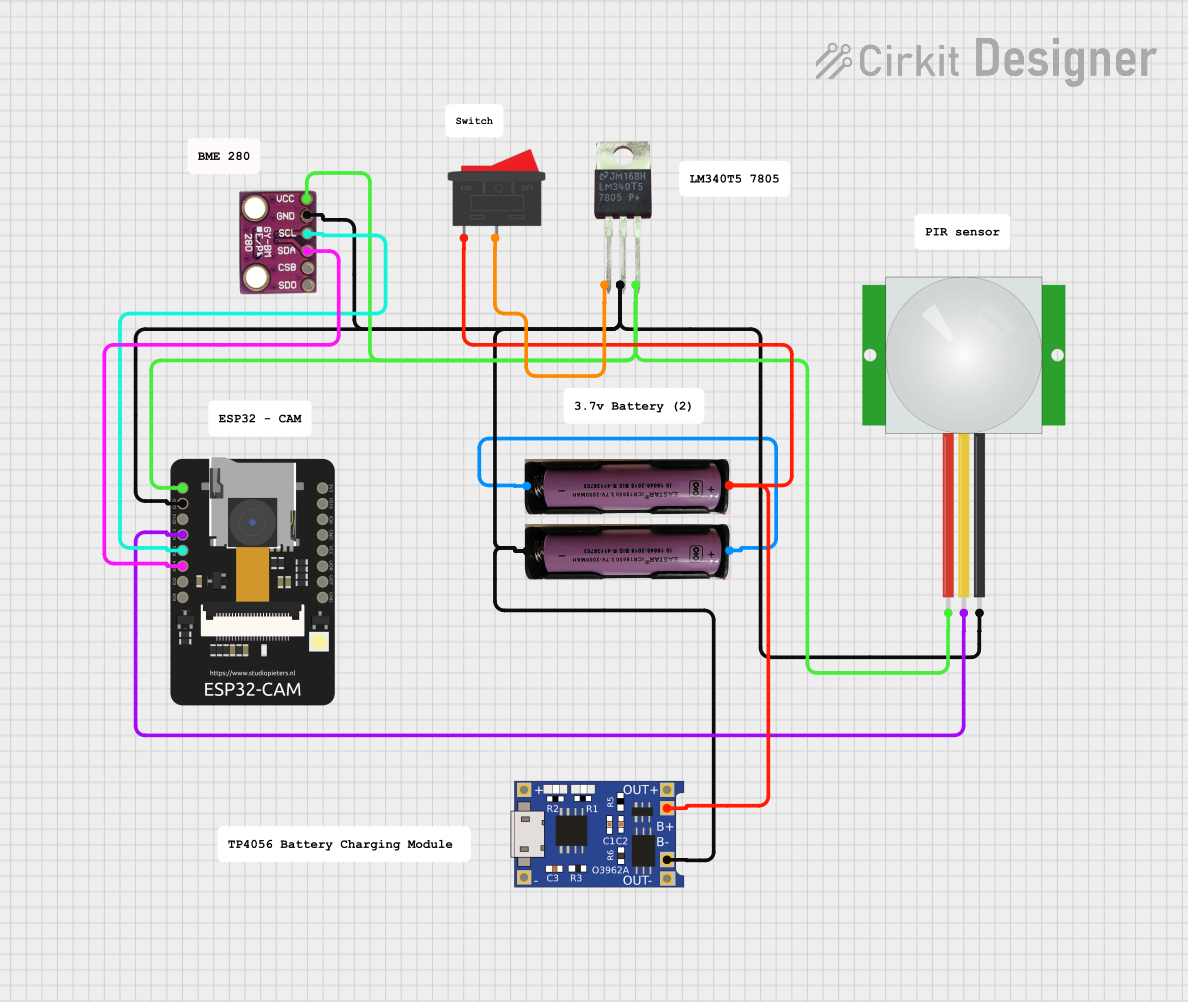 Open Project in Cirkit Designer
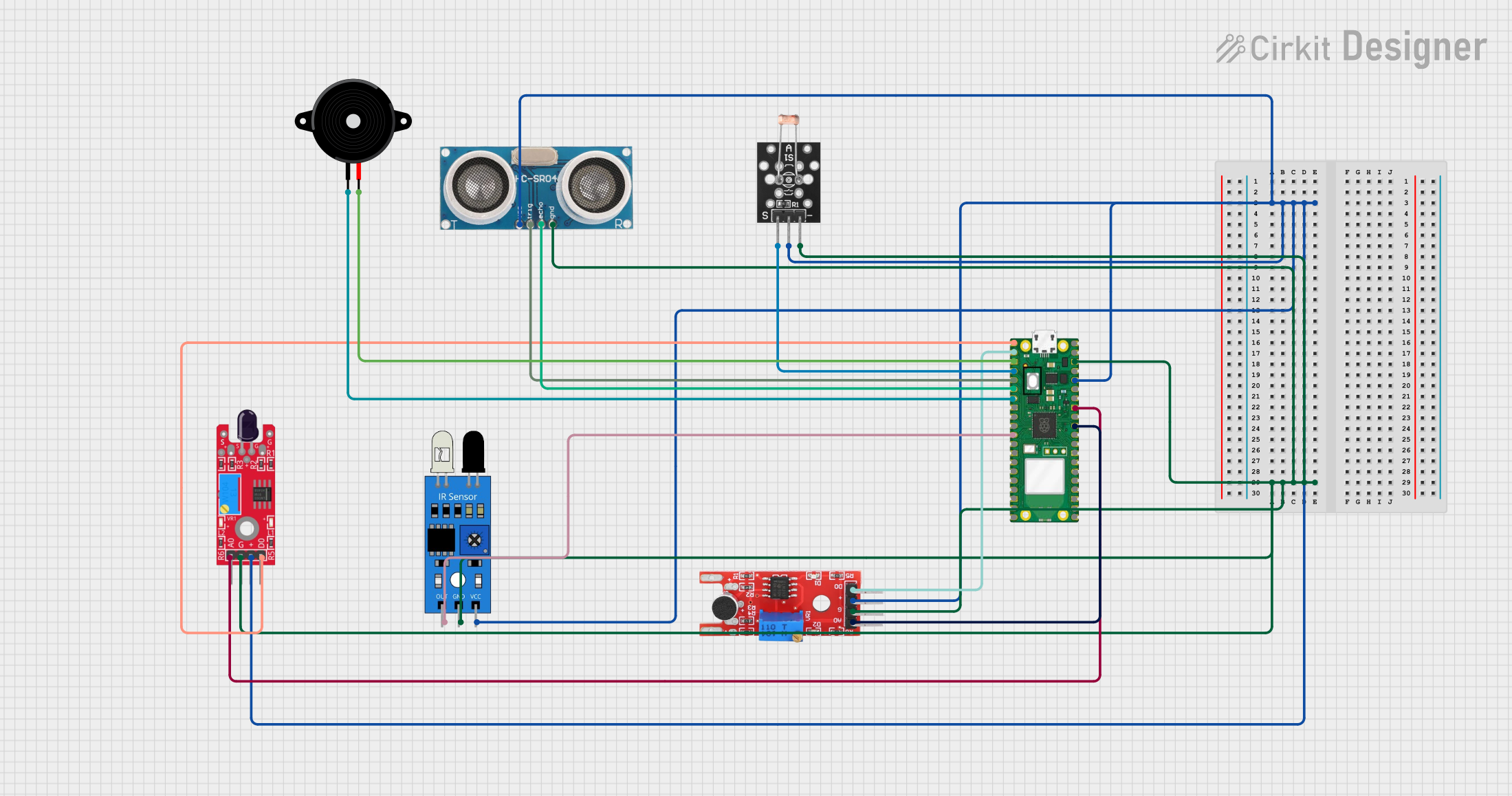 Open Project in Cirkit Designer
Explore Projects Built with pi hat wm1302
Open Project in Cirkit DesignerOpen Project in Cirkit DesignerOpen Project in Cirkit DesignerOpen Project in Cirkit DesignerCommon Applications and Use Cases
- Smart agriculture and environmental monitoring
- Industrial IoT (IIoT) applications
- Smart cities and infrastructure
- Asset tracking and logistics
- Home automation and remote sensing
Technical Specifications
The WM1302 Pi Hat is designed to provide robust LoRaWAN gateway functionality. Below are its key technical specifications:
General Specifications
| Parameter | Value |
|---|---|
| Manufacturer | Seeed Studio |
| Part ID | Modulo LoRaWAN |
| Baseband Chip | Semtech SX1302 |
| Frequency Bands | 868 MHz (EU) / 915 MHz (US) |
| Communication Protocol | LoRaWAN |
| Operating Voltage | 5V (via Raspberry Pi GPIO header) |
| Power Consumption | < 2W |
| Operating Temperature | -40°C to +85°C |
| Dimensions | 65mm x 56mm x 18mm |
Pin Configuration and Descriptions
The WM1302 Pi Hat connects to the Raspberry Pi via the GPIO header. Below is the pin configuration:
| Pin Number | Pin Name | Description |
|---|---|---|
| 1 | 3.3V | Power supply for the module |
| 2 | 5V | Main power supply for the module |
| 3 | GPIO2 (SDA) | I2C data line |
| 5 | GPIO3 (SCL) | I2C clock line |
| 8 | GPIO14 (TXD) | UART transmit line |
| 10 | GPIO15 (RXD) | UART receive line |
| 12 | GPIO18 | Interrupt pin for LoRaWAN communication |
| 14 | GND | Ground |
Usage Instructions
How to Use the WM1302 Pi Hat in a Circuit
Hardware Setup:
- Attach the WM1302 Pi Hat to the GPIO header of a Raspberry Pi.
- Ensure the Raspberry Pi is powered off before connecting the module.
- Connect an appropriate LoRa antenna to the SMA connector on the Pi Hat.
Software Setup:
- Install the Raspberry Pi OS on your Raspberry Pi.
- Update the system packages using the following commands:
sudo apt update sudo apt upgrade - Install the required libraries and dependencies for LoRaWAN communication:
sudo apt install git cmake build-essential - Clone the LoRaWAN gateway software repository provided by Seeed Studio:
git clone https://github.com/Seeed-Studio/lorawan_gateway.git cd lorawan_gateway - Build and install the software:
mkdir build
cd build
cmake ..
make
sudo make install
Configuration:
- Edit the configuration file to set the frequency band and other parameters:
sudo nano /etc/lorawan_gateway/global_conf.json - Save the file and restart the gateway software.
- Edit the configuration file to set the frequency band and other parameters:
Testing:
- Use the provided tools to test the LoRaWAN gateway functionality.
- Ensure the gateway is connected to a LoRaWAN network server.
Important Considerations and Best Practices
- Always use a compatible LoRa antenna to avoid damaging the module.
- Ensure proper grounding to minimize noise and interference.
- Use a stable power supply to prevent communication issues.
- Follow local regulations for operating in the specified frequency bands.
Example Code for Arduino UNO Integration
Although the WM1302 Pi Hat is primarily designed for Raspberry Pi, it can communicate with other microcontrollers like Arduino via UART. Below is an example of how to send data to the WM1302 using an Arduino UNO:
#include <SoftwareSerial.h>

// Define RX and TX pins for SoftwareSerial
SoftwareSerial loraSerial(10, 11); // RX = pin 10, TX = pin 11

void setup() {
  // Initialize serial communication with the LoRa module
  loraSerial.begin(9600);
  Serial.begin(9600);

  // Wait for the module to initialize
  delay(2000);
  Serial.println("LoRa module initialized.");
}

void loop() {
  // Send a test message to the LoRa module
  String message = "Hello, LoRa!";
  loraSerial.println(message);
  Serial.println("Message sent: " + message);

  // Wait for 5 seconds before sending the next message
  delay(5000);
}
Troubleshooting and FAQs
Common Issues and Solutions
The module is not detected by the Raspberry Pi:
- Ensure the Pi Hat is properly seated on the GPIO header.
- Verify that the power supply is sufficient for both the Raspberry Pi and the Pi Hat.
- Check the I2C and UART connections in the software configuration.
LoRaWAN communication is not working:
- Confirm that the correct frequency band is configured in the
global_conf.jsonfile. - Ensure the antenna is securely connected and matches the frequency band.
- Verify that the gateway is registered with a LoRaWAN network server.
- Confirm that the correct frequency band is configured in the
High noise or interference in communication:
- Use proper shielding and grounding techniques.
- Avoid placing the module near high-power RF devices.
FAQs
Q: Can the WM1302 Pi Hat be used with other single-board computers?
A: While it is designed for Raspberry Pi, it can be adapted for other SBCs with compatible GPIO headers and software support.
Q: What is the maximum range of the WM1302 Pi Hat?
A: The range depends on environmental factors but can reach up to 15 km in rural areas and 2-5 km in urban areas.
Q: Does the module support LoRaWAN Class B or Class C devices?
A: Yes, the WM1302 supports LoRaWAN Class A, B, and C devices.
Q: Can I use the module without an internet connection?
A: Yes, the module can operate in offline mode for local LoRa communication, but an internet connection is required for connecting to a LoRaWAN network server.