
How to Use LilyPad Arduino Main Board: Examples, Pinouts, and Specs
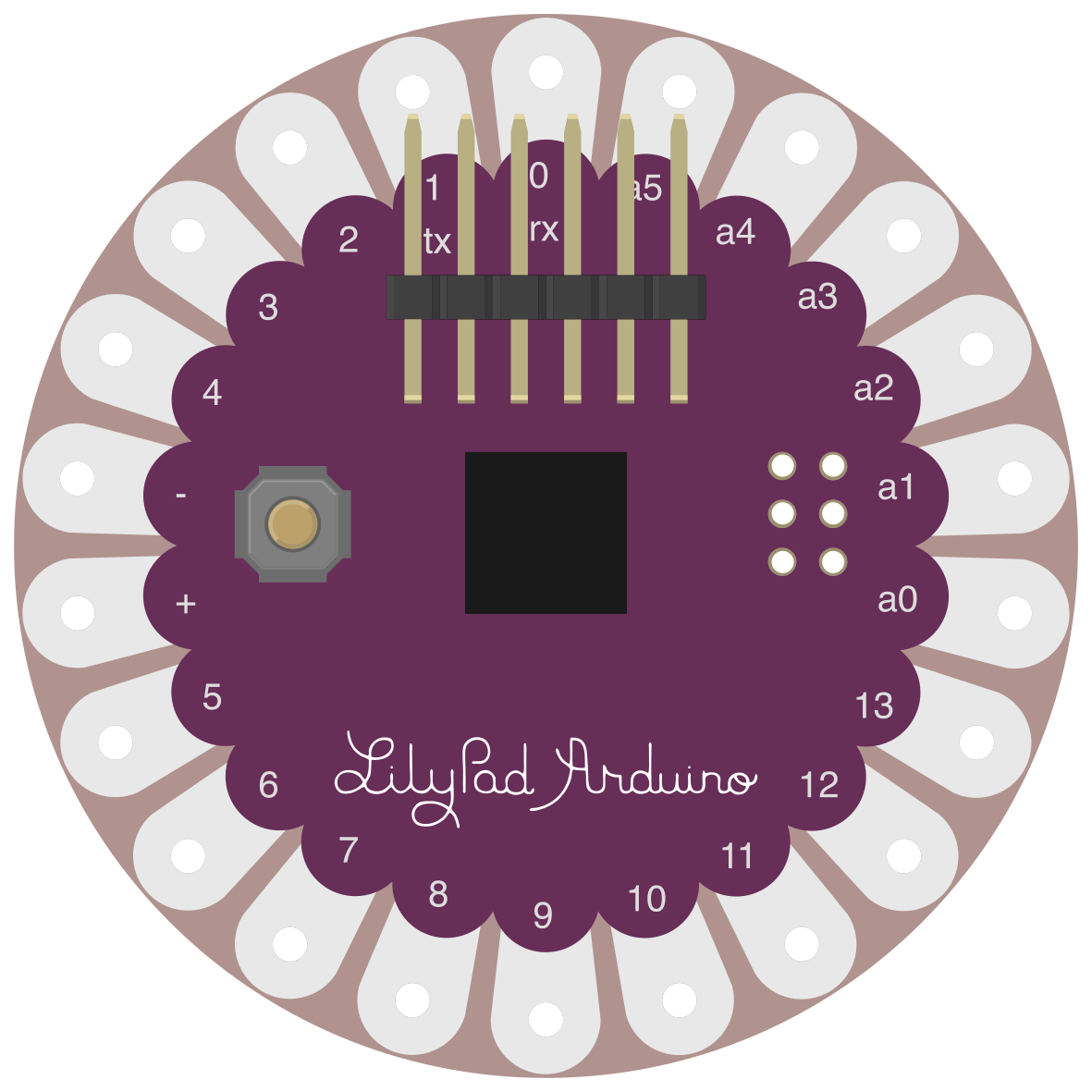
 Design with LilyPad Arduino Main Board in Cirkit Designer
Introduction
The LilyPad Arduino Main Board (Manufacturer Part ID: DEV-09266) is a microcontroller board designed by SparkFun Electronics specifically for wearable electronics and e-textile projects. Its unique round shape and large conductive pads make it easy to sew into fabric using conductive thread, enabling seamless integration into clothing and other soft materials. The board is based on the ATmega328P microcontroller and is compatible with the Arduino IDE, making it accessible for both beginners and experienced makers.
Explore Projects Built with LilyPad Arduino Main Board
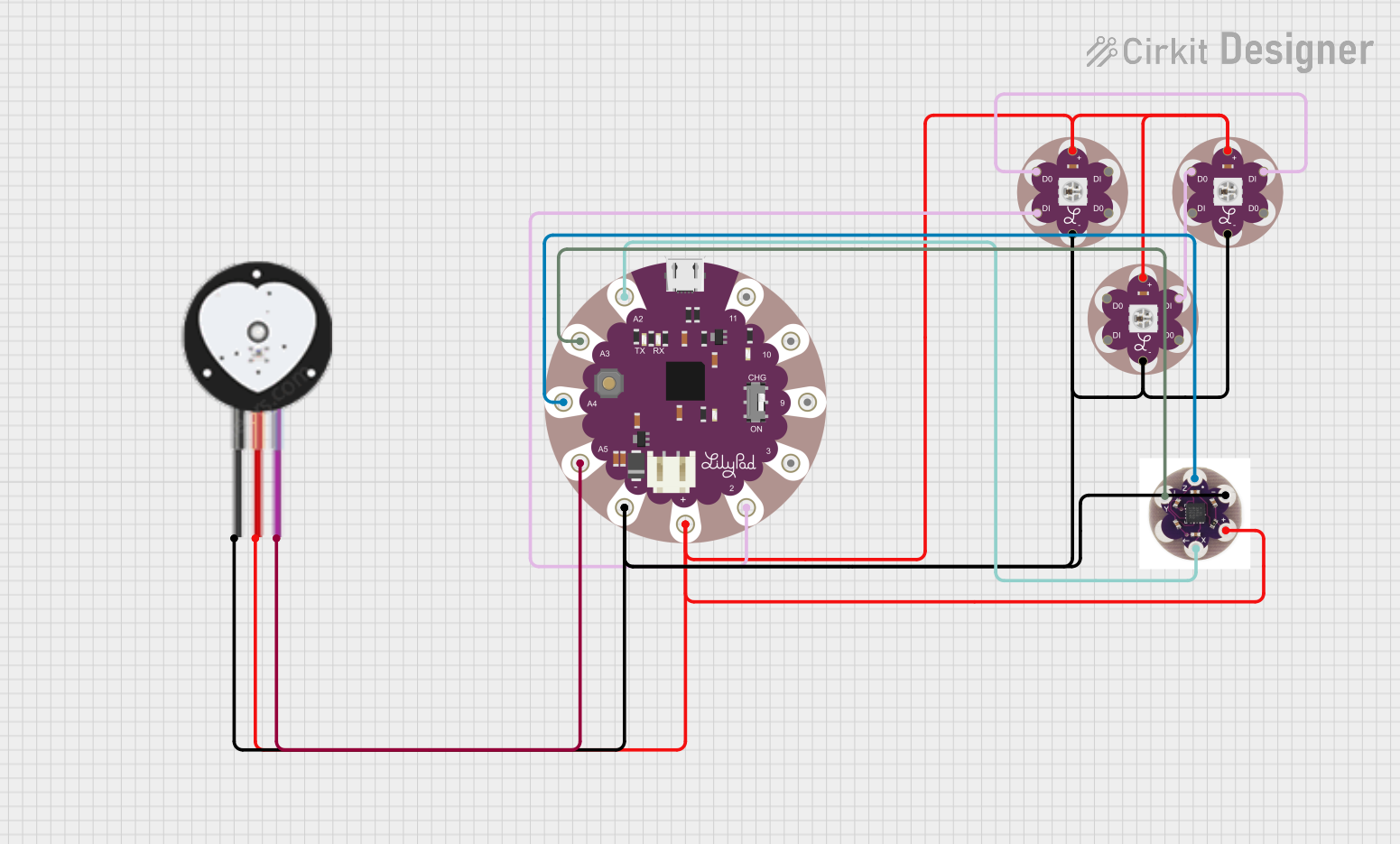 Open Project in Cirkit Designer
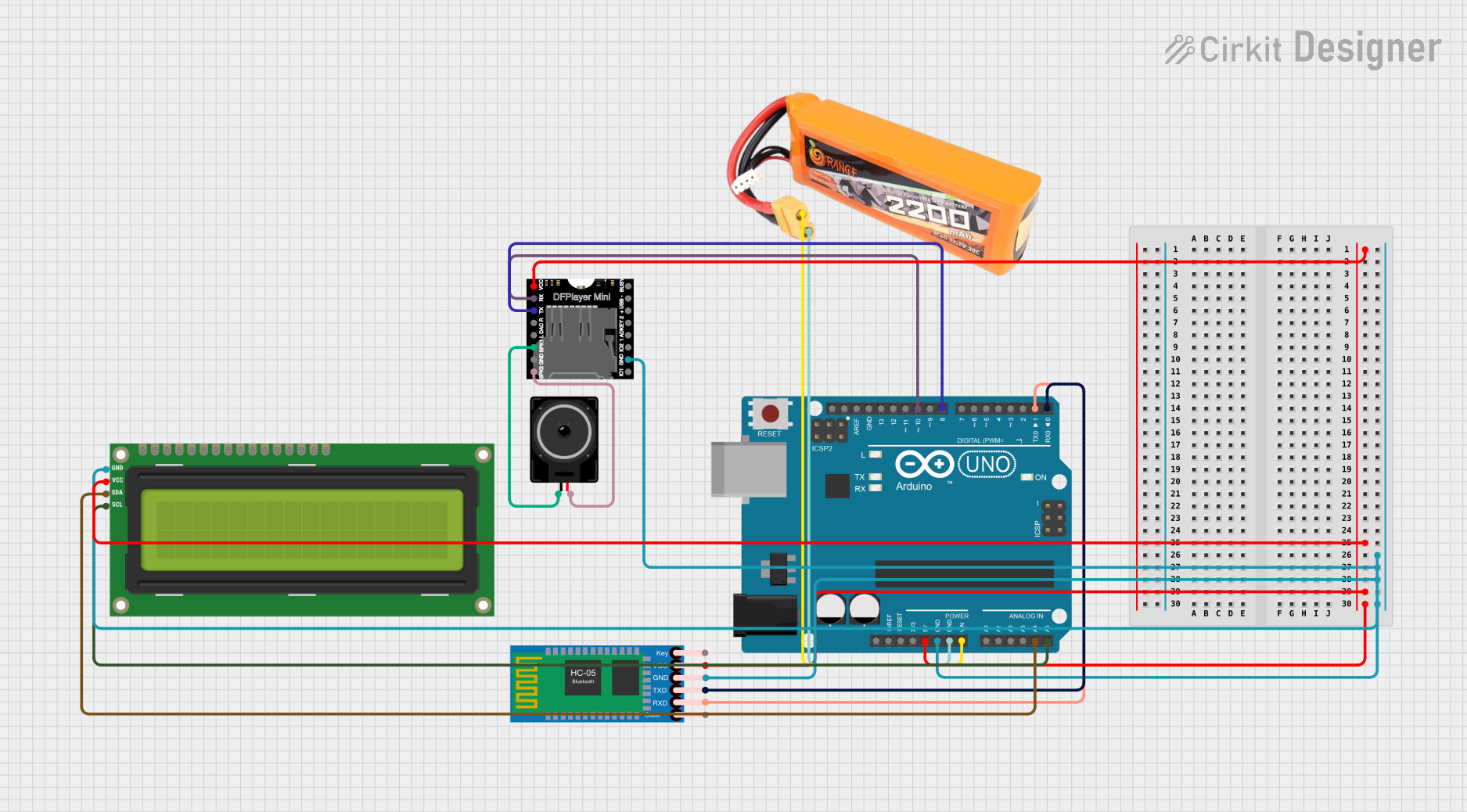 Open Project in Cirkit Designer
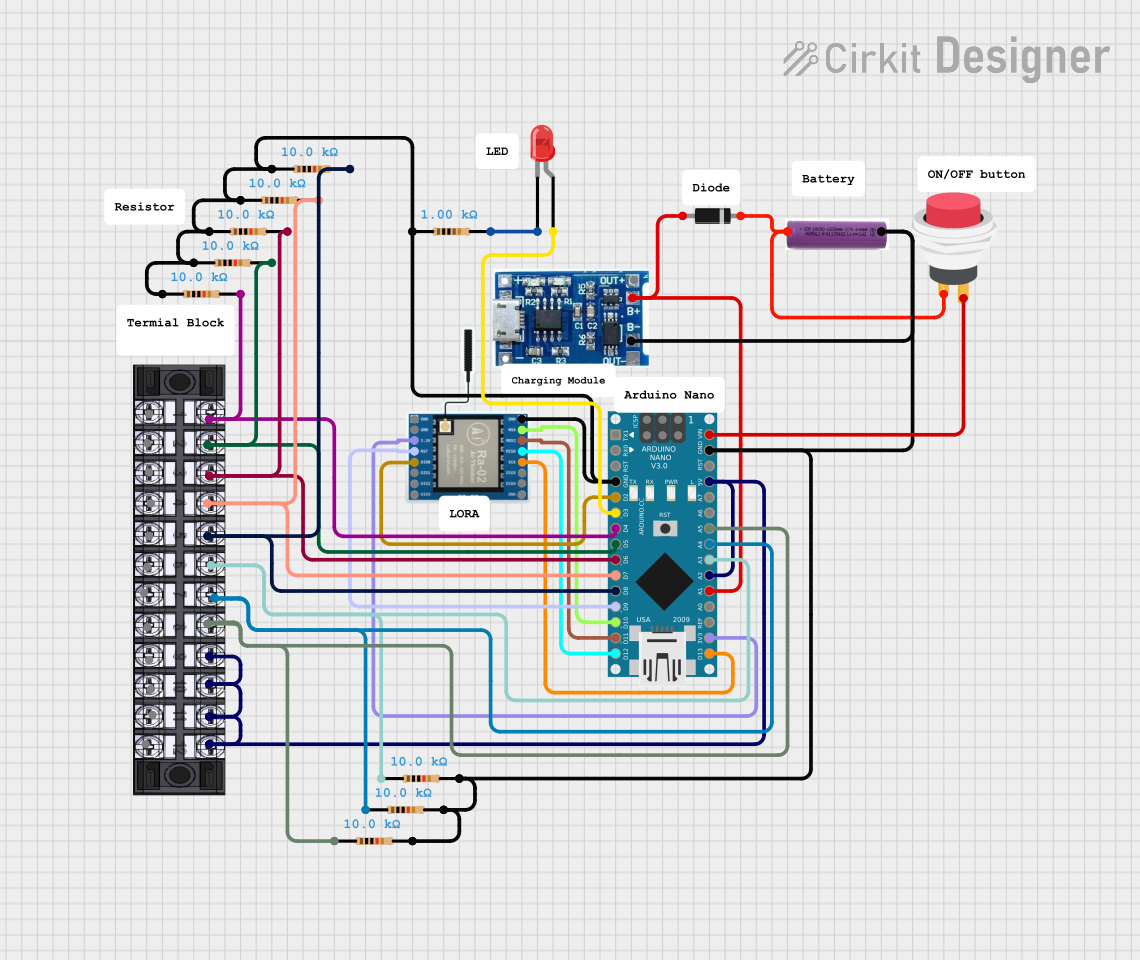 Open Project in Cirkit Designer
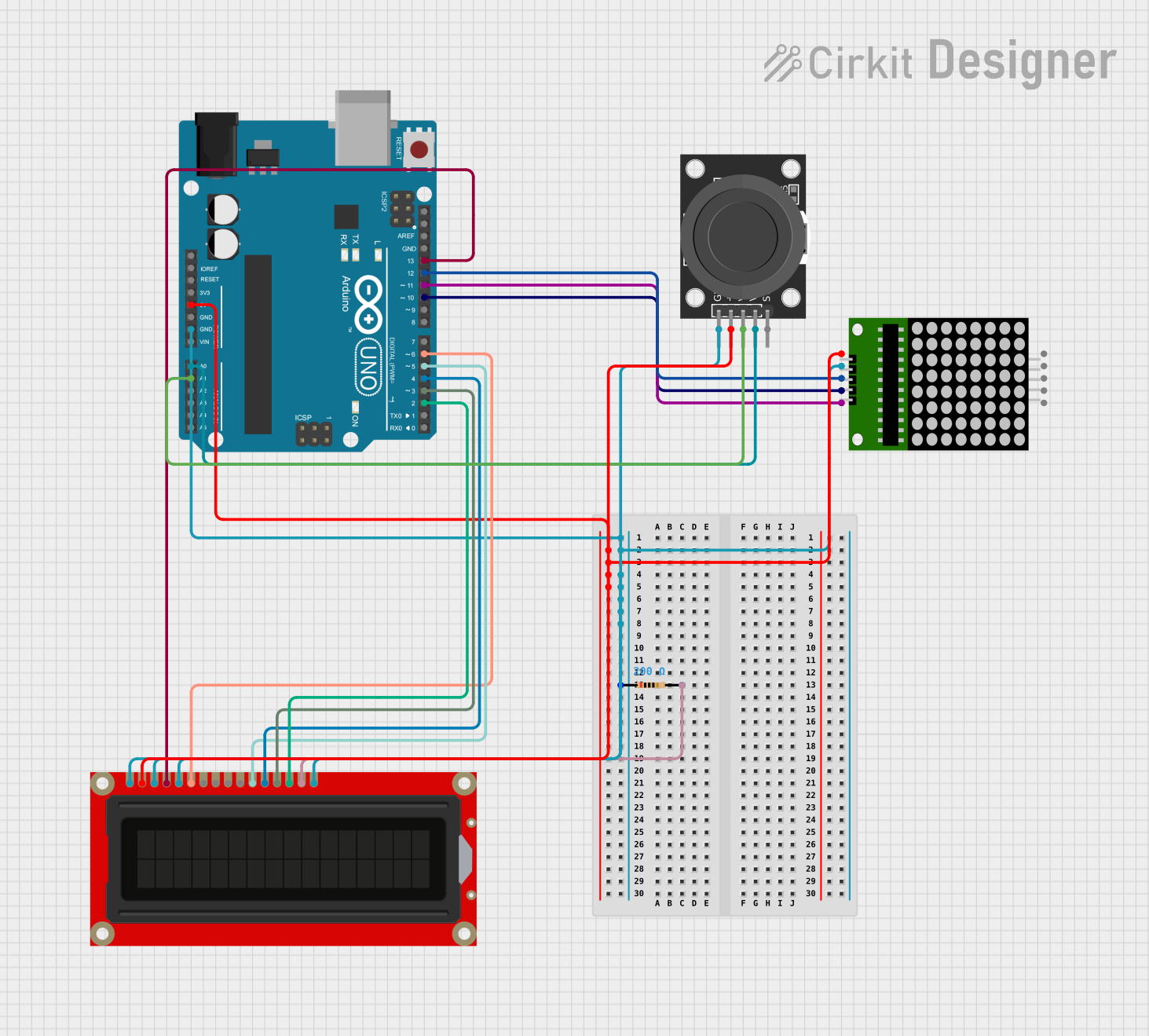 Open Project in Cirkit Designer
Explore Projects Built with LilyPad Arduino Main Board
Open Project in Cirkit DesignerOpen Project in Cirkit DesignerOpen Project in Cirkit DesignerOpen Project in Cirkit DesignerCommon Applications and Use Cases
- Wearable electronics (e.g., light-up clothing, interactive costumes)
- E-textile projects
- Prototyping soft circuits
- Educational projects in electronics and programming
Technical Specifications
The LilyPad Arduino Main Board is designed to be lightweight, compact, and optimized for wearable applications. Below are its key technical details:
Key Technical Details
| Parameter | Specification |
|---|---|
| Microcontroller | ATmega328P |
| Operating Voltage | 2.7V - 5.5V |
| Input Voltage (recommended) | 3.3V - 5V |
| Digital I/O Pins | 14 (6 PWM outputs) |
| Analog Input Pins | 6 |
| Flash Memory | 32 KB (0.5 KB used by bootloader) |
| SRAM | 2 KB |
| EEPROM | 1 KB |
| Clock Speed | 8 MHz |
| Dimensions | Diameter: 50mm (1.97 inches) |
| Weight | 4.4 grams |
Pin Configuration and Descriptions
The LilyPad Arduino Main Board features large sewable pads for easy connection. Below is the pin configuration:
| Pin Name | Description |
|---|---|
| GND | Ground connection |
| VCC | Power supply input (3.3V - 5V) |
| TX | Transmit pin for serial communication |
| RX | Receive pin for serial communication |
| D2-D13 | Digital I/O pins (D3, D5, D6, D9, D10, D11 support PWM output) |
| A0-A5 | Analog input pins |
| RST | Reset pin to restart the microcontroller |
| + and - | Additional power and ground pads for connecting external components |
Usage Instructions
The LilyPad Arduino Main Board is straightforward to use and can be programmed using the Arduino IDE. Below are the steps and best practices for using the board in your projects.
How to Use the LilyPad Arduino Main Board
- Install the Arduino IDE: Download and install the Arduino IDE from arduino.cc.
- Connect the Board: Use an FTDI breakout board or FTDI cable to connect the LilyPad to your computer via USB.
- Select the Board and Port:
- In the Arduino IDE, go to
Tools > Boardand select "Arduino LilyPad". - Under
Tools > Port, select the port corresponding to your FTDI connection.
- In the Arduino IDE, go to
- Write Your Code: Write or load your Arduino sketch in the IDE.
- Upload the Code: Click the upload button in the IDE to program the LilyPad.
- Integrate into Fabric:
- Use conductive thread to sew the LilyPad into your fabric.
- Connect external components (e.g., LEDs, sensors) to the sewable pads.
Important Considerations and Best Practices
- Power Supply: Ensure the board is powered within the recommended voltage range (3.3V - 5V). Exceeding this range may damage the board.
- Conductive Thread: Use high-quality conductive thread to ensure reliable connections. Avoid crossing threads to prevent short circuits.
- Insulation: Insulate connections with fabric glue or clear nail polish to prevent accidental shorts.
- Battery Usage: When using a battery, ensure it matches the board's voltage requirements. A 3.7V LiPo battery is commonly used.
Example Code for Arduino UNO Compatibility
The LilyPad Arduino Main Board is fully compatible with the Arduino IDE. Below is an example code to blink an LED connected to pin D9:
// Example: Blink an LED connected to pin D9 on the LilyPad Arduino Main Board

void setup() {
  pinMode(9, OUTPUT); // Set pin D9 as an output
}

void loop() {
  digitalWrite(9, HIGH); // Turn the LED on
  delay(1000);           // Wait for 1 second
  digitalWrite(9, LOW);  // Turn the LED off
  delay(1000);           // Wait for 1 second
}
Troubleshooting and FAQs
Common Issues and Solutions
The board is not detected by the Arduino IDE:
- Ensure the FTDI breakout board or cable is properly connected.
- Check that the correct port is selected in
Tools > Port. - Install the necessary FTDI drivers from the SparkFun website.
Code upload fails:
- Verify that the correct board ("Arduino LilyPad") is selected in
Tools > Board. - Press the reset button on the LilyPad just before uploading the code.
- Verify that the correct board ("Arduino LilyPad") is selected in
LEDs or components are not working:
- Check the connections made with conductive thread for continuity.
- Ensure there are no short circuits between conductive threads.
The board overheats:
- Verify that the input voltage does not exceed 5V.
- Check for short circuits in the circuit.
FAQs
Q: Can I wash clothing with the LilyPad Arduino Main Board sewn in?
A: Yes, but you must remove the power source and ensure all connections are insulated. Hand washing is recommended.
Q: What sensors and modules are compatible with the LilyPad?
A: The LilyPad is compatible with a wide range of sensors and modules, including light sensors, temperature sensors, accelerometers, and Bluetooth modules.
Q: Can I use the LilyPad with a 9V battery?
A: No, a 9V battery exceeds the recommended voltage range. Use a 3.7V LiPo battery or a regulated 5V power source.
Q: How do I debug my circuit?
A: Use a multimeter to check for continuity and voltage levels at various points in your circuit. Ensure all connections are secure and insulated.
By following this documentation, you can effectively use the LilyPad Arduino Main Board in your wearable electronics projects. Happy making!