
How to Use BME688: Examples, Pinouts, and Specs
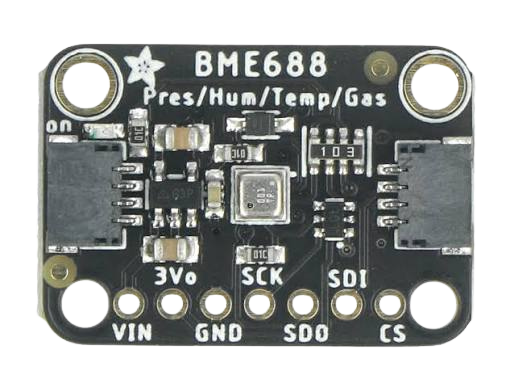
 Design with BME688 in Cirkit Designer
Introduction
The BME688 is a state-of-the-art environmental sensor developed by Bosch Sensortec. It combines sensors for temperature, humidity, barometric pressure, and gas (VOC) measurements into a single compact package. This makes it ideal for applications requiring precise environmental data, such as air quality monitoring, weather stations, and smart home devices. Additionally, the BME688 features AI-based gas sensing capabilities, enabling it to detect and classify various gas mixtures.
Explore Projects Built with BME688
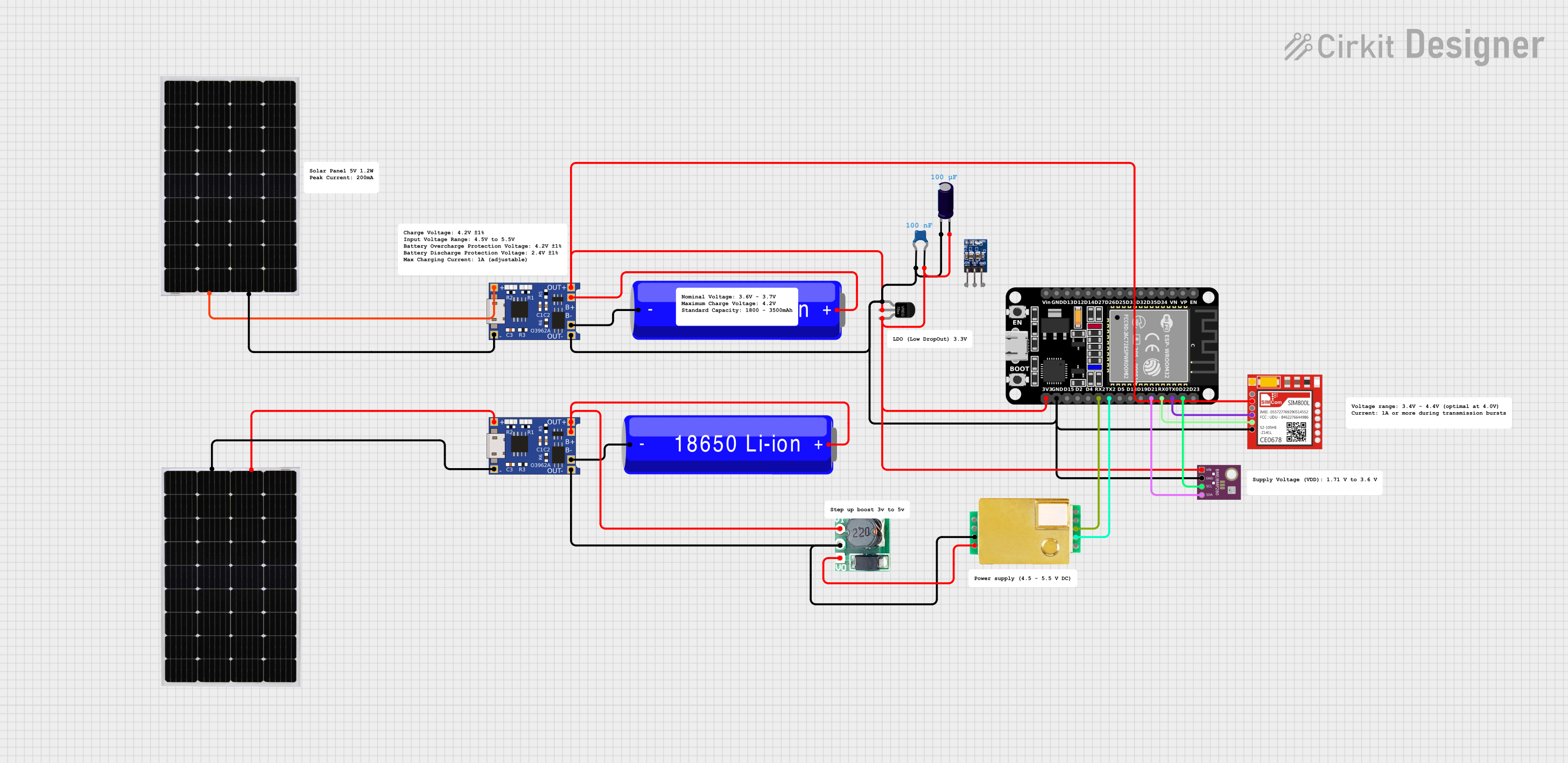 Open Project in Cirkit Designer
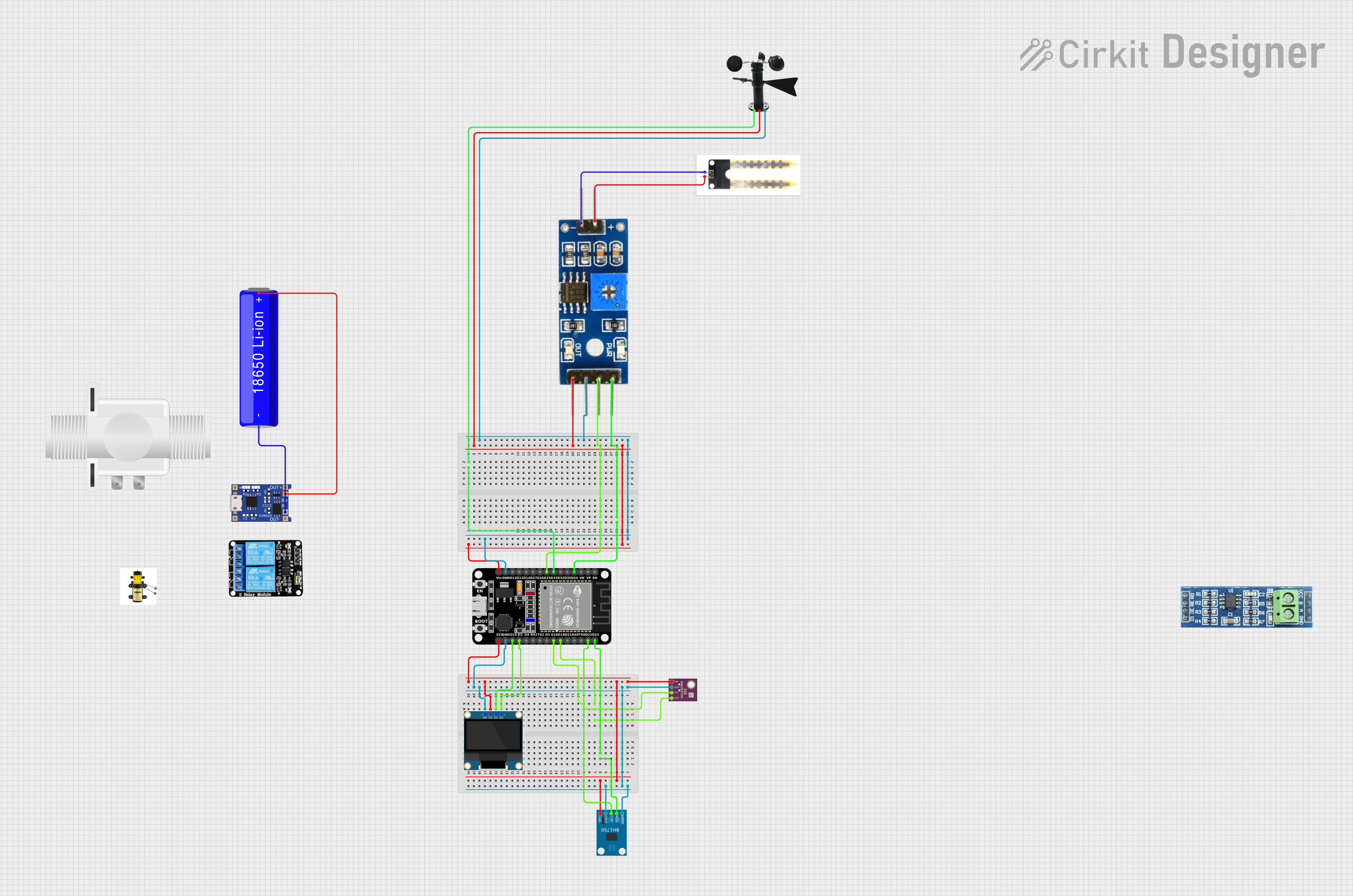 Open Project in Cirkit Designer
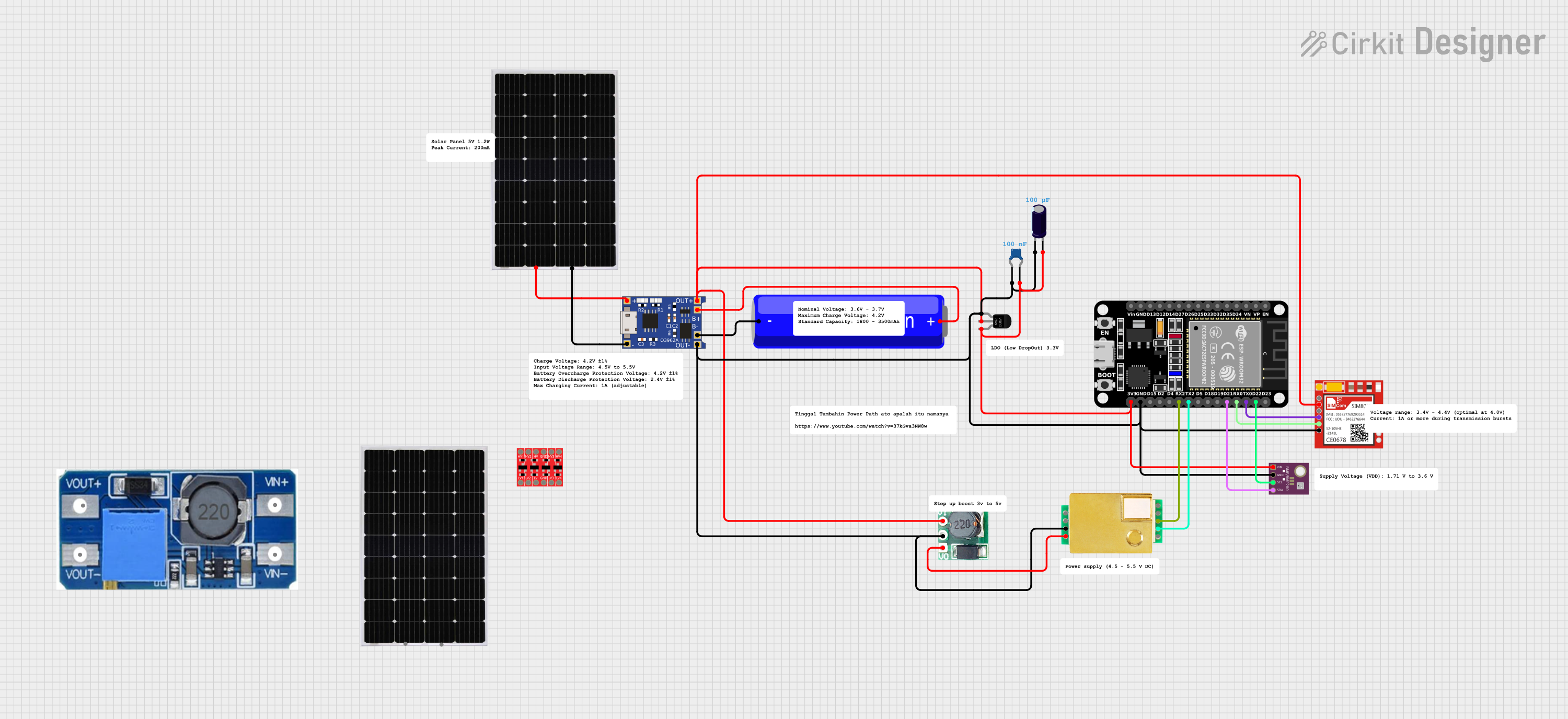 Open Project in Cirkit Designer
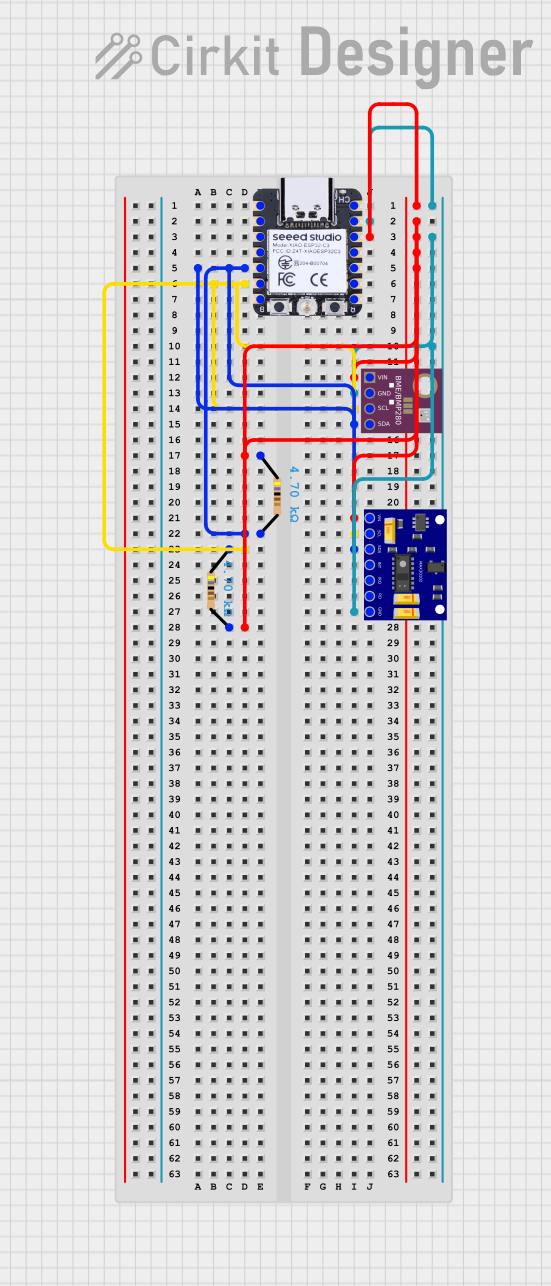 Open Project in Cirkit Designer
Explore Projects Built with BME688
Open Project in Cirkit DesignerOpen Project in Cirkit DesignerOpen Project in Cirkit DesignerOpen Project in Cirkit DesignerCommon Applications
- Indoor air quality monitoring
- Smart home automation systems
- Weather stations
- IoT devices and wearables
- HVAC systems
- Industrial safety and environmental monitoring
Technical Specifications
Key Specifications
| Parameter | Value |
|---|---|
| Supply Voltage | 1.71V to 3.6V |
| Operating Current | 2.1 µA (sleep mode), 0.09 mA (low-power mode), 12 mA (max) |
| Temperature Range | -40°C to +85°C |
| Humidity Range | 0% to 100% RH |
| Pressure Range | 300 hPa to 1100 hPa |
| Gas Sensing | VOCs and other gas mixtures |
| Interface | I²C and SPI |
| Package Size | 3.0 mm x 3.0 mm x 0.9 mm |
Pin Configuration
The BME688 has an 8-pin LGA package. Below is the pinout description:
| Pin Number | Pin Name | Description |
|---|---|---|
| 1 | VDD | Power supply (1.71V to 3.6V) |
| 2 | GND | Ground |
| 3 | SDO | SPI Data Out / I²C Address Selection |
| 4 | CSB | Chip Select (SPI) / I²C Interface Selection |
| 5 | SDI | SPI Data In / I²C Data (SDA) |
| 6 | SCK | SPI Clock / I²C Clock (SCL) |
| 7 | VDDIO | I/O Voltage Reference |
| 8 | GND | Ground |
Usage Instructions
Connecting the BME688 to an Arduino UNO
The BME688 can be interfaced with an Arduino UNO using the I²C protocol. Below is a typical connection setup:
| BME688 Pin | Arduino UNO Pin |
|---|---|
| VDD | 3.3V |
| GND | GND |
| SDI (SDA) | A4 |
| SCK (SCL) | A5 |
| CSB | Connect to VDD (for I²C mode) |
| SDO | Connect to GND (for default I²C address 0x76) |
Sample Arduino Code
The following code demonstrates how to read temperature, humidity, pressure, and gas data from the BME688 using the Adafruit BME680 library (compatible with the BME688).
#include <Wire.h>
#include <Adafruit_Sensor.h>
#include <Adafruit_BME680.h>

// Create an instance of the BME680 sensor
Adafruit_BME680 bme;

void setup() {
  Serial.begin(9600);
  while (!Serial); // Wait for serial monitor to open

  // Initialize the BME680 sensor
  if (!bme.begin(0x76)) {
    Serial.println("Could not find a valid BME688 sensor, check wiring!");
    while (1);
  }

  // Configure sensor settings
  bme.setTemperatureOversampling(BME680_OS_8X);
  bme.setHumidityOversampling(BME680_OS_2X);
  bme.setPressureOversampling(BME680_OS_4X);
  bme.setIIRFilterSize(BME680_FILTER_SIZE_3);
  bme.setGasHeater(320, 150); // 320°C for 150 ms
}

void loop() {
  // Perform a measurement
  if (!bme.performReading()) {
    Serial.println("Failed to perform reading!");
    return;
  }

  // Print sensor data to the serial monitor
  Serial.print("Temperature = ");
  Serial.print(bme.temperature);
  Serial.println(" °C");

  Serial.print("Humidity = ");
  Serial.print(bme.humidity);
  Serial.println(" %");

  Serial.print("Pressure = ");
  Serial.print(bme.pressure / 100.0);
  Serial.println(" hPa");

  Serial.print("Gas Resistance = ");
  Serial.print(bme.gas_resistance / 1000.0);
  Serial.println(" kOhms");

  delay(2000); // Wait 2 seconds before the next reading
}
Important Considerations
- Power Supply: Ensure the BME688 is powered with a voltage between 1.71V and 3.6V. For Arduino UNO, use a 3.3V regulator if necessary.
- I²C Pull-Up Resistors: If not already present on your board, add 4.7kΩ pull-up resistors to the SDA and SCL lines.
- Gas Sensor Warm-Up: The gas sensor requires a warm-up period for accurate readings. Follow the manufacturer's recommendations for optimal performance.
- Environmental Factors: Avoid exposing the sensor to water or dust, as this may affect its accuracy.
Troubleshooting and FAQs
Common Issues
Sensor Not Detected:
- Ensure the I²C address (default 0x76) matches the one in your code.
- Verify the wiring, especially the SDA and SCL connections.
- Check for proper pull-up resistors on the I²C lines.
Incorrect Readings:
- Ensure the sensor is not exposed to extreme environmental conditions.
- Verify that the sensor is properly calibrated and configured in the code.
Gas Resistance Always Zero:
- Ensure the gas heater is enabled and configured correctly in the code.
- Allow sufficient warm-up time for the gas sensor.
FAQs
Q: Can the BME688 detect specific gases?
A: The BME688 is designed to detect and classify gas mixtures, including VOCs. However, it cannot identify specific gases without additional AI-based processing.
Q: What is the difference between the BME680 and BME688?
A: The BME688 includes enhanced AI-based gas sensing capabilities, making it more versatile for advanced applications.
Q: Can I use the BME688 with a 5V microcontroller?
A: Yes, but you must use a level shifter or voltage regulator to ensure the sensor operates within its 1.71V to 3.6V range.
Q: How do I improve gas sensing accuracy?
A: Follow the recommended warm-up time and heater profile settings provided in the datasheet. Additionally, avoid sudden environmental changes during measurements.