
How to Use DFPlayer Mini MP3 Module: Examples, Pinouts, and Specs
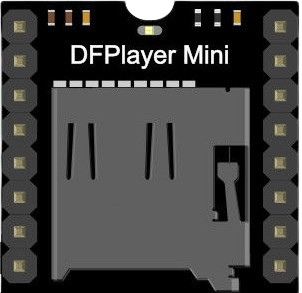
 Design with DFPlayer Mini MP3 Module in Cirkit Designer
Introduction
The DFPlayer Mini MP3 Module (Manufacturer Part ID: DFR0299) is a compact and cost-effective MP3 player module designed by DFRobot. It is capable of playing audio files directly from a micro SD card, USB drive, or serial input. The module features a built-in hardware decoder for MP3, WAV, and WMA audio formats, as well as an integrated amplifier for direct speaker output. Its small size and versatile functionality make it ideal for a wide range of audio playback applications.
Explore Projects Built with DFPlayer Mini MP3 Module
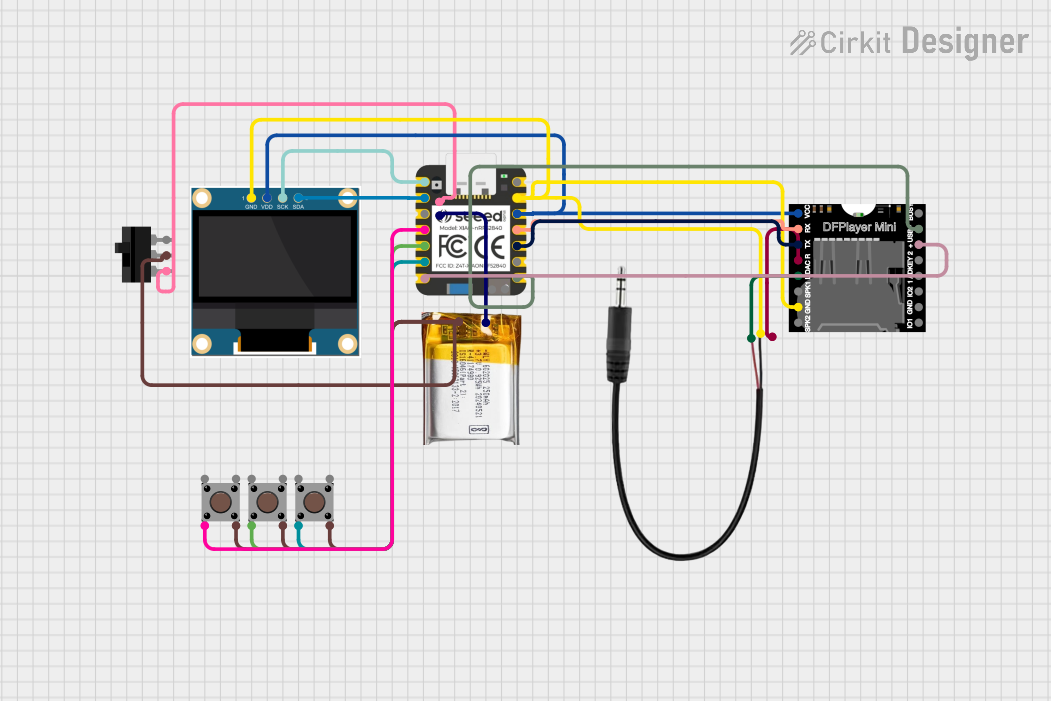 Open Project in Cirkit Designer
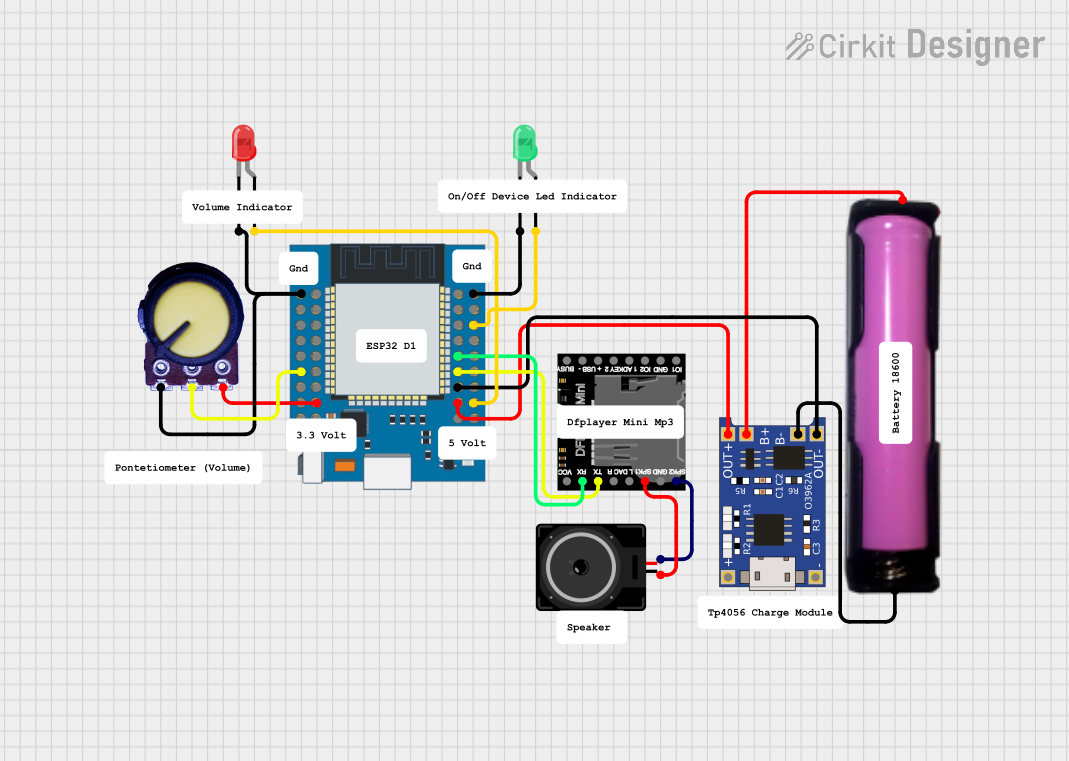 Open Project in Cirkit Designer
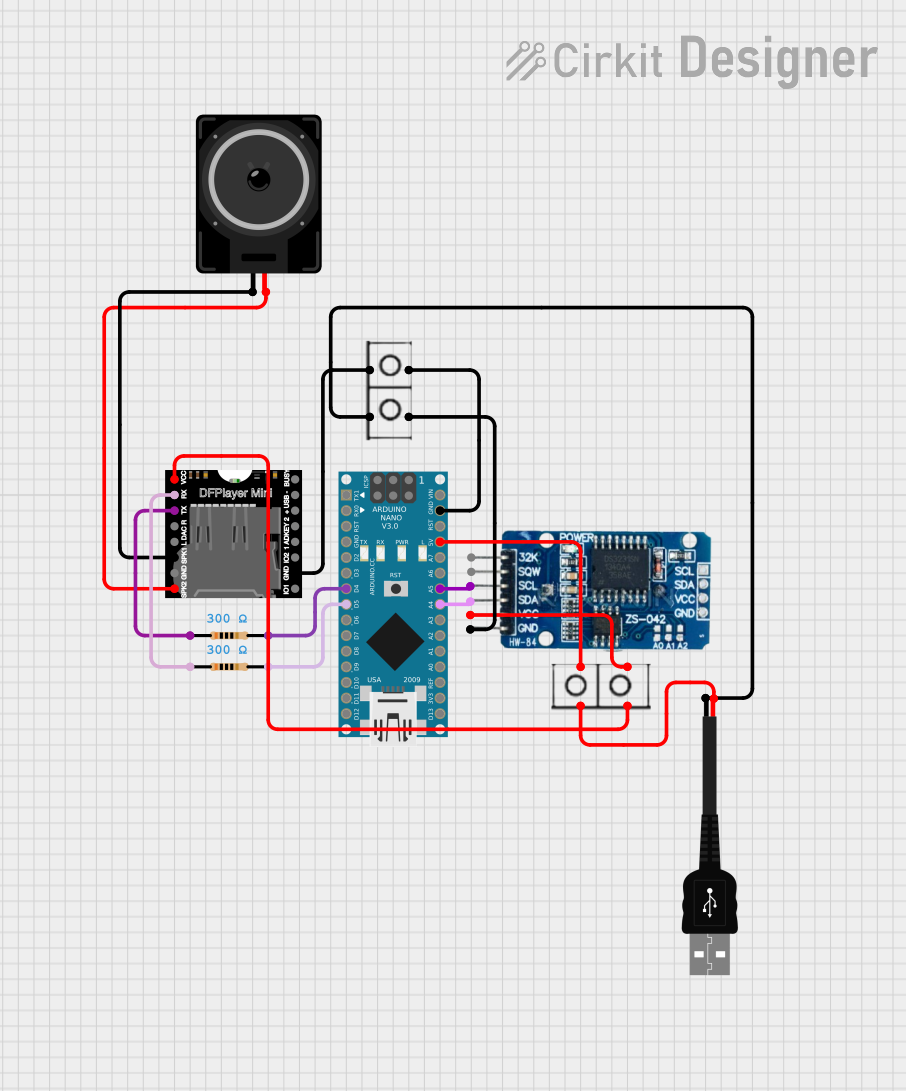 Open Project in Cirkit Designer
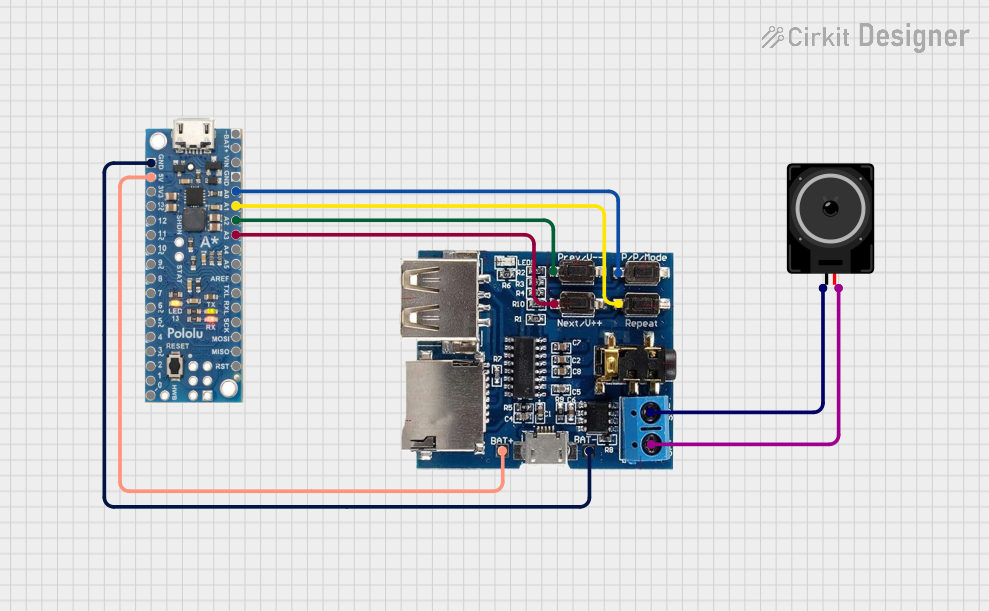 Open Project in Cirkit Designer
Explore Projects Built with DFPlayer Mini MP3 Module
Open Project in Cirkit DesignerOpen Project in Cirkit DesignerOpen Project in Cirkit DesignerOpen Project in Cirkit DesignerCommon Applications
- DIY audio projects
- Voice prompts and sound effects in embedded systems
- Interactive art installations
- Alarm systems with audio notifications
- Educational projects and toys
Technical Specifications
Below are the key technical details of the DFPlayer Mini MP3 Module:
| Parameter | Specification |
|---|---|
| Operating Voltage | 3.2V to 5.0V |
| Operating Current | 20mA to 30mA |
| Audio Formats Supported | MP3, WAV, WMA |
| Storage Media | Micro SD card (up to 32GB, FAT16/FAT32) |
| Communication Interface | UART (9600 bps default) |
| Output Modes | DAC (headphone/speaker) or PWM (speaker) |
| Built-in Amplifier Output | 3W (mono) |
| Dimensions | 22mm x 30mm x 11mm |
Pin Configuration and Descriptions
The DFPlayer Mini has 16 pins, but only a subset is commonly used. Below is the pinout:
| Pin | Name | Description |
|---|---|---|
| 1 | VCC | Power supply input (3.2V to 5.0V). |
| 2 | GND | Ground connection. |
| 3 | RX | UART receive pin for serial communication. |
| 4 | TX | UART transmit pin for serial communication. |
| 5 | DAC_R | Right channel audio output (for headphones or external amplifier). |
| 6 | DAC_L | Left channel audio output (for headphones or external amplifier). |
| 7 | SPK_1 | Speaker output (positive terminal). |
| 8 | SPK_2 | Speaker output (negative terminal). |
| 9-16 | Reserved | Not commonly used in basic applications. |
Usage Instructions
How to Use the DFPlayer Mini in a Circuit
- Power Supply: Connect the VCC pin to a 3.3V or 5V power source and the GND pin to ground.
- Audio Output:
- For headphones or an external amplifier, use the DAC_L and DAC_R pins.
- For a small speaker, connect the SPK_1 and SPK_2 pins directly.
- Micro SD Card: Insert a micro SD card formatted as FAT16 or FAT32, containing audio files in supported formats.
- Serial Communication: Connect the RX and TX pins to a microcontroller (e.g., Arduino) for control via UART.
Important Considerations and Best Practices
- Use a decoupling capacitor (e.g., 100µF) across the VCC and GND pins to stabilize the power supply.
- Ensure the micro SD card is properly formatted and contains audio files in supported formats.
- Avoid connecting both DAC and SPK outputs simultaneously to prevent damage.
- Use a resistor (1kΩ) in series with the RX pin if the microcontroller operates at 5V logic levels.
Example: Connecting to an Arduino UNO
Below is an example of how to connect and control the DFPlayer Mini with an Arduino UNO:
Wiring Diagram
| DFPlayer Mini Pin | Arduino UNO Pin |
|---|---|
| VCC | 5V |
| GND | GND |
| RX | D10 |
| TX | D11 |
| SPK_1 | Speaker (+) |
| SPK_2 | Speaker (-) |
Arduino Code Example
#include "SoftwareSerial.h"

// Define RX and TX pins for SoftwareSerial
SoftwareSerial mySerial(10, 11); // RX, TX

void setup() {
  mySerial.begin(9600); // Initialize DFPlayer Mini communication
  Serial.begin(9600);   // Initialize Serial Monitor for debugging

  // Send initialization commands to DFPlayer Mini
  mySerial.write(0x7E); // Start byte
  mySerial.write(0xFF); // Version
  mySerial.write(0x06); // Length
  mySerial.write(0x09); // Command: Select device
  mySerial.write(0x00); // Feedback
  mySerial.write(0x02); // Parameter: SD card
  mySerial.write(0xEF); // End byte

  Serial.println("DFPlayer Mini initialized.");
}

void loop() {
  // Example: Play the first track on the SD card
  mySerial.write(0x7E); // Start byte
  mySerial.write(0xFF); // Version
  mySerial.write(0x06); // Length
  mySerial.write(0x03); // Command: Play track
  mySerial.write(0x00); // Feedback
  mySerial.write(0x00); // High byte of track number
  mySerial.write(0x01); // Low byte of track number
  mySerial.write(0xEF); // End byte

  delay(5000); // Wait for 5 seconds before repeating
}
Troubleshooting and FAQs
Common Issues
No Sound Output:
- Ensure the speaker or headphones are properly connected to the correct pins.
- Verify that the audio files are in a supported format and stored on a properly formatted micro SD card.
- Check the power supply voltage (3.2V to 5.0V).
Module Not Responding to Commands:
- Confirm the RX and TX pins are correctly connected to the microcontroller.
- Ensure the UART baud rate is set to 9600 bps.
- Use a level shifter or resistor divider if the microcontroller operates at 5V logic levels.
Distorted Audio:
- Check the speaker impedance (recommended: 4Ω to 8Ω).
- Avoid exceeding the module's 3W output power limit.
FAQs
Q1: Can I use a USB drive instead of a micro SD card?
A1: No, the DFPlayer Mini does not support USB drives directly. It only supports micro SD cards.
Q2: What is the maximum storage capacity supported?
A2: The module supports micro SD cards up to 32GB formatted as FAT16 or FAT32.
Q3: Can I control the volume programmatically?
A3: Yes, you can send specific UART commands to adjust the volume level.
Q4: Is it possible to play audio files in a specific order?
A4: Yes, the module plays files in the order they are stored on the micro SD card. You can also use UART commands to select specific tracks.
Q5: Can I use the DFPlayer Mini without a microcontroller?
A5: Yes, the module can operate in standalone mode using buttons connected to specific pins, but functionality will be limited.