
How to Use Servo: Examples, Pinouts, and Specs
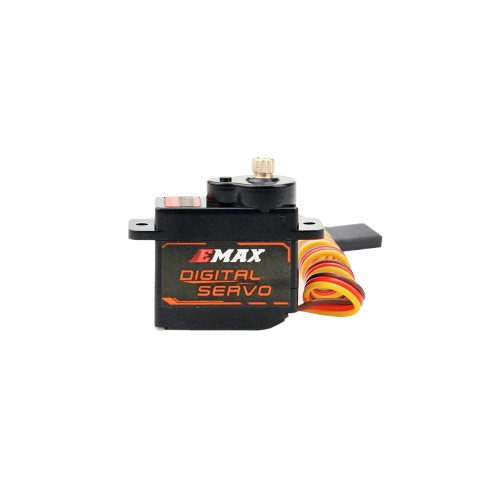
 Design with Servo in Cirkit Designer
Introduction
The Emax ES3059MD is a high-performance servo motor designed for precise control of angular position, velocity, and acceleration. It integrates a DC motor, a position feedback sensor, and control circuitry into a compact package. This servo is widely used in robotics, automation, RC vehicles, and other applications requiring accurate motion control. Its metal gear construction ensures durability and reliability, even under demanding conditions.
Explore Projects Built with Servo
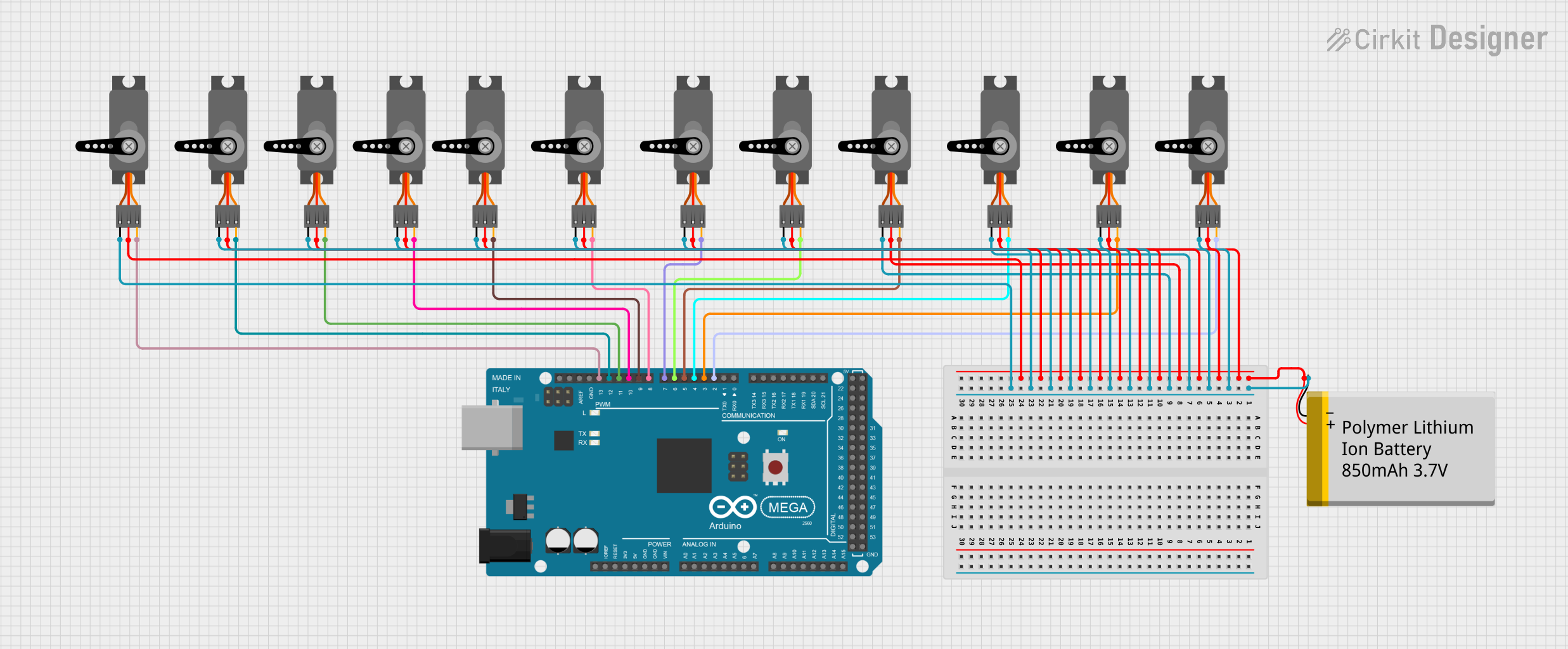 Open Project in Cirkit Designer
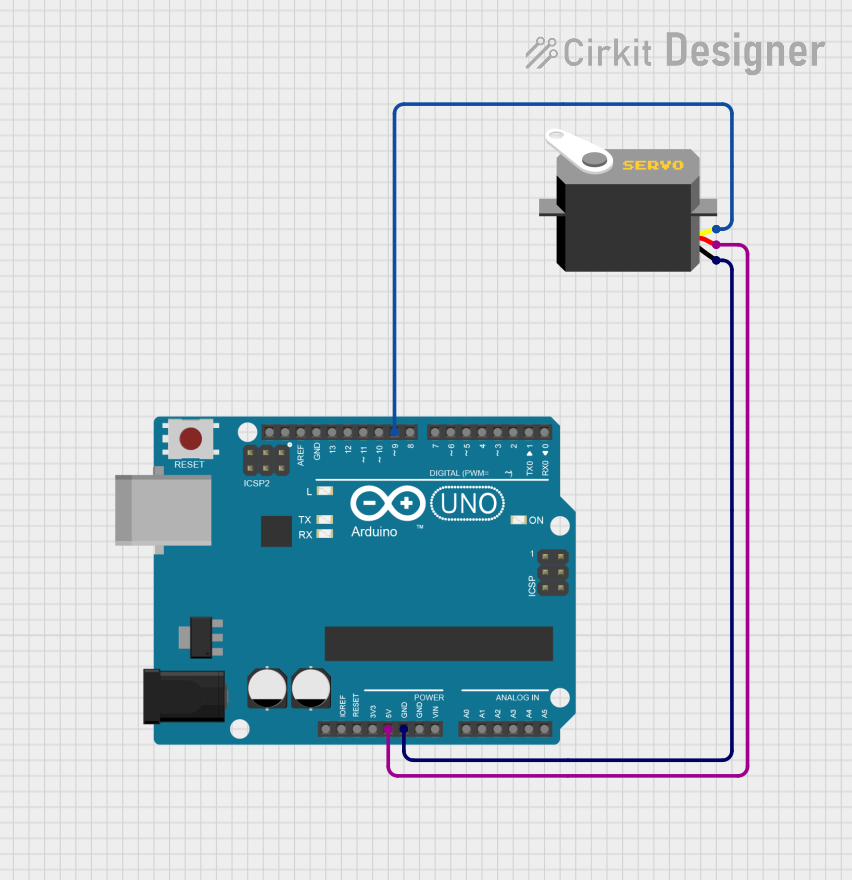 Open Project in Cirkit Designer
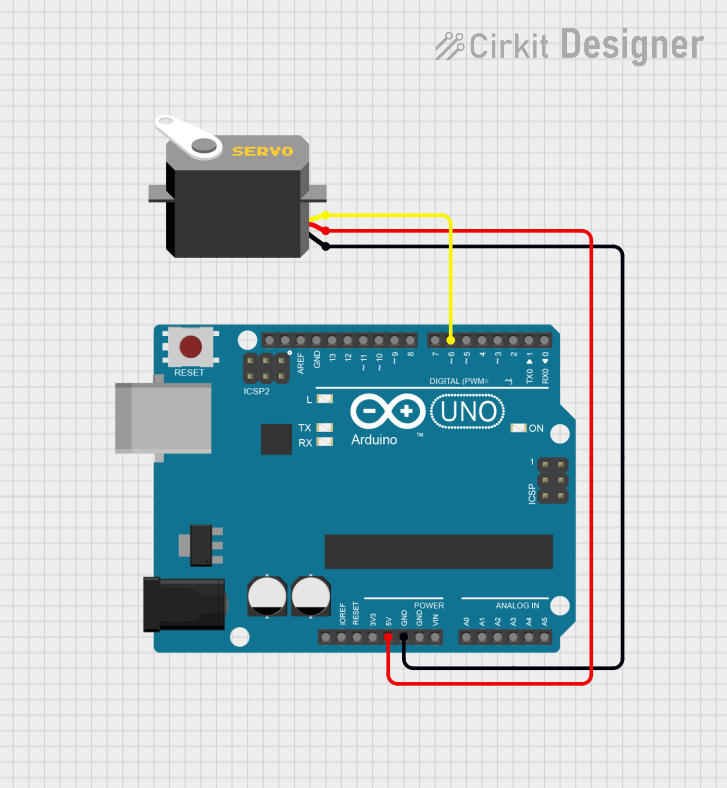 Open Project in Cirkit Designer
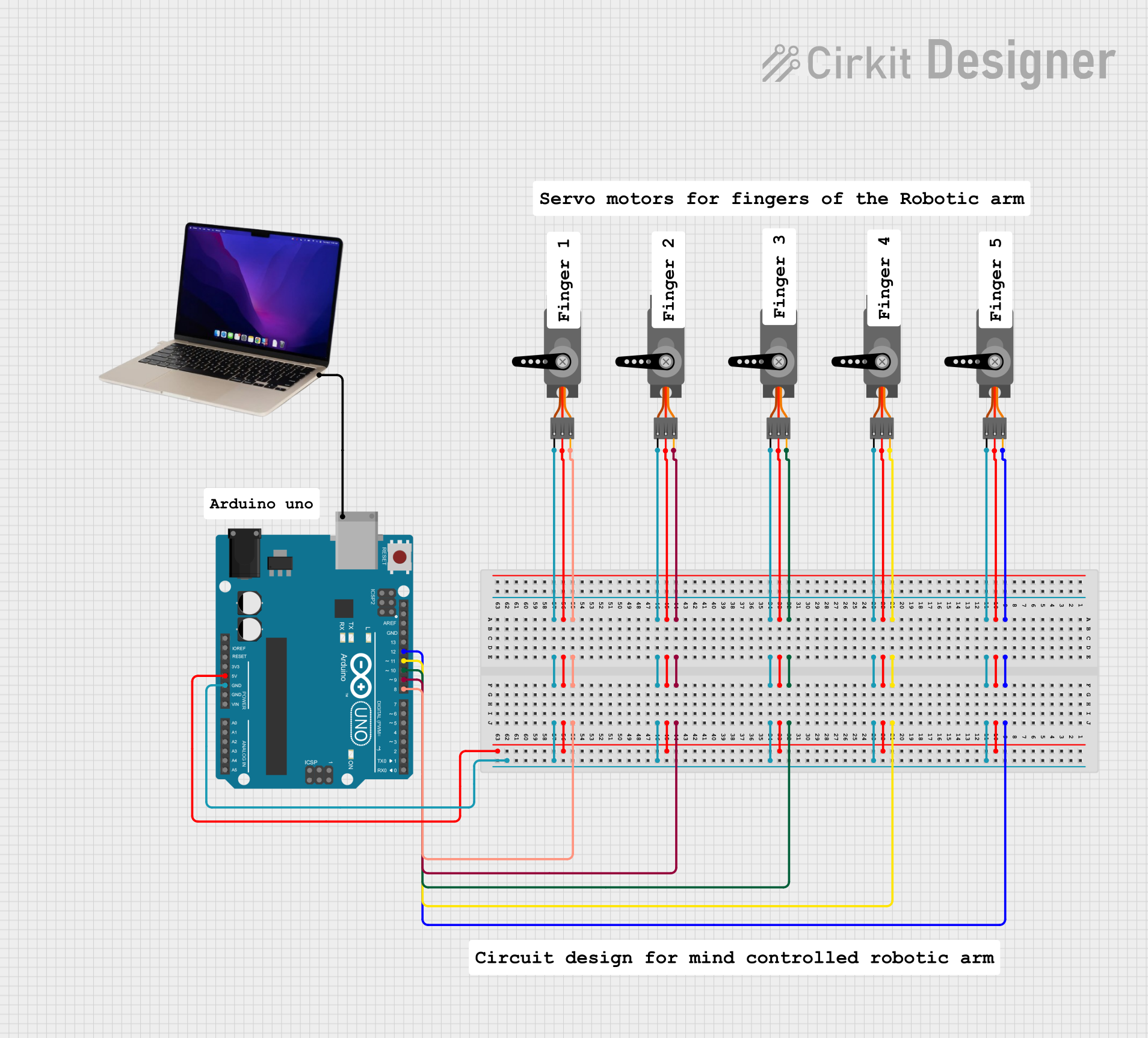 Open Project in Cirkit Designer
Explore Projects Built with Servo
Open Project in Cirkit DesignerOpen Project in Cirkit DesignerOpen Project in Cirkit DesignerOpen Project in Cirkit DesignerCommon Applications
- Robotics (e.g., robotic arms, humanoid robots)
- RC vehicles (e.g., cars, planes, boats)
- Automation systems
- Camera gimbals and pan-tilt mechanisms
- DIY electronics and Arduino projects
Technical Specifications
The Emax ES3059MD servo offers robust performance and is suitable for a variety of applications. Below are its key technical details:
General Specifications
| Parameter | Value |
|---|---|
| Operating Voltage | 4.8V - 6.0V |
| Stall Torque (4.8V) | 2.5 kg·cm |
| Stall Torque (6.0V) | 3.2 kg·cm |
| Operating Speed (4.8V) | 0.12 sec/60° |
| Operating Speed (6.0V) | 0.10 sec/60° |
| Gear Type | Metal |
| Motor Type | Coreless |
| Weight | 14.5 g |
| Dimensions | 22.8 x 12.0 x 29.4 mm |
| Connector Type | 3-pin JR (standard servo) |
| Operating Temperature | -10°C to +50°C |
Pin Configuration
The Emax ES3059MD servo has a standard 3-pin connector. The pinout is as follows:
| Pin Number | Wire Color | Function |
|---|---|---|
| 1 | Brown | Ground (GND) |
| 2 | Red | Power (VCC) |
| 3 | Orange | Signal (PWM Input) |
Usage Instructions
The Emax ES3059MD servo is straightforward to use in a variety of circuits. Below are the steps and best practices for integrating it into your project.
Connecting the Servo
- Power Supply: Connect the red wire to a 5V or 6V power source, depending on your desired torque and speed. Ensure the power supply can provide sufficient current (at least 1A per servo).
- Ground: Connect the brown wire to the ground (GND) of your circuit.
- Signal: Connect the orange wire to the PWM output pin of your microcontroller (e.g., Arduino).
Controlling the Servo with Arduino UNO
The servo is controlled using a PWM signal, where the pulse width determines the angular position. Below is an example Arduino sketch to control the Emax ES3059MD:
#include <Servo.h> // Include the Servo library

Servo myServo; // Create a Servo object

void setup() {
  myServo.attach(9); // Attach the servo to pin 9 on the Arduino
}

void loop() {
  myServo.write(0); // Move the servo to 0 degrees
  delay(1000);      // Wait for 1 second

  myServo.write(90); // Move the servo to 90 degrees
  delay(1000);       // Wait for 1 second

  myServo.write(180); // Move the servo to 180 degrees
  delay(1000);        // Wait for 1 second
}
Best Practices
- Power Supply: Use a dedicated power source for the servo to avoid voltage drops that could affect other components.
- PWM Signal: Ensure the PWM signal has a frequency of 50 Hz (20 ms period) for proper operation.
- Mechanical Load: Avoid overloading the servo to prevent overheating or damage to the motor and gears.
- Mounting: Secure the servo firmly to prevent vibrations or misalignment during operation.
Troubleshooting and FAQs
Common Issues and Solutions
Servo Not Moving
- Cause: Incorrect wiring or insufficient power supply.
- Solution: Double-check the connections and ensure the power supply meets the servo's requirements.
Servo Jittering
- Cause: Electrical noise or unstable PWM signal.
- Solution: Use decoupling capacitors near the servo's power pins and ensure the PWM signal is clean and stable.
Overheating
- Cause: Excessive mechanical load or prolonged operation at high torque.
- Solution: Reduce the load or allow the servo to cool down periodically.
Limited Range of Motion
- Cause: Incorrect PWM signal or mechanical obstruction.
- Solution: Verify the PWM signal's pulse width (typically 1 ms to 2 ms for 0° to 180°) and check for physical obstructions.
FAQs
Q: Can I power the servo directly from the Arduino?
A: It is not recommended, as the Arduino's 5V pin cannot supply sufficient current for the servo. Use an external power source.
Q: What is the maximum angle the servo can rotate?
A: The Emax ES3059MD can rotate approximately 180°, depending on the PWM signal.
Q: Can I use this servo with a Raspberry Pi?
A: Yes, but you will need a PWM driver or library (e.g., pigpio) to generate a stable PWM signal.
Q: How do I know if the servo is overloaded?
A: Signs of overloading include excessive heat, reduced speed, or unusual noises. Reduce the load to prevent damage.
By following this documentation, you can effectively integrate and operate the Emax ES3059MD servo in your projects.