
How to Use Generic 3–6 V Dual-Shaft DC Gear Motor: Examples, Pinouts, and Specs
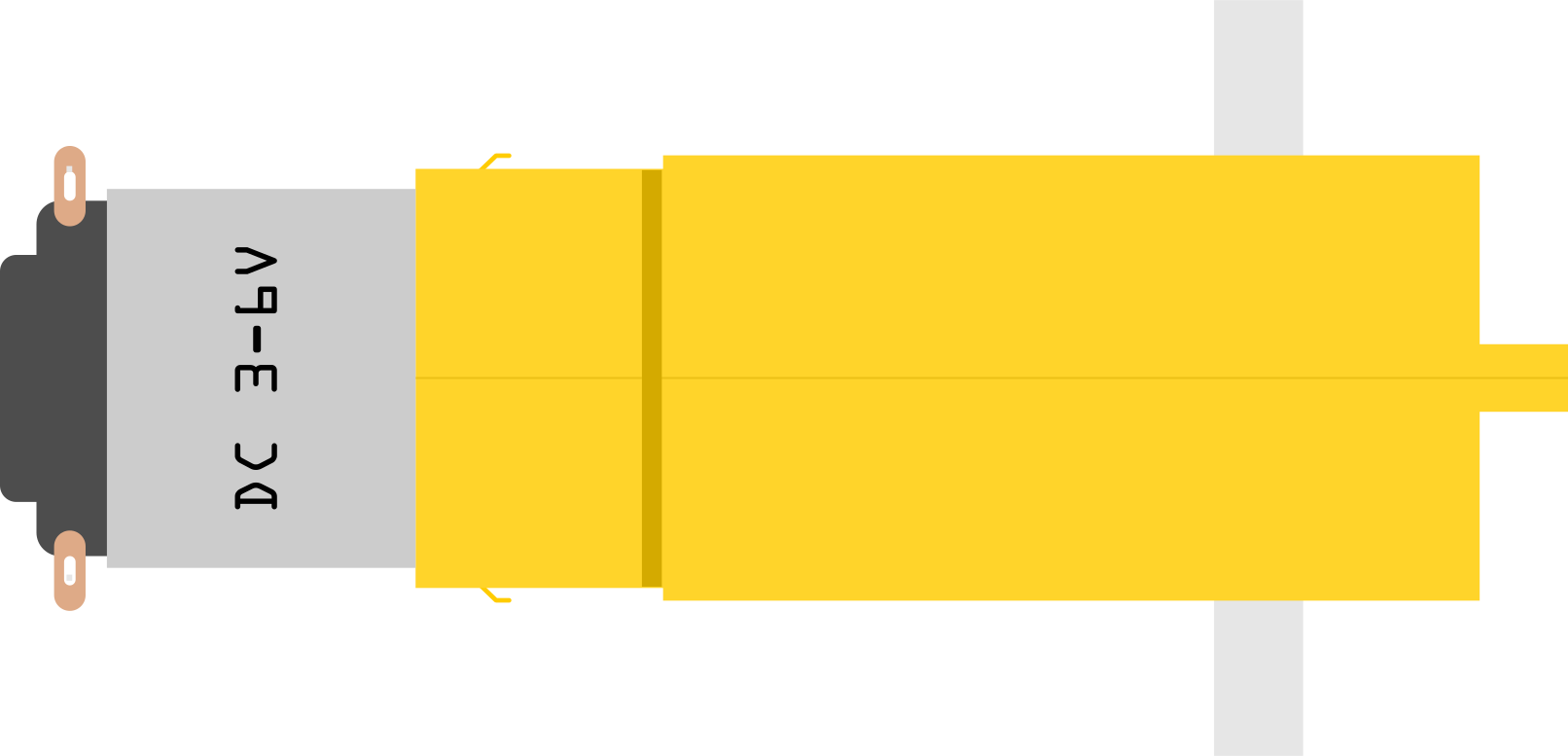
 Design with Generic 3–6 V Dual-Shaft DC Gear Motor in Cirkit Designer
Introduction
The Generic 3–6 V Dual-Shaft DC Gear Motor is a compact and versatile motor designed for low-voltage applications. It features dual shafts, allowing for flexible mounting options and integration into various mechanical systems. With built-in gear reduction, this motor provides increased torque, making it ideal for robotics, automation, and small DIY projects. Its simplicity and reliability make it a popular choice for hobbyists and professionals alike.
Explore Projects Built with Generic 3–6 V Dual-Shaft DC Gear Motor
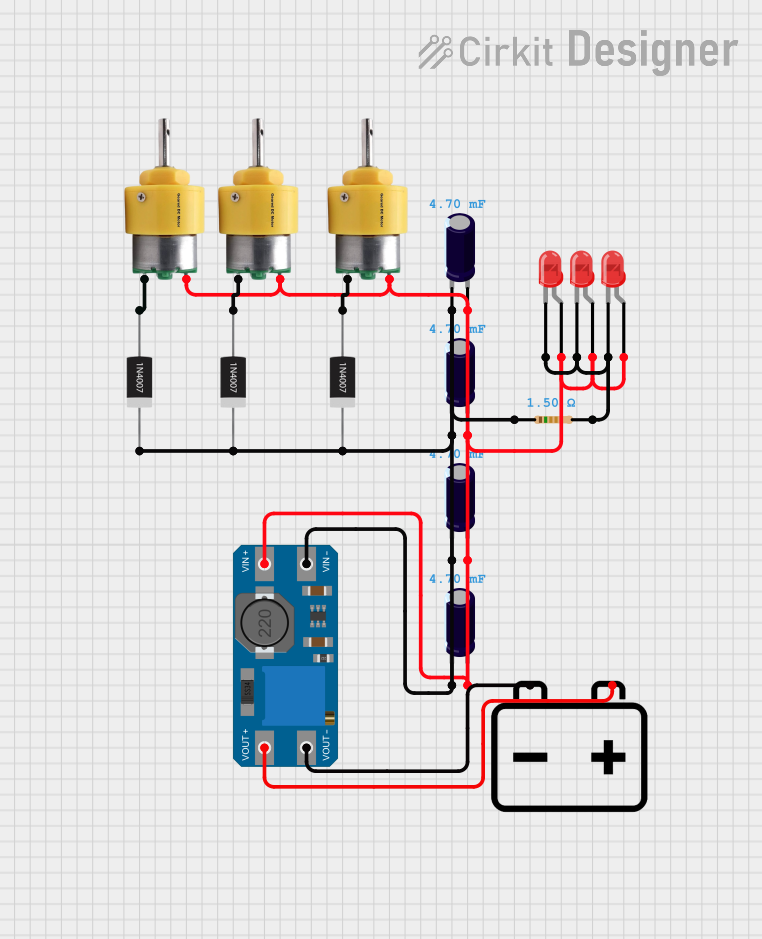 Open Project in Cirkit Designer
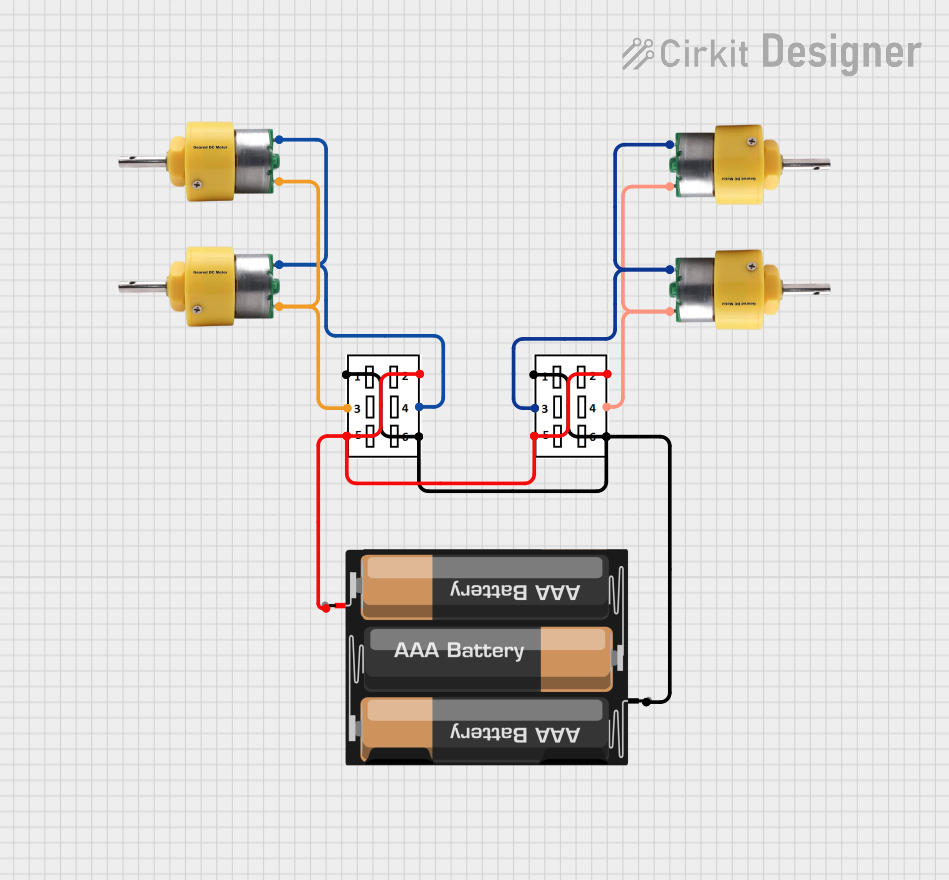 Open Project in Cirkit Designer
 Open Project in Cirkit Designer
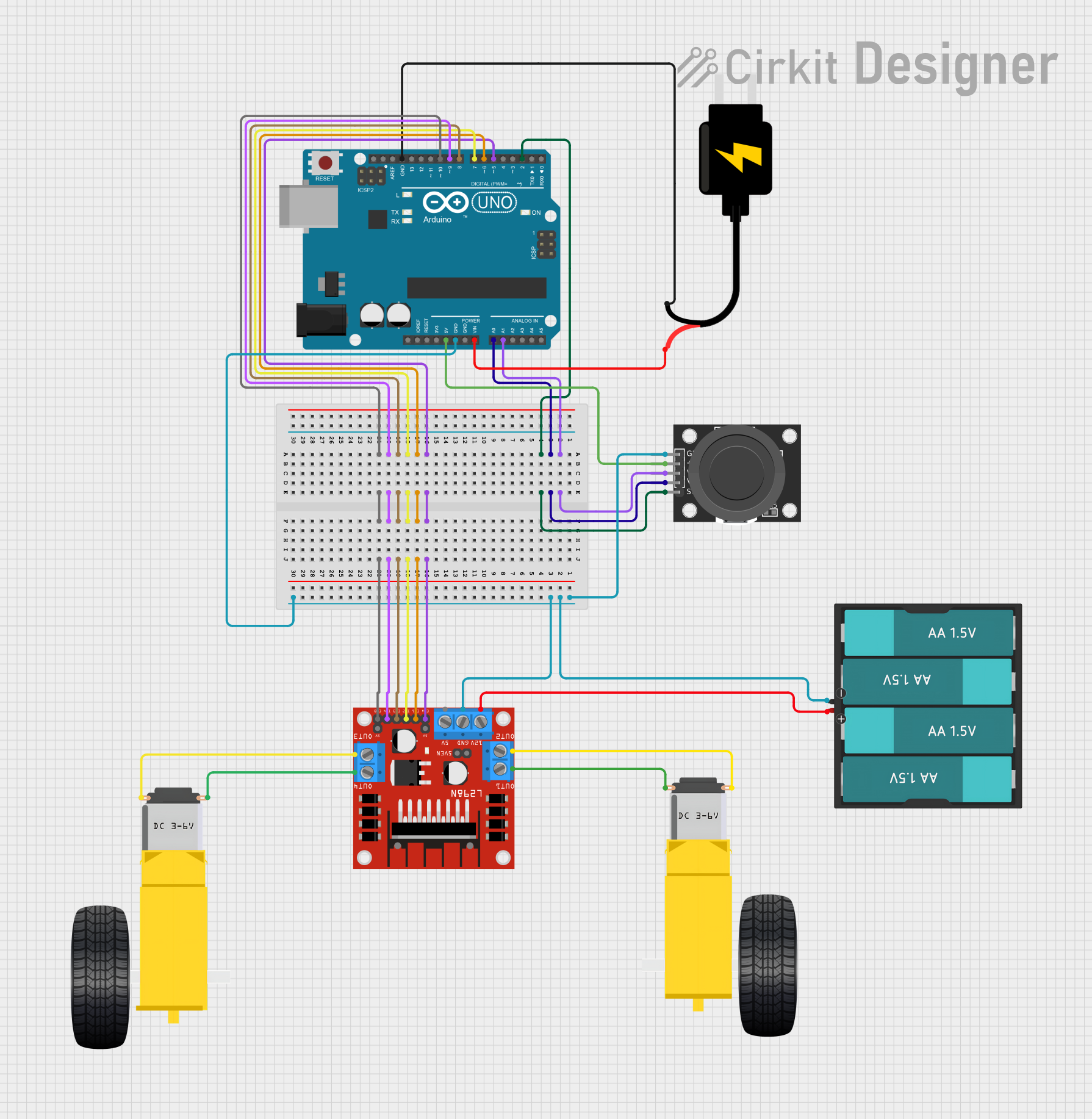 Open Project in Cirkit Designer
Explore Projects Built with Generic 3–6 V Dual-Shaft DC Gear Motor
Open Project in Cirkit DesignerOpen Project in Cirkit DesignerOpen Project in Cirkit DesignerOpen Project in Cirkit DesignerCommon Applications
- Robotics (e.g., driving wheels or arms)
- Automated systems (e.g., conveyor belts, small actuators)
- DIY projects (e.g., motorized toys, small vehicles)
- Educational kits for learning about motors and gear systems
Technical Specifications
Below are the key technical details of the Generic 3–6 V Dual-Shaft DC Gear Motor:
| Parameter | Value |
|---|---|
| Operating Voltage | 3–6 V DC |
| No-Load Current | ~70 mA (at 6 V) |
| Stall Current | ~800 mA (at 6 V) |
| No-Load Speed | ~200 RPM (at 6 V) |
| Gear Ratio | 1:48 |
| Torque | ~0.8 kg·cm (at 6 V) |
| Shaft Diameter | 3 mm |
| Shaft Length | 10 mm (each side) |
| Motor Dimensions | 70 mm x 22 mm x 18 mm |
| Weight | ~30 g |
Pin Configuration
This motor does not have pins but instead features two terminals for electrical connections. The polarity of the connections determines the direction of rotation.
| Terminal | Description |
|---|---|
| Positive | Connect to the positive terminal of the power supply or motor driver. |
| Negative | Connect to the negative terminal of the power supply or motor driver. |
Usage Instructions
How to Use the Motor in a Circuit
- Power Supply: Connect the motor to a DC power supply within the operating voltage range (3–6 V). Exceeding this range may damage the motor.
- Polarity: To control the direction of rotation, reverse the polarity of the connections:
- Positive to positive and negative to negative for clockwise rotation.
- Reverse the connections for counterclockwise rotation.
- Motor Driver: For precise control (e.g., speed and direction), use a motor driver such as the L298N or L293D. These drivers allow for PWM (Pulse Width Modulation) control.
- Mounting: Secure the motor using screws or brackets. The dual shafts can be used to attach wheels, gears, or other mechanical components.
Important Considerations
- Voltage Range: Do not exceed 6 V to avoid overheating or damaging the motor.
- Current Requirements: Ensure your power supply or motor driver can handle the stall current (~800 mA at 6 V).
- Load: Avoid overloading the motor, as excessive torque demands can cause stalling or damage.
- Heat Dissipation: Prolonged operation at high loads may cause the motor to heat up. Allow for adequate cooling time if necessary.
Example: Connecting to an Arduino UNO
Below is an example of how to control the motor using an Arduino UNO and an L298N motor driver:
// Example code to control a DC motor with Arduino and L298N motor driver

// Define motor control pins
const int motorPin1 = 9; // IN1 on L298N
const int motorPin2 = 10; // IN2 on L298N
const int enablePin = 11; // ENA on L298N (PWM control)

void setup() {
  // Set motor control pins as outputs
  pinMode(motorPin1, OUTPUT);
  pinMode(motorPin2, OUTPUT);
  pinMode(enablePin, OUTPUT);
}

void loop() {
  // Rotate motor clockwise
  digitalWrite(motorPin1, HIGH); // Set IN1 high
  digitalWrite(motorPin2, LOW);  // Set IN2 low
  analogWrite(enablePin, 150);   // Set speed (0-255)

  delay(2000); // Run for 2 seconds

  // Rotate motor counterclockwise
  digitalWrite(motorPin1, LOW);  // Set IN1 low
  digitalWrite(motorPin2, HIGH); // Set IN2 high
  analogWrite(enablePin, 150);   // Set speed (0-255)

  delay(2000); // Run for 2 seconds

  // Stop the motor
  digitalWrite(motorPin1, LOW);
  digitalWrite(motorPin2, LOW);
  analogWrite(enablePin, 0); // Set speed to 0

  delay(2000); // Wait for 2 seconds before repeating
}
Troubleshooting and FAQs
Common Issues
Motor Not Spinning
- Cause: Insufficient voltage or loose connections.
- Solution: Verify the power supply voltage and ensure all connections are secure.
Motor Spins in the Wrong Direction
- Cause: Polarity of the connections is reversed.
- Solution: Swap the positive and negative connections to reverse the direction.
Motor Overheating
- Cause: Operating at high loads or exceeding the voltage range.
- Solution: Reduce the load or ensure the voltage is within the 3–6 V range.
Noisy Operation
- Cause: Loose mounting or worn-out gears.
- Solution: Tighten the mounting screws and inspect the gears for wear.
FAQs
Q: Can I use this motor with a 9 V battery?
A: No, using a 9 V battery exceeds the recommended voltage range and may damage the motor.
Q: How do I increase the motor's speed?
A: Increase the supply voltage within the 3–6 V range. Note that higher speeds may reduce torque.
Q: Can I control this motor without a motor driver?
A: Yes, but a motor driver is recommended for precise control of speed and direction.
Q: Is this motor suitable for heavy-duty applications?
A: No, this motor is designed for light to moderate loads. For heavy-duty applications, consider a higher-torque motor.