
How to Use Arduino Modulino Motors: Examples, Pinouts, and Specs
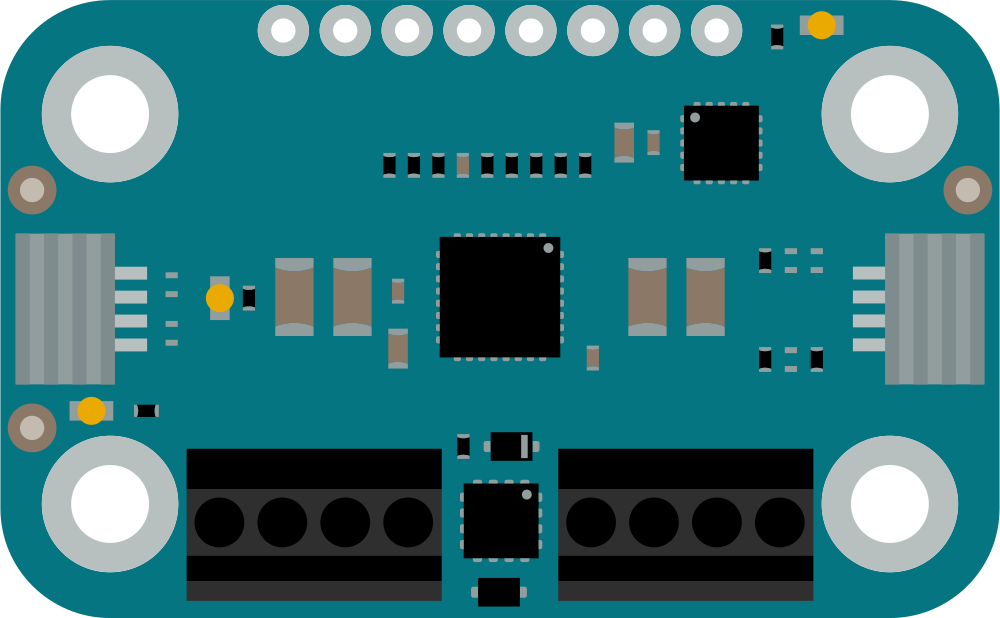
 Design with Arduino Modulino Motors in Cirkit Designer
Introduction
The Arduino Modulino Motors (Manufacturer Part ID: ABX00114) is a versatile motor driver module designed by Arduino to simplify the control of DC motors, stepper motors, and servo motors in various electronic projects. This module is ideal for robotics, automation, and other motor-driven applications. It provides an easy-to-use interface for controlling motor speed, direction, and position, making it suitable for both beginners and advanced users.
Common applications include:
- Robotics and automation systems
- Motorized vehicles and drones
- Conveyor belts and industrial machinery
- DIY projects involving motor control
Explore Projects Built with Arduino Modulino Motors
 Open Project in Cirkit Designer
 Open Project in Cirkit Designer
 Open Project in Cirkit Designer
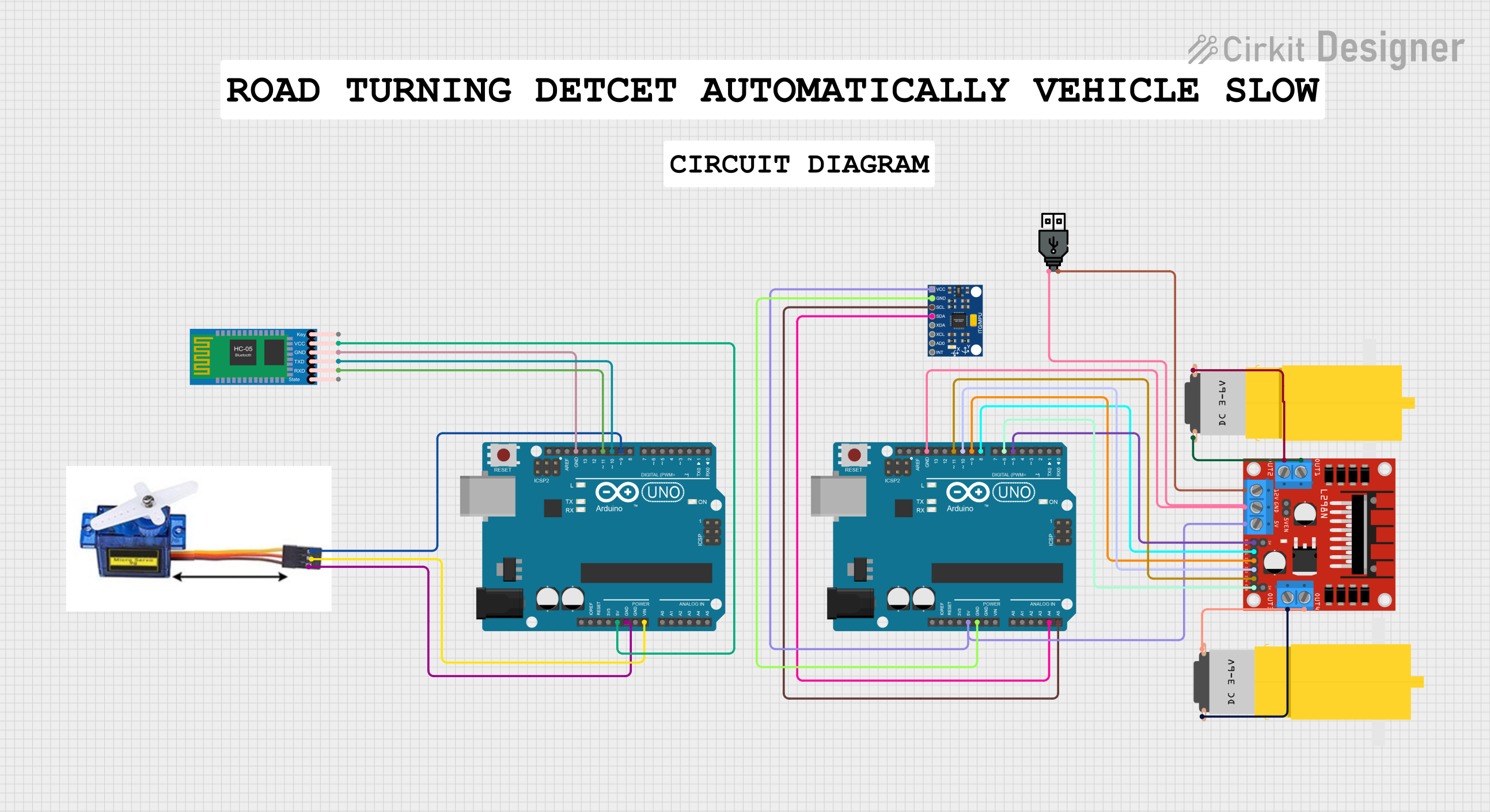 Open Project in Cirkit Designer
Explore Projects Built with Arduino Modulino Motors
Open Project in Cirkit DesignerOpen Project in Cirkit DesignerOpen Project in Cirkit DesignerOpen Project in Cirkit DesignerTechnical Specifications
The Arduino Modulino Motors is built to handle a wide range of motor control tasks. Below are its key technical details:
General Specifications
| Parameter | Value |
|---|---|
| Manufacturer | Arduino |
| Part ID | ABX00114 |
| Input Voltage Range | 6V to 24V |
| Maximum Output Current | 2A per channel (continuous) |
| Motor Channels | 2 (independent control) |
| Supported Motors | DC motors, stepper motors, servo motors |
| Communication Interface | PWM (Pulse Width Modulation) |
| Dimensions | 50mm x 30mm x 15mm |
Pin Configuration
The Modulino Motors module features a straightforward pin layout for easy integration into your projects. Below is the pin configuration:
| Pin Name | Description |
|---|---|
| VIN | Power input (6V to 24V) |
| GND | Ground |
| IN1 | Control input for Motor 1 (PWM signal) |
| IN2 | Control input for Motor 1 (direction control) |
| IN3 | Control input for Motor 2 (PWM signal) |
| IN4 | Control input for Motor 2 (direction control) |
| ENA | Enable pin for Motor 1 |
| ENB | Enable pin for Motor 2 |
| SERVO | Servo motor control signal |
Usage Instructions
How to Use the Modulino Motors in a Circuit
- Power the Module: Connect the VIN pin to a power source (6V to 24V) and the GND pin to ground.
- Connect Motors:
- For DC motors, connect the motor terminals to the output pins of the module.
- For stepper motors, connect the motor coils to the appropriate output pins.
- For servo motors, connect the control wire to the SERVO pin.
- Control Signals:
- Use PWM signals on the IN1 and IN3 pins to control the speed of Motor 1 and Motor 2, respectively.
- Use IN2 and IN4 pins to set the direction of the motors.
- Enable or disable the motors using the ENA and ENB pins.
Important Considerations and Best Practices
- Ensure the power supply voltage matches the motor's requirements and stays within the module's input voltage range.
- Use appropriate heat dissipation methods if the module operates near its maximum current rating.
- Avoid sudden changes in motor direction to prevent damage to the motors or the module.
- For Arduino-based projects, use the
analogWrite()function to generate PWM signals for speed control.
Example Code for Arduino UNO
Below is an example code snippet to control two DC motors using the Arduino Modulino Motors module:
// Define pin connections for Motor 1
const int ENA = 9;  // Enable pin for Motor 1
const int IN1 = 8;  // PWM control pin for Motor 1
const int IN2 = 7;  // Direction control pin for Motor 1

// Define pin connections for Motor 2
const int ENB = 6;  // Enable pin for Motor 2
const int IN3 = 5;  // PWM control pin for Motor 2
const int IN4 = 4;  // Direction control pin for Motor 2

void setup() {
  // Set motor control pins as outputs
  pinMode(ENA, OUTPUT);
  pinMode(IN1, OUTPUT);
  pinMode(IN2, OUTPUT);
  pinMode(ENB, OUTPUT);
  pinMode(IN3, OUTPUT);
  pinMode(IN4, OUTPUT);

  // Initialize motors to off state
  digitalWrite(ENA, LOW);
  digitalWrite(ENB, LOW);
}

void loop() {
  // Example: Run Motor 1 forward at 50% speed
  digitalWrite(IN1, HIGH);  // Set direction forward
  digitalWrite(IN2, LOW);
  analogWrite(ENA, 128);    // Set speed (0-255)

  // Example: Run Motor 2 backward at 75% speed
  digitalWrite(IN3, LOW);   // Set direction backward
  digitalWrite(IN4, HIGH);
  analogWrite(ENB, 192);    // Set speed (0-255)

  delay(5000);  // Run motors for 5 seconds

  // Stop both motors
  digitalWrite(ENA, LOW);
  digitalWrite(ENB, LOW);

  delay(2000);  // Wait for 2 seconds before restarting
}
Troubleshooting and FAQs
Common Issues and Solutions
Motors Not Running:
- Ensure the power supply is connected and within the specified voltage range.
- Verify that the enable pins (ENA and ENB) are set to HIGH.
- Check the motor connections and ensure they are properly secured.
Erratic Motor Behavior:
- Confirm that the PWM signals are correctly generated using the
analogWrite()function. - Check for loose connections or damaged wires.
- Confirm that the PWM signals are correctly generated using the
Overheating:
- Ensure the module is not exceeding its maximum current rating (2A per channel).
- Use a heat sink or cooling fan if necessary.
Servo Motor Not Responding:
- Verify that the control signal is connected to the SERVO pin.
- Ensure the servo motor's power requirements are met.
FAQs
Q: Can I control more than two motors with this module?
A: No, the Arduino Modulino Motors module is designed to control up to two motors simultaneously. For additional motors, consider using multiple modules.
Q: Is this module compatible with 3.3V logic?
A: Yes, the module is compatible with both 3.3V and 5V logic levels, making it suitable for a wide range of microcontrollers.
Q: Can I use this module to control brushless motors?
A: No, this module is not designed for brushless motors. It is intended for DC, stepper, and servo motors only.
Q: What happens if I reverse the power supply polarity?
A: The module does not have built-in reverse polarity protection. Reversing the polarity may damage the module. Always double-check your connections before powering the module.