
How to Use BMM350_I2C: Examples, Pinouts, and Specs
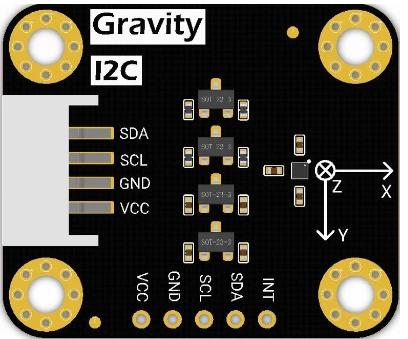
 Design with BMM350_I2C in Cirkit Designer
Introduction
The BMM350_I2C is a high-performance 3-axis digital magnetometer manufactured by Bosch. Designed for precision and reliability, this component measures magnetic fields along the X, Y, and Z axes, making it ideal for applications requiring accurate navigation, orientation, and heading detection. Its I2C communication interface ensures seamless integration with microcontrollers and other digital systems.
Explore Projects Built with BMM350_I2C
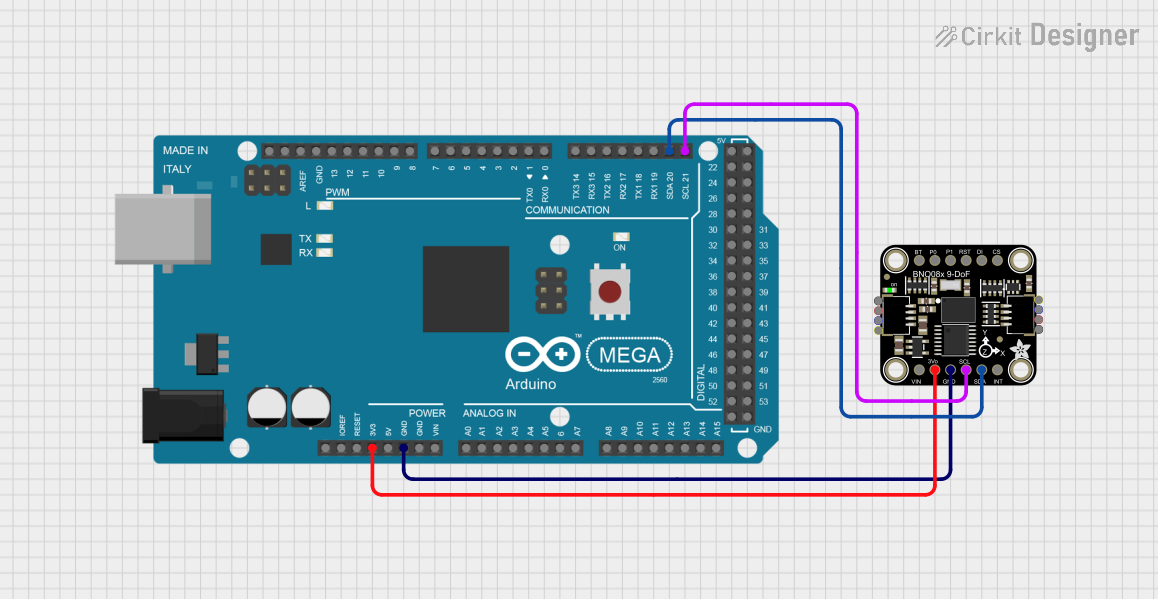 Open Project in Cirkit Designer
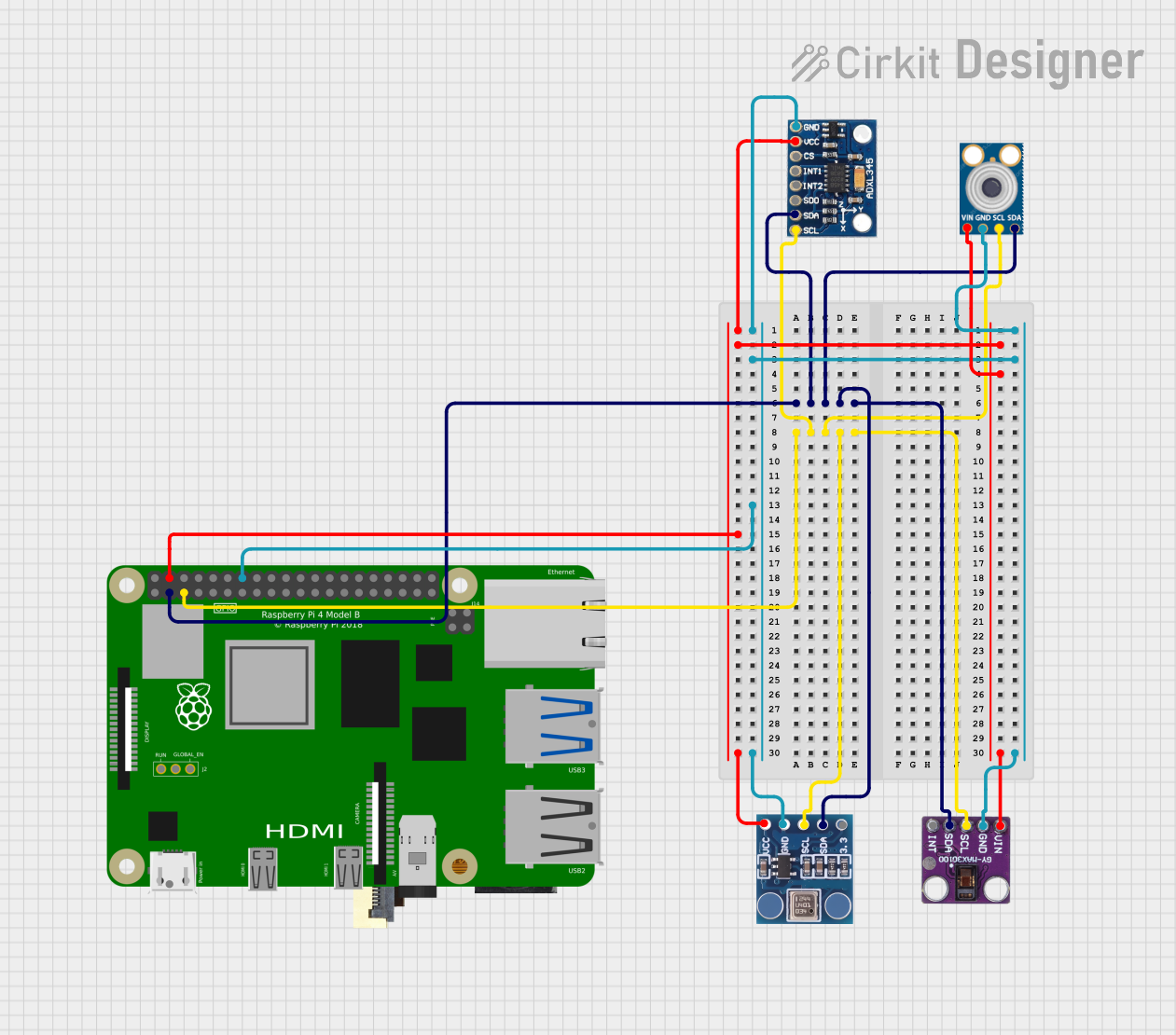 Open Project in Cirkit Designer
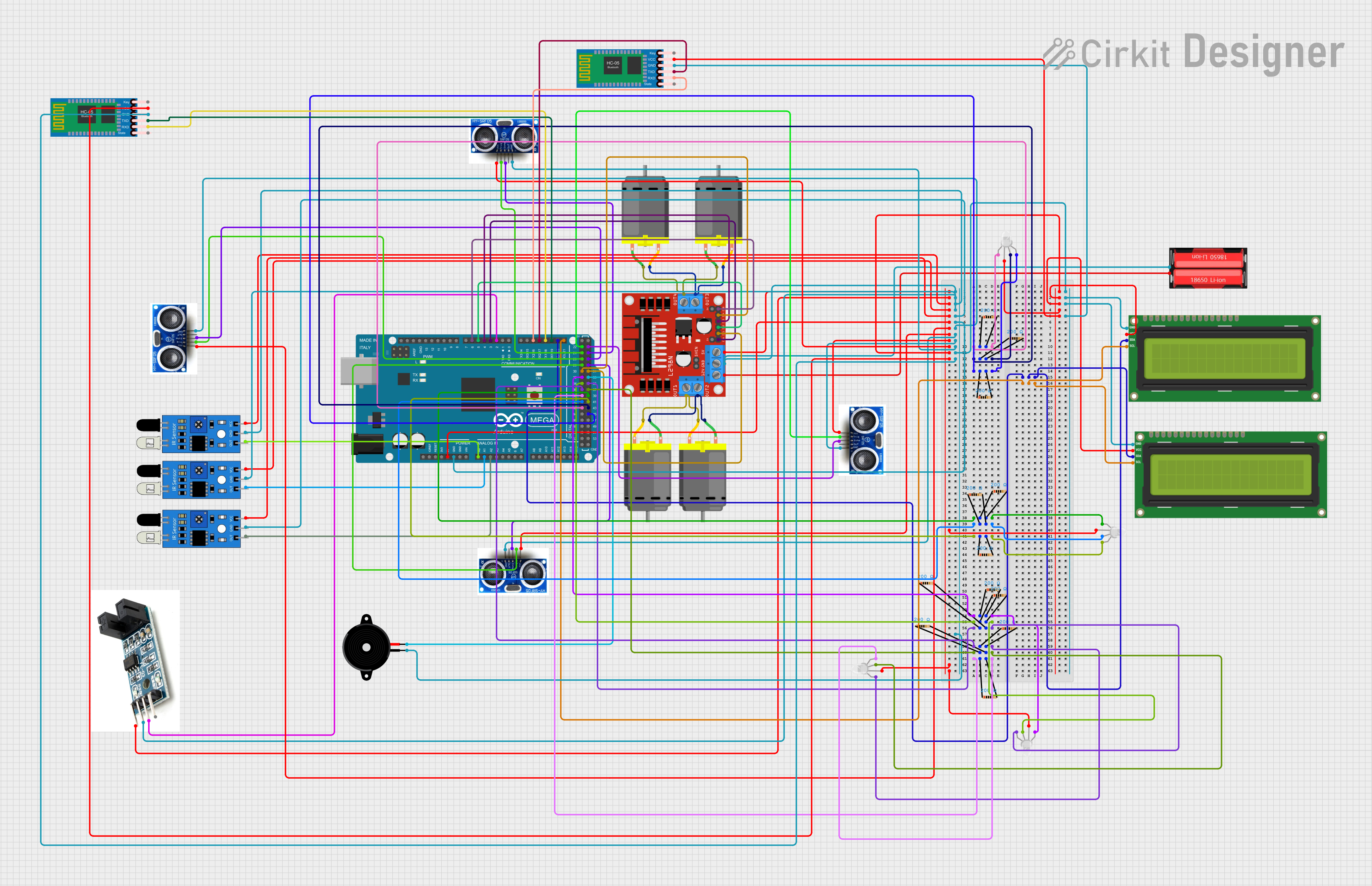 Open Project in Cirkit Designer
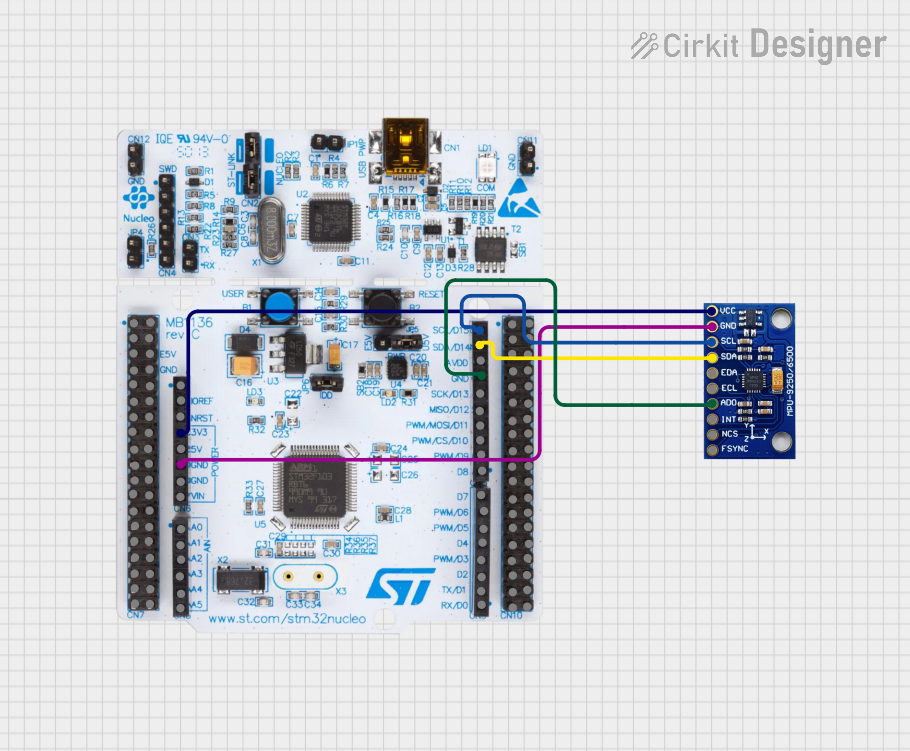 Open Project in Cirkit Designer
Explore Projects Built with BMM350_I2C
Open Project in Cirkit DesignerOpen Project in Cirkit DesignerOpen Project in Cirkit DesignerOpen Project in Cirkit DesignerCommon Applications
- Electronic compasses
- GPS navigation systems
- Augmented reality (AR) devices
- Robotics and drones
- Industrial automation
- Wearable devices
Technical Specifications
The following table outlines the key technical details of the BMM350_I2C:
| Parameter | Value |
|---|---|
| Manufacturer | Bosch |
| Part ID | BMM350 |
| Interface | I2C |
| Operating Voltage | 1.8V to 3.6V |
| Current Consumption | 0.5 mA (typical) |
| Measurement Range | ±1300 µT (microteslas) |
| Resolution | 0.3 µT |
| Operating Temperature | -40°C to +85°C |
| Dimensions | 2.0 mm x 2.0 mm x 0.95 mm |
Pin Configuration and Descriptions
The BMM350_I2C has a compact package with the following pin configuration:
| Pin Number | Pin Name | Description |
|---|---|---|
| 1 | VDD | Power supply (1.8V to 3.6V) |
| 2 | GND | Ground |
| 3 | SDA | I2C data line |
| 4 | SCL | I2C clock line |
| 5 | INT | Interrupt output (optional, configurable) |
| 6 | NC | Not connected (leave floating or grounded) |
Usage Instructions
How to Use the BMM350_I2C in a Circuit
- Power Supply: Connect the VDD pin to a regulated power source (1.8V to 3.6V) and the GND pin to the ground.
- I2C Communication: Connect the SDA and SCL pins to the corresponding I2C lines of your microcontroller. Use pull-up resistors (typically 4.7 kΩ) on both lines if not already present on your board.
- Interrupt Pin (Optional): If using the interrupt feature, connect the INT pin to a GPIO pin on your microcontroller. Configure it as an input pin.
- Bypass NC Pin: Leave the NC pin unconnected or tie it to the ground.
Important Considerations
- Ensure the I2C bus operates at a compatible voltage level with the BMM350 (1.8V to 3.6V).
- Use decoupling capacitors (e.g., 0.1 µF) near the VDD pin to stabilize the power supply.
- Avoid placing the magnetometer near strong magnetic sources or ferromagnetic materials to prevent interference.
- Calibrate the sensor for your specific application to achieve optimal accuracy.
Example Code for Arduino UNO
Below is an example of how to interface the BMM350_I2C with an Arduino UNO:
#include <Wire.h> // Include the Wire library for I2C communication

#define BMM350_ADDRESS 0x10 // Default I2C address of the BMM350

void setup() {
  Wire.begin(); // Initialize I2C communication
  Serial.begin(9600); // Start serial communication for debugging

  // Initialize the BMM350
  Wire.beginTransmission(BMM350_ADDRESS);
  Wire.write(0x4B); // Example: Write to a control register (replace with actual)
  Wire.write(0x01); // Example: Set the register value (replace with actual)
  Wire.endTransmission();

  Serial.println("BMM350 Initialized");
}

void loop() {
  // Request data from the BMM350
  Wire.beginTransmission(BMM350_ADDRESS);
  Wire.write(0x42); // Example: Register address for magnetic data (replace)
  Wire.endTransmission(false);
  Wire.requestFrom(BMM350_ADDRESS, 6); // Request 6 bytes (X, Y, Z data)

  if (Wire.available() == 6) {
    int16_t magX = (Wire.read() << 8) | Wire.read(); // Combine MSB and LSB for X
    int16_t magY = (Wire.read() << 8) | Wire.read(); // Combine MSB and LSB for Y
    int16_t magZ = (Wire.read() << 8) | Wire.read(); // Combine MSB and LSB for Z

    // Print the magnetic field values
    Serial.print("Magnetic Field (µT): X=");
    Serial.print(magX);
    Serial.print(", Y=");
    Serial.print(magY);
    Serial.print(", Z=");
    Serial.println(magZ);
  }

  delay(500); // Wait for 500ms before the next reading
}
Troubleshooting and FAQs
Common Issues
No Response from the Sensor
- Ensure the I2C address (default: 0x10) matches the one in your code.
- Check the wiring for loose or incorrect connections.
- Verify that pull-up resistors are present on the SDA and SCL lines.
Inaccurate Readings
- Perform a calibration routine to account for environmental magnetic interference.
- Ensure the sensor is not placed near strong magnetic fields or ferromagnetic materials.
I2C Communication Errors
- Confirm that the I2C clock speed is within the supported range (typically up to 400 kHz).
- Check for noise or interference on the I2C lines.
FAQs
Q: Can the BMM350_I2C operate at 5V?
A: No, the BMM350_I2C operates within a voltage range of 1.8V to 3.6V. Use a level shifter if interfacing with a 5V system.
Q: How do I calibrate the BMM350?
A: Calibration involves collecting raw magnetic field data while rotating the sensor in all directions. Use this data to compute offset and scaling factors for each axis.
Q: What is the maximum measurement range of the BMM350?
A: The BMM350 can measure magnetic fields within a range of ±1300 µT.
Q: Can I use the BMM350 with SPI instead of I2C?
A: No, the BMM350_I2C is specifically designed for I2C communication. For SPI, consider other Bosch magnetometer models.