
How to Use Buck Boost XL6009: Examples, Pinouts, and Specs
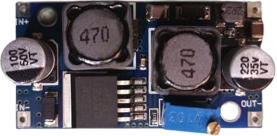
 Design with Buck Boost XL6009 in Cirkit Designer
Introduction
The Buck Boost XL6009 is a versatile DC-DC converter module capable of stepping up (boosting) or stepping down (bucking) input voltage levels to provide a stable and adjustable output voltage. It is based on the XL6009 regulator IC, which features high efficiency, fast switching frequency, and a wide input voltage range. This module is ideal for applications requiring voltage regulation, such as battery-powered devices, LED drivers, and portable electronics.
Explore Projects Built with Buck Boost XL6009
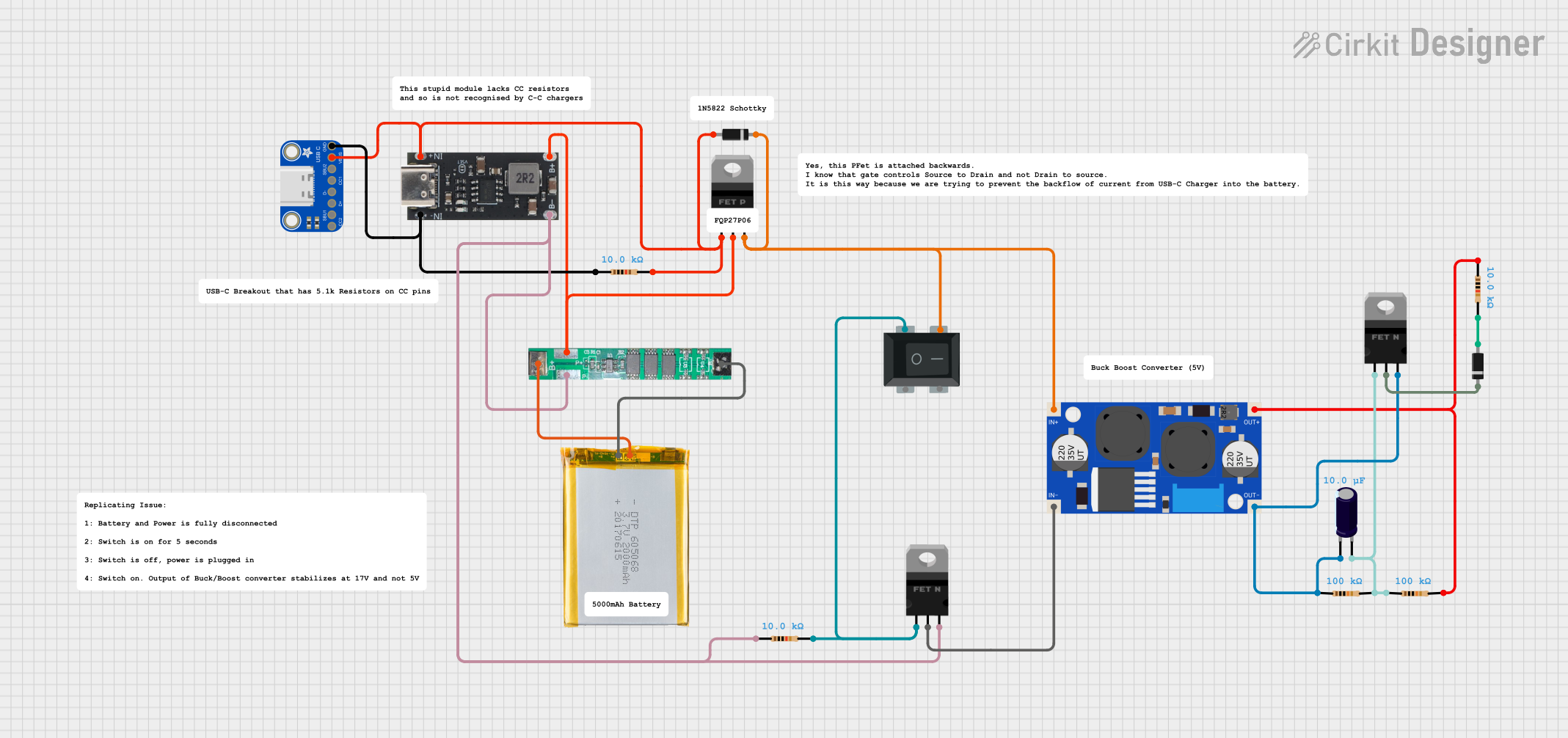 Open Project in Cirkit Designer
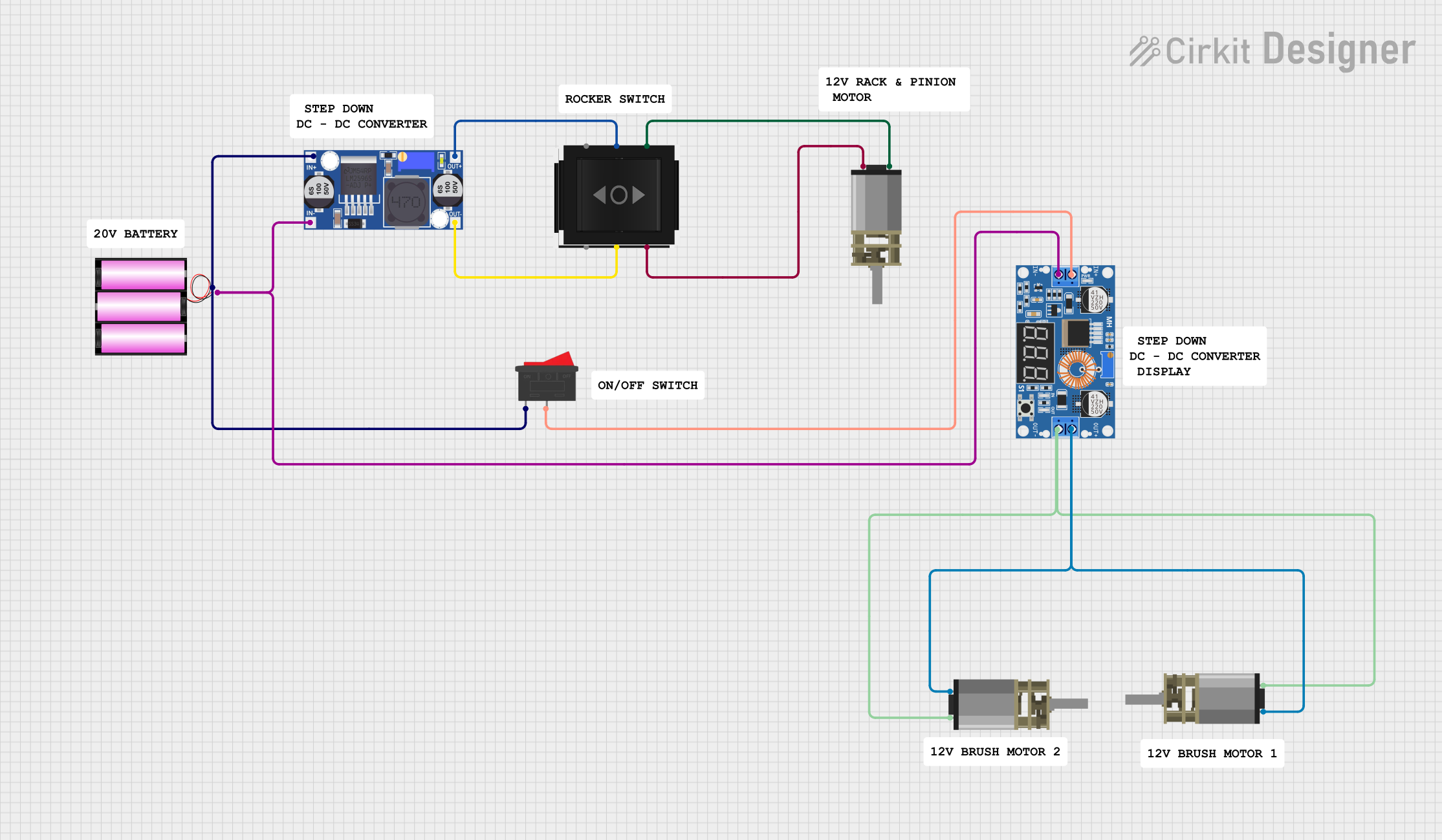 Open Project in Cirkit Designer
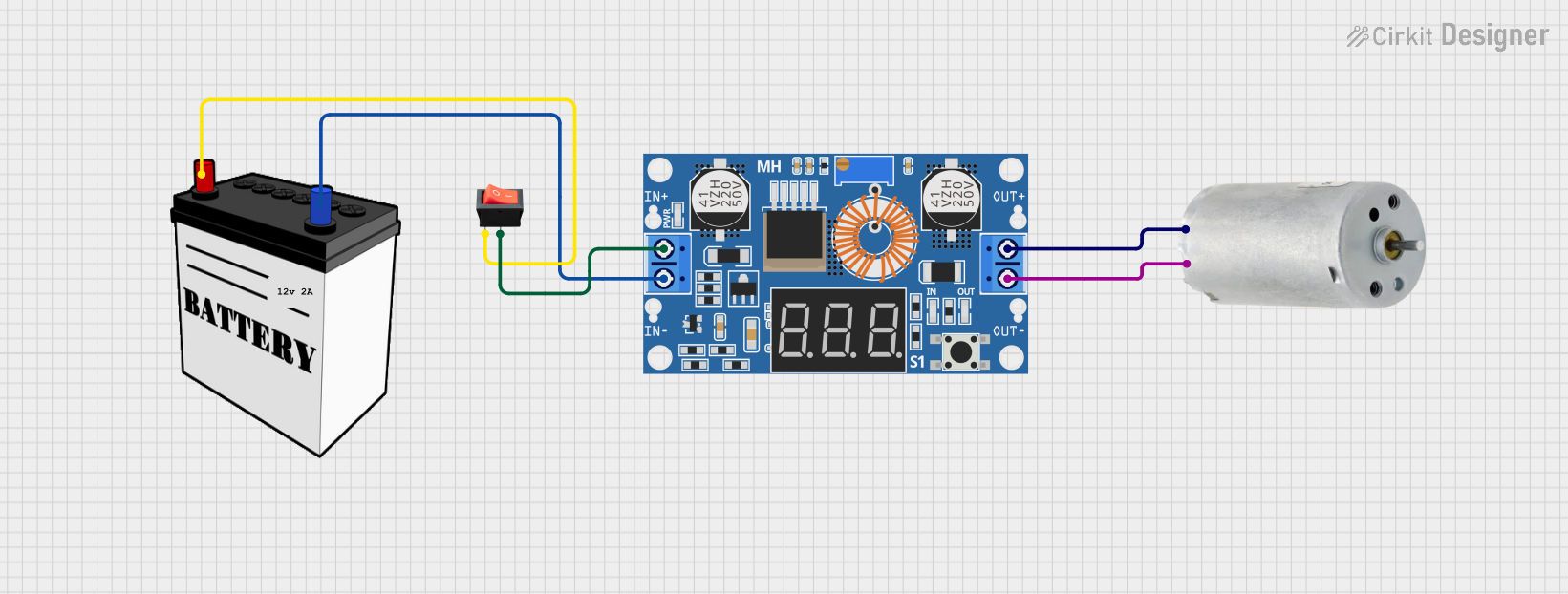 Open Project in Cirkit Designer
 Open Project in Cirkit Designer
Explore Projects Built with Buck Boost XL6009
Open Project in Cirkit DesignerOpen Project in Cirkit DesignerOpen Project in Cirkit DesignerOpen Project in Cirkit DesignerCommon Applications and Use Cases
- Power supply for microcontrollers and development boards (e.g., Arduino, Raspberry Pi)
- Battery voltage regulation for lithium-ion or lead-acid batteries
- LED lighting systems
- Solar-powered devices
- DIY electronics projects requiring adjustable voltage levels
Technical Specifications
The following are the key technical details of the Buck Boost XL6009 module:
| Parameter | Specification |
|---|---|
| Input Voltage Range | 3V to 32V |
| Output Voltage Range | 5V to 35V (adjustable via potentiometer) |
| Maximum Output Current | 4A (with proper heat dissipation) |
| Efficiency | Up to 94% |
| Switching Frequency | 400 kHz |
| Operating Temperature | -40°C to +85°C |
| Dimensions | 43mm x 21mm x 14mm |
Pin Configuration and Descriptions
The module has four main pins for input and output connections:
| Pin Name | Description |
|---|---|
| VIN+ | Positive input voltage terminal (3V to 32V) |
| VIN- | Negative input voltage terminal (GND) |
| VOUT+ | Positive output voltage terminal (5V to 35V) |
| VOUT- | Negative output voltage terminal (GND) |
Usage Instructions
How to Use the Buck Boost XL6009 in a Circuit
Connect the Input Voltage:
- Connect the positive terminal of your power source to the
VIN+pin. - Connect the negative terminal of your power source to the
VIN-pin.
- Connect the positive terminal of your power source to the
Connect the Output Load:
- Connect the positive terminal of your load to the
VOUT+pin. - Connect the negative terminal of your load to the
VOUT-pin.
- Connect the positive terminal of your load to the
Adjust the Output Voltage:
- Use the onboard potentiometer to adjust the output voltage.
- Turn the potentiometer clockwise to increase the output voltage and counterclockwise to decrease it.
- Use a multimeter to measure the output voltage while adjusting.
Ensure Proper Heat Dissipation:
- For high current applications, attach a heatsink to the XL6009 IC to prevent overheating.
Important Considerations and Best Practices
- Input Voltage Range: Ensure the input voltage is within the specified range (3V to 32V). Exceeding this range may damage the module.
- Output Voltage Adjustment: Always measure the output voltage with a multimeter before connecting your load to avoid overvoltage damage.
- Current Limitations: The module can handle up to 4A, but proper heat dissipation is required for currents above 2A.
- Polarity Protection: The module does not have reverse polarity protection. Double-check your connections before powering it on.
Example: Using the XL6009 with an Arduino UNO
The Buck Boost XL6009 can be used to power an Arduino UNO by providing a stable 9V output. Below is an example setup:
- Connect a 5V power source (e.g., USB power bank) to the
VIN+andVIN-pins of the XL6009. - Adjust the output voltage to 9V using the potentiometer.
- Connect the
VOUT+pin to the Arduino'sVINpin and theVOUT-pin to the Arduino'sGNDpin.
Here is a simple Arduino code example to blink an LED, powered by the XL6009:
// Simple LED Blink Example
// This code assumes the Arduino UNO is powered by the XL6009 module
// with a stable 9V output connected to the Arduino's VIN pin.

const int ledPin = 13; // Built-in LED pin on Arduino UNO

void setup() {
  pinMode(ledPin, OUTPUT); // Set the LED pin as an output
}

void loop() {
  digitalWrite(ledPin, HIGH); // Turn the LED on
  delay(1000);                // Wait for 1 second
  digitalWrite(ledPin, LOW);  // Turn the LED off
  delay(1000);                // Wait for 1 second
}
Troubleshooting and FAQs
Common Issues and Solutions
No Output Voltage:
- Cause: Incorrect input connections or insufficient input voltage.
- Solution: Verify the input connections and ensure the input voltage is within the 3V to 32V range.
Output Voltage Not Adjustable:
- Cause: Faulty potentiometer or incorrect adjustment.
- Solution: Check the potentiometer for damage and ensure you are turning it in the correct direction.
Overheating:
- Cause: High current draw without proper heat dissipation.
- Solution: Attach a heatsink to the XL6009 IC and ensure adequate ventilation.
Load Not Powering On:
- Cause: Output voltage too low or too high for the load.
- Solution: Measure the output voltage with a multimeter and adjust it to match the load's requirements.
FAQs
Q: Can the XL6009 module be used with a solar panel?
A: Yes, the XL6009 is suitable for solar panel applications. Ensure the input voltage from the solar panel is within the module's range (3V to 32V).
Q: Is the XL6009 module safe for sensitive electronics?
A: Yes, but you should measure and adjust the output voltage carefully before connecting sensitive devices to avoid overvoltage damage.
Q: Can the module handle AC input?
A: No, the XL6009 is designed for DC input only. Use a rectifier circuit to convert AC to DC before connecting it to the module.